

$0.99
$0.20
80% Off
Volume Control per app
Yogesh Dama


About the App
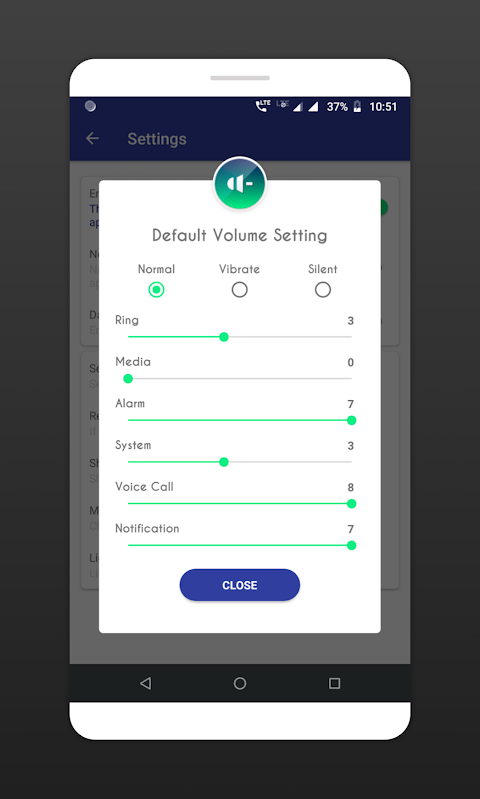
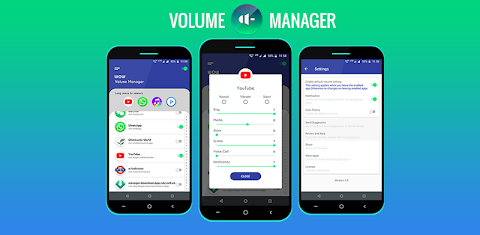
Volume Control per app is a handy sound manager app designed to help you automate volume levels and ringer modes based on the app you open. With this volume manager, you can easily adjust the volume settings for different aspects of your Android device, including ringer, music, alarm, incall voice, and notification volume control.
This app is perfect for anyone who wants to customize their sound settings for specific apps. By using per app volume control options, you can set different volume levels for each app you use, so you always have the right sound for the situation. For example, if you open a music app, you can have the volume automatically adjusted to your preferred music level.
Volume Control per app also lets you automate ringer modes such as silent, vibrate, or normal mode. This means you can focus on the task at hand without constantly worrying about your phone's sound settings. However, it's important to note that the app can only change volume levels when you open the selected app. Android imposes background app restrictions, meaning the volume levels cannot be adjusted for apps running in the background.
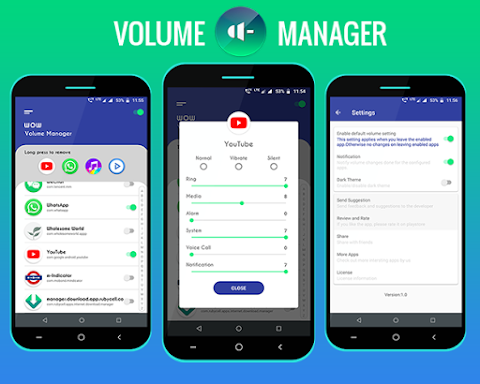
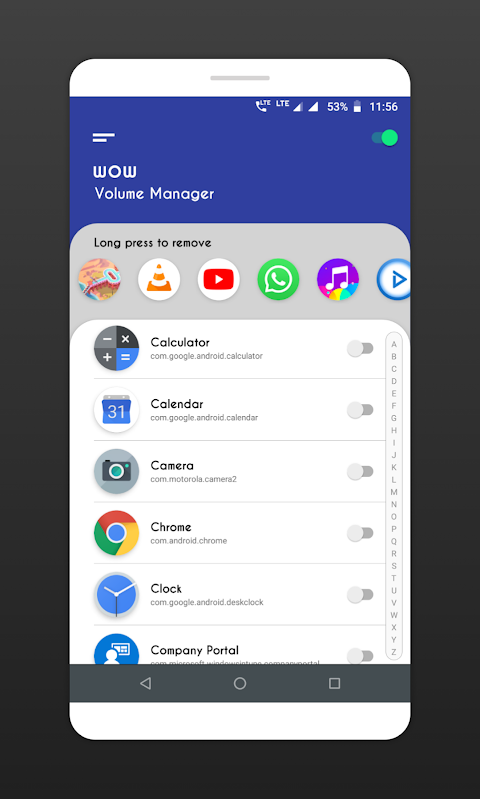
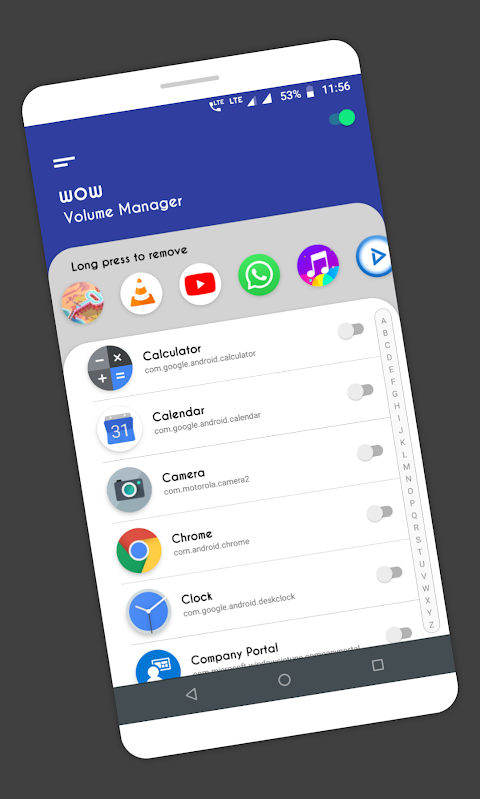
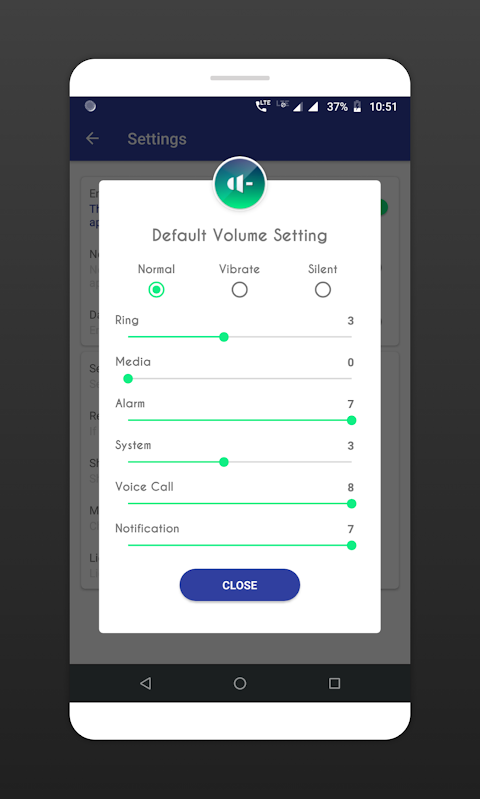
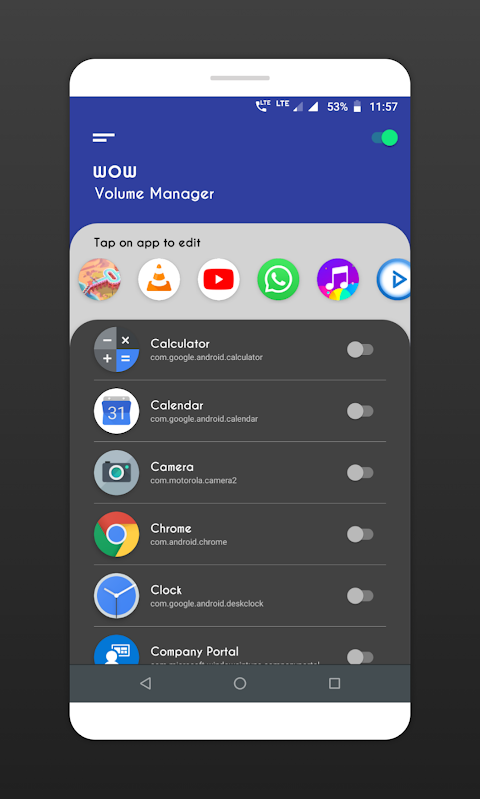
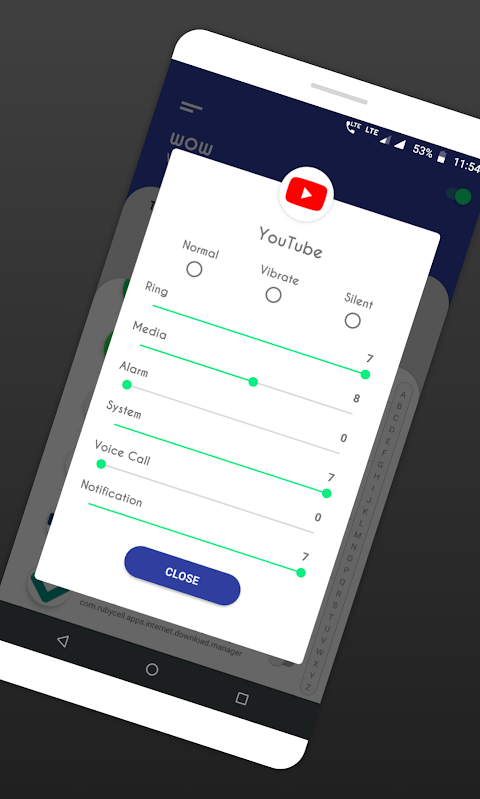
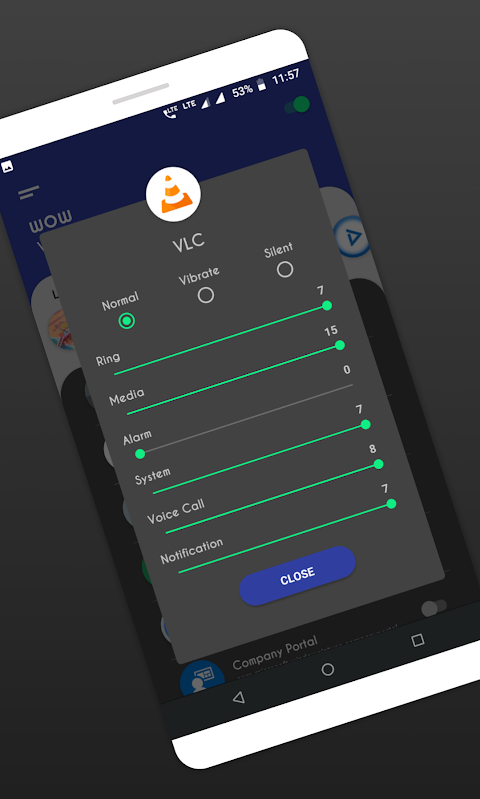
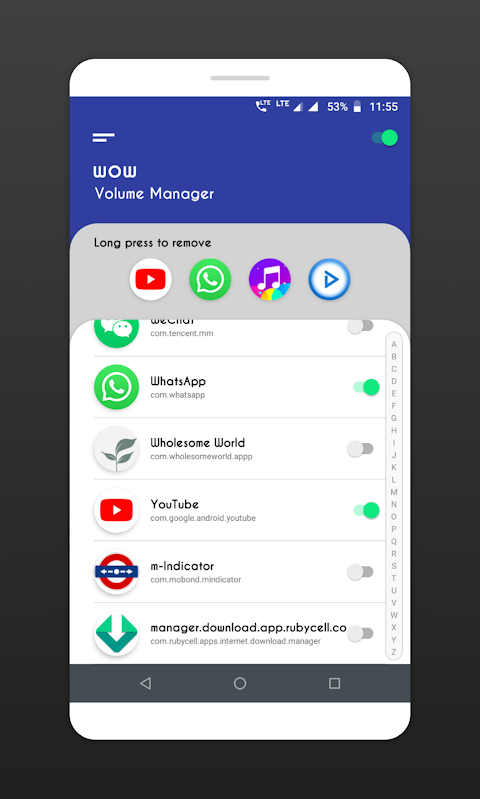
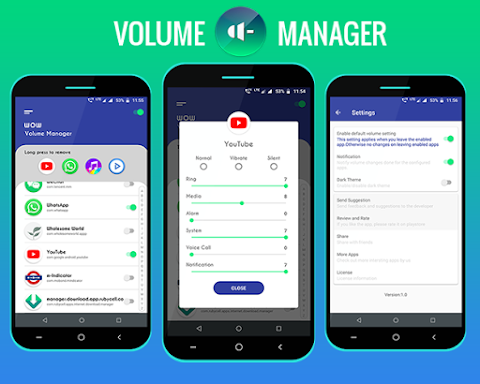
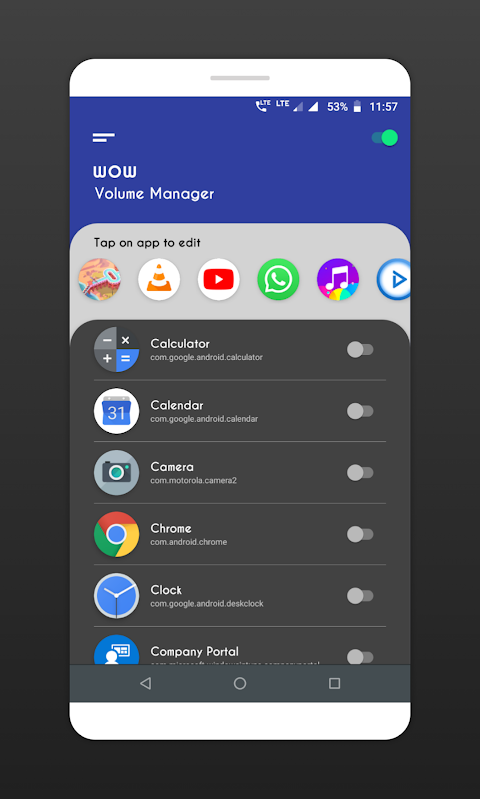
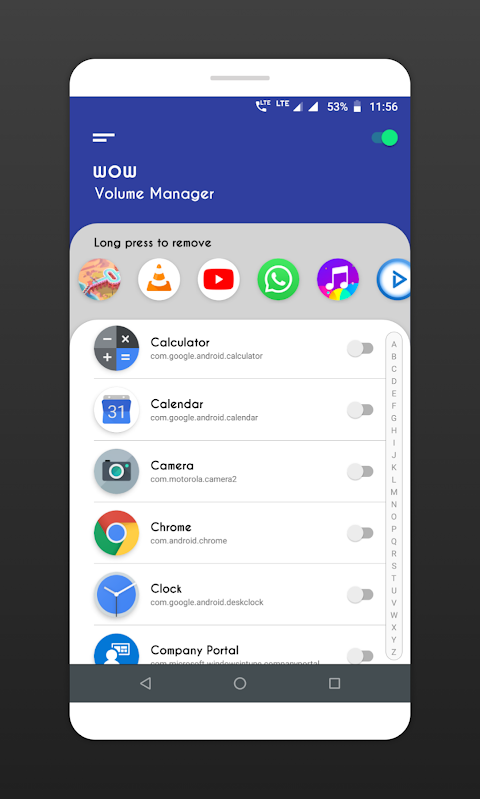
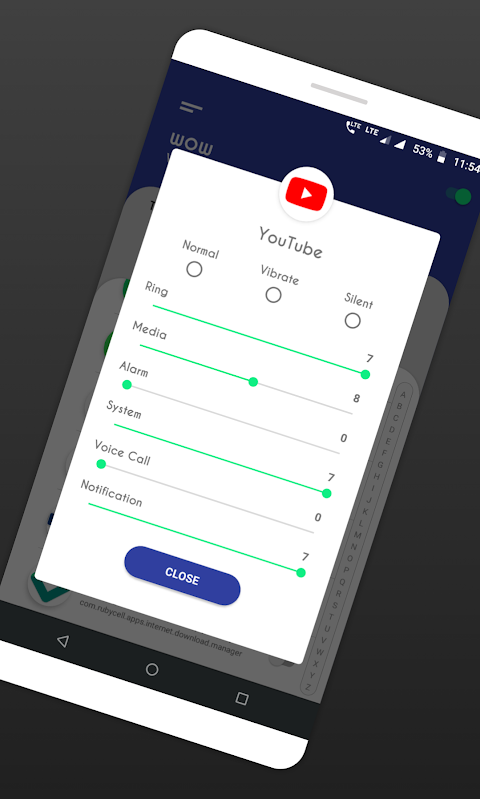
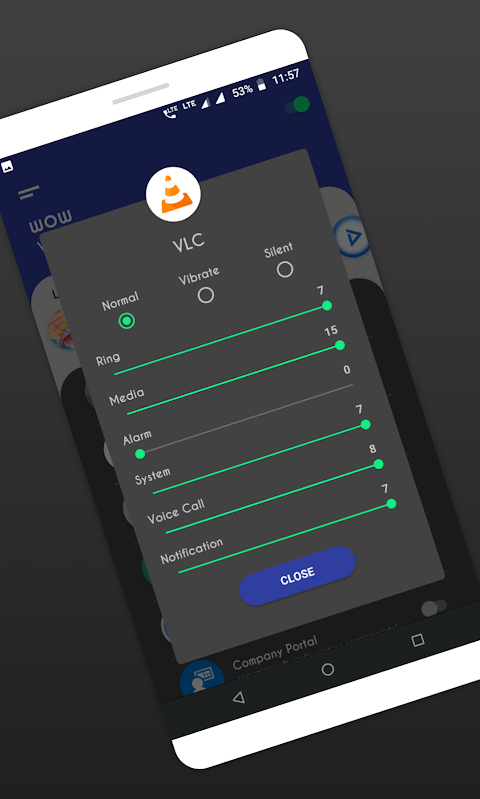
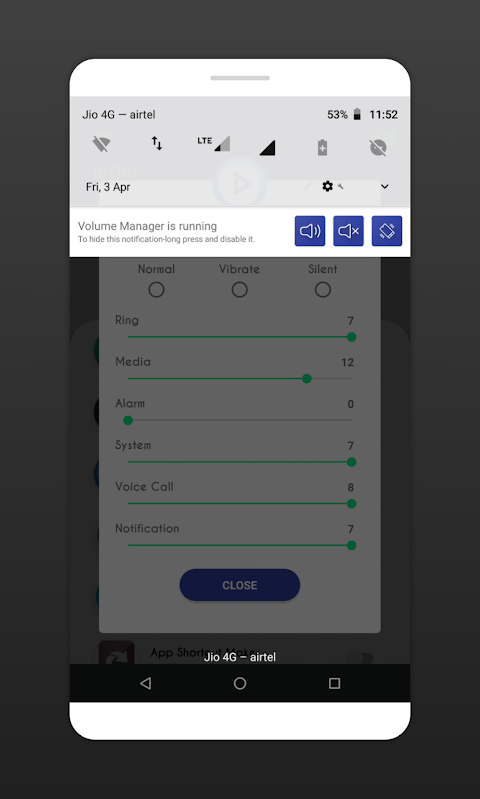
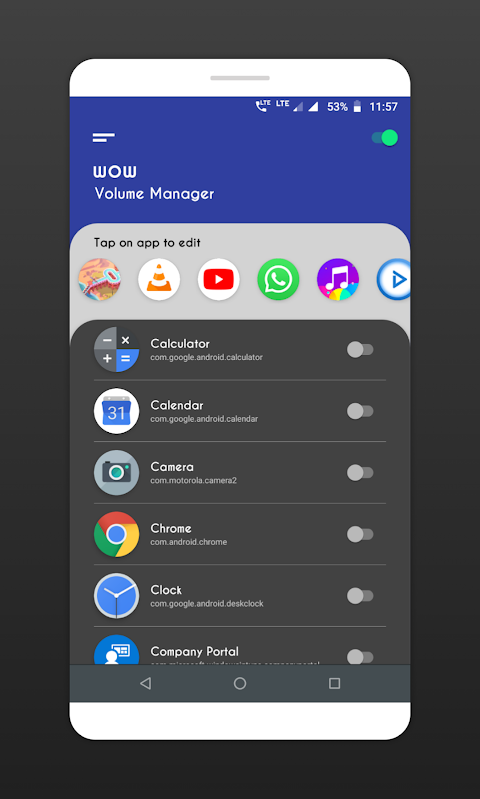
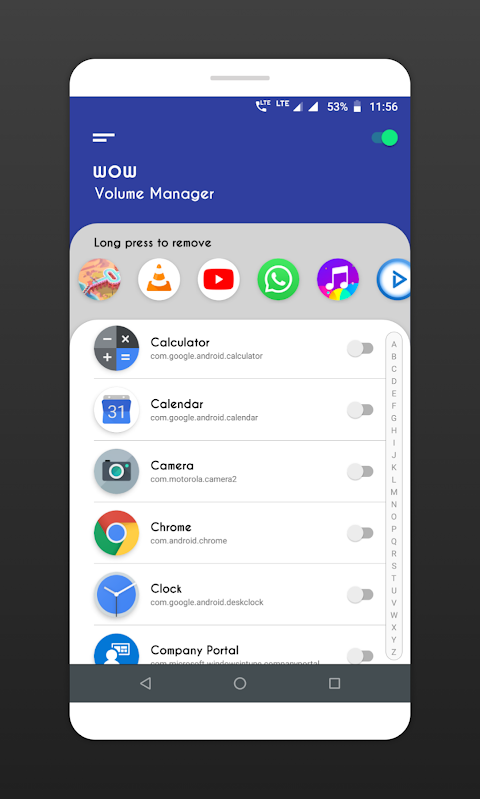
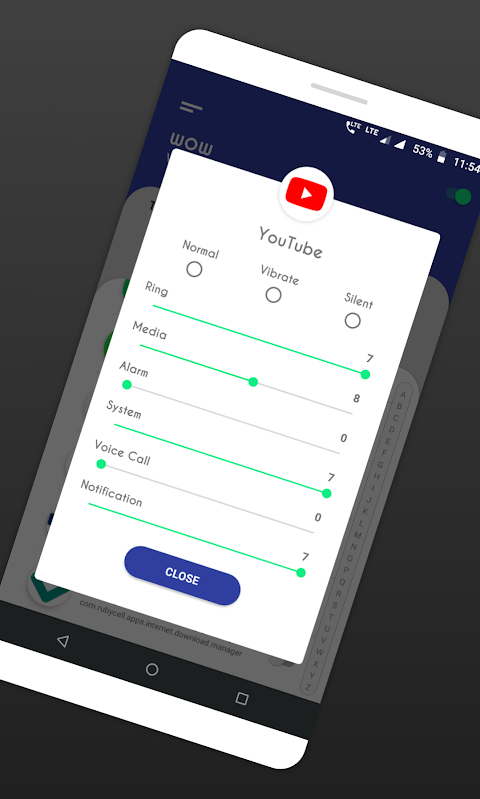
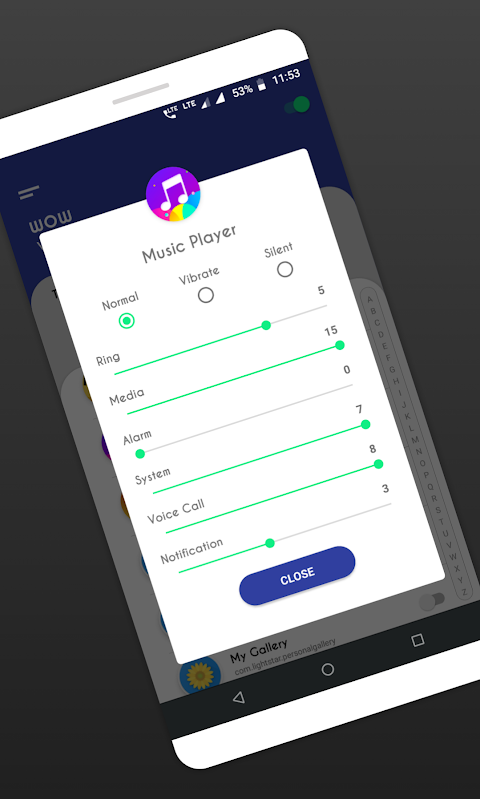
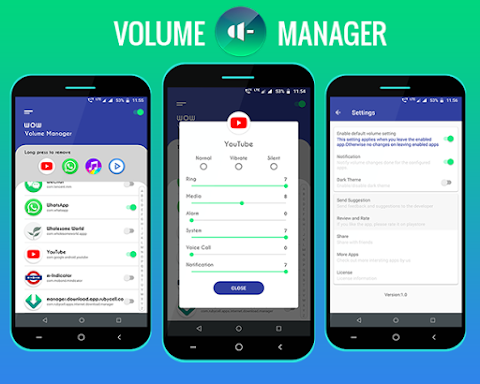
Using Volume Control per app is straightforward. First, you will see a list of installed apps and system apps on your device. To enable auto volume control, simply turn the switch ON next to the app name you want to configure. Once you have enabled an app, you will see options for ringer modes like silent mode, vibrate mode, and normal mode, along with different volume levels. You can easily choose the mode or set specific volume levels for your selected app.
If you choose silent or vibrate modes, please keep in mind that you will not be able to make other volume level adjustments while those modes are active.
Volume Control per app comes with some important features. You can enable apps for auto volume control, allowing the app to automatically change the volume levels whenever you open the designated app. If you have not configured an app, it will revert to default volume settings. The app provides a clean user interface, making the app configuration process quick and easy.
In order to function properly, Volume Control per app requires a couple of permissions. You need to allow the Do Not Disturb permission to change volume modes. Additionally, the app needs usage access permission to check which app is currently running to apply the right volume level adjustments.
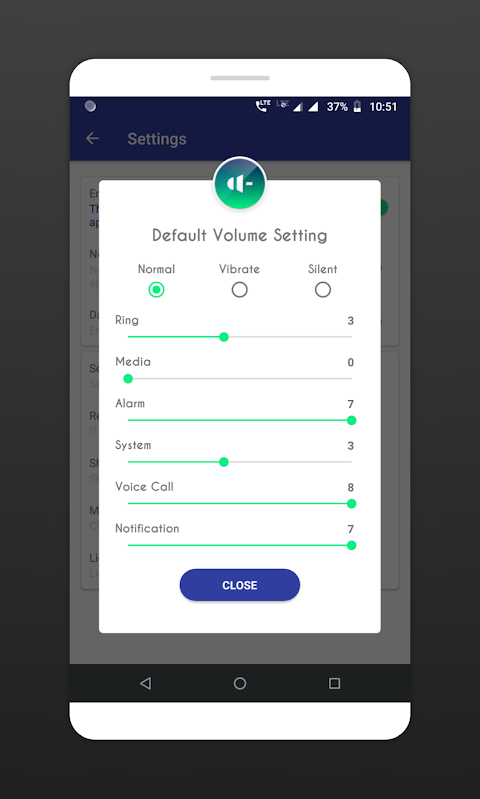
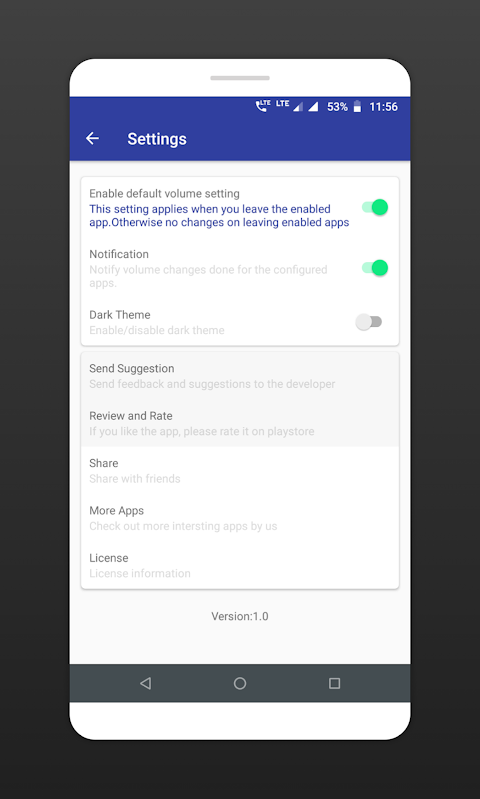
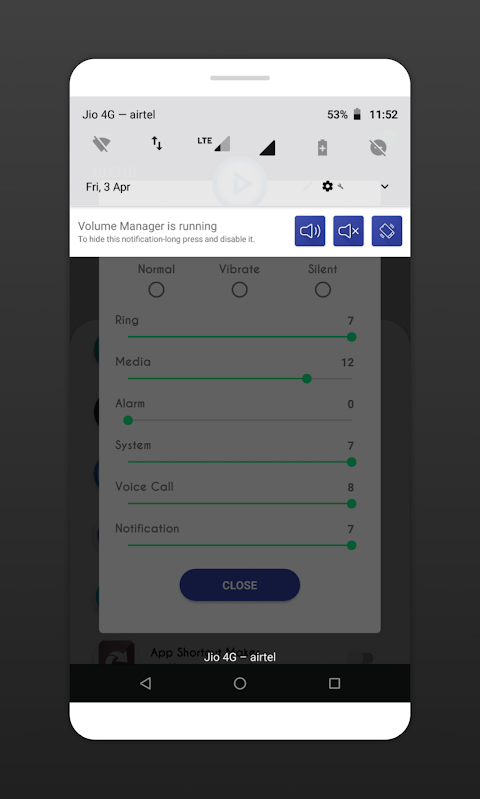
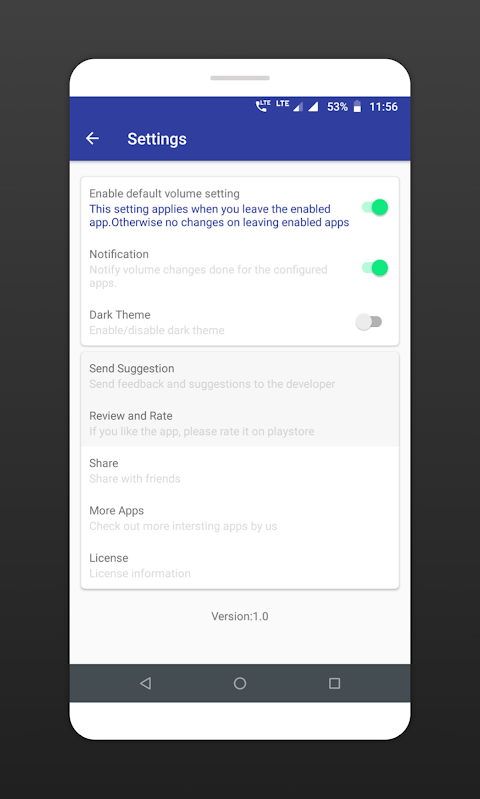
Remember to check that the Volume Manager is ON; you can verify this by looking at the switch in the top right corner. Default volume settings are provided for any app you do not configure. If you leave an app, those default settings will be applied automatically. By default, this setting is OFF, meaning your volume settings will remain the same after leaving the app you've enabled.
We encourage you to try Volume Control per app and let us know how we can improve it to make it more useful for all users. If you enjoy using the app, we would appreciate your review and rating on the Play Store. Thank you for considering Volume Control per app as your go-to solution for sound management on your Android device!
This app is perfect for anyone who wants to customize their sound settings for specific apps. By using per app volume control options, you can set different volume levels for each app you use, so you always have the right sound for the situation. For example, if you open a music app, you can have the volume automatically adjusted to your preferred music level.
Volume Control per app also lets you automate ringer modes such as silent, vibrate, or normal mode. This means you can focus on the task at hand without constantly worrying about your phone's sound settings. However, it's important to note that the app can only change volume levels when you open the selected app. Android imposes background app restrictions, meaning the volume levels cannot be adjusted for apps running in the background.
Using Volume Control per app is straightforward. First, you will see a list of installed apps and system apps on your device. To enable auto volume control, simply turn the switch ON next to the app name you want to configure. Once you have enabled an app, you will see options for ringer modes like silent mode, vibrate mode, and normal mode, along with different volume levels. You can easily choose the mode or set specific volume levels for your selected app.
If you choose silent or vibrate modes, please keep in mind that you will not be able to make other volume level adjustments while those modes are active.
Volume Control per app comes with some important features. You can enable apps for auto volume control, allowing the app to automatically change the volume levels whenever you open the designated app. If you have not configured an app, it will revert to default volume settings. The app provides a clean user interface, making the app configuration process quick and easy.
In order to function properly, Volume Control per app requires a couple of permissions. You need to allow the Do Not Disturb permission to change volume modes. Additionally, the app needs usage access permission to check which app is currently running to apply the right volume level adjustments.
Remember to check that the Volume Manager is ON; you can verify this by looking at the switch in the top right corner. Default volume settings are provided for any app you do not configure. If you leave an app, those default settings will be applied automatically. By default, this setting is OFF, meaning your volume settings will remain the same after leaving the app you've enabled.
We encourage you to try Volume Control per app and let us know how we can improve it to make it more useful for all users. If you enjoy using the app, we would appreciate your review and rating on the Play Store. Thank you for considering Volume Control per app as your go-to solution for sound management on your Android device!

FPS Meter Real-time Display
Forge Lynx
$0.49
$0.34
Sound Meter & Noise Detector
Tools Dev
$2.99

Coin Value Identifier & Scan
AUSTECH STUDIO
$5.49
$2.75