
$9.99
$6.99
30% Off
FV File Pro
FolderV


About the App
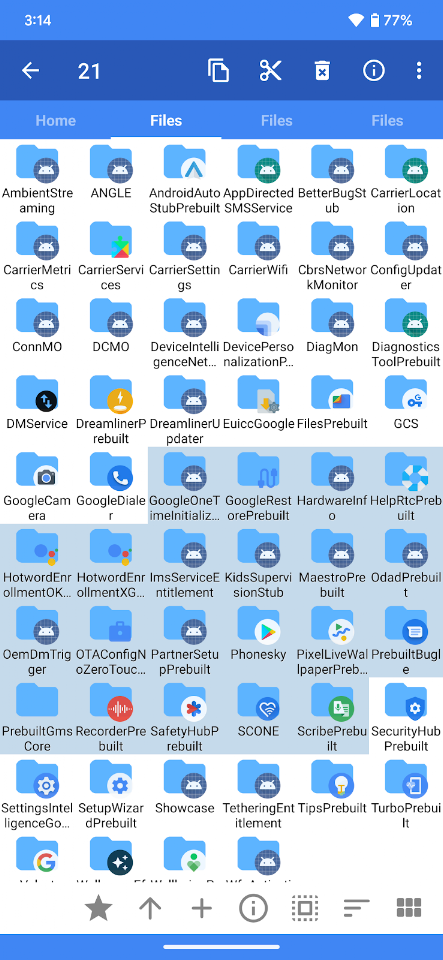
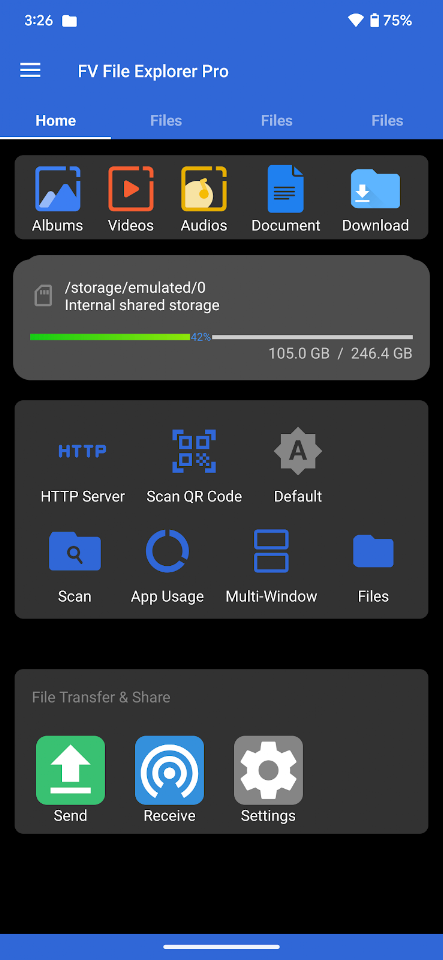
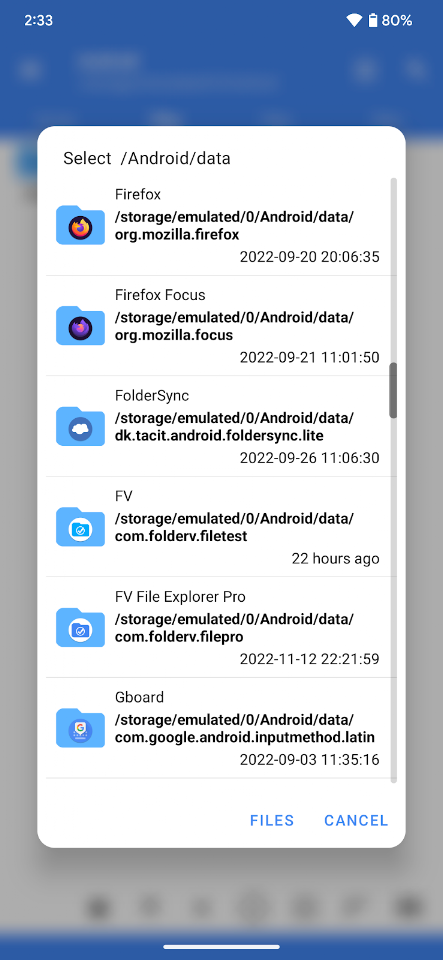
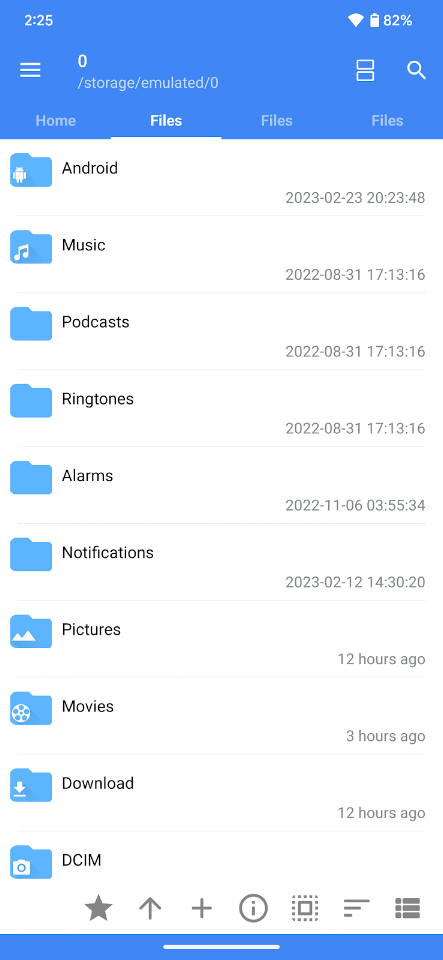
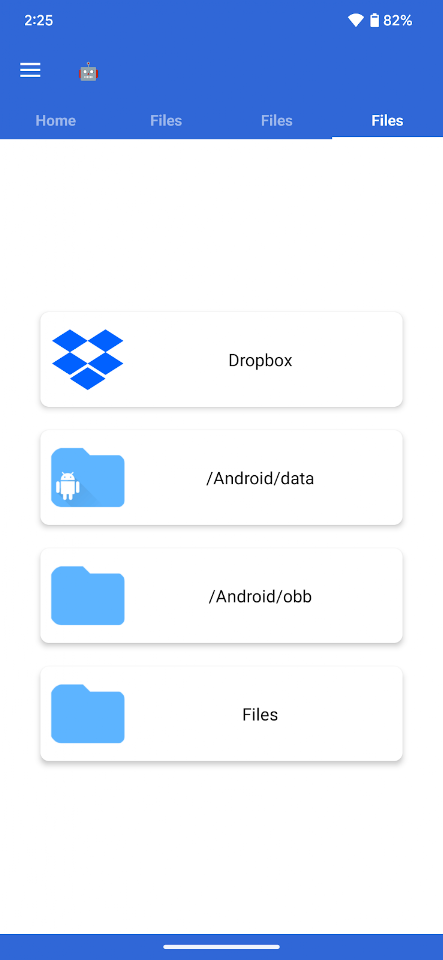
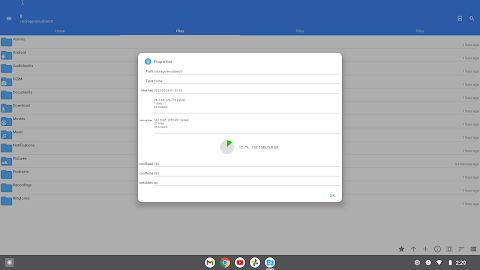
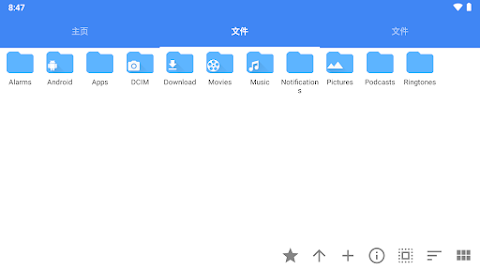
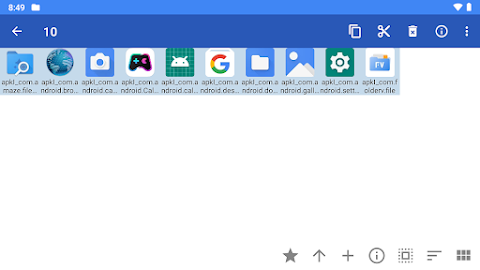
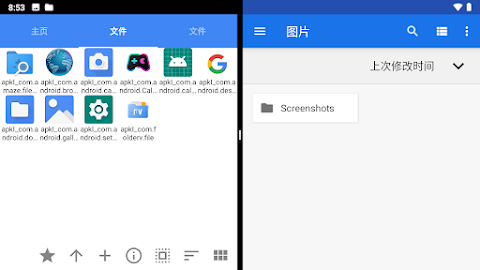
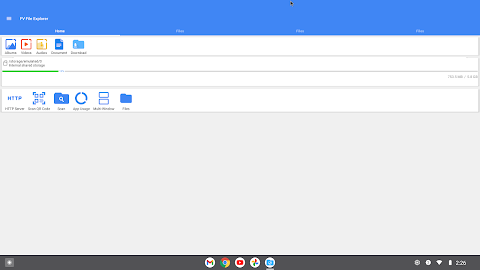
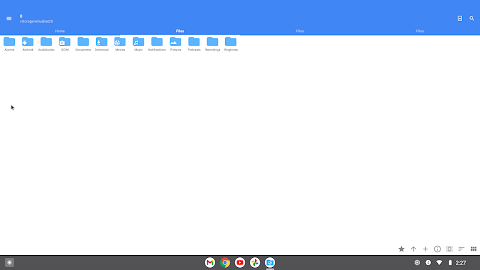
FV File Pro is a fast and powerful Android file manager that helps you easily manage your files on your device. It acts as a handy folder file explorer, allowing you to access critical directories like /Android/data and /Android/obb without needing root access on Android 13.
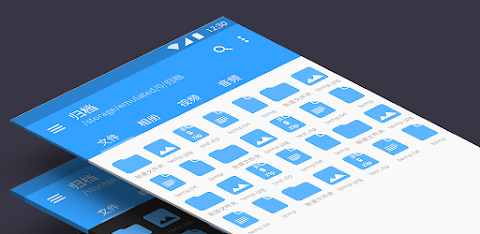
One of the standout features of FV File Pro is its Material Design UI, which makes navigation simple and intuitive. You can view a range of image formats with ease. Whether you need JPEG image viewing, PNG image viewing, or even BMP and TIFF file support, this app has you covered. It also supports newer formats like WebP, HEIF, AVIF, ICO, and APNG, ensuring a wide array of image format compatibility.
In addition to viewing images, FV File Pro supports compressed file extraction, allowing you to extract files from ZIP, RAR, 7Z, ISO, and DMG formats. This feature is incredibly useful when dealing with large compressed files that you need to access quickly.
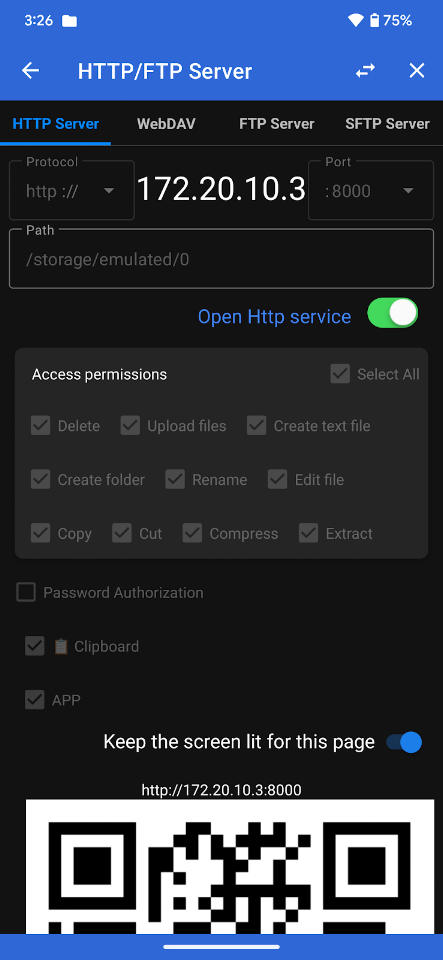
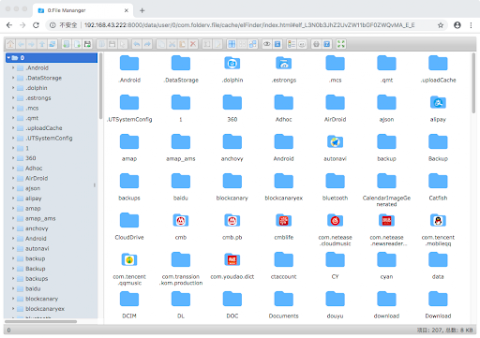
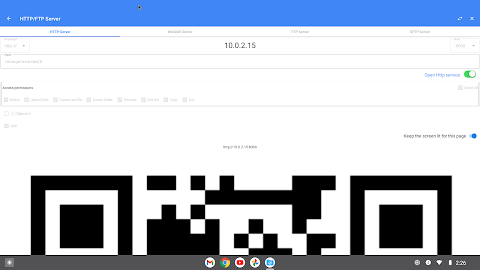
You can also manage files over a wireless network, making it convenient to transfer documents, pictures, and text files between your computer and mobile phone. With options for HTTP file transfer, FTP file management, and SFTP file access, you won’t need to rely on data cables. This wireless document sharing saves your mobile data while keeping you connected to your files.
FV File Pro also allows for a WebDAV server connection. You can easily connect it to your Mac by choosing Go > Connect to Server, entering the WebDAV server address, and clicking Connect. This feature adds another layer of flexibility for file management, especially in a collaborative environment.
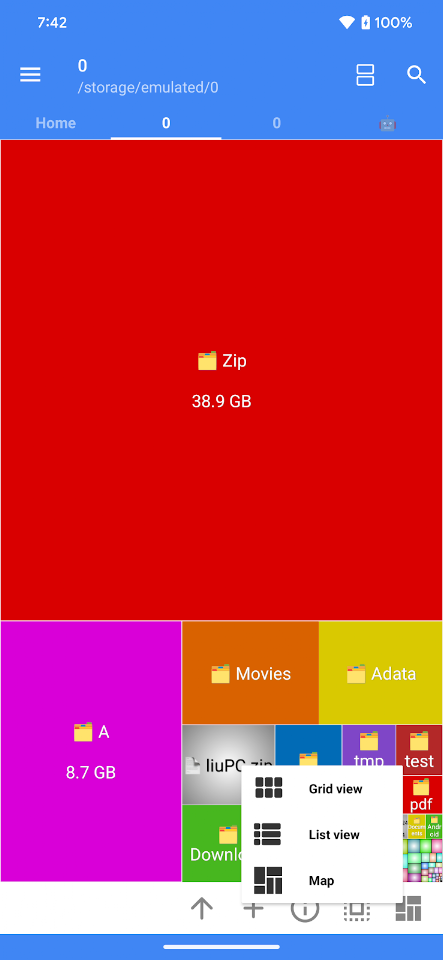
To visualize storage usage, FV File Pro includes treemap visualization, where files are represented as colored rectangles. The area of each rectangle corresponds to the file's size, giving you a clear file size representation. This makes it easy to see which files are taking up the most space at a glance.
Additional features include QR code scanning and barcode scanner support, allowing you to quickly identify items in various formats. FV File Pro also supports a markdown file preview, making it easy to read and edit markdown documents directly within the app. Plus, the HTTP file download function ensures you can download files effortlessly from the web right to your device.
Overall, FV File Pro is a versatile tool for anyone looking for a reliable Android file manager. It includes multiple file format support, making it an excellent choice for users who need a comprehensive and user-friendly file management solution. Whether you're looking to manage personal files or share information with colleagues, FV File Pro simplifies the process.
One of the standout features of FV File Pro is its Material Design UI, which makes navigation simple and intuitive. You can view a range of image formats with ease. Whether you need JPEG image viewing, PNG image viewing, or even BMP and TIFF file support, this app has you covered. It also supports newer formats like WebP, HEIF, AVIF, ICO, and APNG, ensuring a wide array of image format compatibility.
In addition to viewing images, FV File Pro supports compressed file extraction, allowing you to extract files from ZIP, RAR, 7Z, ISO, and DMG formats. This feature is incredibly useful when dealing with large compressed files that you need to access quickly.
You can also manage files over a wireless network, making it convenient to transfer documents, pictures, and text files between your computer and mobile phone. With options for HTTP file transfer, FTP file management, and SFTP file access, you won’t need to rely on data cables. This wireless document sharing saves your mobile data while keeping you connected to your files.
FV File Pro also allows for a WebDAV server connection. You can easily connect it to your Mac by choosing Go > Connect to Server, entering the WebDAV server address, and clicking Connect. This feature adds another layer of flexibility for file management, especially in a collaborative environment.
To visualize storage usage, FV File Pro includes treemap visualization, where files are represented as colored rectangles. The area of each rectangle corresponds to the file's size, giving you a clear file size representation. This makes it easy to see which files are taking up the most space at a glance.
Additional features include QR code scanning and barcode scanner support, allowing you to quickly identify items in various formats. FV File Pro also supports a markdown file preview, making it easy to read and edit markdown documents directly within the app. Plus, the HTTP file download function ensures you can download files effortlessly from the web right to your device.
Overall, FV File Pro is a versatile tool for anyone looking for a reliable Android file manager. It includes multiple file format support, making it an excellent choice for users who need a comprehensive and user-friendly file management solution. Whether you're looking to manage personal files or share information with colleagues, FV File Pro simplifies the process.
Gallery – Photo Video
Photo Tool Appzone Inc.
$2.59

Wifi Analyzer Pro
Webprovider
$3.99
$2.99

Breapp: Zihin Haritası & Not
Abdullah Demir
$2.49