
$1.99
$0.40
80% Off
Splatter Digital
Bloomfield Watchfaces

About the App
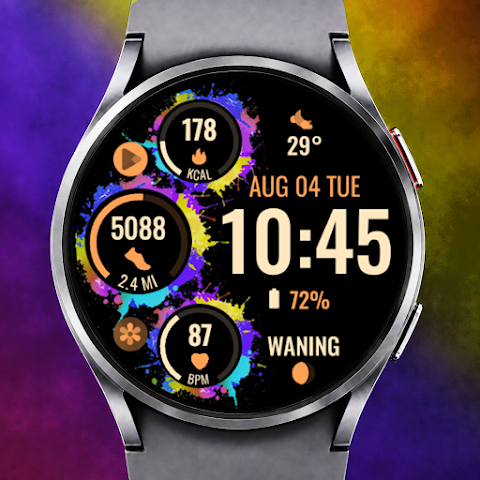
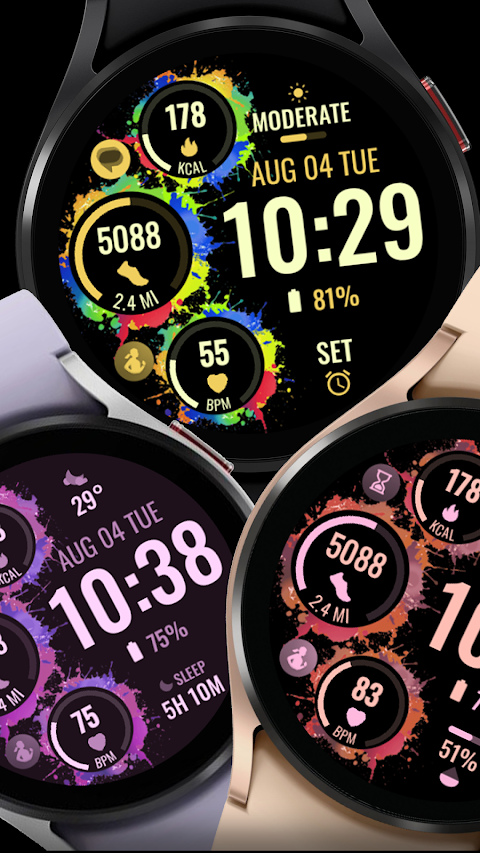
Splatter Digital is a unique watch face designed for users who love to customize their experience. If you're a Galaxy Watch user, keep in mind that the watch face editor in the Samsung Wearable app may struggle to sync complex watch faces. To avoid any issues, it’s best to customize your watch face directly on the watch until Samsung fixes this problem.
This watch face works on all Wear OS devices that support API Level 34 and later, specifically Wear OS 4. However, remember that some features may not be available on all watches.
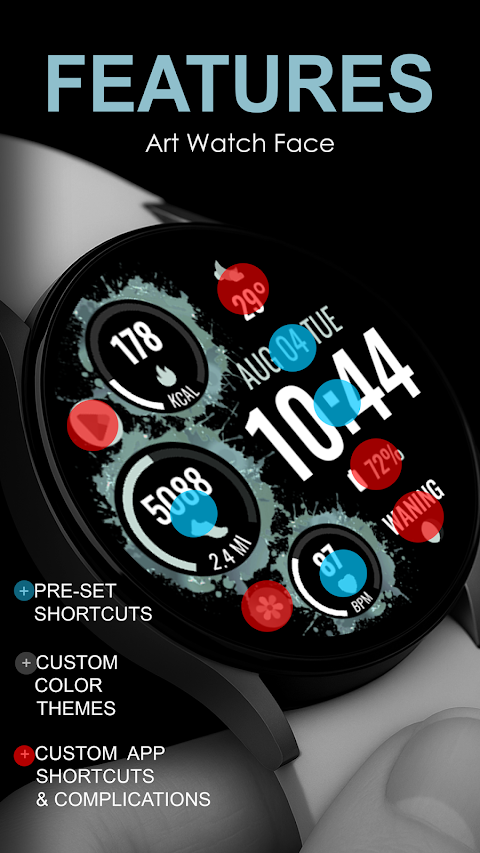
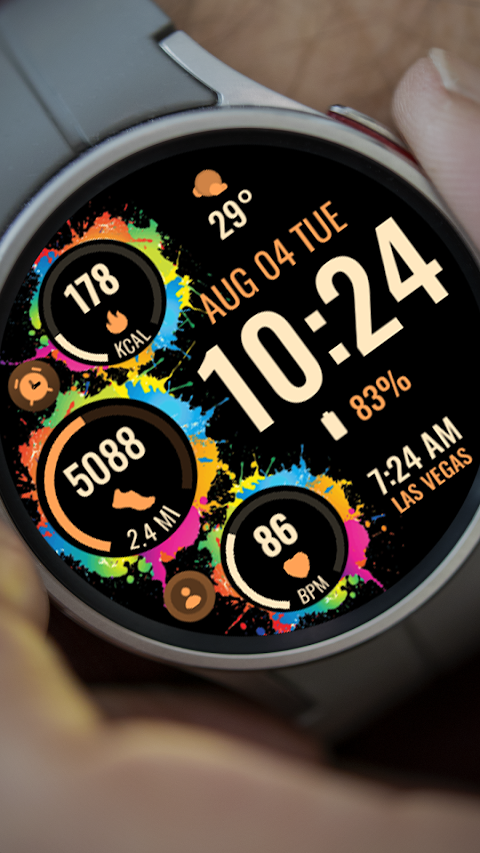
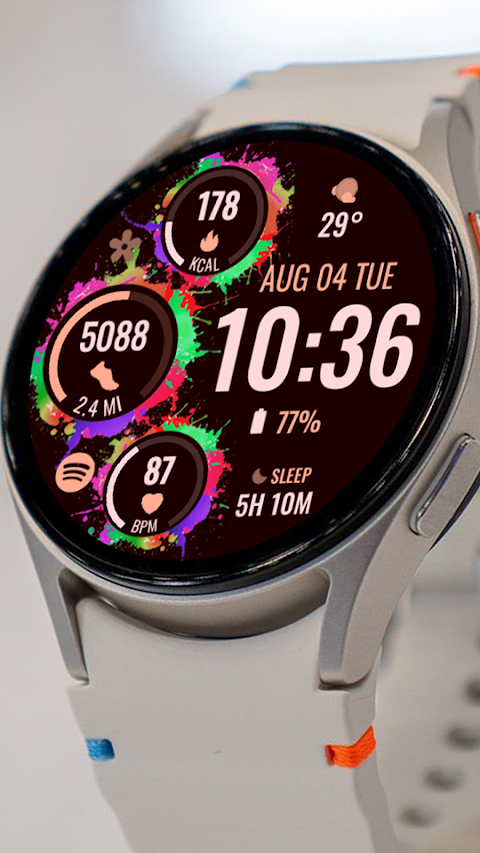
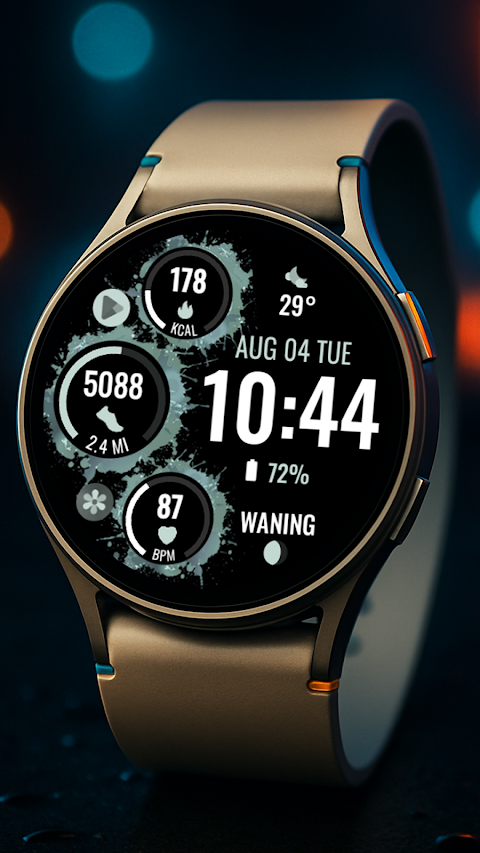
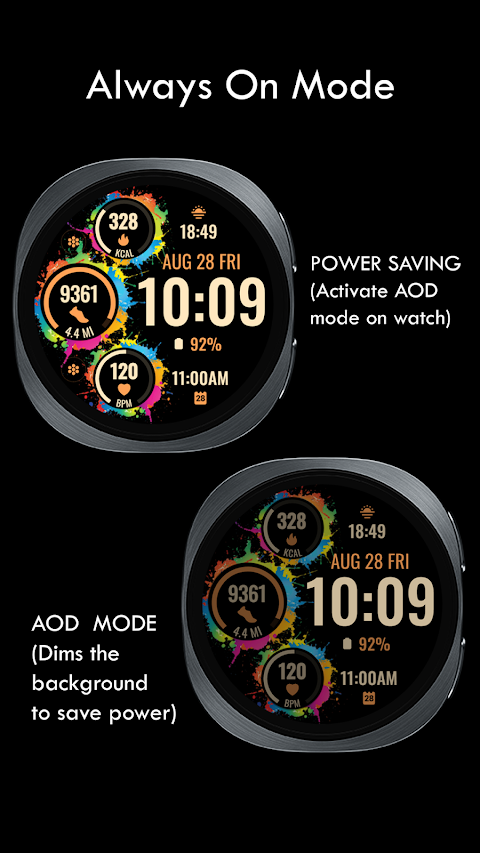
Splatter Digital offers several exciting features. You'll find an artistic digital clock, which is not just visually appealing but also functional. There are four pre-set app shortcuts for key functions: Alarm, Calendar, Heart Rate, and Steps Tracking. Additionally, you can add two custom app shortcuts for your favorite applications.
One of the standout features of Splatter Digital is the ability to create custom complications. You can choose data you want displayed, like the date, weather complications, world clock feature, sunset/sunrise data, next appointment reminders, or distance walked tracking. Note that for some of these options, you might need to install additional third-party complications.
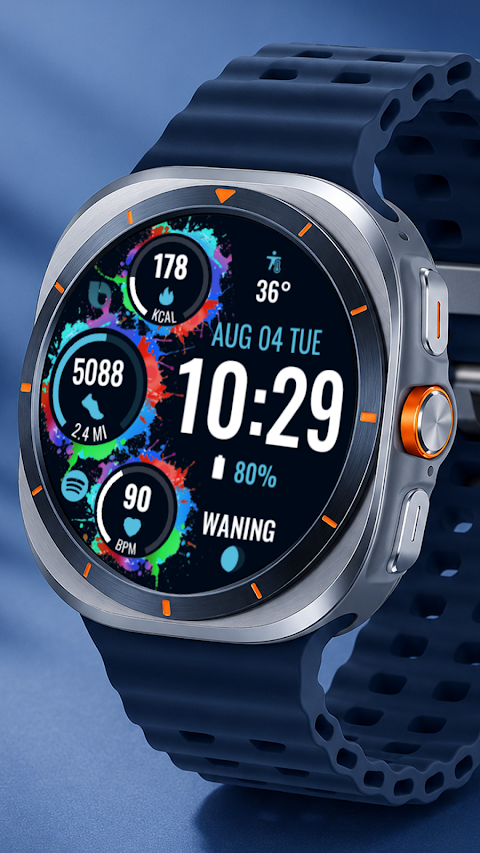
Customization is at the heart of Splatter Digital. You can select custom themes to match your style and preferences. This means your watch face can truly reflect who you are and what you find useful.
To ensure a smooth experience, here are some important installation notes. Watch faces install automatically on your Wear OS watch. Make sure that your watch is synced to your phone using the same email address. This allows for seamless installation. After downloading the watch face, wait a few minutes for it to transfer to your watch. You should receive a notification once the watch face has been successfully transferred. If you don’t see this notification, go to the Play Store on your watch and type “Splatter Digital” to find it manually.
Once the installation is complete, watch faces do not automatically display or change. To see your new watch face, go back to your home display. Tap and hold the display until you can swipe through the options, then tap the plus sign (+) to add the watch face. You can rotate the bezel or scroll to find it easily.
For the best experience, make sure to allow and enable all necessary permissions from the settings under applications and permissions.
Please note that if you change your mind, there is a 24-hour refund policy in place.
If you have any questions or need assistance, feel free to reach out via email at bloomfieldwatchfaces@gmail.com. For a full guide on installation, there is an installation tutorial video available online that can help you through the steps.
With Splatter Digital, you can enjoy a personalized watch experience that matches your lifestyle and needs.
This watch face works on all Wear OS devices that support API Level 34 and later, specifically Wear OS 4. However, remember that some features may not be available on all watches.
Splatter Digital offers several exciting features. You'll find an artistic digital clock, which is not just visually appealing but also functional. There are four pre-set app shortcuts for key functions: Alarm, Calendar, Heart Rate, and Steps Tracking. Additionally, you can add two custom app shortcuts for your favorite applications.
One of the standout features of Splatter Digital is the ability to create custom complications. You can choose data you want displayed, like the date, weather complications, world clock feature, sunset/sunrise data, next appointment reminders, or distance walked tracking. Note that for some of these options, you might need to install additional third-party complications.
Customization is at the heart of Splatter Digital. You can select custom themes to match your style and preferences. This means your watch face can truly reflect who you are and what you find useful.
To ensure a smooth experience, here are some important installation notes. Watch faces install automatically on your Wear OS watch. Make sure that your watch is synced to your phone using the same email address. This allows for seamless installation. After downloading the watch face, wait a few minutes for it to transfer to your watch. You should receive a notification once the watch face has been successfully transferred. If you don’t see this notification, go to the Play Store on your watch and type “Splatter Digital” to find it manually.
Once the installation is complete, watch faces do not automatically display or change. To see your new watch face, go back to your home display. Tap and hold the display until you can swipe through the options, then tap the plus sign (+) to add the watch face. You can rotate the bezel or scroll to find it easily.
For the best experience, make sure to allow and enable all necessary permissions from the settings under applications and permissions.
Please note that if you change your mind, there is a 24-hour refund policy in place.
If you have any questions or need assistance, feel free to reach out via email at bloomfieldwatchfaces@gmail.com. For a full guide on installation, there is an installation tutorial video available online that can help you through the steps.
With Splatter Digital, you can enjoy a personalized watch experience that matches your lifestyle and needs.
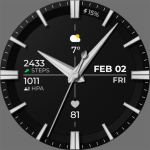
Chester Business watch face
CHESTER WATCH FACES
$1.99
$0.60

Rose – Red Icon Pack
GomoTheGom
$1.49
$0.29
Pixel Launcher • Home Screen
The Overlord
$9.99
$1.00