

$1.49
$0.29
81% Off
Rose – Red Icon Pack
GomoTheGom









About the App
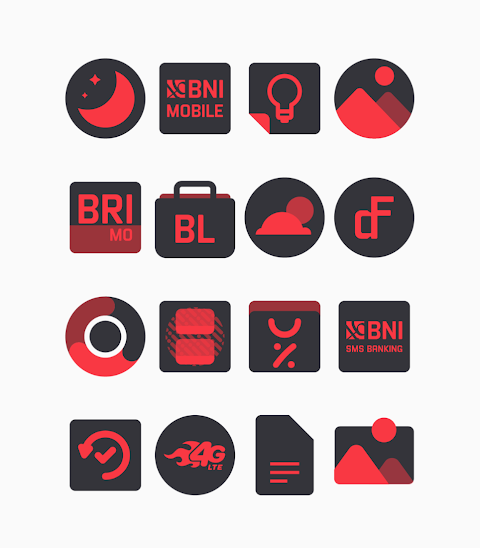
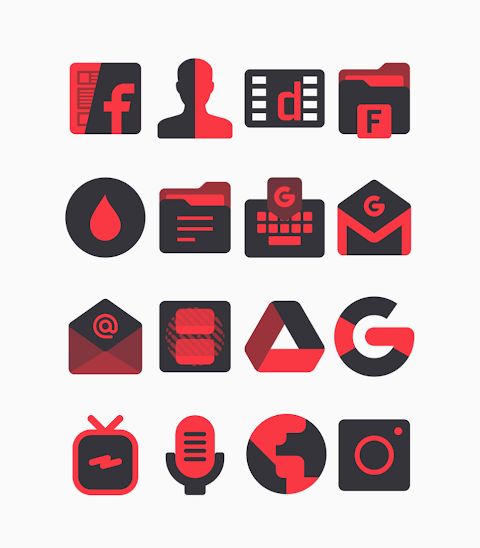
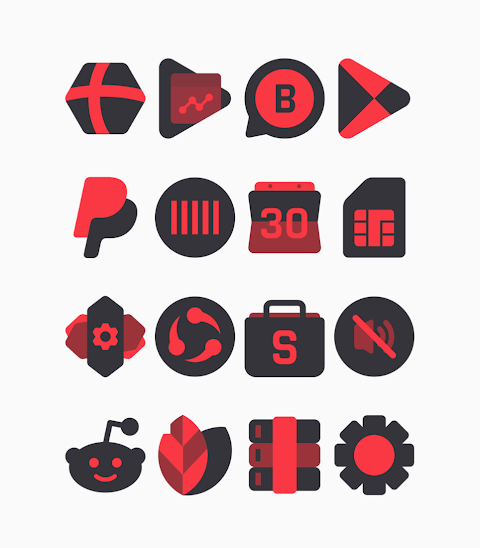
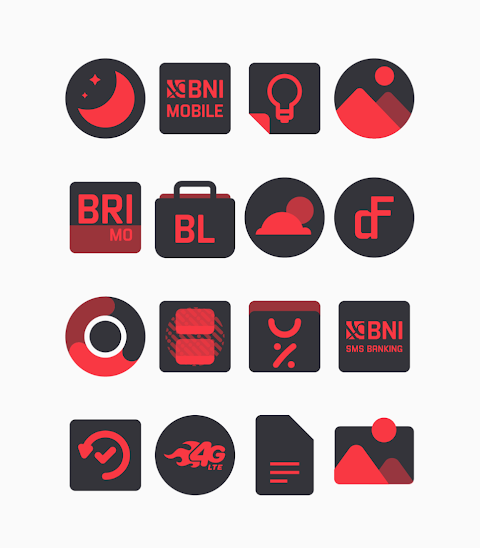
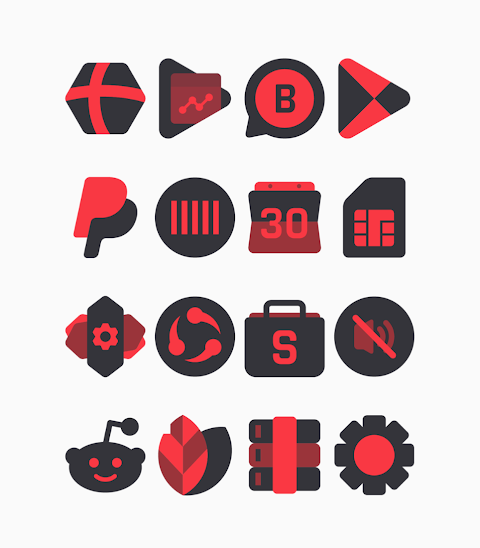
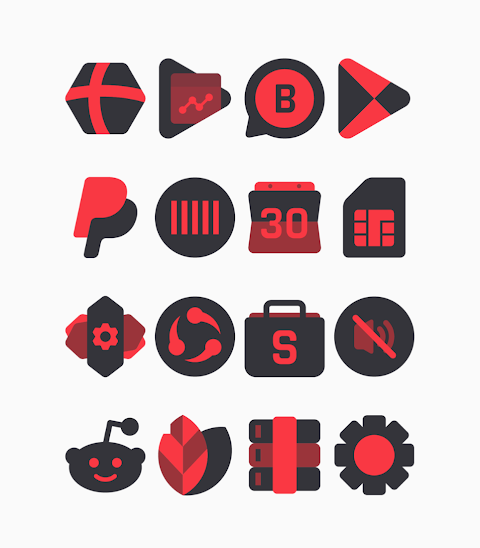
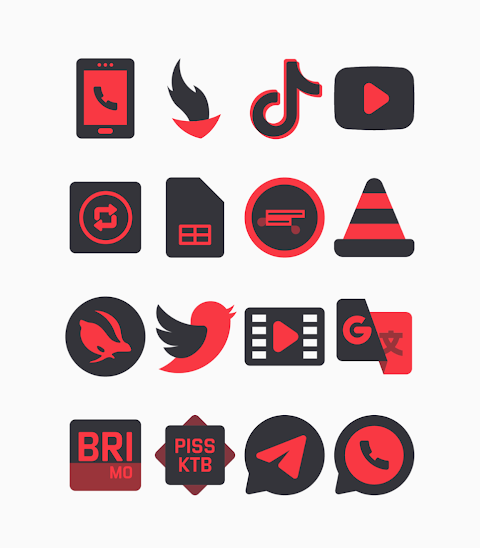
Rose is a stylish red and black icon pack designed to bring a unique look to your device. With its shapeless icon design, this pack offers an eye-catching aesthetic that stands out.
The Rose - Red Icon Pack features a collection of over 3000 icons, ensuring that you have plenty of options to customize your apps. Each icon is designed in high-definition, with a resolution of 256x256 pixels, providing clarity and vibrancy. You can also enjoy the alternate icons feature, which gives you more choices for personalizing your home screen.
This icon pack supports a variety of popular launchers, making it versatile for different users. Whether you use Nova Launcher, Evie Launcher, or others, applying the Rose - Red Icon Pack is simple. To get started, open the app and navigate to the Apply Icon Pack screen. You will see a supported launchers list. Just select the launcher you have installed on your phone, like Nova Launcher, and the app will automatically apply the icons for you.
For those using Sony Xperia Home Launcher, there are specific steps to follow. Long-press on your main screen, access the settings, and scroll down to appearance icon settings. From there, you can choose the Rose - Red Icon Pack to apply it. Do note that you need Sony Xperia Home Launcher version 10.0.A.0.8 or higher for it to work.
The Rose - Red Icon Pack is compatible with several launchers like Apex Launcher, Action Launcher, ADW Launcher, ABC Launcher, Next Launcher, Holo Launcher, Lucid Launcher, M Launcher, Smart Launcher, Go Launcher, and Zero Launcher. However, keep in mind that Go Launcher and Zero Launcher do not support icon masking.
With this dark theme icon pack, you can easily customize your icon appearance and make your device truly yours. The icon customization process is straightforward, allowing you to refresh the look of your phone whenever you want. Plus, you have the option to submit an icon request for any apps that may not have an icon in the pack.
Rose - Red Icon Pack is not just about aesthetics. It also supports regular updates, so you can look forward to new icons being added. Special thanks to Dani Mahardika for the Candybar Dashboard, which makes this possible.
For more design inspiration and updates, feel free to check out our profiles on Google+, Instagram, and Twitter. Enjoy your new icons and the fresh look they bring to your device with the Rose - Red Icon Pack!
The Rose - Red Icon Pack features a collection of over 3000 icons, ensuring that you have plenty of options to customize your apps. Each icon is designed in high-definition, with a resolution of 256x256 pixels, providing clarity and vibrancy. You can also enjoy the alternate icons feature, which gives you more choices for personalizing your home screen.
This icon pack supports a variety of popular launchers, making it versatile for different users. Whether you use Nova Launcher, Evie Launcher, or others, applying the Rose - Red Icon Pack is simple. To get started, open the app and navigate to the Apply Icon Pack screen. You will see a supported launchers list. Just select the launcher you have installed on your phone, like Nova Launcher, and the app will automatically apply the icons for you.
For those using Sony Xperia Home Launcher, there are specific steps to follow. Long-press on your main screen, access the settings, and scroll down to appearance icon settings. From there, you can choose the Rose - Red Icon Pack to apply it. Do note that you need Sony Xperia Home Launcher version 10.0.A.0.8 or higher for it to work.
The Rose - Red Icon Pack is compatible with several launchers like Apex Launcher, Action Launcher, ADW Launcher, ABC Launcher, Next Launcher, Holo Launcher, Lucid Launcher, M Launcher, Smart Launcher, Go Launcher, and Zero Launcher. However, keep in mind that Go Launcher and Zero Launcher do not support icon masking.
With this dark theme icon pack, you can easily customize your icon appearance and make your device truly yours. The icon customization process is straightforward, allowing you to refresh the look of your phone whenever you want. Plus, you have the option to submit an icon request for any apps that may not have an icon in the pack.
Rose - Red Icon Pack is not just about aesthetics. It also supports regular updates, so you can look forward to new icons being added. Special thanks to Dani Mahardika for the Candybar Dashboard, which makes this possible.
For more design inspiration and updates, feel free to check out our profiles on Google+, Instagram, and Twitter. Enjoy your new icons and the fresh look they bring to your device with the Rose - Red Icon Pack!

AD Classic Analog – Watch Face
Albuquerque Design
$1.49
$0.99

Ballozi AFERO Digital
BALLOZI Watch Faces
$1.99
$0.60

Moxy Shapeless Icons
myAP Devs
$1.99
$1.19