

$1.49
FREE
100% Off
Greendiant – Icon Pack
GomoTheGom

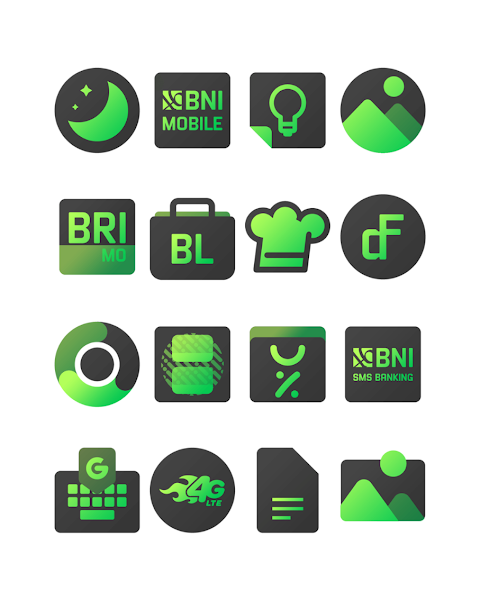
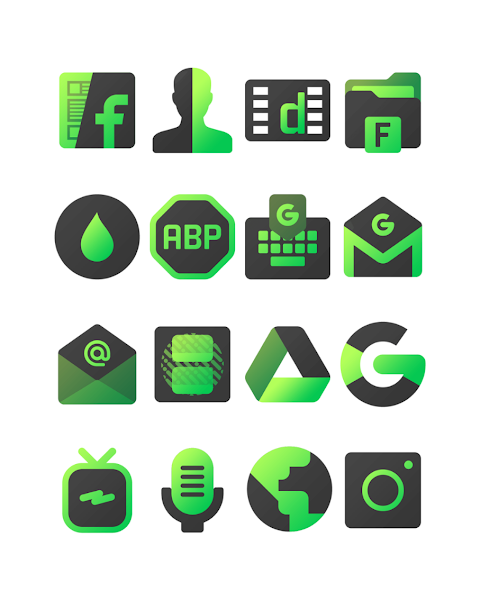
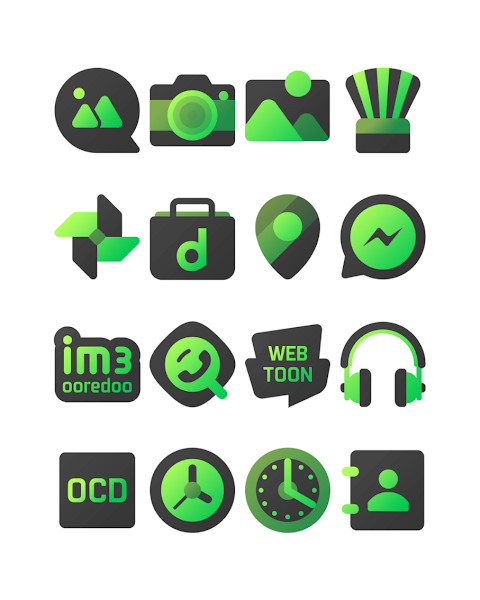
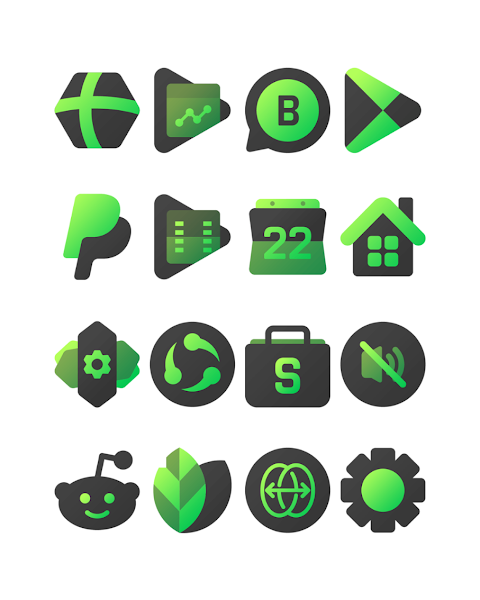
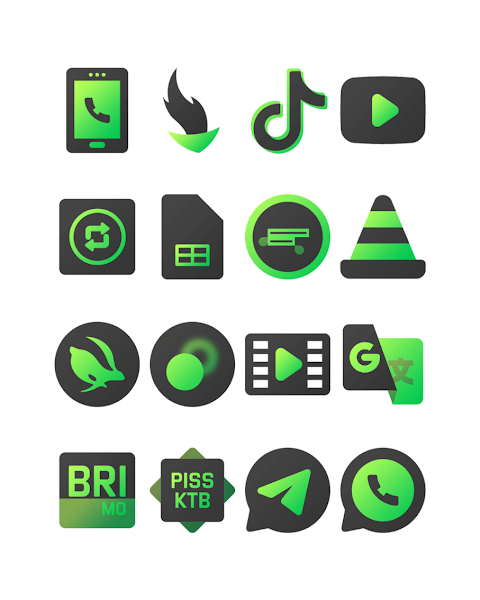

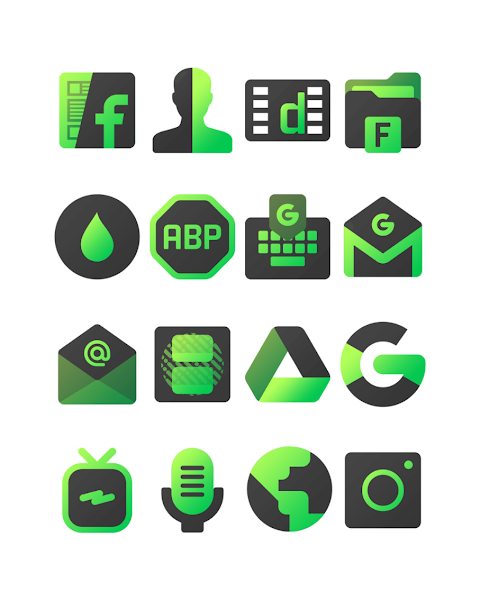
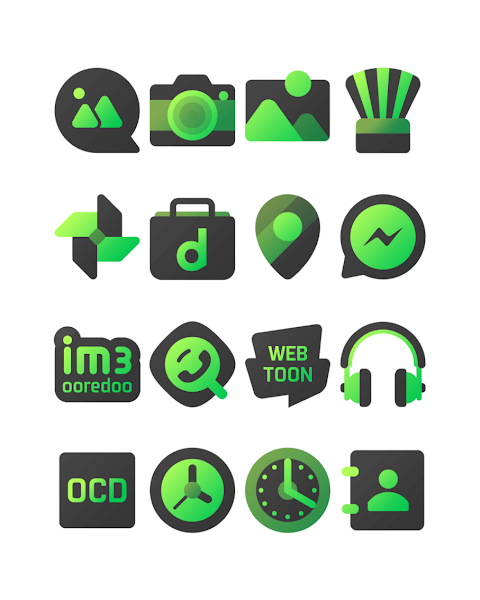
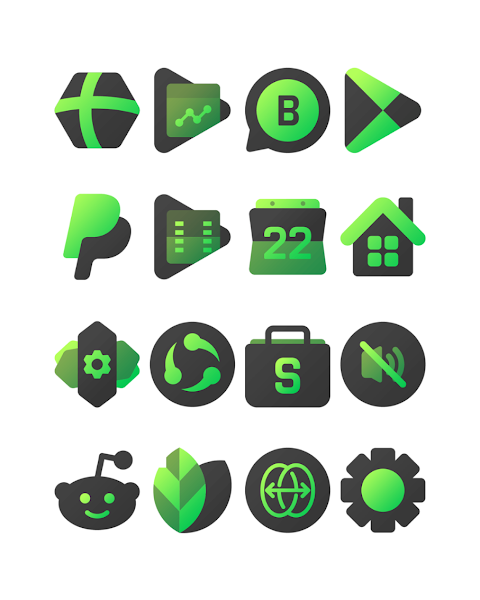
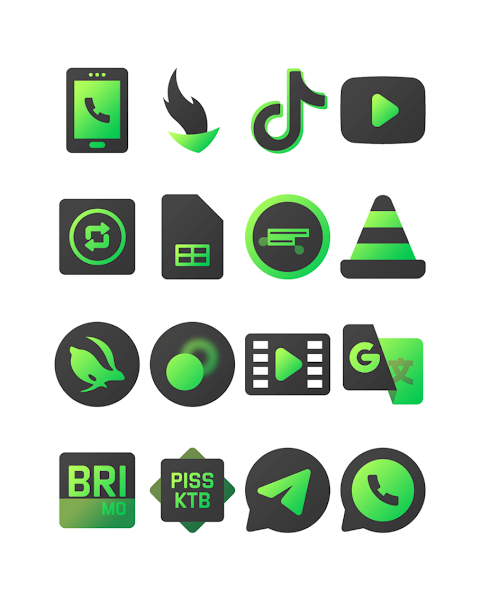
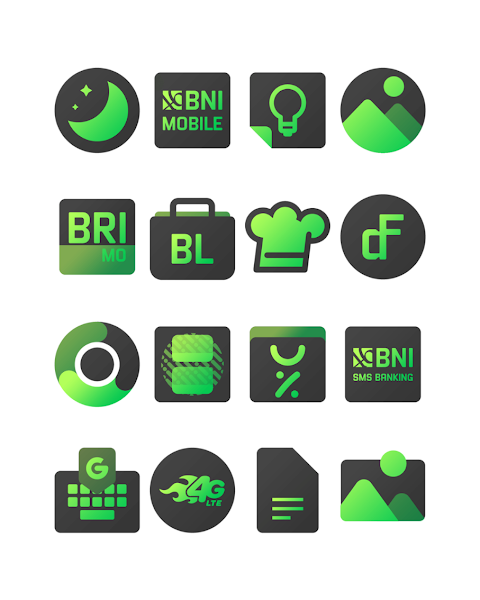
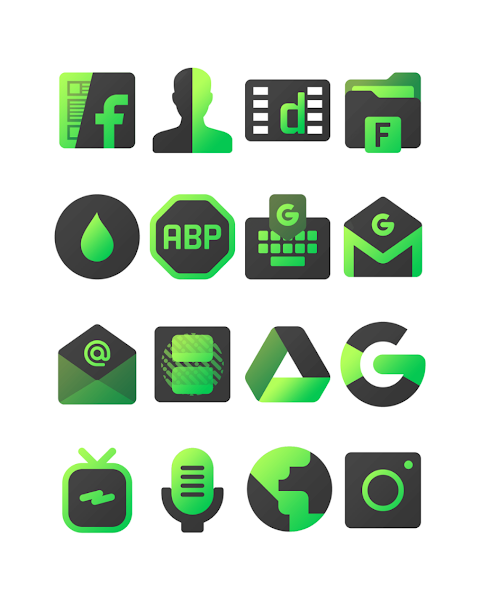
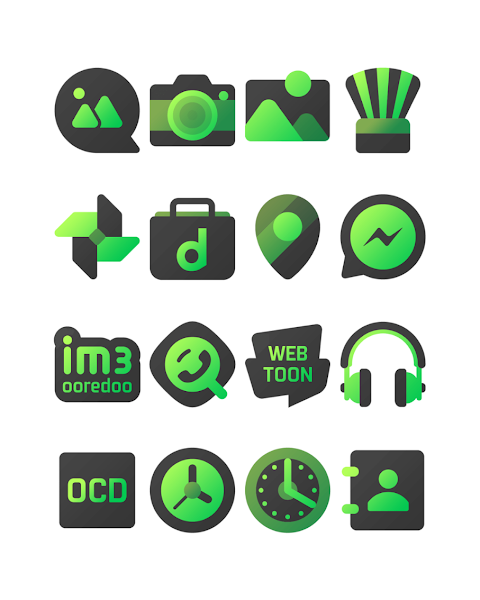


About the App
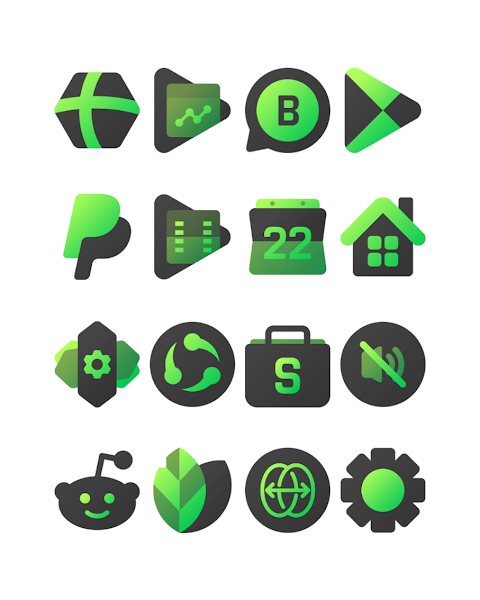
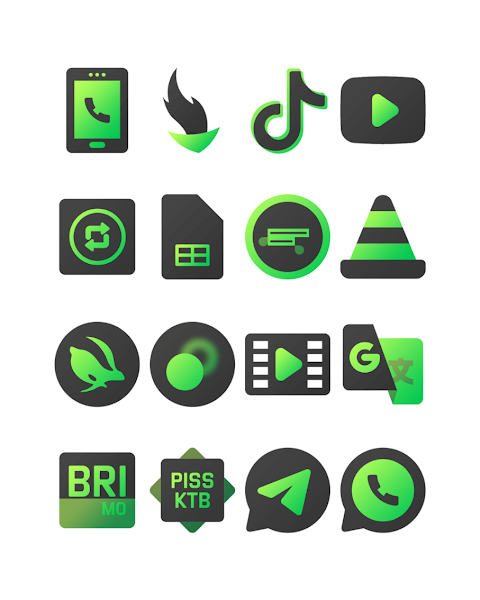
Greendiant is an eye-catching gradient icon pack designed to enhance your mobile experience. It features a warm green lime color that creates a unique dark vibes theme, making your home screen visually appealing and comfortable for your eyes.
This icon pack boasts over 3000 icons and continues to grow, giving you plenty of options to personalize your device. Each icon is designed in high definition, with an HD icon resolution of 256x256 pixels. Along with the icons, Greendiant also offers custom wallpapers to complement your aesthetic choices. If you ever want a specific icon that isn't included, the icon request feature allows you to suggest new icons, ensuring that your needs are met.
Using Greendiant is simple, especially since it supports a variety of popular launchers. You can apply this icon pack to well-known launchers like Nova Launcher, Evie Launcher, Apex Launcher, and ADW Launcher. Follow these straightforward steps to apply the Greendiant icon pack on your phone:
1. Open the Greendiant icon pack app.
2. Navigate to the Apply Icon Pack Screen.
3. You'll see a list of supported launchers. Select your installed Nova Launcher to apply the icons.
4. The app will automatically apply the icons from Greendiant to your Nova Launcher.
If you do not see your launcher while trying to apply the icons, you might want to apply them directly from the launcher itself.
For users of the Sony Xperia Home Launcher, Greendiant can be applied, but with specific steps. Long press on your main screen, open the settings, scroll to the appearance icon setting, and choose the Greendiant icon pack. After following these steps, your Sony Xperia will showcase the Greendiant icons.
Please note that the Greendiant icon pack only supports Sony Xperia Home Launcher 10.0.A.0.8 or newer versions.
The compatibility of Greendiant extends to many other launchers, including M Launcher, Action Launcher, Holo Launcher, Lucid Launcher, Smart Launcher, and Aviate Launcher. There is also Go Launcher and Zero Launcher support, but keep in mind that these options have some icon masking issues.
Greendiant is perfect for anyone looking to customize their mobile interface. It offers a blend of lifestyle customization and mobile design inspiration, allowing you to truly make your device your own.
You can find more design inspiration and updates from Greendiant on social media platforms like Google+, Instagram, and Twitter, where the developers engage with users and share ideas. Special thanks go to Dani Mahardika for the Candybar Dashboard integration, which enhances the functionality of this icon pack.
In summary, Greendiant is an inviting gradient icon pack that allows for easy personalization of your mobile device through a vast selection of icons and wallpapers, appealing color themes, and various launcher support. Enjoy the process of applying the icons and transforming your device into a unique reflection of your style.
This icon pack boasts over 3000 icons and continues to grow, giving you plenty of options to personalize your device. Each icon is designed in high definition, with an HD icon resolution of 256x256 pixels. Along with the icons, Greendiant also offers custom wallpapers to complement your aesthetic choices. If you ever want a specific icon that isn't included, the icon request feature allows you to suggest new icons, ensuring that your needs are met.
Using Greendiant is simple, especially since it supports a variety of popular launchers. You can apply this icon pack to well-known launchers like Nova Launcher, Evie Launcher, Apex Launcher, and ADW Launcher. Follow these straightforward steps to apply the Greendiant icon pack on your phone:
1. Open the Greendiant icon pack app.
2. Navigate to the Apply Icon Pack Screen.
3. You'll see a list of supported launchers. Select your installed Nova Launcher to apply the icons.
4. The app will automatically apply the icons from Greendiant to your Nova Launcher.
If you do not see your launcher while trying to apply the icons, you might want to apply them directly from the launcher itself.
For users of the Sony Xperia Home Launcher, Greendiant can be applied, but with specific steps. Long press on your main screen, open the settings, scroll to the appearance icon setting, and choose the Greendiant icon pack. After following these steps, your Sony Xperia will showcase the Greendiant icons.
Please note that the Greendiant icon pack only supports Sony Xperia Home Launcher 10.0.A.0.8 or newer versions.
The compatibility of Greendiant extends to many other launchers, including M Launcher, Action Launcher, Holo Launcher, Lucid Launcher, Smart Launcher, and Aviate Launcher. There is also Go Launcher and Zero Launcher support, but keep in mind that these options have some icon masking issues.
Greendiant is perfect for anyone looking to customize their mobile interface. It offers a blend of lifestyle customization and mobile design inspiration, allowing you to truly make your device your own.
You can find more design inspiration and updates from Greendiant on social media platforms like Google+, Instagram, and Twitter, where the developers engage with users and share ideas. Special thanks go to Dani Mahardika for the Candybar Dashboard integration, which enhances the functionality of this icon pack.
In summary, Greendiant is an inviting gradient icon pack that allows for easy personalization of your mobile device through a vast selection of icons and wallpapers, appealing color themes, and various launcher support. Enjoy the process of applying the icons and transforming your device into a unique reflection of your style.

Glow Digital: Watch face
amoledwatchfaces™
$1.49
$0.75
![[KNA030] BIG NUM](https://appdovo.com/wp-content/uploads/2026/07/com.watchfacestudio.kna030A9m4evf-POlPPF0A6L-w-1-150x150.webp)
[KNA030] BIG NUM
KNA TH Watch Faces
$0.99
$0.19

PixChroma Icons and Widgets
PashaPuma Design
$1.49
$0.75