
$0.99
$0.49
51% Off
Everything You Icons & Widgets
NARIK DESIGN

About the App
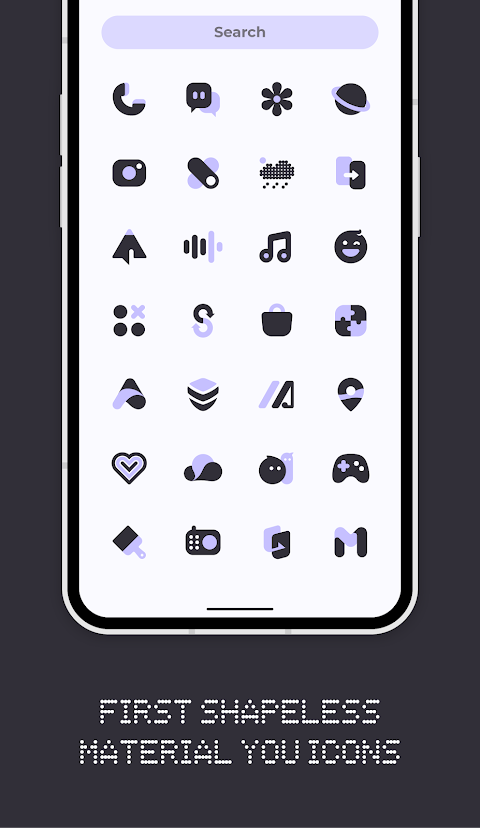
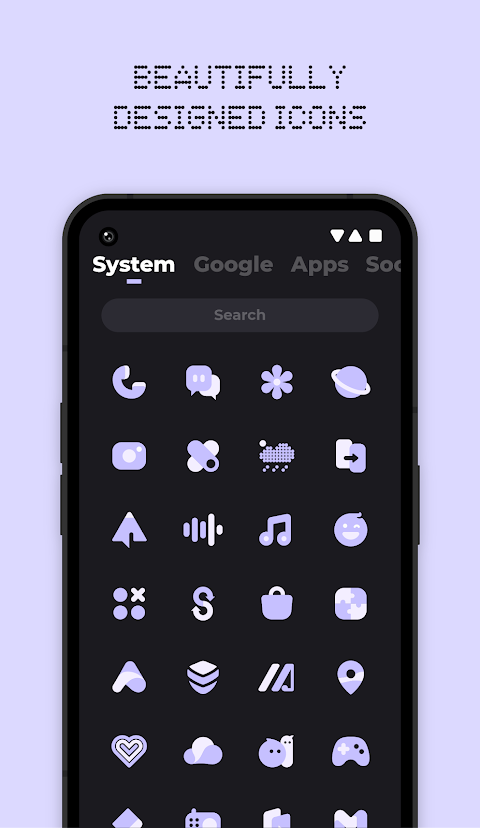
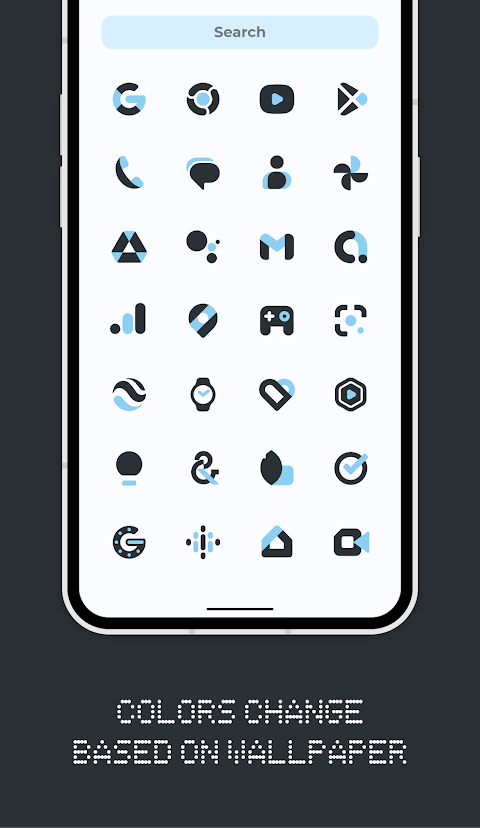
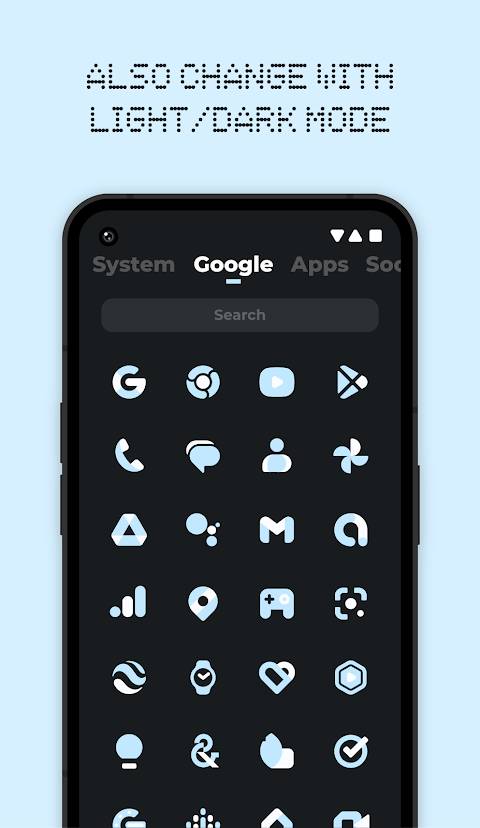
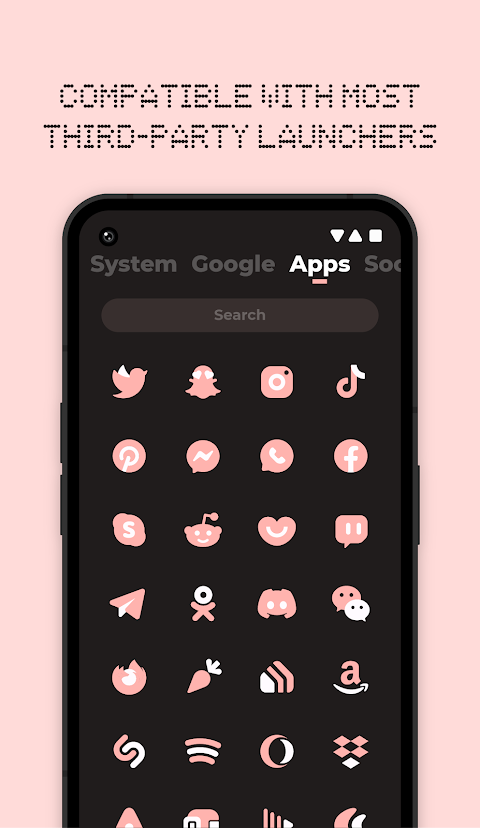
Everything You Icons & Widgets brings a fresh take on customizing your device with a unique set of Material You icons and Native widgets. This app features shapeless icons that change to match your wallpaper and the system's accent colors. It also adapts to light/dark mode, making it easy for you to create a clean, modern aesthetic on your screen.
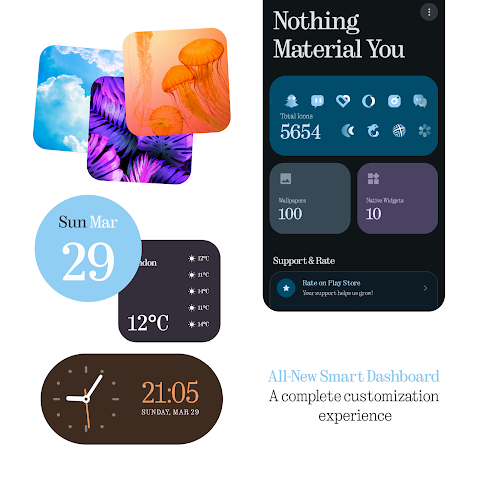
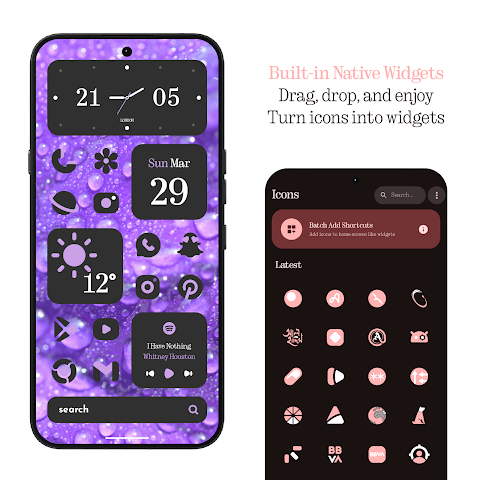
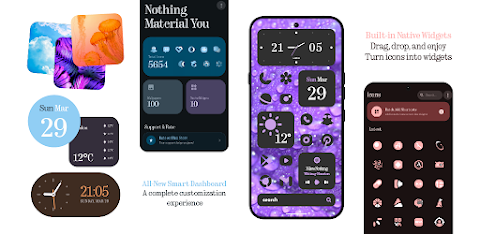
With over 5800 Material You icons included, the app provides a wide variety of designs to choose from. The all-new dashboard gives you a fresh, modern interface that enhances your user experience. Plus, KWGT is not required, allowing you to enjoy a seamless design with Native widgets.
You will find brand-new widgets for the weather, clock, calendar, battery, and music, all designed to fit well with the rest of your home screen. The icon widgets allow you to add standalone app icons directly to your home screen, making your navigation easy and efficient.
To make your device truly unique, you can also use exclusive live wallpapers and cloud wallpapers. These features help bring your screen to life while allowing you to perfect your setup. If you ever miss an icon, the premium requests feature ensures you can get those themed faster, providing a 100% guarantee.
Using Everything You Icons & Widgets is simple. First, you need to install a supported launcher. Supported launchers include popular options like Nothing Launcher, Nova Launcher, Lawnchair Launcher, Niagara Launcher, and Smart Launcher 6, among others. Once you have a launcher installed, open Everything You Icons, navigate to the apply section, and select your launcher to apply the icons.
If you want to change the colors of the icons, simply change your wallpaper or accent system. You'll need to reapply the icon pack or switch to another icon pack before returning to this one. Changing to light/dark mode follows a similar process. After you adjust your device theme, reapply the icon pack to see the changes.
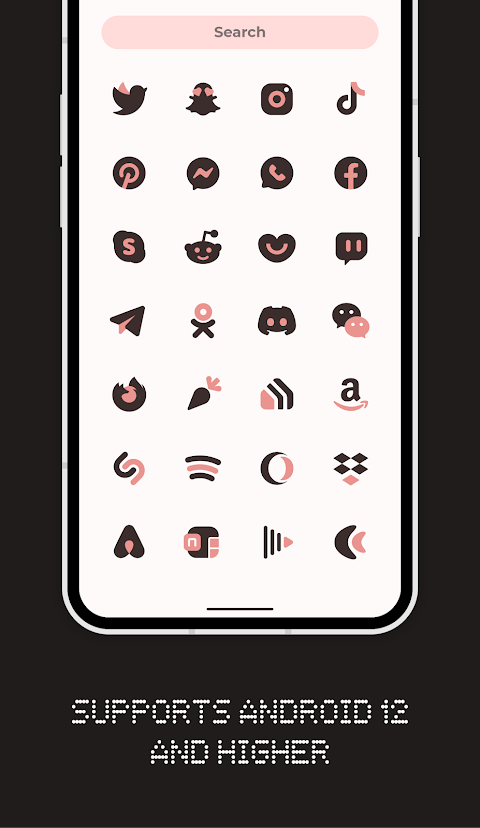
For the colors to change automatically, you need to use specific launchers like Smart Launcher 6, Lawnchair Launcher, Hyperion, Nova Launcher, Niagara Launcher, Stario Launcher, or Octopi Launcher. Please note that this feature only works on Android 12 and above.
If you use Pixel Launcher, which is stock on Pixel devices, you can still work with app icon widgets. For those on the stock One UI Launcher, Theme Park is a suitable option. Keep in mind that the Motorola Launcher does not support shapeless icons, so this icon pack will not work with it.
Everything You Icons & Widgets also includes an icon request tool, so you can easily request the icons you need. Regular updates ensure that the app stays fresh and your icons remain relevant. If you have any questions, a tutorials section inside the app can guide you, so be sure to check that out before reaching out for help.
In summary, everything you need to enhance your device's aesthetic and functionality is available in Everything You Icons & Widgets. Enjoy a modern, clean look with an easy way to customize your experience.
With over 5800 Material You icons included, the app provides a wide variety of designs to choose from. The all-new dashboard gives you a fresh, modern interface that enhances your user experience. Plus, KWGT is not required, allowing you to enjoy a seamless design with Native widgets.
You will find brand-new widgets for the weather, clock, calendar, battery, and music, all designed to fit well with the rest of your home screen. The icon widgets allow you to add standalone app icons directly to your home screen, making your navigation easy and efficient.
To make your device truly unique, you can also use exclusive live wallpapers and cloud wallpapers. These features help bring your screen to life while allowing you to perfect your setup. If you ever miss an icon, the premium requests feature ensures you can get those themed faster, providing a 100% guarantee.
Using Everything You Icons & Widgets is simple. First, you need to install a supported launcher. Supported launchers include popular options like Nothing Launcher, Nova Launcher, Lawnchair Launcher, Niagara Launcher, and Smart Launcher 6, among others. Once you have a launcher installed, open Everything You Icons, navigate to the apply section, and select your launcher to apply the icons.
If you want to change the colors of the icons, simply change your wallpaper or accent system. You'll need to reapply the icon pack or switch to another icon pack before returning to this one. Changing to light/dark mode follows a similar process. After you adjust your device theme, reapply the icon pack to see the changes.
For the colors to change automatically, you need to use specific launchers like Smart Launcher 6, Lawnchair Launcher, Hyperion, Nova Launcher, Niagara Launcher, Stario Launcher, or Octopi Launcher. Please note that this feature only works on Android 12 and above.
If you use Pixel Launcher, which is stock on Pixel devices, you can still work with app icon widgets. For those on the stock One UI Launcher, Theme Park is a suitable option. Keep in mind that the Motorola Launcher does not support shapeless icons, so this icon pack will not work with it.
Everything You Icons & Widgets also includes an icon request tool, so you can easily request the icons you need. Regular updates ensure that the app stays fresh and your icons remain relevant. If you have any questions, a tutorials section inside the app can guide you, so be sure to check that out before reaching out for help.
In summary, everything you need to enhance your device's aesthetic and functionality is available in Everything You Icons & Widgets. Enjoy a modern, clean look with an easy way to customize your experience.

Paddon Icon Pack
Reacstor
$2.69
$1.39
Pixel Pie 3D – Icon Pack
Olivera Onias Design
$1.99
$1.00
Peek Display – Always On
heitezy
$2.99
$1.05