
$2.99
$1.05
65% Off
Peek Display – Always On
heitezy


About the App
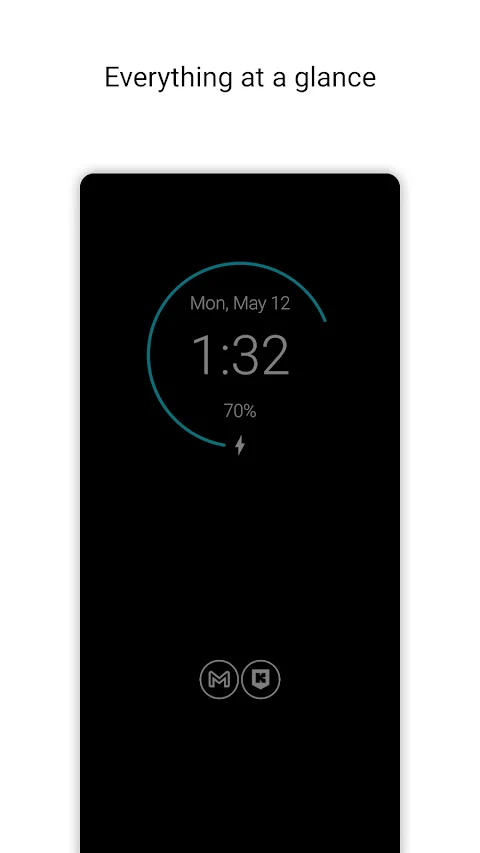
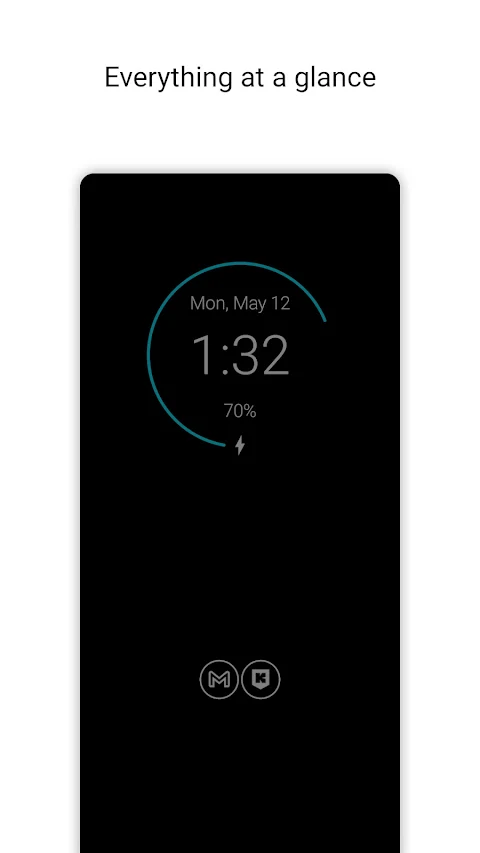
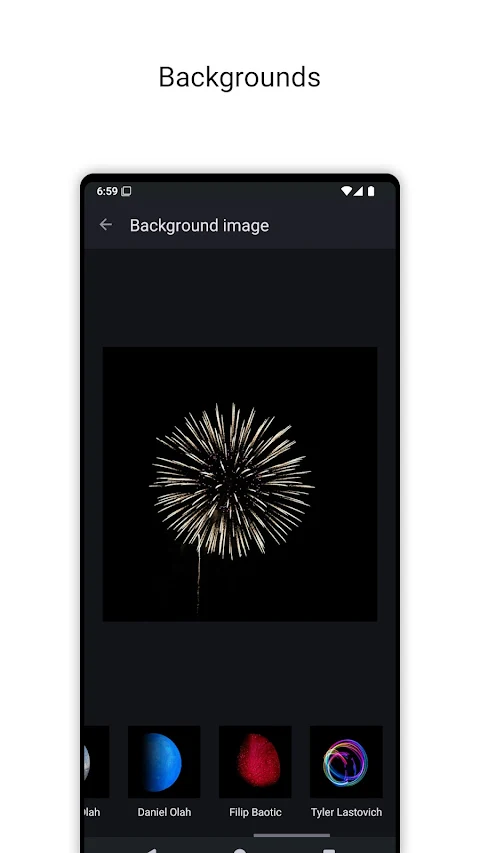
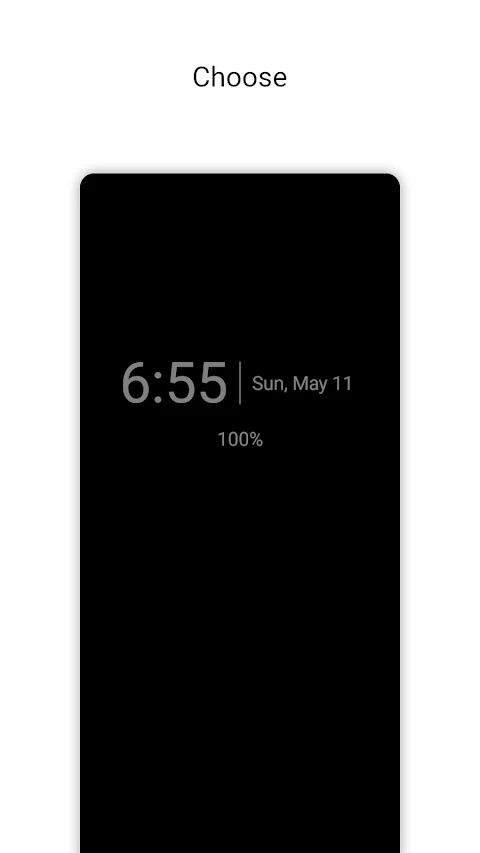
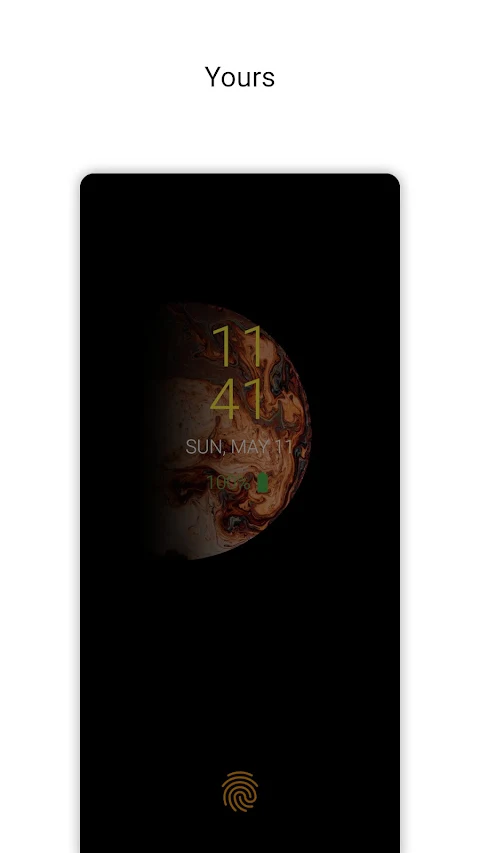
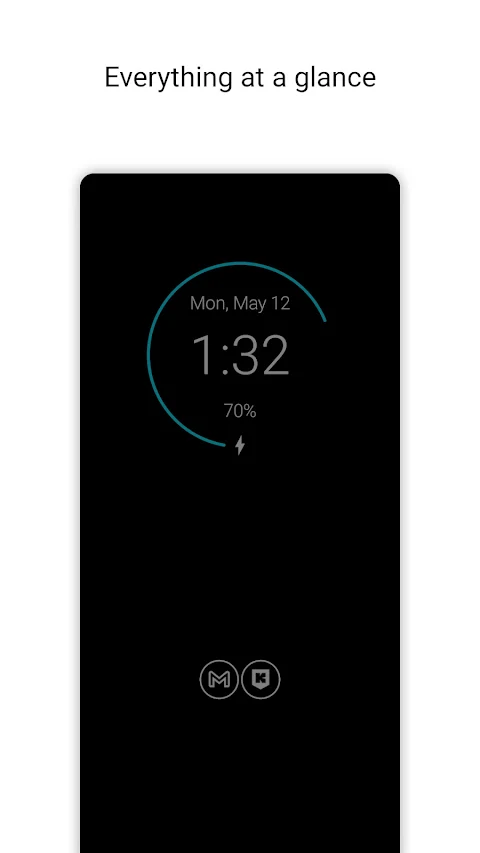
Peek Display – Smart Always-On Display & Notifications is here to make your phone smarter and always in style. This app offers a beautifully designed, battery-friendly Always-On Display that works great on AMOLED and OLED screens and is fully functional on IPS displays too. With Peek Display, you can see all the important information at a glance without needing to unlock your device. This includes the time, date, battery level, music info, and notifications, all shown in a sleek and customizable interface.
Peek Display isn’t just another AOD; it acts as your personal, always-available companion. It is designed with privacy and performance in mind. The app is completely ad-free, works offline, does not track you, and requires minimal permissions. You only need to make a one-time purchase—there are no subscriptions or interruptions to deal with.
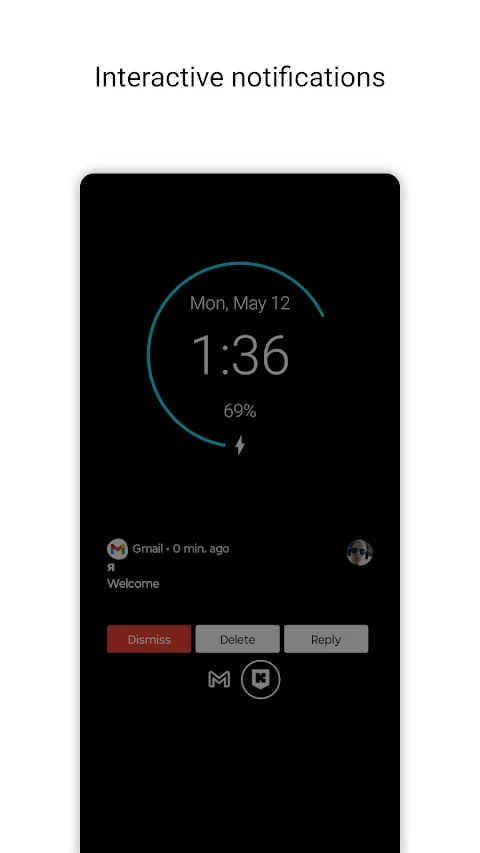
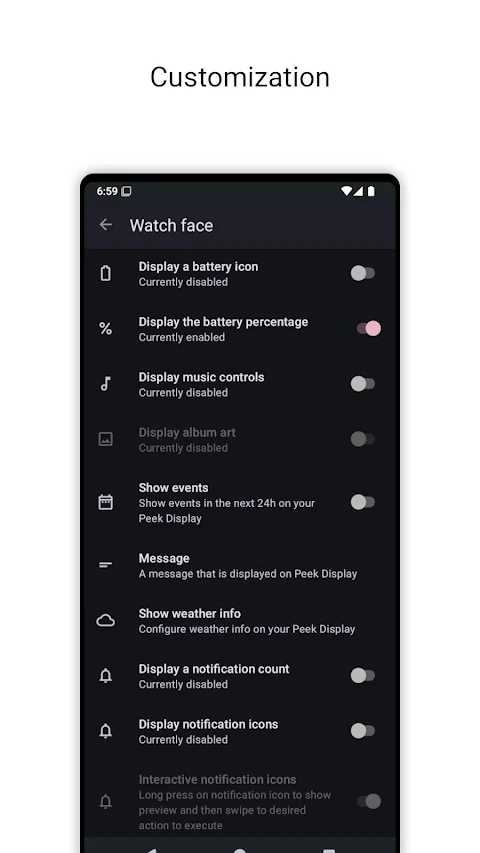
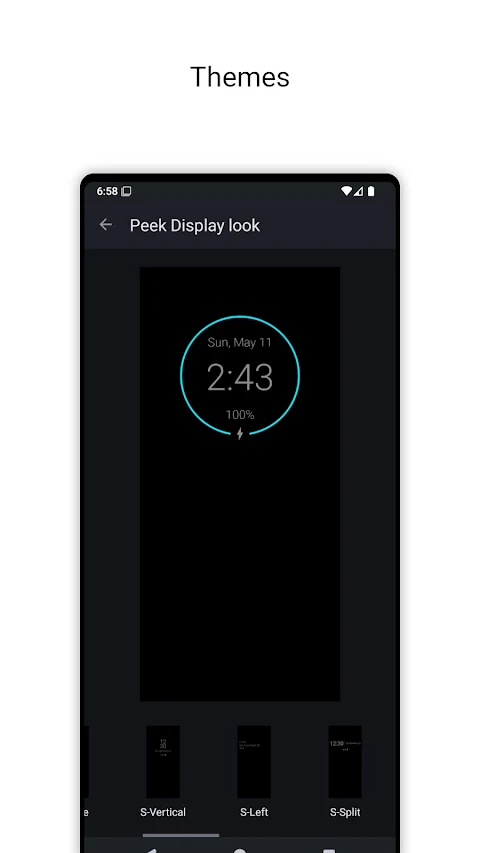
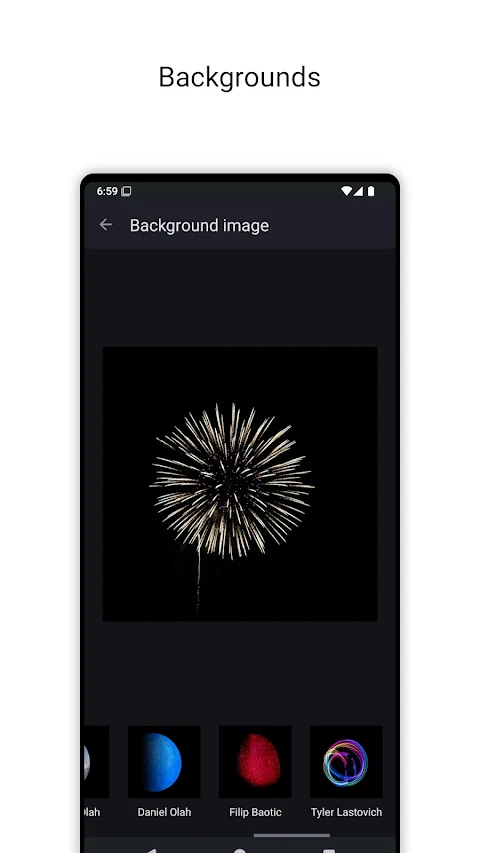
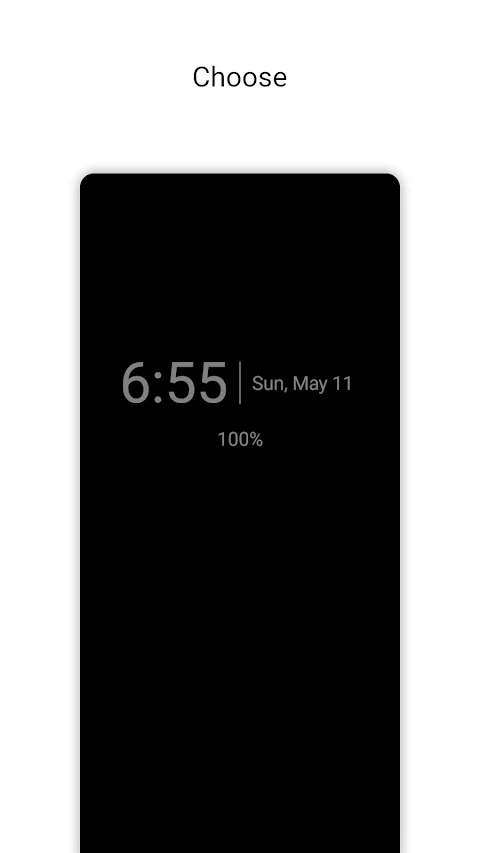
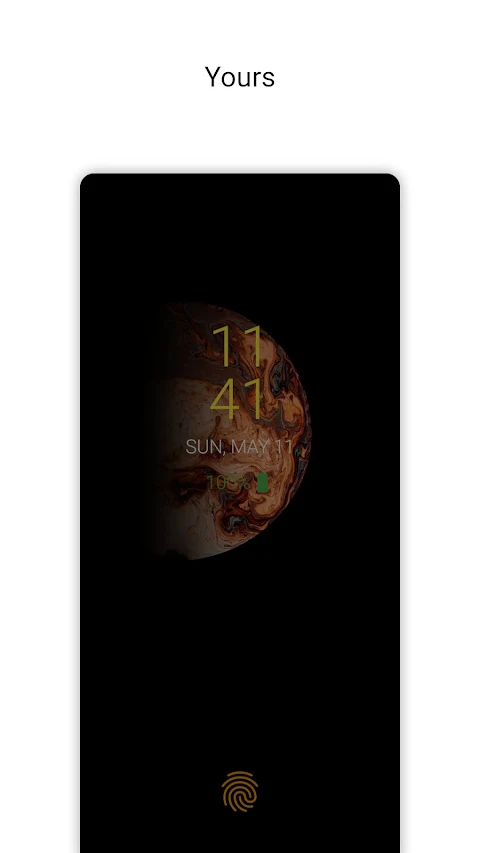
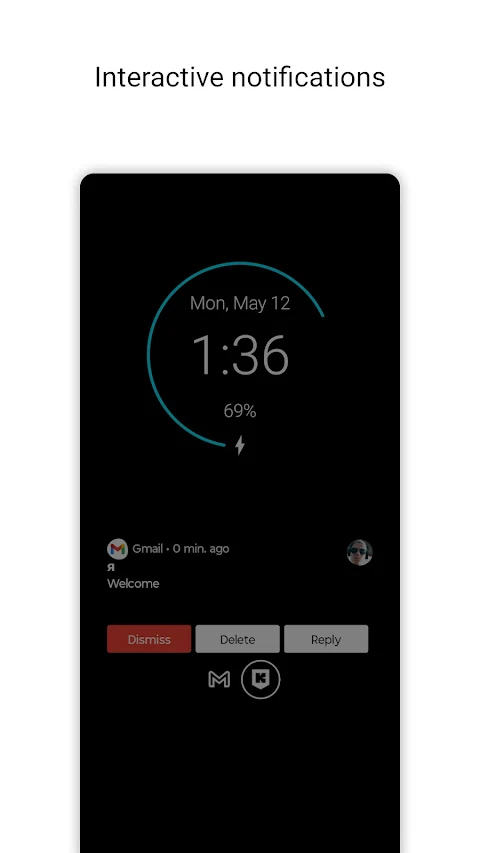
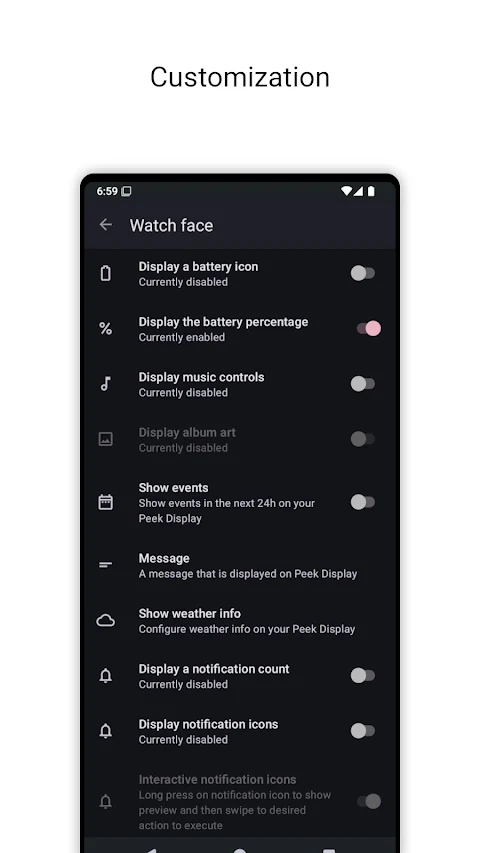
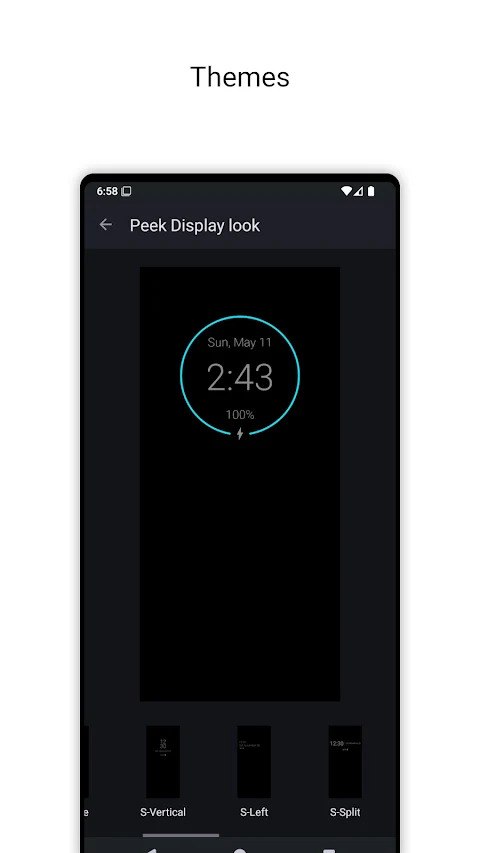
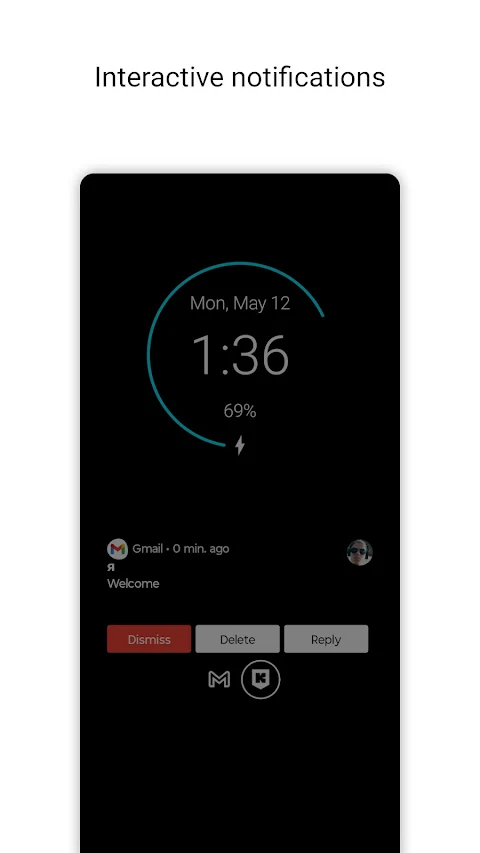
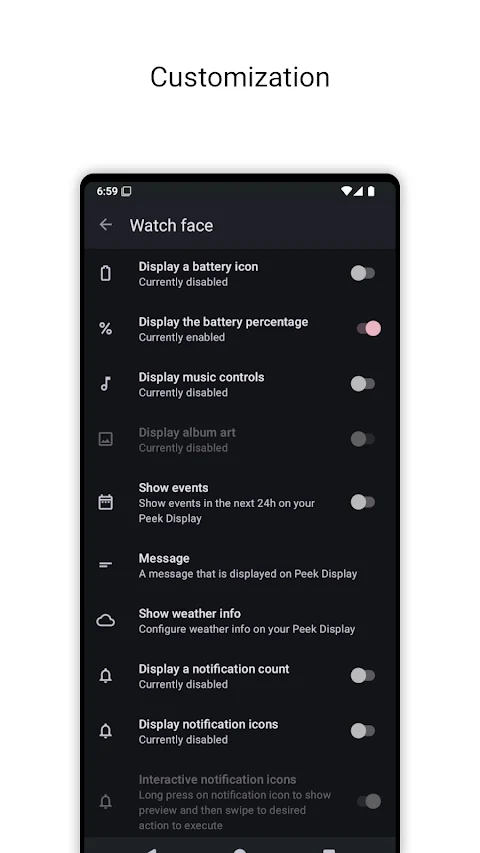
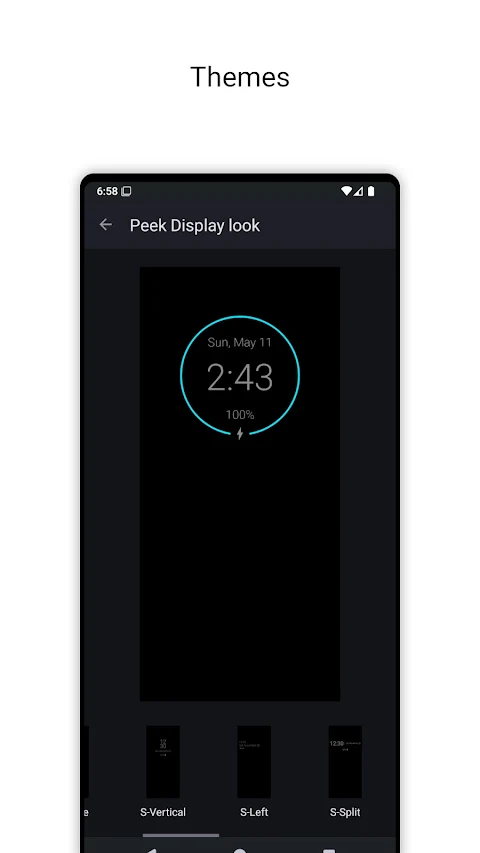
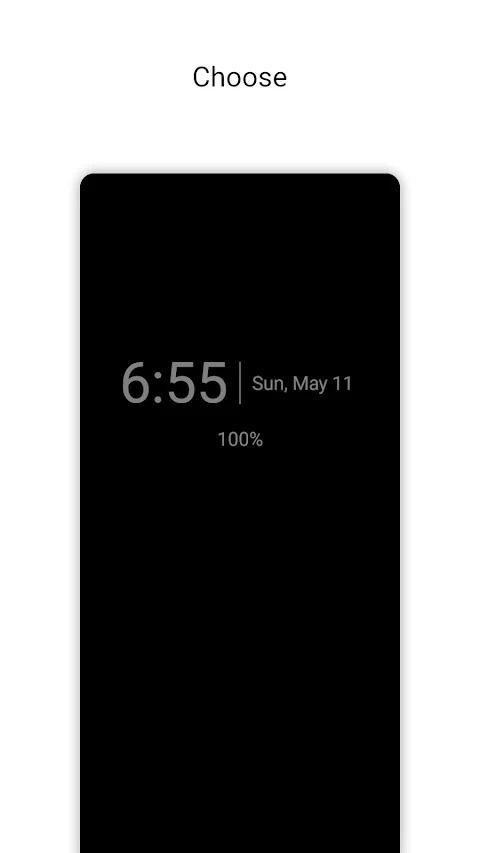
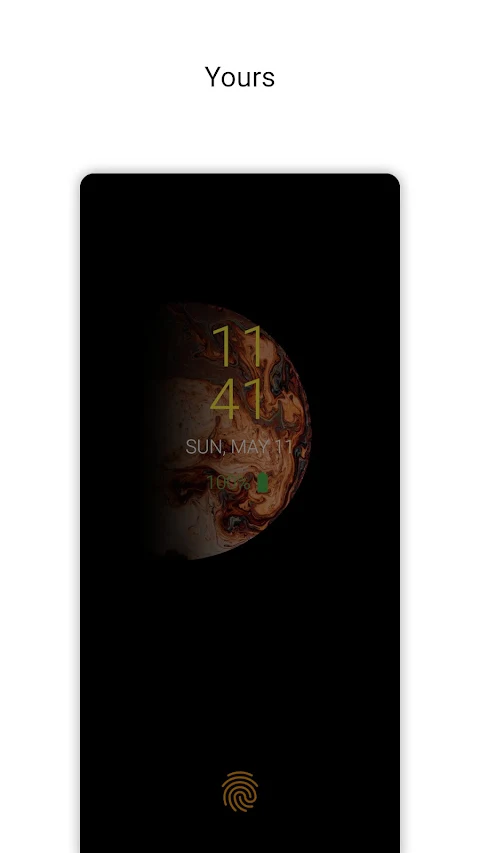
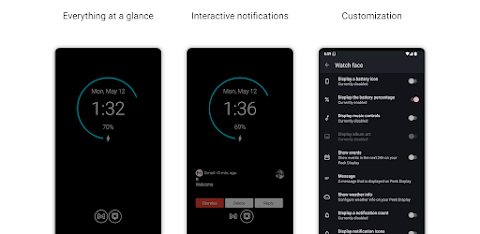
One of the key features of Peek Display is its varied Always-On Display styles that are both elegant and minimal. You can choose from multiple customizable watch faces that suit your style. The app also includes interactive notification previews, allowing you to manage alerts without unlocking your phone.
For music lovers, Peek Display showcases a Now Playing feature that displays music info nicely. You will also notice eye-catching edge glow alerts that catch your attention easily. The app supports gesture-based interaction, which lets you control the features smoothly, and this can be fully customized to your liking.
Peek Display includes smart modes for added convenience, such as pocket mode functionality, pick-up wake feature, and double tap to wake. You can also take advantage of rule-based behavior to customize when and how Peek activates. The app is integrated with Do Not Disturb, helping you focus without distractions.
Another benefit is the adjustable brightness settings, making it easy to use during day and night. You can even add a home screen widget and a quick settings tile for easy access. For those interested in saving battery life, there’s an optional power saver mode, although it requires root access.
The app includes burn-in prevention techniques that shift the content periodically to protect your screen. Peek Display is also available in 21 languages, ensuring multilingual support for users around the globe. Regular updates bring new features and customization options to enhance your experience continually.
Privacy is a top priority with Peek Display. It works entirely offline, doesn’t require an internet connection, and never collects or shares your personal data. With a no ads experience and lightweight performance, it’s a user-friendly option that transforms your phone into a smart, ambient companion.
Get Peek Display today and enjoy the perfect blend of elegance, utility, and privacy, all while knowing you have control over your device.
Peek Display isn’t just another AOD; it acts as your personal, always-available companion. It is designed with privacy and performance in mind. The app is completely ad-free, works offline, does not track you, and requires minimal permissions. You only need to make a one-time purchase—there are no subscriptions or interruptions to deal with.
One of the key features of Peek Display is its varied Always-On Display styles that are both elegant and minimal. You can choose from multiple customizable watch faces that suit your style. The app also includes interactive notification previews, allowing you to manage alerts without unlocking your phone.
For music lovers, Peek Display showcases a Now Playing feature that displays music info nicely. You will also notice eye-catching edge glow alerts that catch your attention easily. The app supports gesture-based interaction, which lets you control the features smoothly, and this can be fully customized to your liking.
Peek Display includes smart modes for added convenience, such as pocket mode functionality, pick-up wake feature, and double tap to wake. You can also take advantage of rule-based behavior to customize when and how Peek activates. The app is integrated with Do Not Disturb, helping you focus without distractions.
Another benefit is the adjustable brightness settings, making it easy to use during day and night. You can even add a home screen widget and a quick settings tile for easy access. For those interested in saving battery life, there’s an optional power saver mode, although it requires root access.
The app includes burn-in prevention techniques that shift the content periodically to protect your screen. Peek Display is also available in 21 languages, ensuring multilingual support for users around the globe. Regular updates bring new features and customization options to enhance your experience continually.
Privacy is a top priority with Peek Display. It works entirely offline, doesn’t require an internet connection, and never collects or shares your personal data. With a no ads experience and lightweight performance, it’s a user-friendly option that transforms your phone into a smart, ambient companion.
Get Peek Display today and enjoy the perfect blend of elegance, utility, and privacy, all while knowing you have control over your device.

Dots Live Wallpaper – Battery
JustNewDesigns
$1.49
FREE
Glass Icons
NARIK DESIGN
$0.99
$0.49
Lumbre – Icon Pack
Olivera Onias Design
$0.99
$0.10