
$1.99
$1.00
50% Off
Pixel Pie 3D – Icon Pack
Olivera Onias Design



About the App
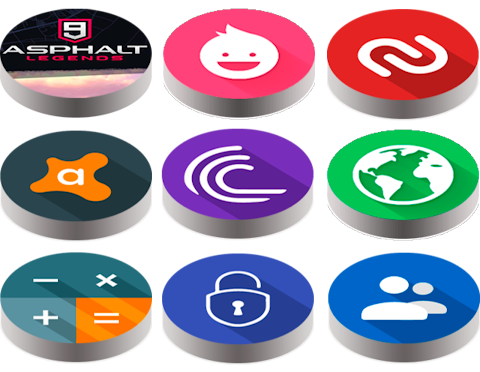
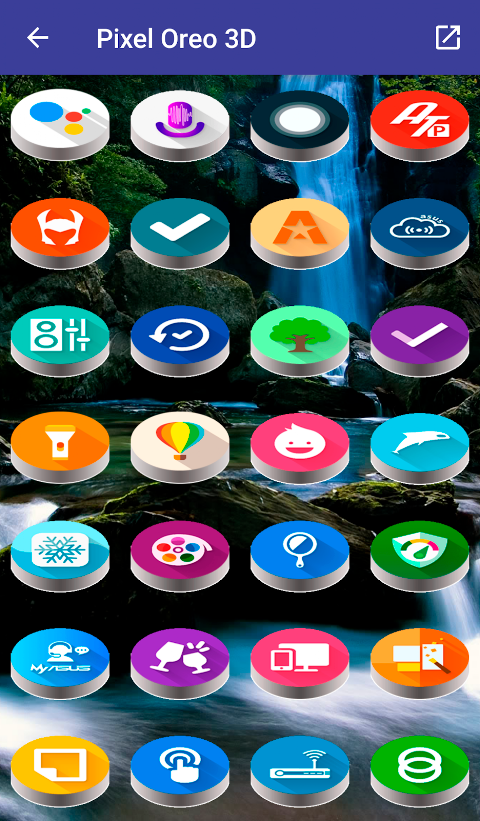
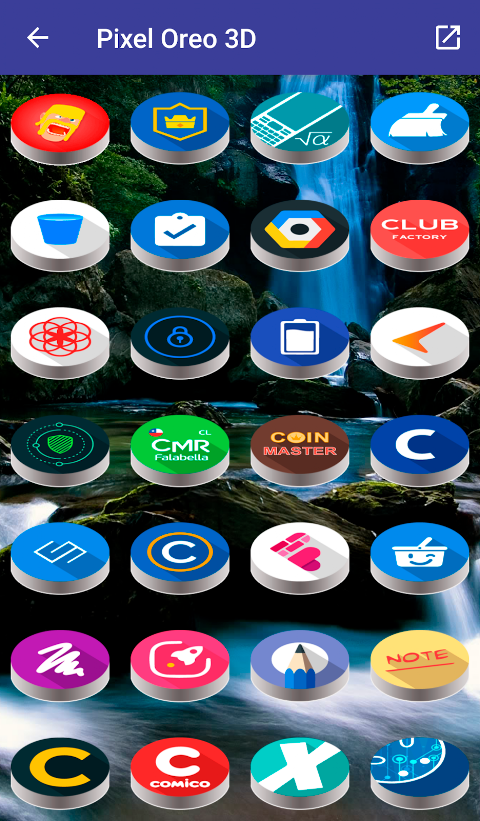
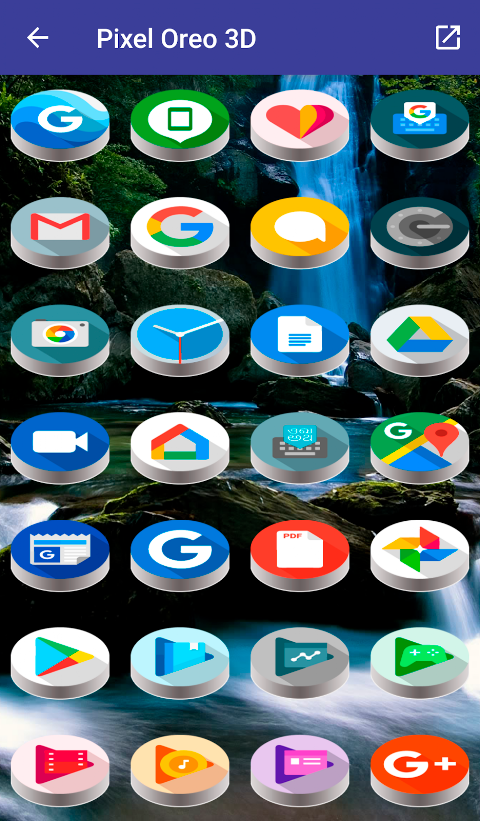
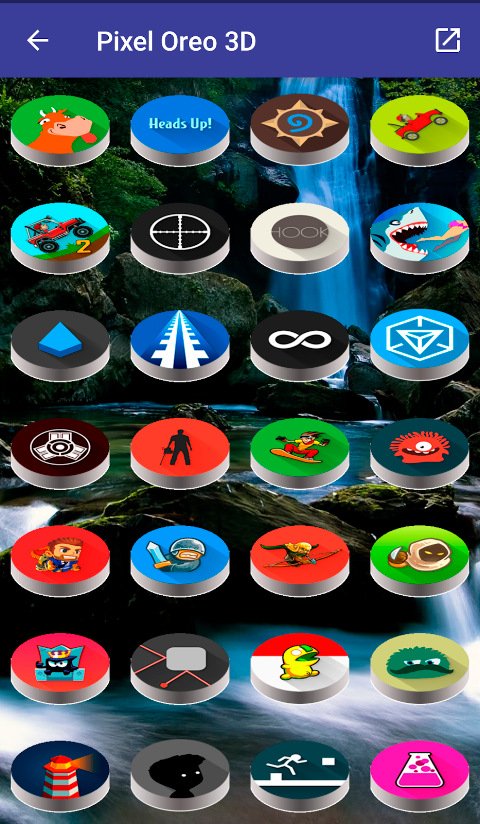
Pixel Pie 3D - Icon Pack offers a vast selection of custom icons, providing a fresh and different style for your phone's display. To use this icon pack, all you need is a launcher; it adds unique flair to your apps and home screen.
Getting started with Pixel Pie 3D is straightforward. Open the app and look for the menu in the upper left corner. From there, select "set" or "apply." You will see a list of supported launchers, with your installed ones appearing first. Choose your preferred launcher and press accept. If you haven’t installed a launcher yet, selecting one will direct you to its download link. You can also open your launcher directly and apply the Pixel Pie 3D Icon Pack from there.
This icon pack includes over 7,500 custom icons designed with a resolution of 192x192 pixels, ensuring clear and vibrant graphics. You’ll find support for popular launchers like Nova launcher and Smart launcher, making it easy to integrate the new designs into your device. There is also compatibility with several others, such as Apex launcher icons, ADW launcher icons, Abc launcher, and Action launcher.
One handy feature is the intelligent icon request via email. If you find that a particular icon is missing, you can easily reach out for it. However, please note that Go launcher has limitations regarding icon masking issues, which may impact how some icons appear when applied.
Pixel Pie 3D uses the CandyBar board, allowing for a customizable experience. The app also includes Muzei support, which is great for those who enjoy dynamic backgrounds. Whether you prefer a clean layout or a more vibrant look, you can adjust your settings based on your preferences.
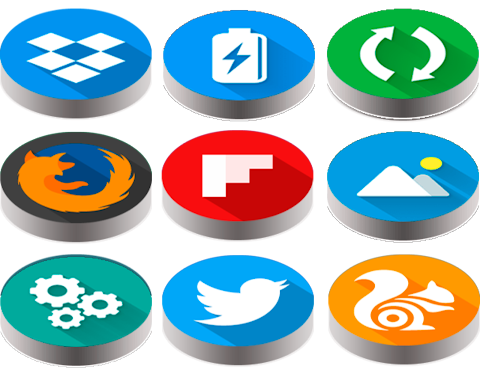
The icons feature a 3D style inspired by Oreo 8.0, which adds a modern touch to your home screen. To ensure everyone can enjoy this app, the interface supports several languages, making it accessible to a wider audience.
Keep in mind that Pixel Pie 3D is not compatible with the default launcher found on Samsung or Huawei phones. You will need to install a third-party launcher to enjoy the benefits of this icon pack. Setting your launcher preference is easy, and you can refer to the icon pack installation guide for any additional help.
With the dynamic calendar feature included, you can keep track of your important dates while enjoying a visually appealing layout. Whether you’re looking to spruce up your phone's look or simply enjoy a different style of icons, Pixel Pie 3D - Icon Pack makes it easy and fun.
Getting started with Pixel Pie 3D is straightforward. Open the app and look for the menu in the upper left corner. From there, select "set" or "apply." You will see a list of supported launchers, with your installed ones appearing first. Choose your preferred launcher and press accept. If you haven’t installed a launcher yet, selecting one will direct you to its download link. You can also open your launcher directly and apply the Pixel Pie 3D Icon Pack from there.
This icon pack includes over 7,500 custom icons designed with a resolution of 192x192 pixels, ensuring clear and vibrant graphics. You’ll find support for popular launchers like Nova launcher and Smart launcher, making it easy to integrate the new designs into your device. There is also compatibility with several others, such as Apex launcher icons, ADW launcher icons, Abc launcher, and Action launcher.
One handy feature is the intelligent icon request via email. If you find that a particular icon is missing, you can easily reach out for it. However, please note that Go launcher has limitations regarding icon masking issues, which may impact how some icons appear when applied.
Pixel Pie 3D uses the CandyBar board, allowing for a customizable experience. The app also includes Muzei support, which is great for those who enjoy dynamic backgrounds. Whether you prefer a clean layout or a more vibrant look, you can adjust your settings based on your preferences.
The icons feature a 3D style inspired by Oreo 8.0, which adds a modern touch to your home screen. To ensure everyone can enjoy this app, the interface supports several languages, making it accessible to a wider audience.
Keep in mind that Pixel Pie 3D is not compatible with the default launcher found on Samsung or Huawei phones. You will need to install a third-party launcher to enjoy the benefits of this icon pack. Setting your launcher preference is easy, and you can refer to the icon pack installation guide for any additional help.
With the dynamic calendar feature included, you can keep track of your important dates while enjoying a visually appealing layout. Whether you’re looking to spruce up your phone's look or simply enjoy a different style of icons, Pixel Pie 3D - Icon Pack makes it easy and fun.
Pixel OLED: Watch face
amoledwatchfaces™
$1.49
$0.75

ZKin Watch Smooth Machinery
ZKin
$2.99
$0.99
Metal Circle – Icon Pack
Olivera Onias Design
$0.99
$0.20