
$0.99
FREE
100% Off
EmeraLine – Icon Pack
Panoto Gomo



About the App
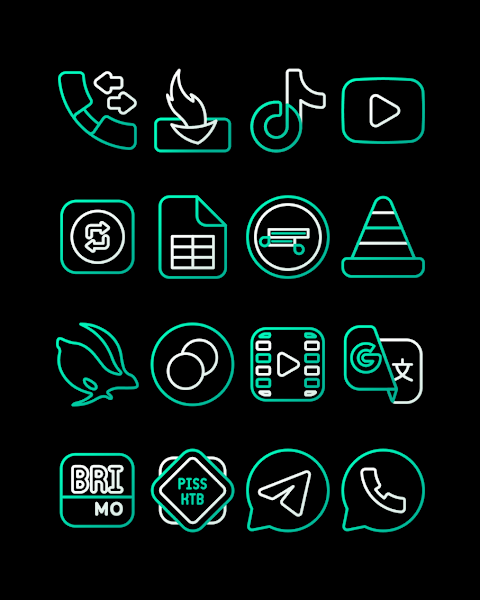
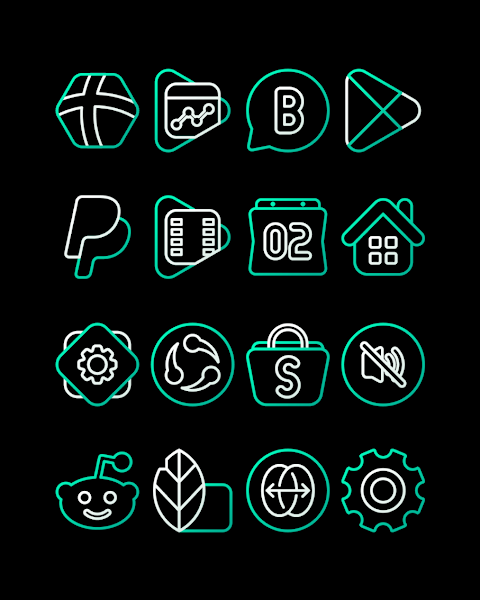
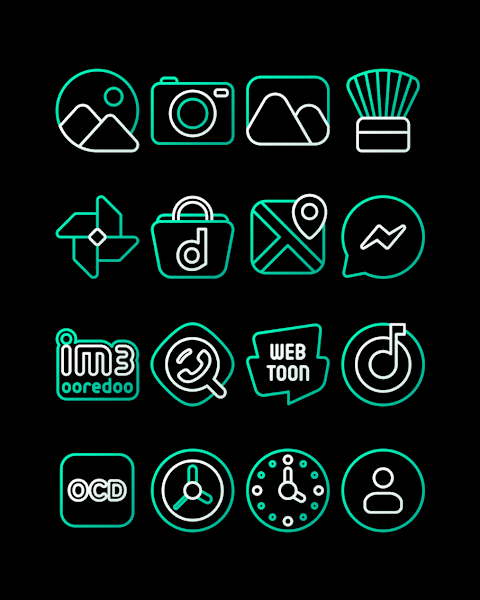
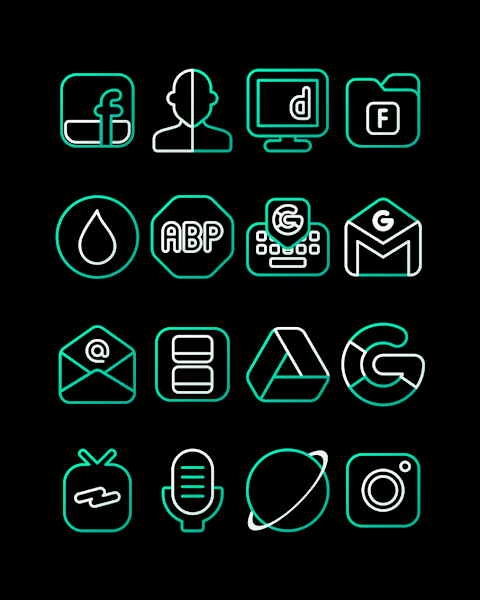
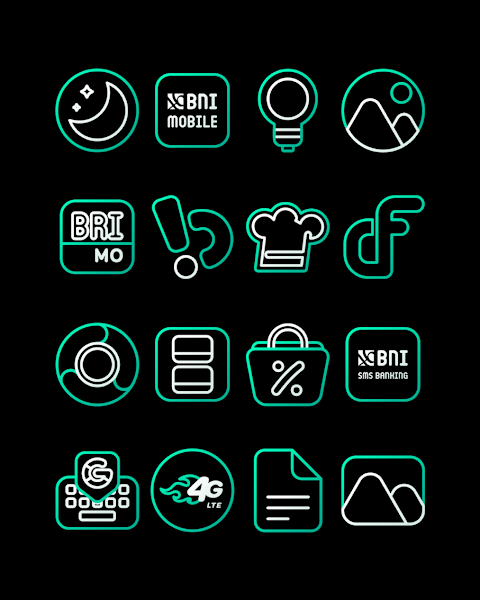
EmeraLine is an icon pack designed to give your screen a touch of luxury. It features beautiful emerald colored icons that enhance your device's aesthetic. With over 3000 icons in the collection, you have a wide variety of choices to choose from, making it perfect for anyone looking to refresh their home screen.
Each icon in the EmeraLine pack has an HD icon resolution of 256x256px, ensuring crisp and clear visuals. Along with the icons, there are also wallpapers included to further elevate the overall look of your device. The app even offers an icon request feature, allowing users to suggest new icons they'd like to see added to the collection.
Using the EmeraLine icon pack is simple. It supports several popular launchers, such as Nova Launcher and Evie Launcher, among others. To apply the EmeraLine icons, just follow these easy steps:
1. Open the EmeraLine icon pack app.
2. Go to the "Apply Icon Pack" screen.
3. You will see a list of supported launchers. Choose the Nova Launcher or the one installed on your phone.
4. The app will automatically apply the EmeraLine icons to your chosen launcher.
If your launcher doesn't appear while trying to apply the icons, you can also apply it directly from the launcher settings.
For users with Sony Xperia devices, the EmeraLine icon pack can still be applied, but you need to use specific settings. Here’s how:
1. Long press on your main screen.
2. Open the settings menu.
3. Scroll down to find the appearance icon settings.
4. Select the EmeraLine icon pack from the options.
5. That's it! Your Sony Xperia will now use the EmeraLine icons.
Please note that the EmeraLine icon pack only supports Sony Xperia Home Launcher version 10.0.A.0.8 or higher.
EmeraLine also works with a range of other launchers. Besides Nova and Evie, you can use it with Apex Launcher, ADW Launcher, ABC Launcher, Next Launcher, Holo Launcher, Lucid Launcher, M Launcher, Action Launcher, Smart Launcher, Go Launcher, and Zero Launcher. However, it's important to be aware of the icon masking limitations with Go Launcher and Zero Launcher.
This icon pack is a great way to customize your home screen, giving it a modern look with minimalist icon designs. With various icon themes available, you can find the perfect match for your style. Whether you want a subtle change or a bold new look, the EmeraLine icon set for Android can provide you with a visual upgrade for your device.
For more design information, you can follow EmeraLine on social media platforms like Google+, Instagram, and Twitter. You can find us at the provided links to stay updated on new features and designs.
Special thanks to Dani Mahardika for the Candybar Dashboard, which helps make this icon pack possible. Enjoy customizing your device with the luxurious EmeraLine icon pack!
Each icon in the EmeraLine pack has an HD icon resolution of 256x256px, ensuring crisp and clear visuals. Along with the icons, there are also wallpapers included to further elevate the overall look of your device. The app even offers an icon request feature, allowing users to suggest new icons they'd like to see added to the collection.
Using the EmeraLine icon pack is simple. It supports several popular launchers, such as Nova Launcher and Evie Launcher, among others. To apply the EmeraLine icons, just follow these easy steps:
1. Open the EmeraLine icon pack app.
2. Go to the "Apply Icon Pack" screen.
3. You will see a list of supported launchers. Choose the Nova Launcher or the one installed on your phone.
4. The app will automatically apply the EmeraLine icons to your chosen launcher.
If your launcher doesn't appear while trying to apply the icons, you can also apply it directly from the launcher settings.
For users with Sony Xperia devices, the EmeraLine icon pack can still be applied, but you need to use specific settings. Here’s how:
1. Long press on your main screen.
2. Open the settings menu.
3. Scroll down to find the appearance icon settings.
4. Select the EmeraLine icon pack from the options.
5. That's it! Your Sony Xperia will now use the EmeraLine icons.
Please note that the EmeraLine icon pack only supports Sony Xperia Home Launcher version 10.0.A.0.8 or higher.
EmeraLine also works with a range of other launchers. Besides Nova and Evie, you can use it with Apex Launcher, ADW Launcher, ABC Launcher, Next Launcher, Holo Launcher, Lucid Launcher, M Launcher, Action Launcher, Smart Launcher, Go Launcher, and Zero Launcher. However, it's important to be aware of the icon masking limitations with Go Launcher and Zero Launcher.
This icon pack is a great way to customize your home screen, giving it a modern look with minimalist icon designs. With various icon themes available, you can find the perfect match for your style. Whether you want a subtle change or a bold new look, the EmeraLine icon set for Android can provide you with a visual upgrade for your device.
For more design information, you can follow EmeraLine on social media platforms like Google+, Instagram, and Twitter. You can find us at the provided links to stay updated on new features and designs.
Special thanks to Dani Mahardika for the Candybar Dashboard, which helps make this icon pack possible. Enjoy customizing your device with the luxurious EmeraLine icon pack!
Key106 Classic Watch Face
Key Watch Face
$0.49
$0.25

Pix Material Expressive Icons
PashaPuma Design
$1.99
$1.55
Hexadark – Hexa Icon Pack
GomoTheGom
$1.49
$0.29