
$1.49
$0.29
81% Off
Hexadark – Hexa Icon Pack
GomoTheGom


About the App
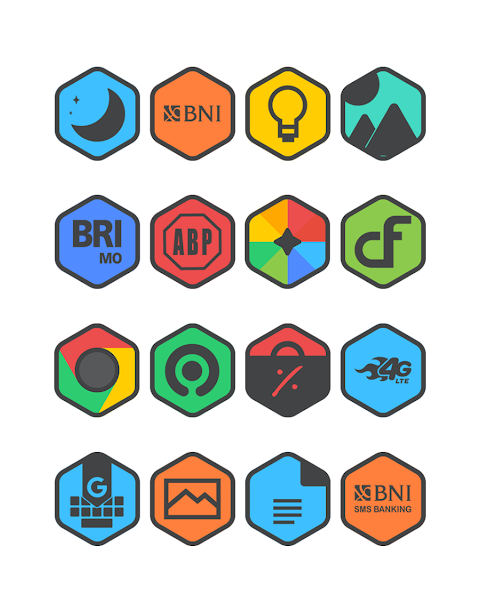
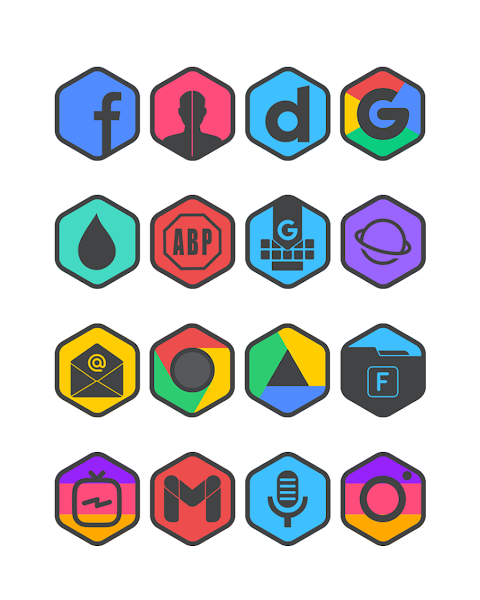
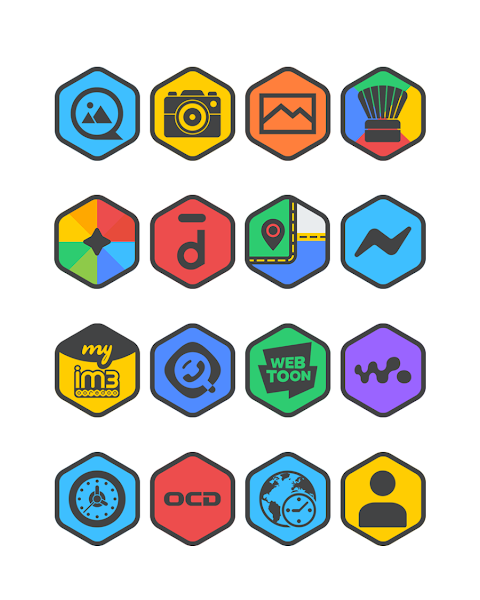
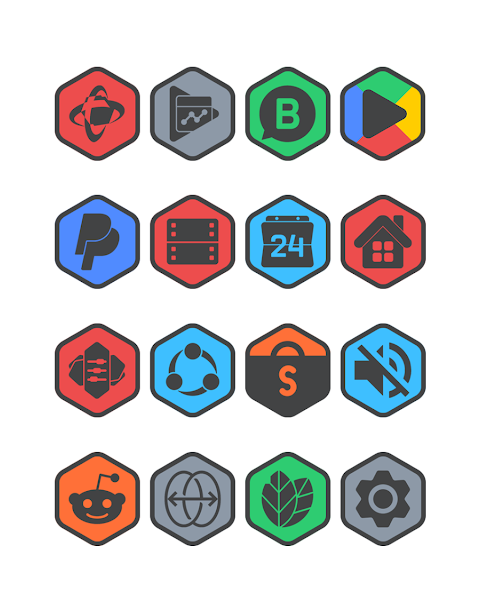
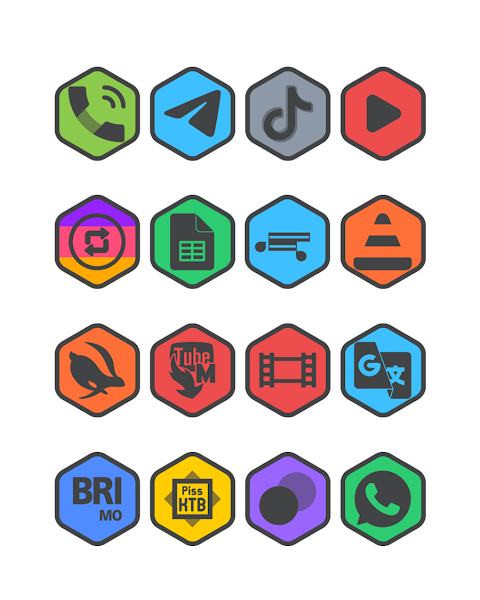
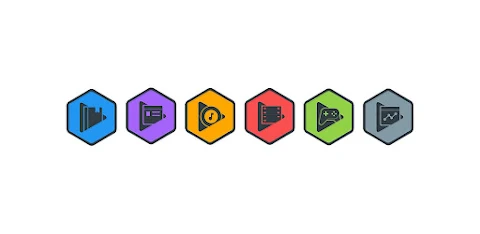
Hexadark is a unique Hexagon Icon Pack designed to make your phone more attractive. If you want to give your device a fresh look with stylish icons, this app is a great choice.
Using Hexadark is straightforward. To apply this Hexagon Icon Pack, you'll need a launcher that supports it. Popular options include Nova Launcher, Evie Launcher, Apex Launcher, and many others. Here’s how to apply Hexadark:
1. Open the Hexadark app on your phone.
2. Go to the Apply Icon Pack screen.
3. You will see a list of supported launchers such as Nova Launcher and Evie Launcher. Select the one you have installed.
4. Hexadark will automatically apply the icons for you.
If you don’t see your launcher listed, you can try applying the icons directly through the launcher settings.
For users of the Sony Xperia Home Launcher, Hexadark can still be applied, but with slightly different steps. You’ll need to:
1. Long press on your main screen.
2. Open the settings menu.
3. Scroll down to find the appearance icon setting.
4. Choose the Hexadark icon pack from there.
5. You’re all set! This will apply the Hexadark icons to your Sony Xperia.
Keep in mind that this icon pack only supports the Sony Xperia Home Launcher version 10.0.A.0.8 or newer.
Hexadark comes with a wide variety of features. It includes over 7000 icons, with a promise of more to come. Each icon has high-definition resolution of 192x192px, which means your phone will look sharp and stylish. If you come across any unthemed icons, there is an icon back feature that ensures they still blend well with the overall theme. Additionally, there are over 36 HD wallpapers available to complement your new icon pack. If you’re looking for something specific, you can take advantage of the icon request feature.
The app also supports a broad list of launchers, including but not limited to Next Launcher, Holo Launcher, Lucid Launcher, M Launcher, Action Launcher, Aviate Launcher, Smart Launcher, Go Launcher (though note it doesn’t support icon masking), and Zero Launcher (also doesn’t support icon masking).
Hexadark is designed for anyone who loves to customize their phone appearance easily. The setup process is user-friendly, making it simple to enhance your device’s look. With Hexadark, you can enjoy unique icon designs that cater to your personal style.
For more design inspiration or updates, you can find us on platforms like Google+, Instagram, and Twitter. Join the community and discover how others are using Hexadark to customize their devices even further.
Transform your phone into something truly special with Hexadark – a Hexagon Icon Pack that ensures each time you unlock your phone, you enjoy a fresh and appealing look!
Using Hexadark is straightforward. To apply this Hexagon Icon Pack, you'll need a launcher that supports it. Popular options include Nova Launcher, Evie Launcher, Apex Launcher, and many others. Here’s how to apply Hexadark:
1. Open the Hexadark app on your phone.
2. Go to the Apply Icon Pack screen.
3. You will see a list of supported launchers such as Nova Launcher and Evie Launcher. Select the one you have installed.
4. Hexadark will automatically apply the icons for you.
If you don’t see your launcher listed, you can try applying the icons directly through the launcher settings.
For users of the Sony Xperia Home Launcher, Hexadark can still be applied, but with slightly different steps. You’ll need to:
1. Long press on your main screen.
2. Open the settings menu.
3. Scroll down to find the appearance icon setting.
4. Choose the Hexadark icon pack from there.
5. You’re all set! This will apply the Hexadark icons to your Sony Xperia.
Keep in mind that this icon pack only supports the Sony Xperia Home Launcher version 10.0.A.0.8 or newer.
Hexadark comes with a wide variety of features. It includes over 7000 icons, with a promise of more to come. Each icon has high-definition resolution of 192x192px, which means your phone will look sharp and stylish. If you come across any unthemed icons, there is an icon back feature that ensures they still blend well with the overall theme. Additionally, there are over 36 HD wallpapers available to complement your new icon pack. If you’re looking for something specific, you can take advantage of the icon request feature.
The app also supports a broad list of launchers, including but not limited to Next Launcher, Holo Launcher, Lucid Launcher, M Launcher, Action Launcher, Aviate Launcher, Smart Launcher, Go Launcher (though note it doesn’t support icon masking), and Zero Launcher (also doesn’t support icon masking).
Hexadark is designed for anyone who loves to customize their phone appearance easily. The setup process is user-friendly, making it simple to enhance your device’s look. With Hexadark, you can enjoy unique icon designs that cater to your personal style.
For more design inspiration or updates, you can find us on platforms like Google+, Instagram, and Twitter. Join the community and discover how others are using Hexadark to customize their devices even further.
Transform your phone into something truly special with Hexadark – a Hexagon Icon Pack that ensures each time you unlock your phone, you enjoy a fresh and appealing look!
Pixel Widget Home
TeamStedia
$1.99
Binary Watch Face
amoledwatchfaces™
$0.99
Analog clock touch
Freiberg watches
$1.49