
$0.99
FREE
100% Off
Resize Image – Resize Photos
Neelam Govind Bhanushali


About the App
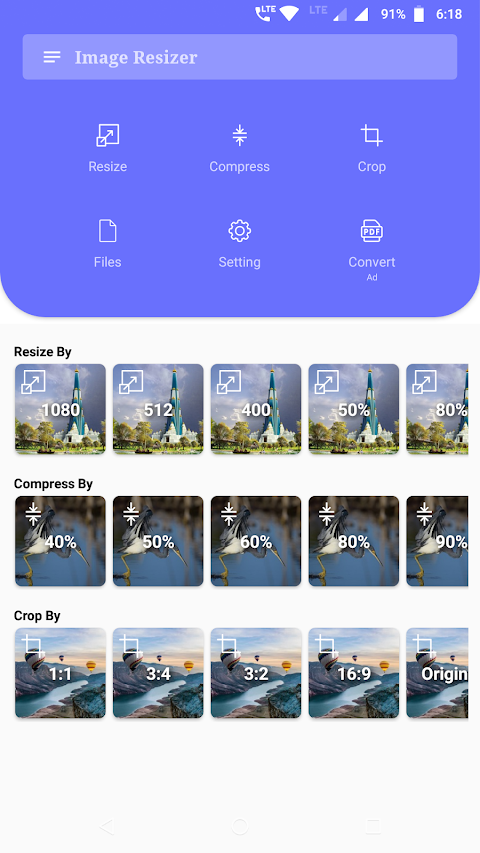
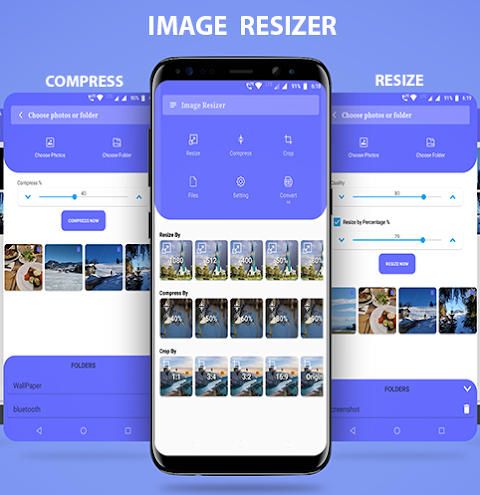
Resize Image - Resize Photos is a helpful Photo Resizer App designed to make managing your pictures easy and efficient. With this app, you can effortlessly resize your photos, compress images, and crop images. This means you can not only adjust your gallery pictures but also save essential storage space on your device.
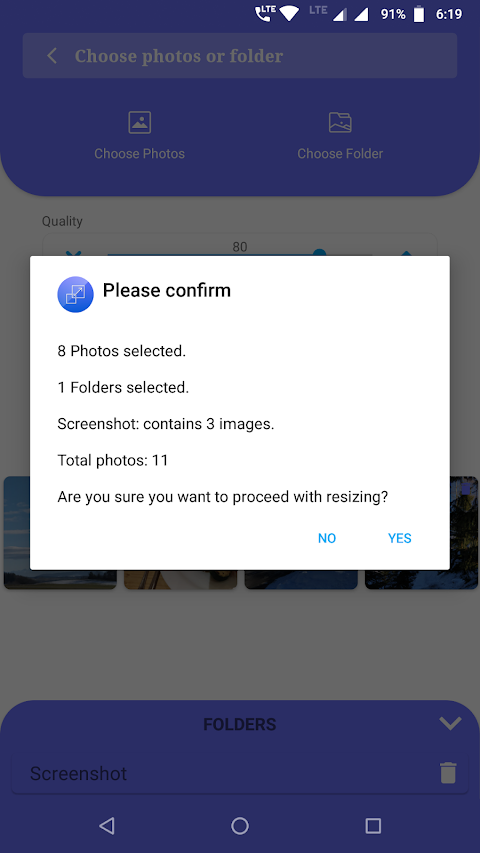
Often, our phone cameras capture high resolution photos that take up a lot of memory. While we want to keep these photos, we often don't view them in their original size and quality. Using the Resize Image app, you can select multiple photos and even choose entire image folders to batch resize or compress all your photos at once. This makes it incredibly convenient to preserve your memories without cluttering your phone's storage.
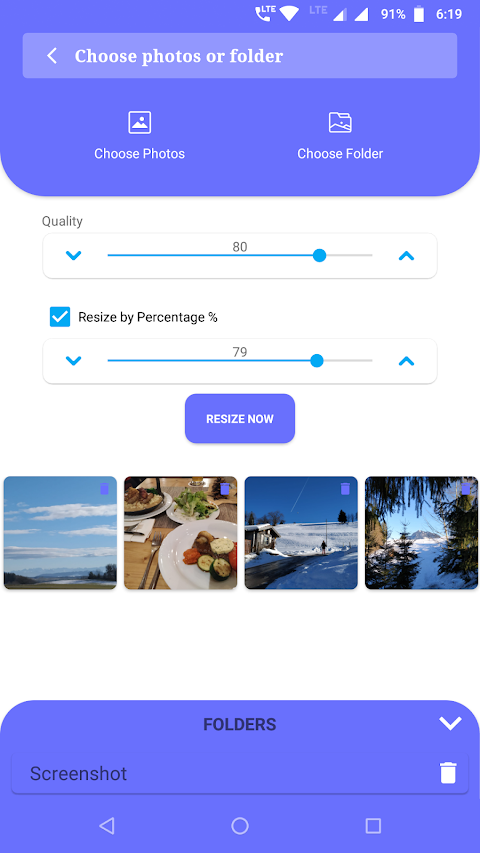
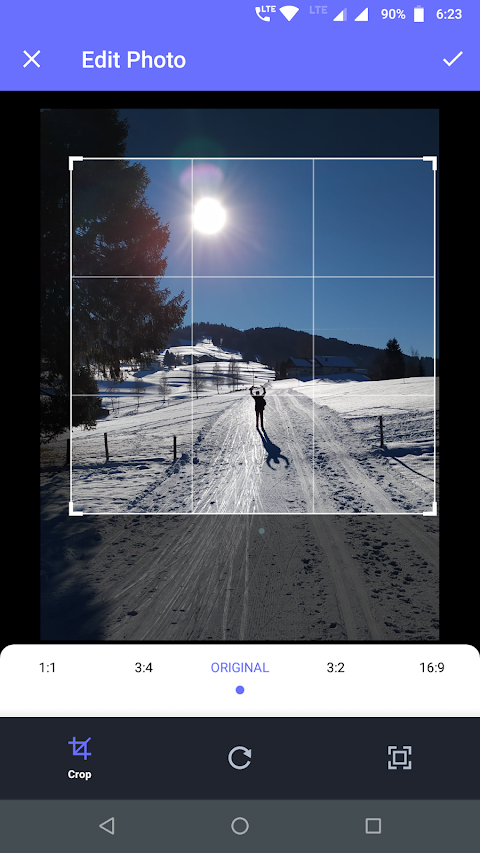
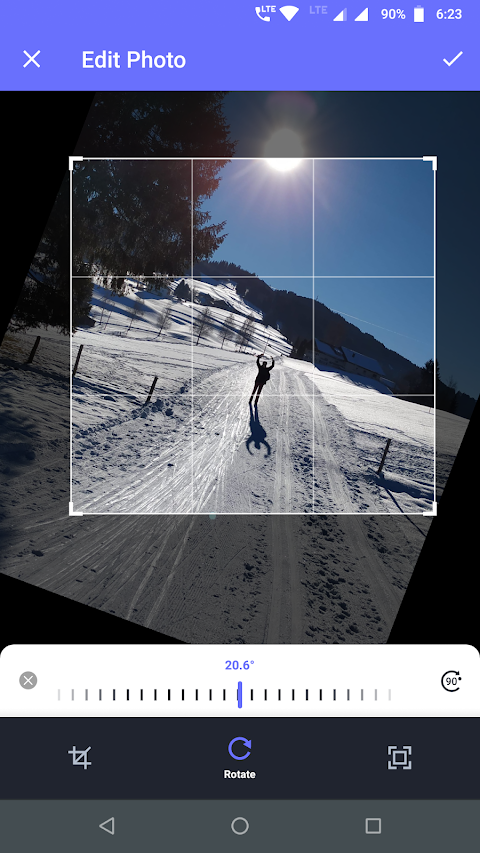
The app offers a user-friendly interface that makes resizing a breeze. You can easily choose custom photo sizes and adjust the quality settings before saving. Whether you prefer your photos in JPEG format or PNG format, the choice is yours. You can also crop images and adjust their sizes to fit your needs perfectly.
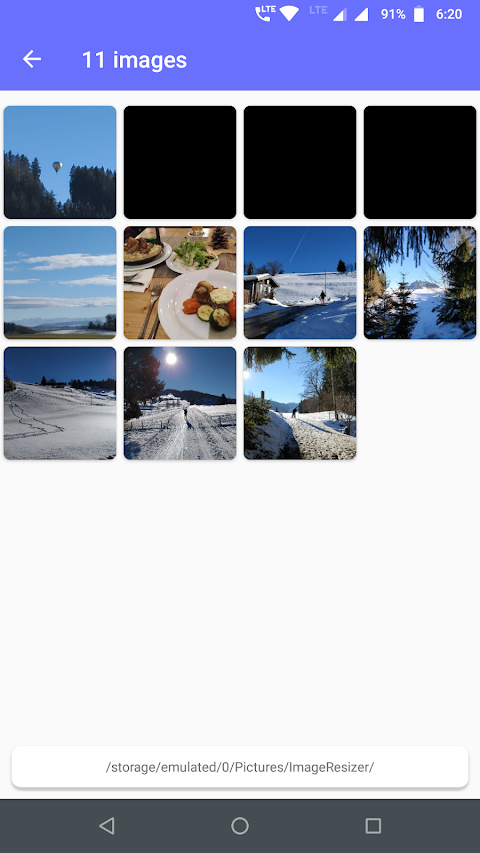
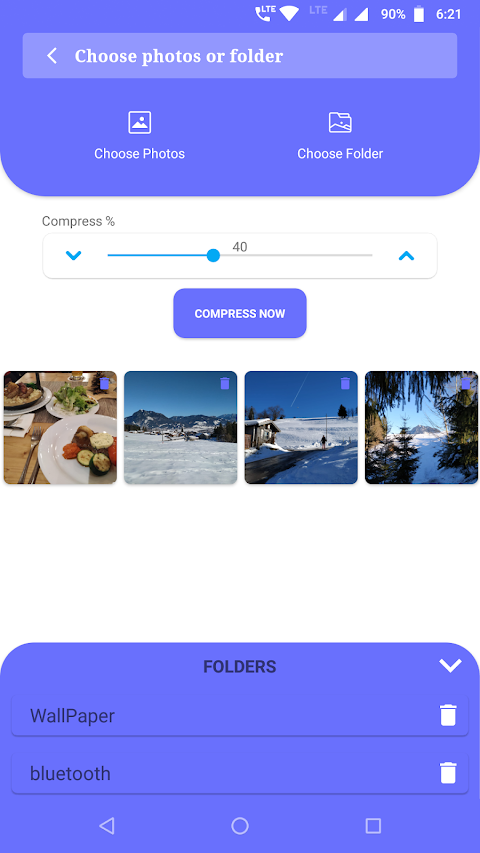
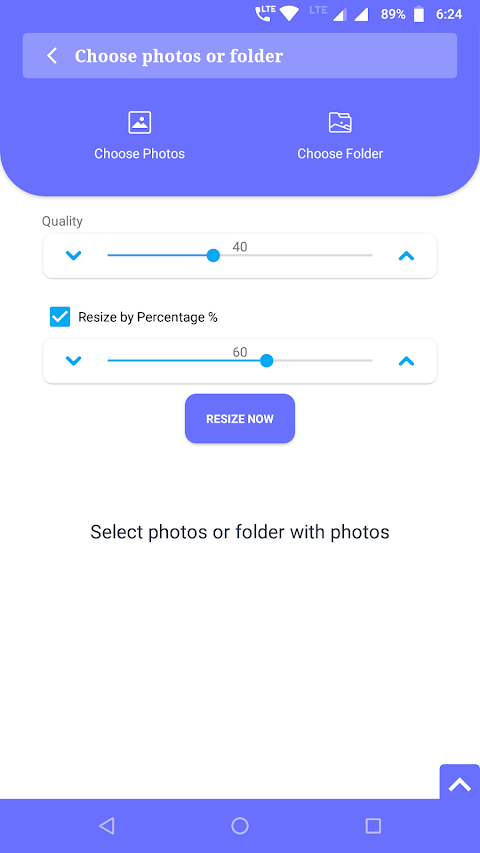
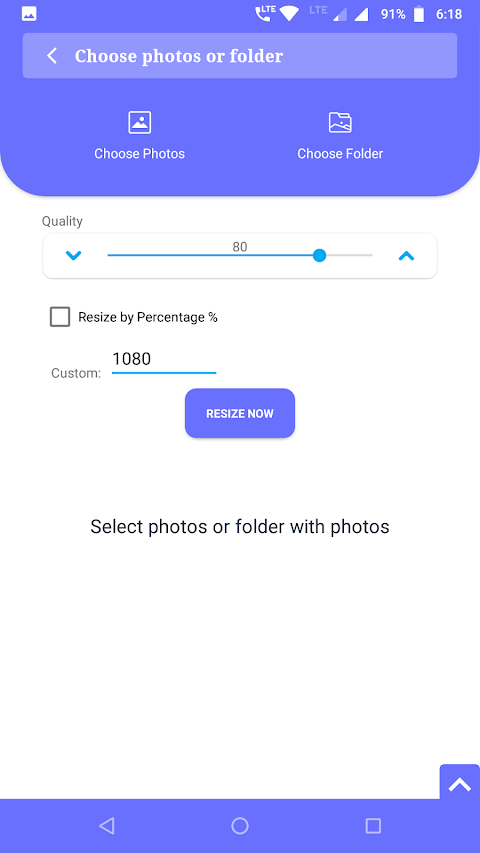
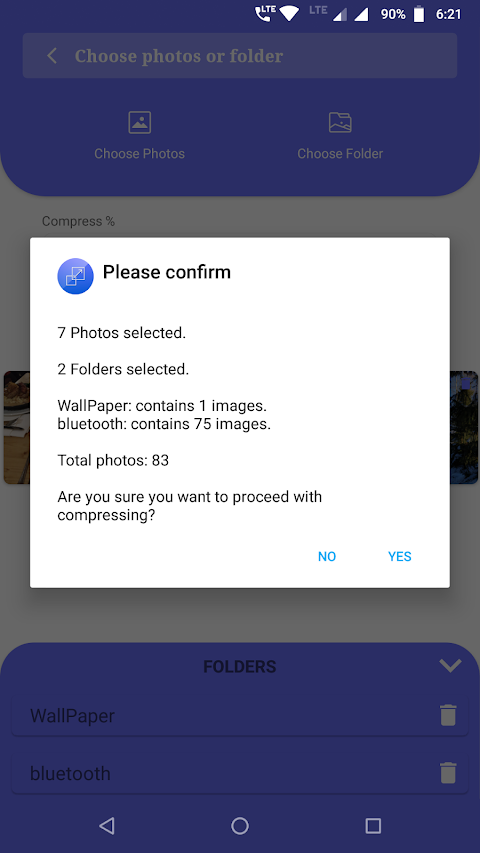
How to use the Resize Image - Resize Photos app is simple and straightforward. Start by opening the app and tapping on the resize option. Next, tap on "Choose photos" to select multiple photos with a long press. If you want to resize images from entire folders, just tap on "Choose Folder" and add as many folders as you need. You can then adjust the image quality settings; selecting 100% will keep the photos at their current quality. After that, set the size for all photos you want to resize and decide if you want to replace the original photos with the resized versions. When you’re ready, just tap "Resize Now" to complete the process.
With features like batch resize photos, compress all photos, and options for photo sharing capabilities, this app truly enhances your mobile photo management experience. It allows you to optimize phone storage while ensuring your photo gallery remains organized and easy to navigate. Memory saving techniques and large image handling are built right into the app, so you can manage your pictures without any hassle.
Try out the Resize Image - Resize Photos app today to see how it can help you manage your images better. We welcome your feedback! If you have any suggestions or encounter any issues, you can email us at yogi.306@gmail.com. Enjoy efficient photo management with our app!
Often, our phone cameras capture high resolution photos that take up a lot of memory. While we want to keep these photos, we often don't view them in their original size and quality. Using the Resize Image app, you can select multiple photos and even choose entire image folders to batch resize or compress all your photos at once. This makes it incredibly convenient to preserve your memories without cluttering your phone's storage.
The app offers a user-friendly interface that makes resizing a breeze. You can easily choose custom photo sizes and adjust the quality settings before saving. Whether you prefer your photos in JPEG format or PNG format, the choice is yours. You can also crop images and adjust their sizes to fit your needs perfectly.
How to use the Resize Image - Resize Photos app is simple and straightforward. Start by opening the app and tapping on the resize option. Next, tap on "Choose photos" to select multiple photos with a long press. If you want to resize images from entire folders, just tap on "Choose Folder" and add as many folders as you need. You can then adjust the image quality settings; selecting 100% will keep the photos at their current quality. After that, set the size for all photos you want to resize and decide if you want to replace the original photos with the resized versions. When you’re ready, just tap "Resize Now" to complete the process.
With features like batch resize photos, compress all photos, and options for photo sharing capabilities, this app truly enhances your mobile photo management experience. It allows you to optimize phone storage while ensuring your photo gallery remains organized and easy to navigate. Memory saving techniques and large image handling are built right into the app, so you can manage your pictures without any hassle.
Try out the Resize Image - Resize Photos app today to see how it can help you manage your images better. We welcome your feedback! If you have any suggestions or encounter any issues, you can email us at yogi.306@gmail.com. Enjoy efficient photo management with our app!
Duplicate File Cleaner
Neelam Govind Bhanushali
$1.29
PDF viewer & export
ananshop
$2.79
$0.49

FTP Server
Banana Studio
$1.99
$1.39