
$2.79
$0.49
82% Off
PDF viewer & export
ananshop

About the App
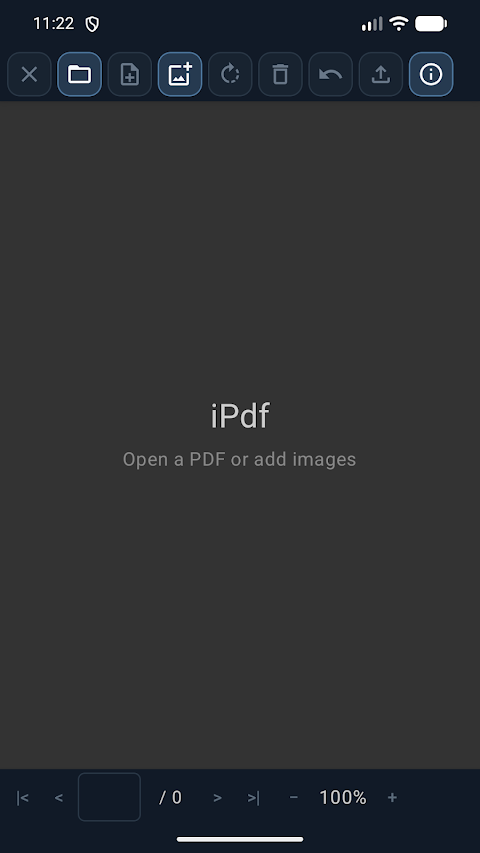
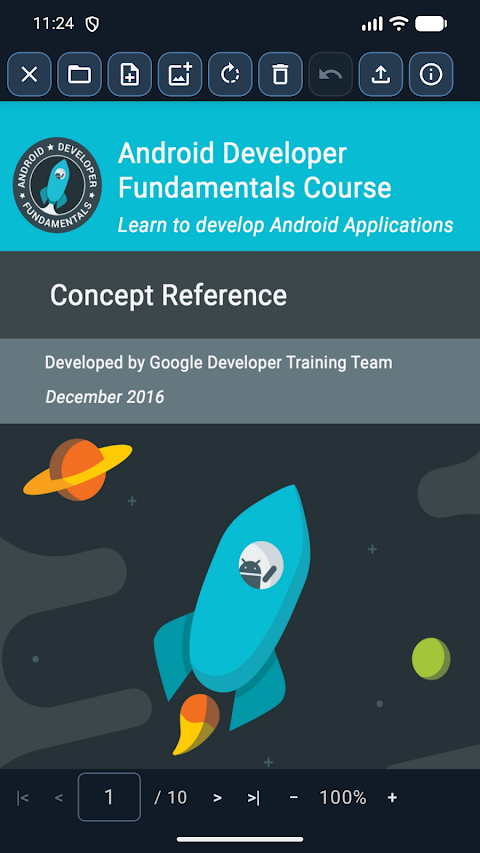
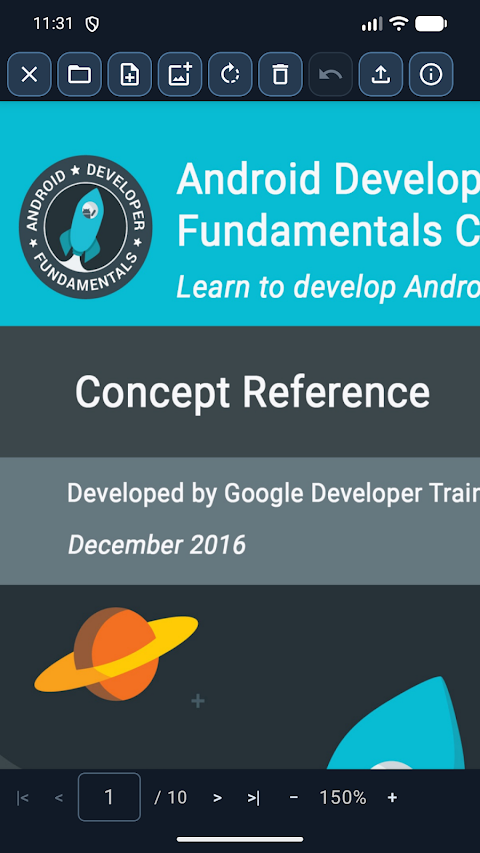
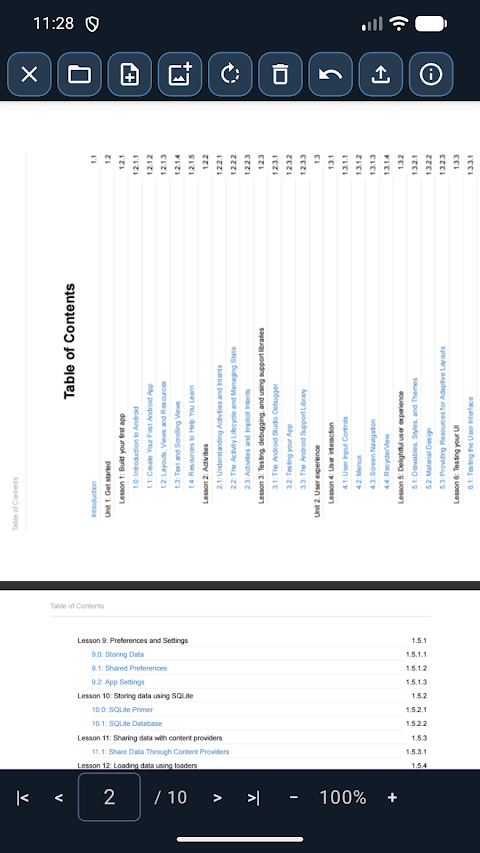
PDF viewer & export is an essential tool for anyone who needs to manage and edit documents easily. This app acts as a PDF viewer and editor, enabling you to handle all your work directly on your device. Beyond viewing PDFs, it also supports Word file conversion, Excel file conversion, and PowerPoint file conversion. Before working with these files, they are converted to PDF, ensuring you have the best experience.
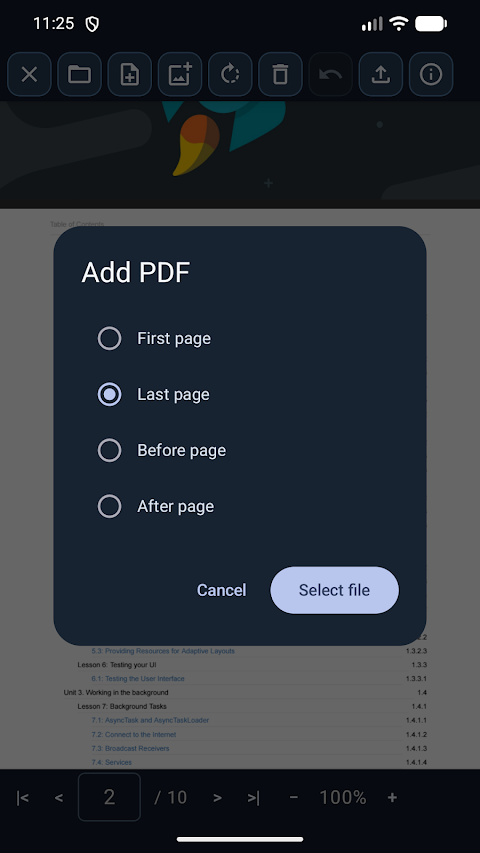
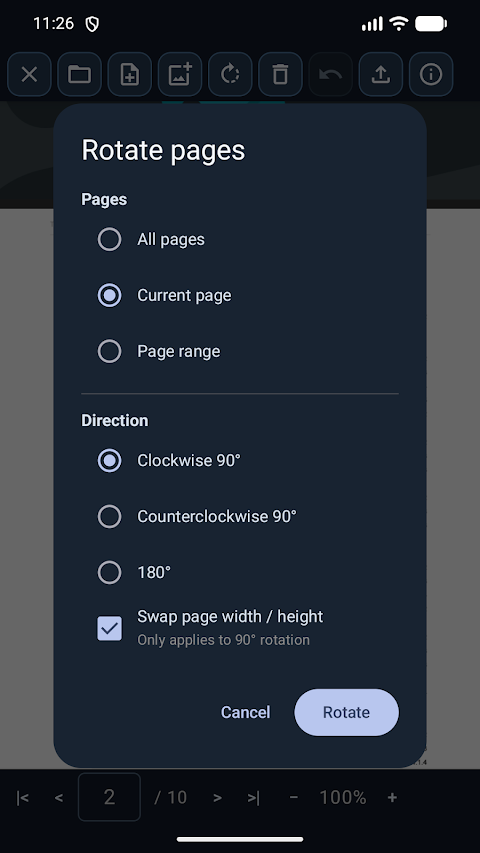
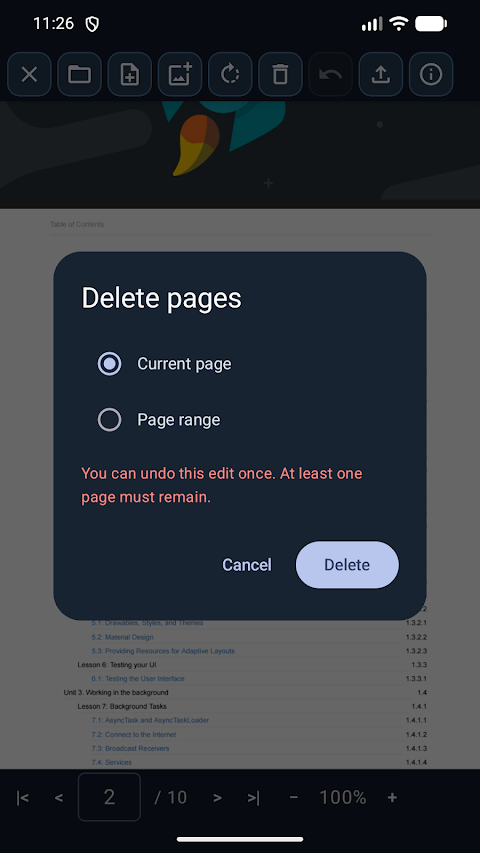
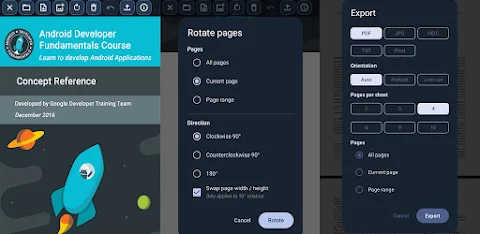
With PDF viewer & export, you can merge documents effortlessly into one file, insert images anywhere you like, rotate pages, or even delete pages that you no longer need. If you make a mistake, there's no need to worry—you can recover your last edit whenever you need to.
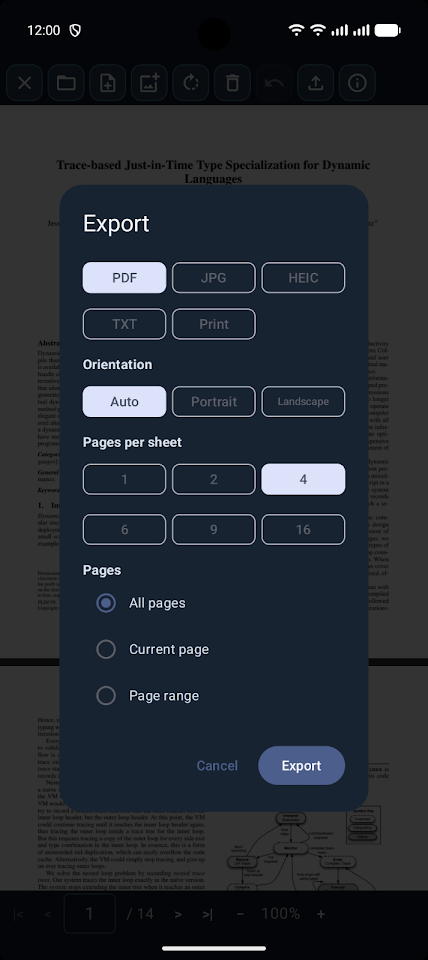
Once your work is complete, this app lets you export your documents in various formats. You can export as PDF, JPG, HEIC, or plain text. If you want to print documents, the app allows you to send them directly to a printer. You can choose to layout multiple pages on a single sheet, printing anywhere from 1 to 16 pages in your preferred orientation, with or without margins.
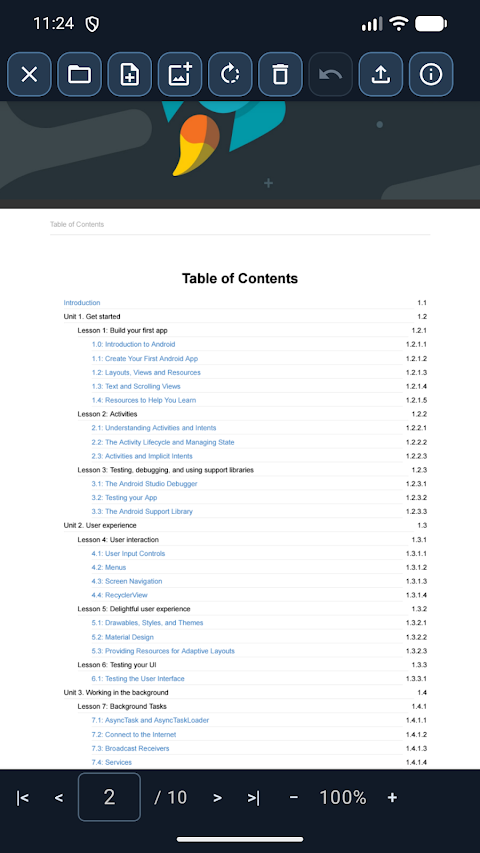
For added security, PDF viewer & export can open password-protected files after you enter the correct password. The zooming and paging within the app are smooth, making it easy to navigate your documents. Additionally, when you reopen the app, it will restore your session so you can resume from where you left off.
Whether you tap a PDF in a file manager or finish reading in a browser, you can easily hand it over to PDF viewer & export without skipping a beat. Importantly, the app requires no internet permission. This means your documents stay safe on your device and never leave your control.
The interface is designed to be user-friendly and is available in multiple languages, making it accessible for a wide range of users. With its robust PDF handling and document organization features, PDF viewer & export provides essential PDF editing tools that make working with documents easier than ever. Enjoy the flexibility to convert files to PDF and explore various document printing options tailored to your needs.
With PDF viewer & export, you can merge documents effortlessly into one file, insert images anywhere you like, rotate pages, or even delete pages that you no longer need. If you make a mistake, there's no need to worry—you can recover your last edit whenever you need to.
Once your work is complete, this app lets you export your documents in various formats. You can export as PDF, JPG, HEIC, or plain text. If you want to print documents, the app allows you to send them directly to a printer. You can choose to layout multiple pages on a single sheet, printing anywhere from 1 to 16 pages in your preferred orientation, with or without margins.
For added security, PDF viewer & export can open password-protected files after you enter the correct password. The zooming and paging within the app are smooth, making it easy to navigate your documents. Additionally, when you reopen the app, it will restore your session so you can resume from where you left off.
Whether you tap a PDF in a file manager or finish reading in a browser, you can easily hand it over to PDF viewer & export without skipping a beat. Importantly, the app requires no internet permission. This means your documents stay safe on your device and never leave your control.
The interface is designed to be user-friendly and is available in multiple languages, making it accessible for a wide range of users. With its robust PDF handling and document organization features, PDF viewer & export provides essential PDF editing tools that make working with documents easier than ever. Enjoy the flexibility to convert files to PDF and explore various document printing options tailored to your needs.
Fire TV Remote Pro
Global Apps and Games
$4.49
FREE

Sensi FF Macro – Game Booster
Sensi Tech
$2.49
$0.49

AppLock PRO
Apps360 Team
$6.99