
$1.39
$0.70
50% Off
DIGITAL | Active Vivid
ChronoHarvest

About the App
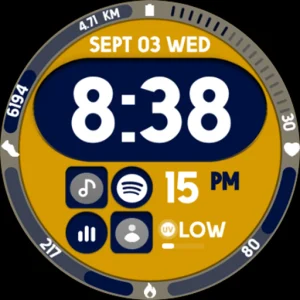
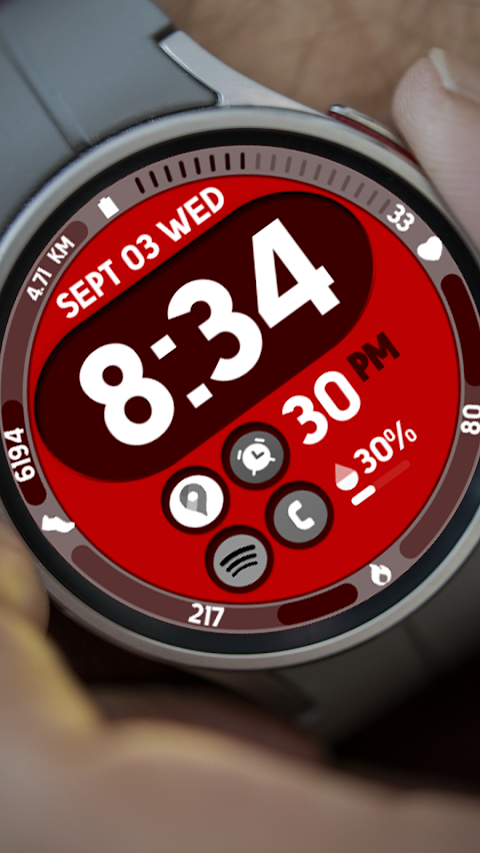
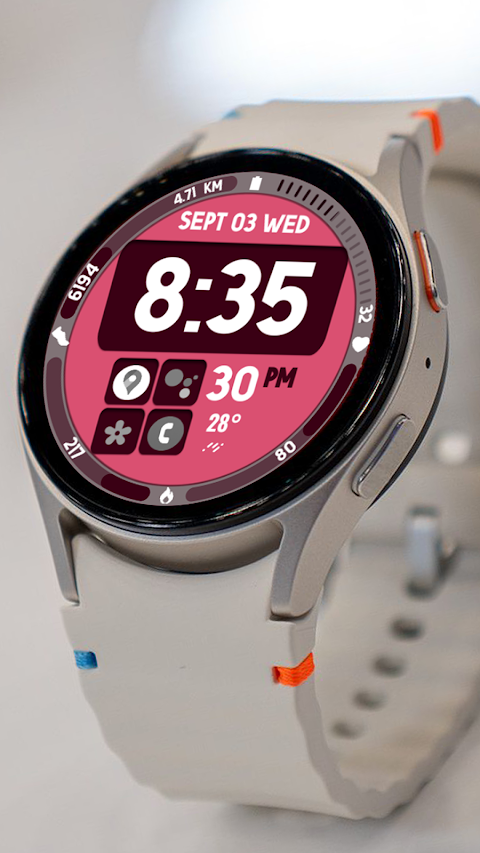
DIGITAL | Active Vivid is a dynamic watch face designed for Wear OS devices, including those that support API Level 34 and later versions. This watch face combines a functional digital clock with a user-friendly design, making it perfect for anyone looking to enhance their smartwatch experience.
If you use a Galaxy Watch, it’s important to note that the Samsung Wearable app may sometimes struggle to sync complex watch faces. In this case, it's best to customize your watch face directly on the watch until Samsung resolves the issue. The DIGITAL | Active Vivid watch face automatically installs on your Wear OS device, but you must ensure that the watch is synced to your phone using the same email address for a seamless installation.
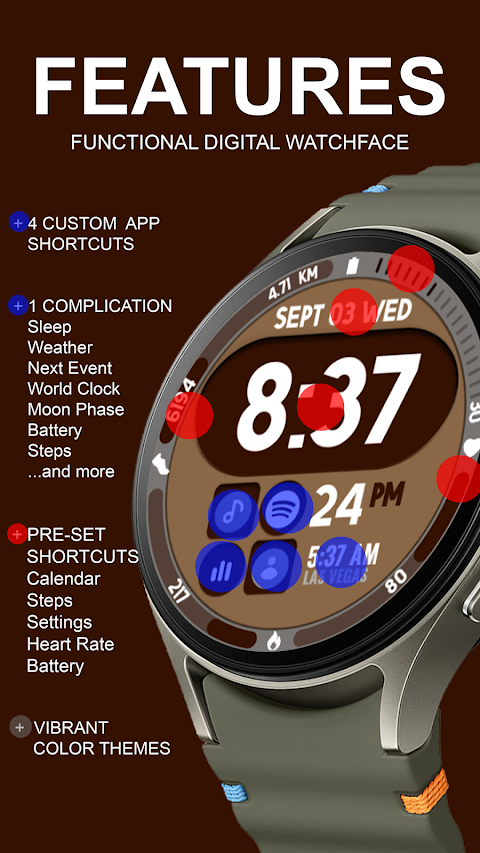
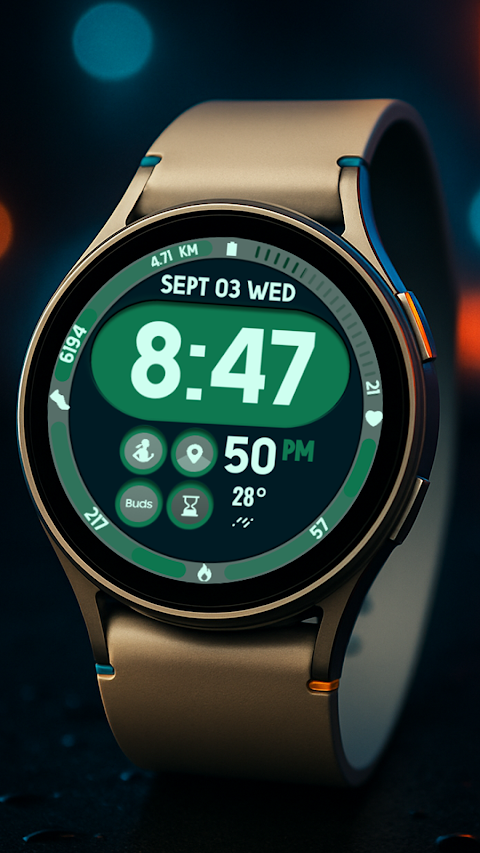
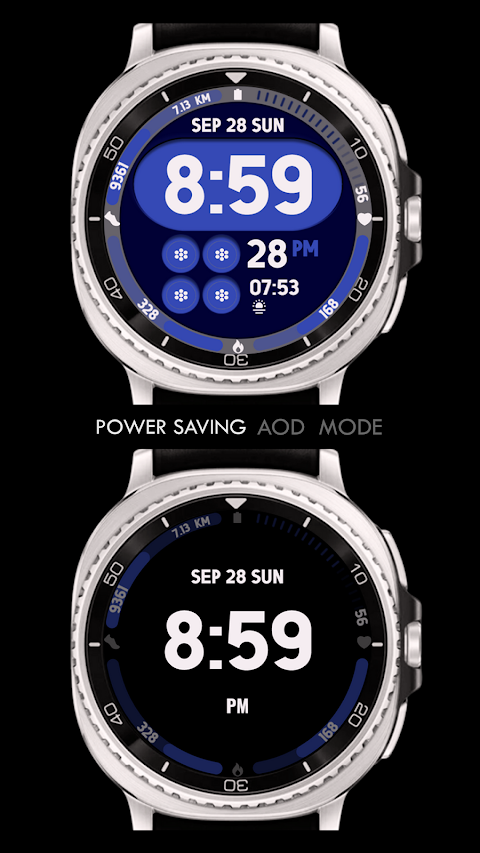
One of the standout features of DIGITAL | Active Vivid is its digital clock, which displays time clearly and effectively. Users can easily access five app shortcuts, including a fixed Alarm Shortcut, Calendar Shortcut, Battery Monitoring, Heart Rate Tracking, and a Steps Counter. Additionally, you have the option to create four custom app shortcuts to suit your personal needs.
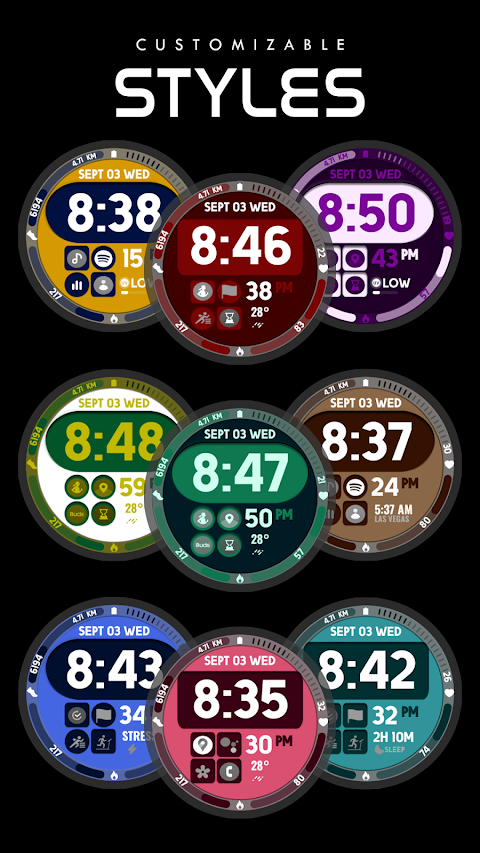
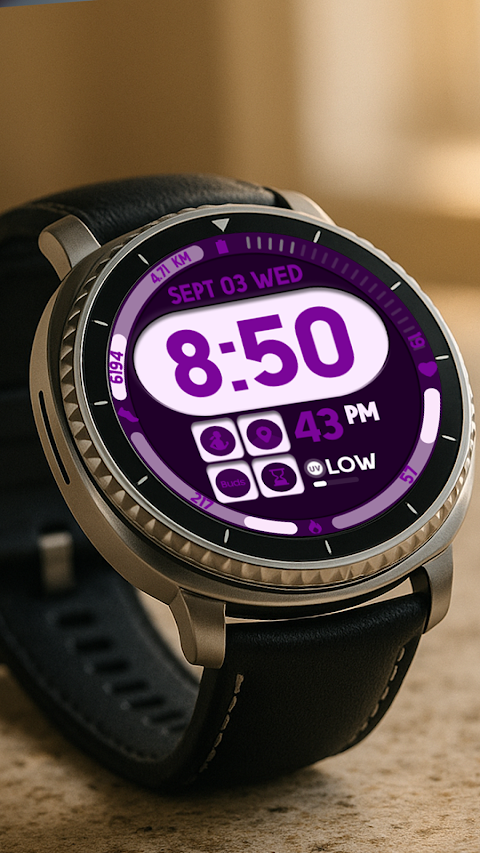
The watch face also includes a custom complication, which you can personalize to show various types of data. For example, you might choose to display the date, weather information, steps taken, sunset and sunrise times, the next appointment, or even the distance walked. If you want to expand your options, additional third-party complications can be installed as well.
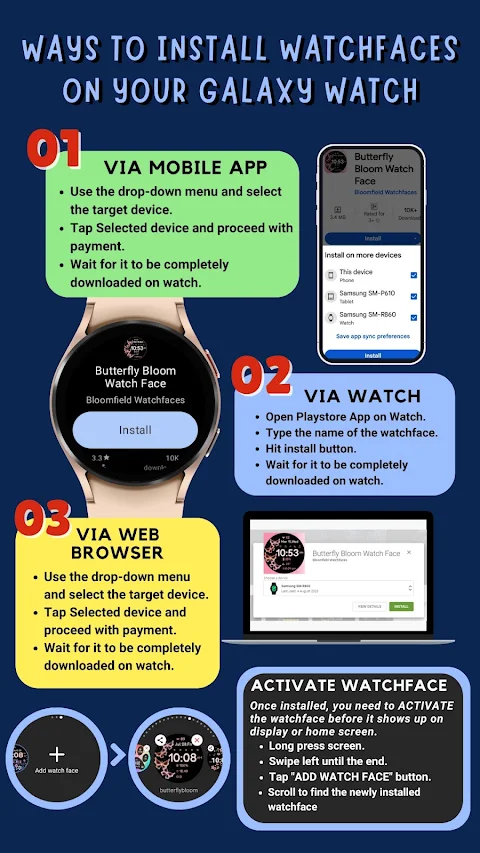
Another great aspect of this watch face is the custom color palette, allowing you to choose colors that best match your style. Your overall watch face management becomes easy and enjoyable with the touch display navigation. After downloading DIGITAL | Active Vivid, wait a few minutes for the watch face to transfer successfully. A notification will appear on your watch to confirm the transfer.
If you don't see the watch face right away, simply go back to the home display, tap and hold, then swipe to the end and tap the plus sign to add it. You can then use the bezel rotation interface or scroll through your options to find DIGITAL | Active Vivid.
Remember to allow and enable all necessary permissions in your phone's settings to ensure everything works smoothly. Also, be aware of our refund policy: it is only available within 24 hours of purchase.
For any installation instructions or support, feel free to reach out at ajgearbusiness@gmail.com. You can also watch our installation tutorial on YouTube for a step-by-step guide. With DIGITAL | Active Vivid, enjoy a customized and efficient smartwatch experience that fits your lifestyle.
If you use a Galaxy Watch, it’s important to note that the Samsung Wearable app may sometimes struggle to sync complex watch faces. In this case, it's best to customize your watch face directly on the watch until Samsung resolves the issue. The DIGITAL | Active Vivid watch face automatically installs on your Wear OS device, but you must ensure that the watch is synced to your phone using the same email address for a seamless installation.
One of the standout features of DIGITAL | Active Vivid is its digital clock, which displays time clearly and effectively. Users can easily access five app shortcuts, including a fixed Alarm Shortcut, Calendar Shortcut, Battery Monitoring, Heart Rate Tracking, and a Steps Counter. Additionally, you have the option to create four custom app shortcuts to suit your personal needs.
The watch face also includes a custom complication, which you can personalize to show various types of data. For example, you might choose to display the date, weather information, steps taken, sunset and sunrise times, the next appointment, or even the distance walked. If you want to expand your options, additional third-party complications can be installed as well.
Another great aspect of this watch face is the custom color palette, allowing you to choose colors that best match your style. Your overall watch face management becomes easy and enjoyable with the touch display navigation. After downloading DIGITAL | Active Vivid, wait a few minutes for the watch face to transfer successfully. A notification will appear on your watch to confirm the transfer.
If you don't see the watch face right away, simply go back to the home display, tap and hold, then swipe to the end and tap the plus sign to add it. You can then use the bezel rotation interface or scroll through your options to find DIGITAL | Active Vivid.
Remember to allow and enable all necessary permissions in your phone's settings to ensure everything works smoothly. Also, be aware of our refund policy: it is only available within 24 hours of purchase.
For any installation instructions or support, feel free to reach out at ajgearbusiness@gmail.com. You can also watch our installation tutorial on YouTube for a step-by-step guide. With DIGITAL | Active Vivid, enjoy a customized and efficient smartwatch experience that fits your lifestyle.

Hybrid TAG Carrera Watch face
Magnum Watch Faces
$1.49
$0.49
Breitling ClassicAVI WatchFace
PLAYWORKS GAMES Studio
$1.99
$0.29

Squirclecut – Icon Pack
GomoTheGom
$1.49
$0.39