

$1.49
$0.49
67% Off
Squirclecut – Icon Pack
GomoTheGom




About the App
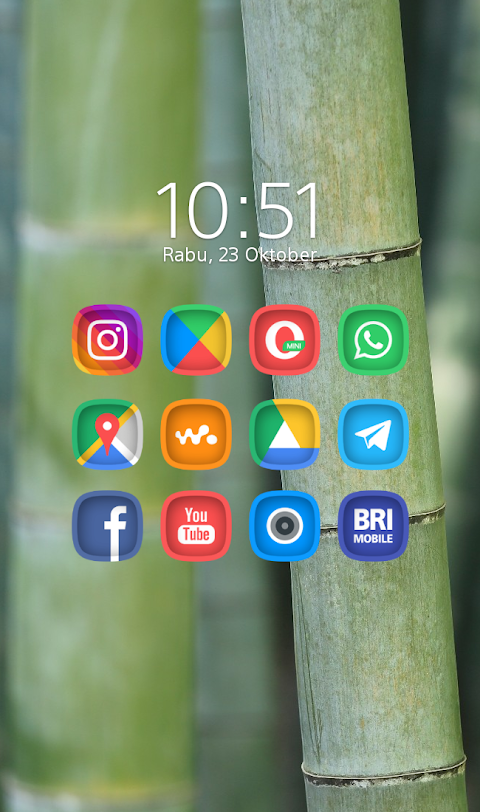
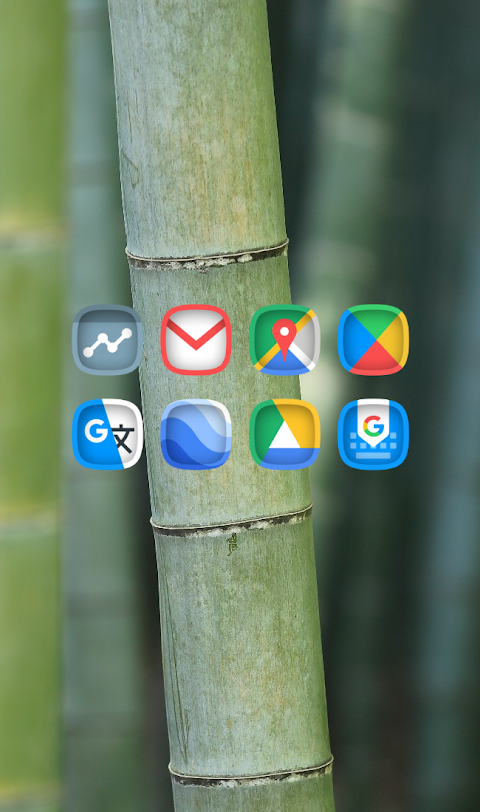
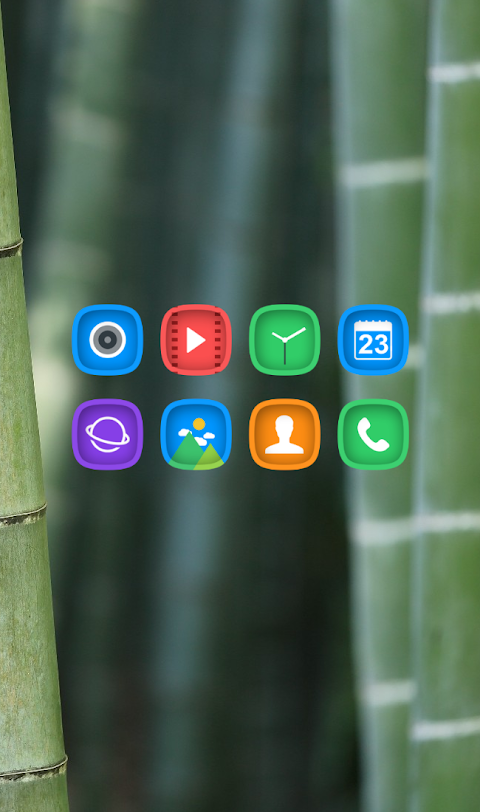
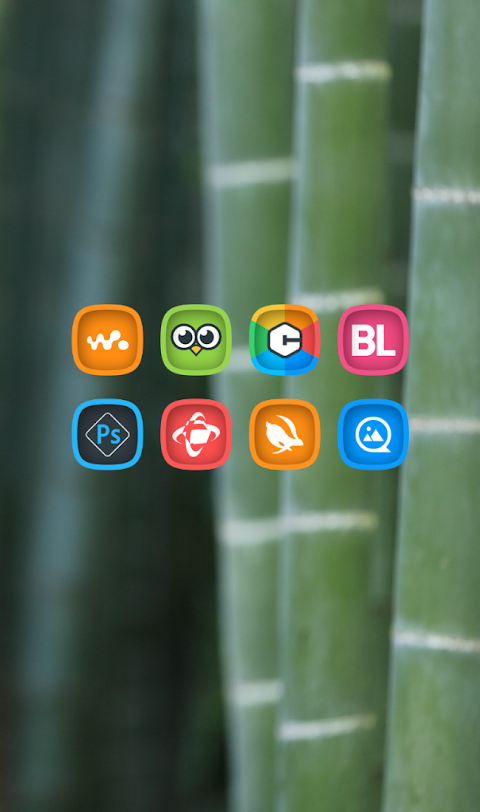
Squirclecut is a unique Squircle shaped icon pack that features eye-catching cut-effect icons. This pack comes with the best color palette to give your device a fresh look. As part of the Squircle series of cuticon icon packs, Squirclecut is designed for anyone who wants to personalize their mobile experience.
You can easily apply the Squirclecut icon pack using several popular launchers. This includes Nova Launcher integration, Evie Launcher compatibility, Apex Launcher support, and ADW Launcher integration, among others. To get started, follow these simple steps:
1. Open the Squirclecut Icon Pack app.
2. Go to the "Apply Icon Pack" screen.
3. The app will show you a list of supported launchers. Choose the Nova Launcher (or another launcher) that you have installed on your phone.
4. The app will automatically apply the Squirclecut icons to your selected launcher.
If you don’t see your launcher listed while applying from the app, you can also try to apply the icon pack directly from the launcher itself.
For users of the Sony Xperia Home Launcher, you can still use the Squirclecut icon pack by following slightly different steps. Here’s how:
1. Long press on your main screen.
2. Open the settings.
3. Scroll down to the appearance settings.
4. Choose the Squirclecut icon pack.
5. You’re done! Your Sony Xperia will now show the Squirclecut icons.
Please note that the Squirclecut icon pack is compatible only with Sony Xperia Home Launcher version 10.0.A.0.8 or higher.
In addition to supported launchers like M Launcher, Action Launcher, Aviate Launcher, and Smart Launcher, there are some limitations to keep in mind. For example, Go Launcher and Zero Launcher don’t support icon masking.
With over 5000 icons and counting, Squirclecut has plenty to offer. It includes an icon back for unthemed icons, 36+ HD wallpapers, and alternate icon options. You can even request specific icons if you don’t find what you need. The icons are all in high-definition resolution of 192x192px to look great on your device.
Squirclecut is a customizable icon pack that allows users to enhance their mobile home screen effortlessly. With user-friendly features, applying different themes and customizing your home screen has never been easier.
Stay updated with design showcases and more information by following our social media pages on Google+, Instagram, and Twitter.
With Squirclecut, transforming your mobile experience is simple and enjoyable. Download the app today and bring a new look to your device!
You can easily apply the Squirclecut icon pack using several popular launchers. This includes Nova Launcher integration, Evie Launcher compatibility, Apex Launcher support, and ADW Launcher integration, among others. To get started, follow these simple steps:
1. Open the Squirclecut Icon Pack app.
2. Go to the "Apply Icon Pack" screen.
3. The app will show you a list of supported launchers. Choose the Nova Launcher (or another launcher) that you have installed on your phone.
4. The app will automatically apply the Squirclecut icons to your selected launcher.
If you don’t see your launcher listed while applying from the app, you can also try to apply the icon pack directly from the launcher itself.
For users of the Sony Xperia Home Launcher, you can still use the Squirclecut icon pack by following slightly different steps. Here’s how:
1. Long press on your main screen.
2. Open the settings.
3. Scroll down to the appearance settings.
4. Choose the Squirclecut icon pack.
5. You’re done! Your Sony Xperia will now show the Squirclecut icons.
Please note that the Squirclecut icon pack is compatible only with Sony Xperia Home Launcher version 10.0.A.0.8 or higher.
In addition to supported launchers like M Launcher, Action Launcher, Aviate Launcher, and Smart Launcher, there are some limitations to keep in mind. For example, Go Launcher and Zero Launcher don’t support icon masking.
With over 5000 icons and counting, Squirclecut has plenty to offer. It includes an icon back for unthemed icons, 36+ HD wallpapers, and alternate icon options. You can even request specific icons if you don’t find what you need. The icons are all in high-definition resolution of 192x192px to look great on your device.
Squirclecut is a customizable icon pack that allows users to enhance their mobile home screen effortlessly. With user-friendly features, applying different themes and customizing your home screen has never been easier.
Stay updated with design showcases and more information by following our social media pages on Google+, Instagram, and Twitter.
With Squirclecut, transforming your mobile experience is simple and enjoyable. Download the app today and bring a new look to your device!
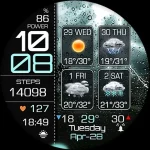
Weather 4 Days Digital Wear OS
Inspire Watch
$1.99
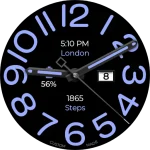
Big Analog WF WEAR OS 6
OQ Watchfaces
$0.49
$0.09
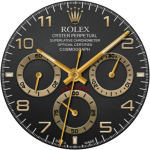
Rolex Daytona watch face
Sagur Studio
$1.49
$0.39