
$1.99
$0.29
85% Off
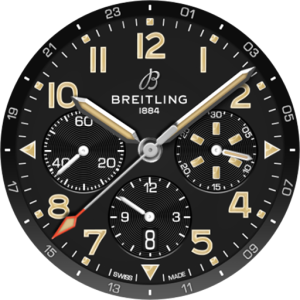
Breitling ClassicAVI WatchFace
PLAYWORKS GAMES Studio



About the App
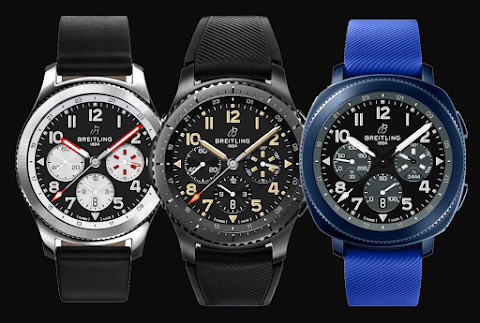
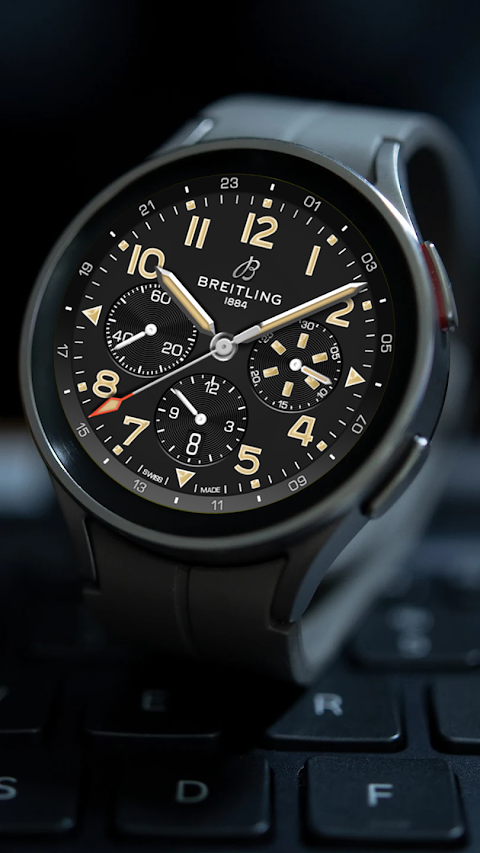
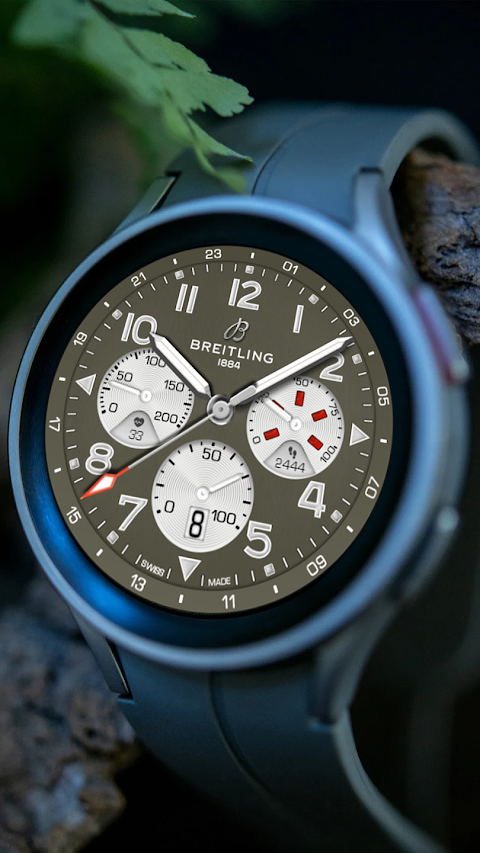
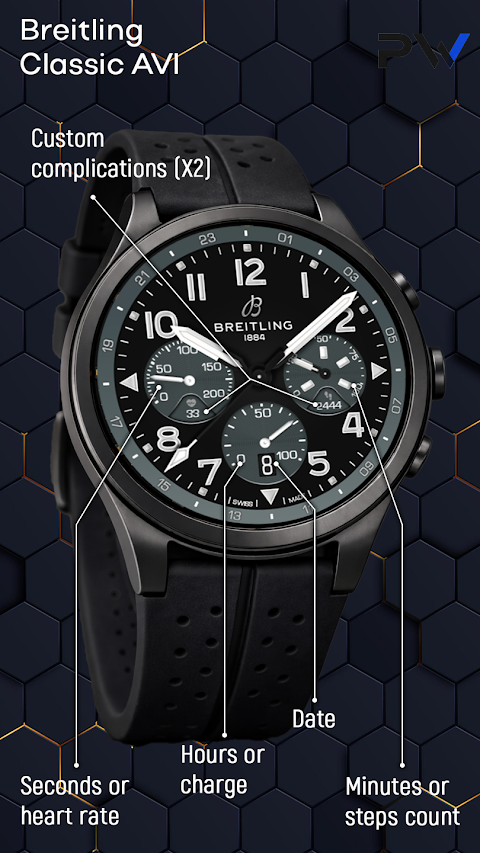
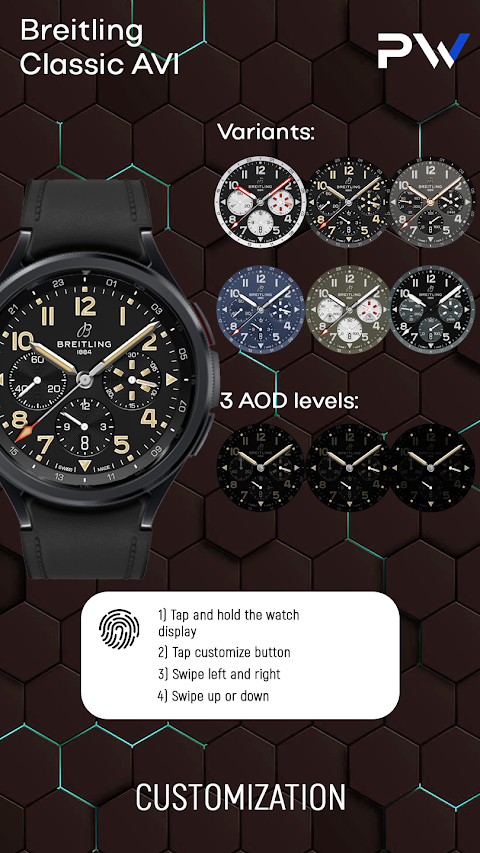
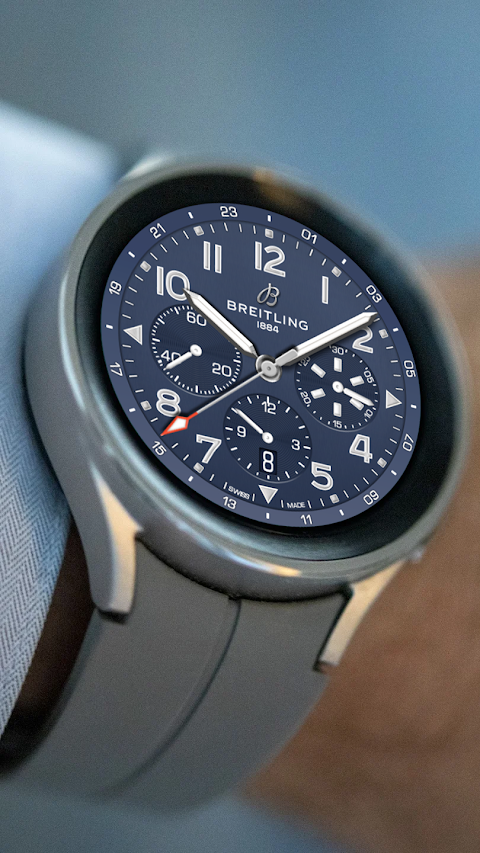
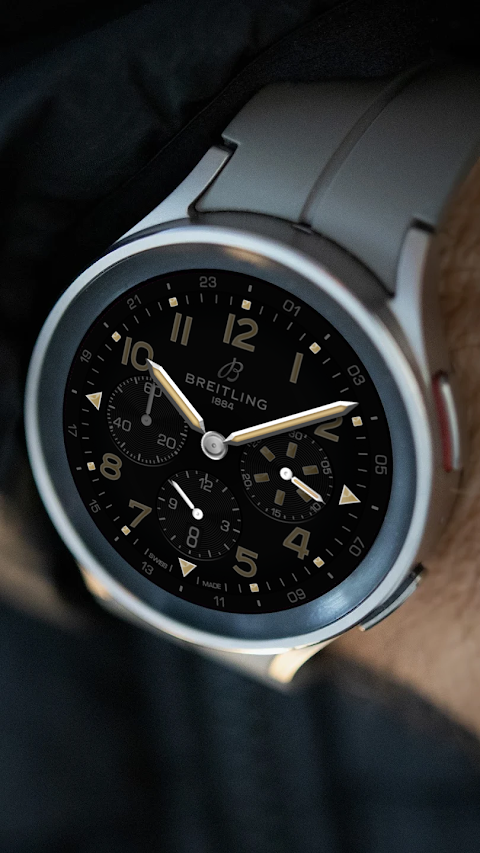
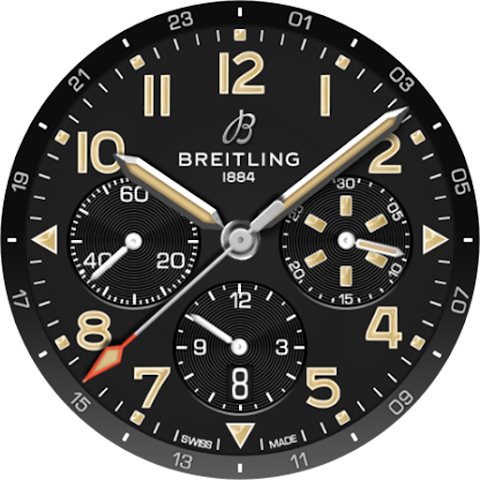
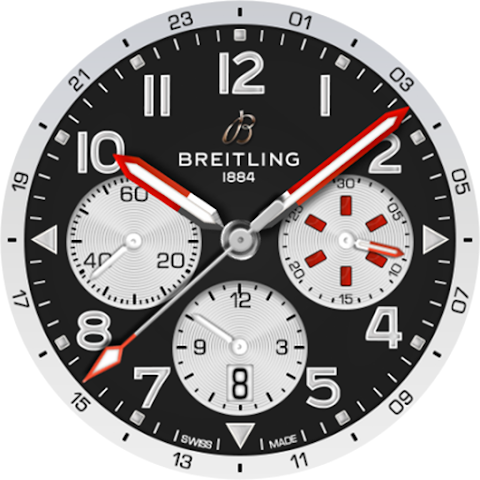
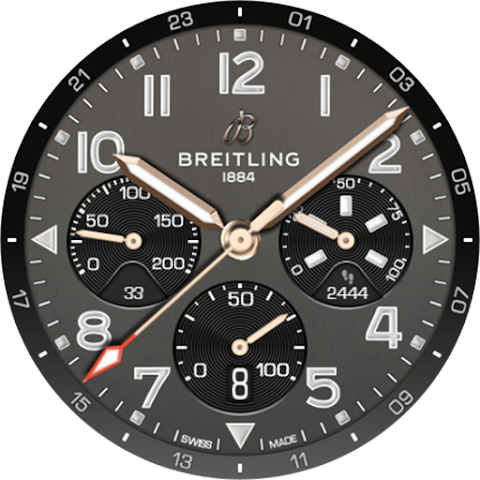
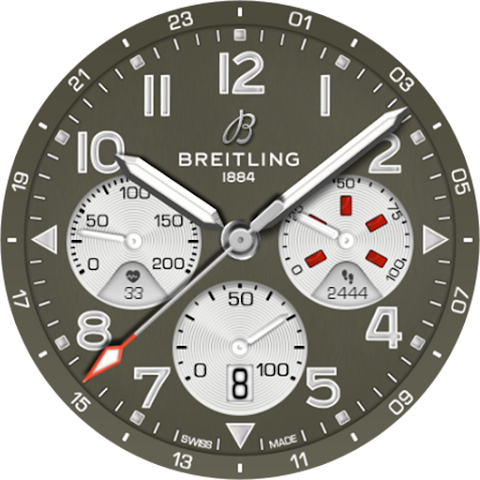
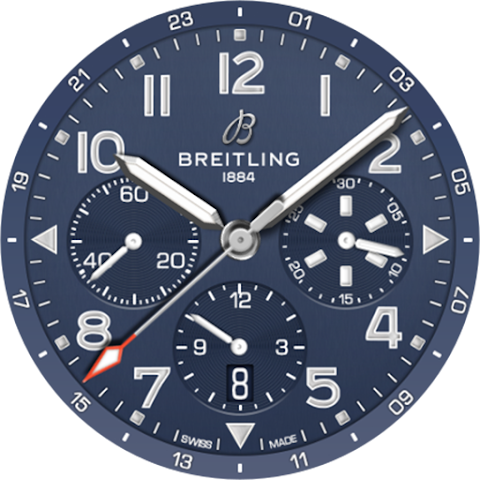
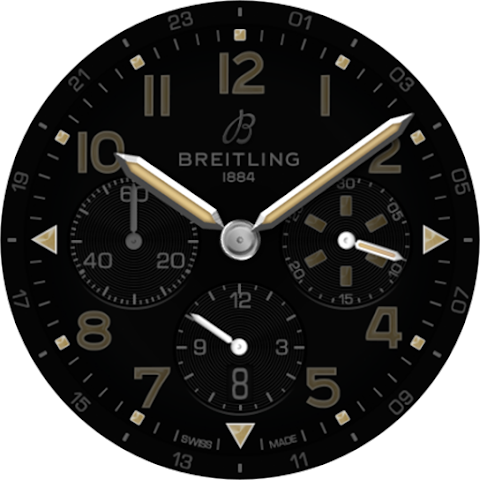
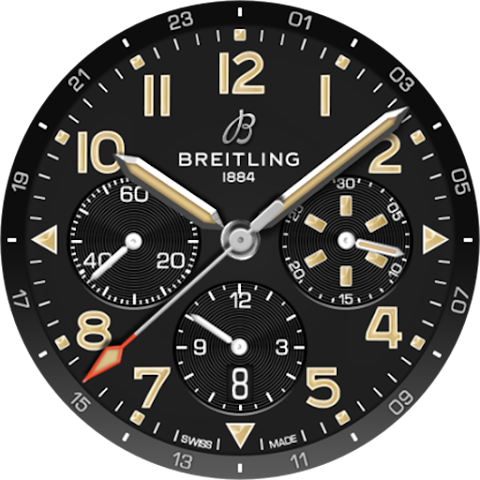
The Breitling ClassicAVI WatchFace is an elegant watch face designed specifically for WearOS. This stylish modern design offers users a sophisticated look while providing practical features. With six different stylish watch face styles, you can easily find one that suits your taste.
Customization settings allow you to personalize the watch face to fit your preferences. You can display important information such as your heart rate, steps goal tracking, and the date display function. Additionally, the charge indicator will help you keep track of your watch's battery level, ensuring you’re always informed.
One of the standout features of the Breitling ClassicAVI WatchFace is its Always On Display mode. This feature lets you check the time and relevant data at a glance, even when the screen is not fully active.
If you want to change the look of your watch face, the interactive setup guide makes it easy. For example, if you wish to switch the left second circle to a digital heart rate display, follow these simple steps: First, set the Left second circle parameter to hide it from view. Next, set the Left heart rate circle parameter to match the color of your chosen watch face. Then, scroll to edit the last setting to assign a complication for the digital circle. You also have the option to pick an icon for this complication from the available choices.
All setups for the other circles can be done similarly. This makes the customization for WearOS not only functional but also user-friendly. Whether you're looking for heart rate tracking features or want to keep an eye on your steps goal, the Breitling ClassicAVI WatchFace covers all your needs. With this elegant design for watches, you get a modern style watch face that combines both form and function.
Customization settings allow you to personalize the watch face to fit your preferences. You can display important information such as your heart rate, steps goal tracking, and the date display function. Additionally, the charge indicator will help you keep track of your watch's battery level, ensuring you’re always informed.
One of the standout features of the Breitling ClassicAVI WatchFace is its Always On Display mode. This feature lets you check the time and relevant data at a glance, even when the screen is not fully active.
If you want to change the look of your watch face, the interactive setup guide makes it easy. For example, if you wish to switch the left second circle to a digital heart rate display, follow these simple steps: First, set the Left second circle parameter to hide it from view. Next, set the Left heart rate circle parameter to match the color of your chosen watch face. Then, scroll to edit the last setting to assign a complication for the digital circle. You also have the option to pick an icon for this complication from the available choices.
All setups for the other circles can be done similarly. This makes the customization for WearOS not only functional but also user-friendly. Whether you're looking for heart rate tracking features or want to keep an eye on your steps goal, the Breitling ClassicAVI WatchFace covers all your needs. With this elegant design for watches, you get a modern style watch face that combines both form and function.

Aesthetic Icon Pack
PizzApp Design
$0.99
$0.69

PixChroma Icons and Widgets
PashaPuma Design
$1.49
$0.75

Red Yellow – Icon Pack
GomoTheGom
$1.49
FREE