

$0.99
$0.49
51% Off
Gummy – Icon Pack
Panoto Gomo



About the App
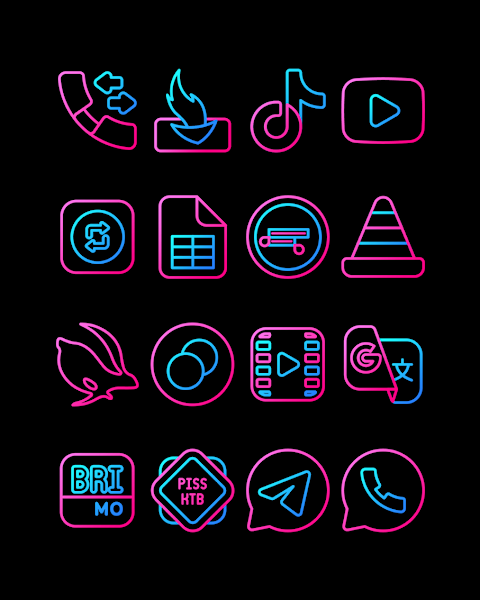
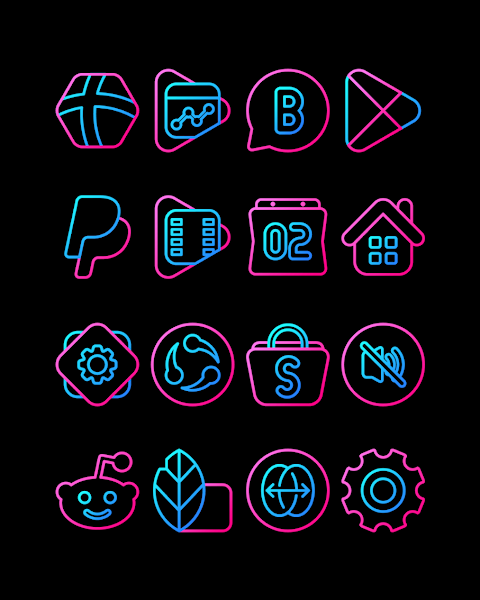
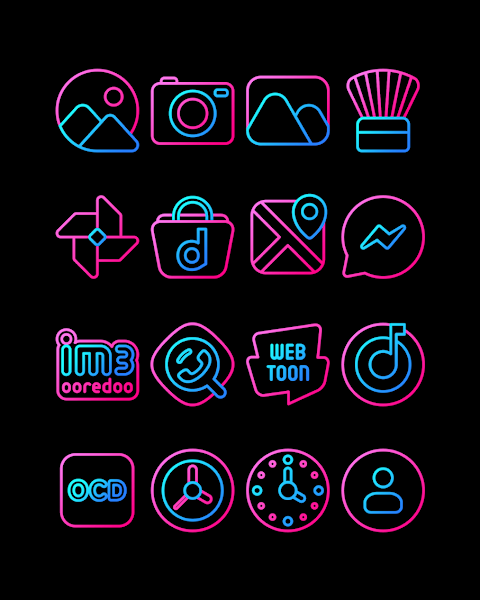
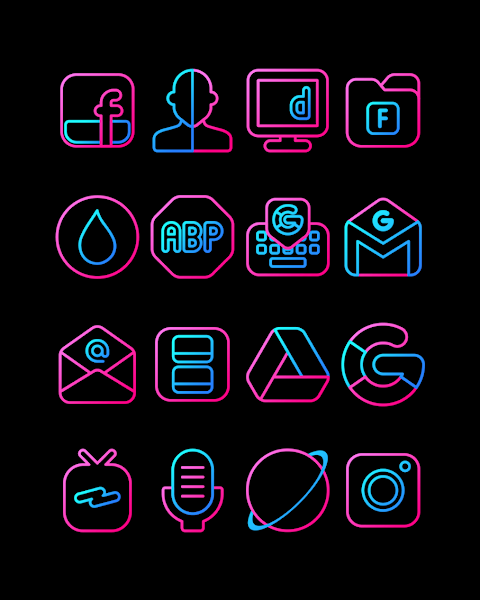
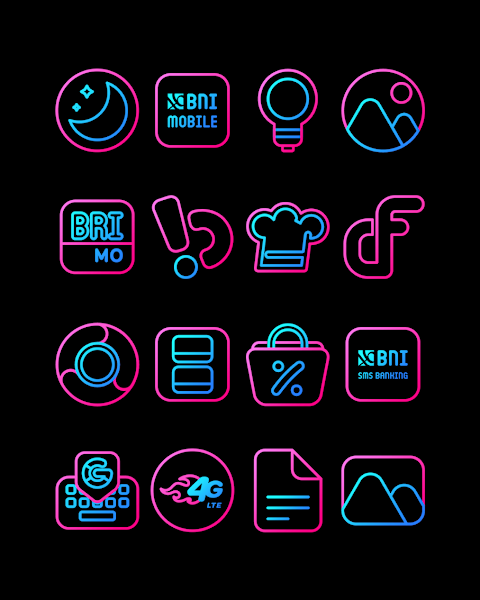
Gummy - Icon Pack is a vibrant collection of themed line icons featuring beautiful blue and pink colors. With over 3000 icons ready for use, this pack is perfect for anyone looking to customize their mobile experience. You will enjoy high-definition icon resolution at 256x256 pixels, ensuring that every icon looks sharp and stunning.
One of the great features of Gummy is the icon request option. If you don't find the icon you want, you can easily request it. This way, you can have your favorite apps represented in style.
Using Gummy - Icon Pack is simple. It supports many popular launchers, such as Nova Launcher and Evie Launcher. To apply the Gummy icon pack, just follow these easy steps:
First, open the Gummy - Icon Pack app on your device. Then, navigate to the "Apply Icon Pack" screen. The app will show you a list of compatible launchers. If you are using Nova Launcher, for example, you can select it to automatically apply the icons from Gummy.
If your launcher doesn't appear while applying from the icon pack, don’t worry. You can also apply it directly from the launcher settings. For Sony Xperia Home Launcher users, special instructions apply since it requires a different method.
Here’s how to apply Gummy to your Sony Xperia device:
1. Long press on the main screen.
2. Open the settings.
3. Scroll down and select the appearance icon settings.
4. Choose Gummy - Icon Pack.
5. You're all set! Now, your Sony Xperia will showcase the Gummy icons.
Please note that this icon pack only supports Sony Xperia Home Launcher version 10.0.A.0.8 or newer.
Gummy has compatibility with many other launchers, too. These include Apex Launcher, ADW Launcher, ABC Launcher, Next Launcher, Holo Launcher, Lucid Launcher, M Launcher, Action Launcher, Aviate Launcher, Smart Launcher, and even Go Launcher and Zero Launcher. However, keep in mind that Go Launcher and Zero Launcher do not support icon masking.
With Gummy, you can truly personalize your mobile home screen. The unique icon designs are perfect for adding a splash of color and creativity to your device. Plus, there are wallpapers included, making it even easier to customize your overall look.
For tips, updates, and design inspirations, you can follow Gummy on social media. Check out our pages on Google+, Instagram, and Twitter for the latest design showcases and more. A special thanks to Dani Mahardika for his contributions with the Candybar Dashboard, which helps make Gummy what it is today.
Whether you’re looking to transform your home screen or simply explore new icons, Gummy - Icon Pack is the ideal tool for mobile personalization. Enjoy the endless possibilities that come with customizing your device!
One of the great features of Gummy is the icon request option. If you don't find the icon you want, you can easily request it. This way, you can have your favorite apps represented in style.
Using Gummy - Icon Pack is simple. It supports many popular launchers, such as Nova Launcher and Evie Launcher. To apply the Gummy icon pack, just follow these easy steps:
First, open the Gummy - Icon Pack app on your device. Then, navigate to the "Apply Icon Pack" screen. The app will show you a list of compatible launchers. If you are using Nova Launcher, for example, you can select it to automatically apply the icons from Gummy.
If your launcher doesn't appear while applying from the icon pack, don’t worry. You can also apply it directly from the launcher settings. For Sony Xperia Home Launcher users, special instructions apply since it requires a different method.
Here’s how to apply Gummy to your Sony Xperia device:
1. Long press on the main screen.
2. Open the settings.
3. Scroll down and select the appearance icon settings.
4. Choose Gummy - Icon Pack.
5. You're all set! Now, your Sony Xperia will showcase the Gummy icons.
Please note that this icon pack only supports Sony Xperia Home Launcher version 10.0.A.0.8 or newer.
Gummy has compatibility with many other launchers, too. These include Apex Launcher, ADW Launcher, ABC Launcher, Next Launcher, Holo Launcher, Lucid Launcher, M Launcher, Action Launcher, Aviate Launcher, Smart Launcher, and even Go Launcher and Zero Launcher. However, keep in mind that Go Launcher and Zero Launcher do not support icon masking.
With Gummy, you can truly personalize your mobile home screen. The unique icon designs are perfect for adding a splash of color and creativity to your device. Plus, there are wallpapers included, making it even easier to customize your overall look.
For tips, updates, and design inspirations, you can follow Gummy on social media. Check out our pages on Google+, Instagram, and Twitter for the latest design showcases and more. A special thanks to Dani Mahardika for his contributions with the Candybar Dashboard, which helps make Gummy what it is today.
Whether you’re looking to transform your home screen or simply explore new icons, Gummy - Icon Pack is the ideal tool for mobile personalization. Enjoy the endless possibilities that come with customizing your device!
WallpaperLY
Raj Arya Designs
$1.99
$1.00
HUNT1
SA11
$0.99

Hive Watch Face
amoledwatchfaces™
$1.79
$0.90