
$0.99
$0.29
71% Off
Nuclear – Lines Icon Pack
Panoto Gomo


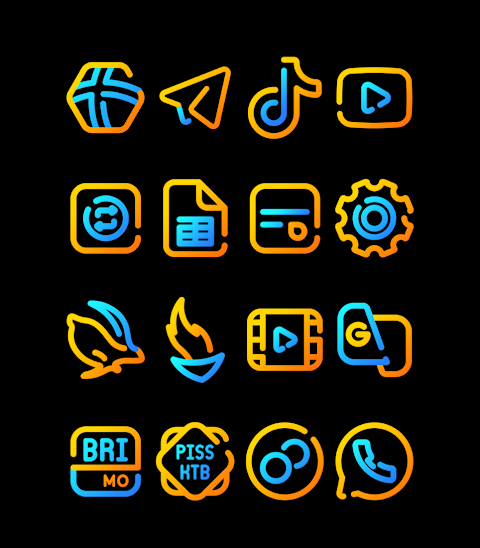
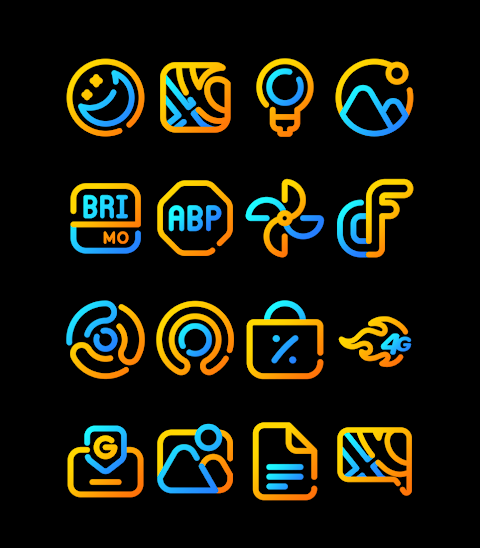

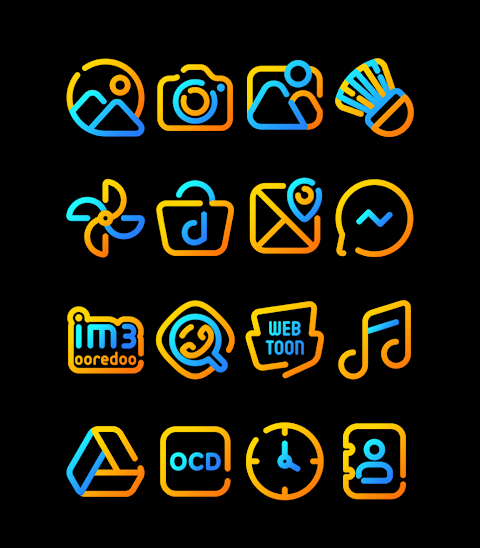
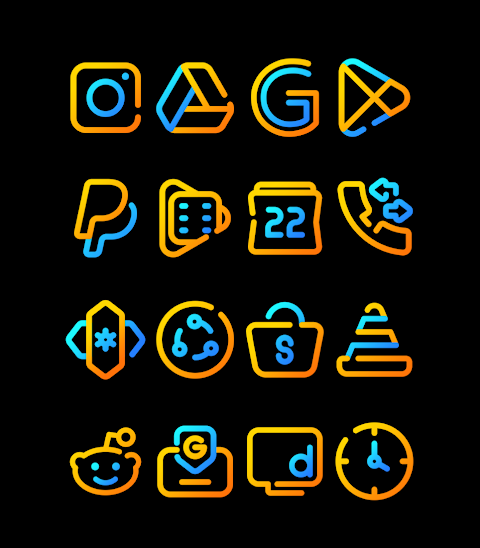





About the App
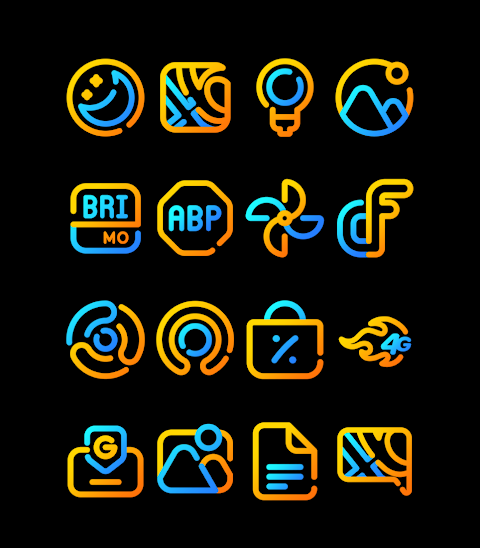
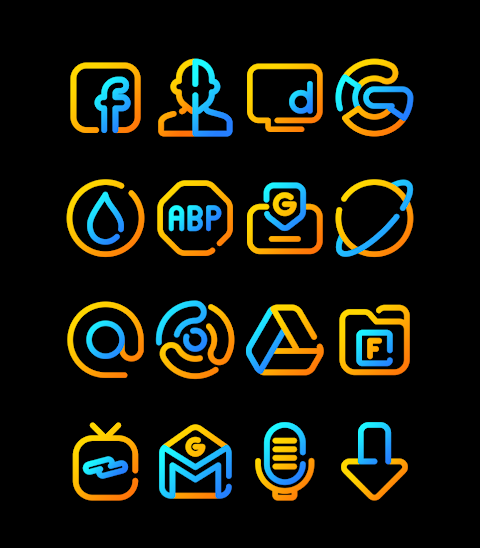
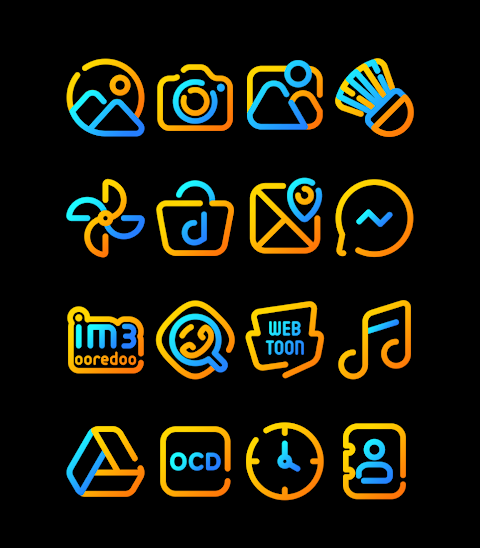
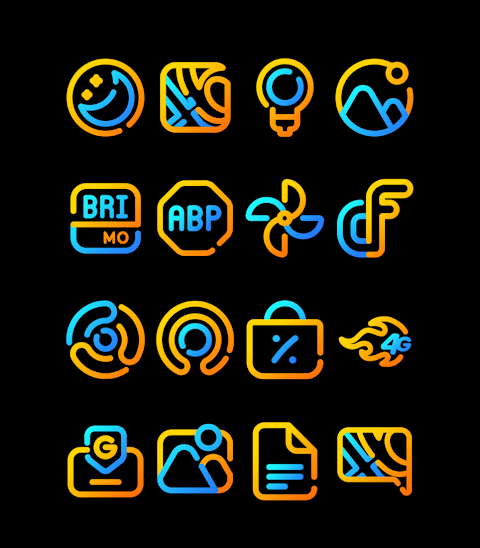
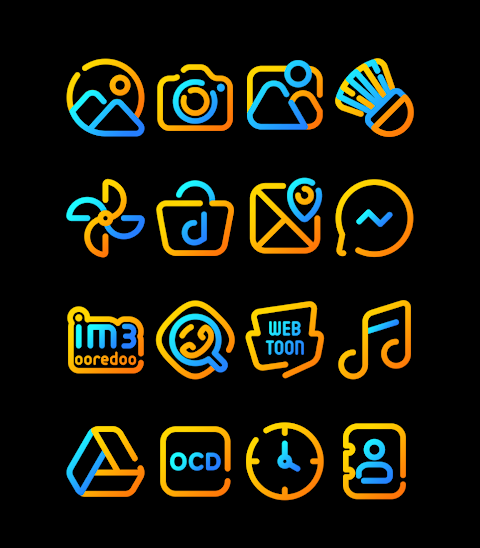
Nuclear is a vibrant Blue and Yellow Icon Pack designed to give your mobile device a fresh look. This icon pack offers over 3000 Icons and features a beautiful linear design aesthetic that enhances your phone's appearance. Each icon comes in HD Icon Resolution of 256x256px, ensuring they look great on any screen.
One standout feature of Nuclear is the Icon Request Feature, which lets you request new icons. Along with the icons, there are also Wallpapers Included that complement the design, adding an extra layer of customization to your device.
To apply the Nuclear - Lines Icon Pack, simply follow these steps. First, open the Nuclear app on your phone. Next, navigate to the Apply Icon Pack Screen. Here, the application will display a Launcher Support List, showing all the compatible launchers. Popular options include Nova Launcher and Evie Launcher support, among others. If you have Nova Launcher installed, you can easily select it to apply the icons from the Nuclear pack.
If your launcher does not show up when trying to apply from the icon pack, you can often apply the icons directly through the launcher itself.
For users with a Sony Xperia Home Launcher, you can also enjoy the Nuclear - Lines icon pack by following these specific steps. Start by long-pressing on your main screen. Then, open the settings and scroll down to the Appearance Icon Setting. Choose the Nuclear - Lines icon pack from the options available. After this, your Sony Xperia device will be updated with the stylish Nuclear icons. Note that this icon pack only supports Sony Xperia Home Launcher version 10.0.A.0.8 or newer.
Nuclear is compatible with various other launchers too, including Apex Launcher, ADW Launcher, ABC Launcher, Next Launcher, Holo Launcher, Lucid Launcher, M Launcher, Action Launcher, Aviate Launcher, and Smart Launcher. However, keep in mind that Go Launcher and Zero Launcher have limitations, especially with icon masking.
For more design information and inspiration, you can find us on social media. Follow our updates on Google+, Instagram, and Twitter.
Lastly, special thanks to Dani Mahardika for the Candybar Dashboard that supports our icon pack. Enjoy customizing your device with Nuclear, the user-friendly icon pack that brings your mobile theming to life!
One standout feature of Nuclear is the Icon Request Feature, which lets you request new icons. Along with the icons, there are also Wallpapers Included that complement the design, adding an extra layer of customization to your device.
To apply the Nuclear - Lines Icon Pack, simply follow these steps. First, open the Nuclear app on your phone. Next, navigate to the Apply Icon Pack Screen. Here, the application will display a Launcher Support List, showing all the compatible launchers. Popular options include Nova Launcher and Evie Launcher support, among others. If you have Nova Launcher installed, you can easily select it to apply the icons from the Nuclear pack.
If your launcher does not show up when trying to apply from the icon pack, you can often apply the icons directly through the launcher itself.
For users with a Sony Xperia Home Launcher, you can also enjoy the Nuclear - Lines icon pack by following these specific steps. Start by long-pressing on your main screen. Then, open the settings and scroll down to the Appearance Icon Setting. Choose the Nuclear - Lines icon pack from the options available. After this, your Sony Xperia device will be updated with the stylish Nuclear icons. Note that this icon pack only supports Sony Xperia Home Launcher version 10.0.A.0.8 or newer.
Nuclear is compatible with various other launchers too, including Apex Launcher, ADW Launcher, ABC Launcher, Next Launcher, Holo Launcher, Lucid Launcher, M Launcher, Action Launcher, Aviate Launcher, and Smart Launcher. However, keep in mind that Go Launcher and Zero Launcher have limitations, especially with icon masking.
For more design information and inspiration, you can find us on social media. Follow our updates on Google+, Instagram, and Twitter.
Lastly, special thanks to Dani Mahardika for the Candybar Dashboard that supports our icon pack. Enjoy customizing your device with Nuclear, the user-friendly icon pack that brings your mobile theming to life!

Yellow – Icon Pack
Panoto Gomo
$0.99
$0.49
Autumn KWGT
Raj Arya Designs
$0.99
$0.50
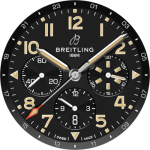
Breitling ClassicAVI WatchFace
PLAYWORKS GAMES Studio
$1.99
$0.29