

$1.49
$0.29
81% Off
Circa – Round Icon Pack
GomoTheGom



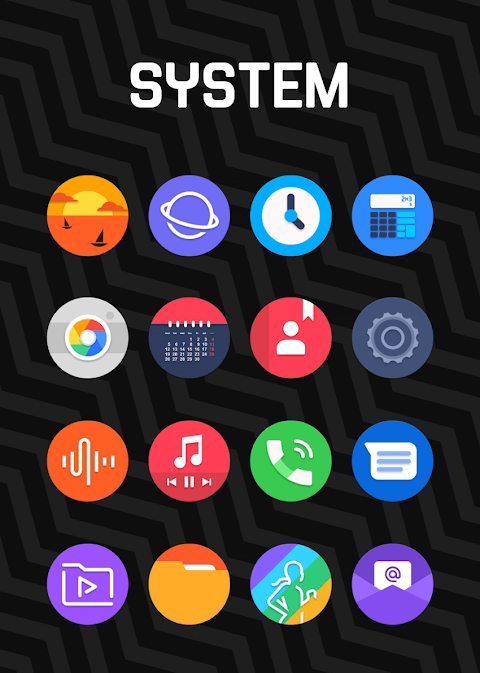
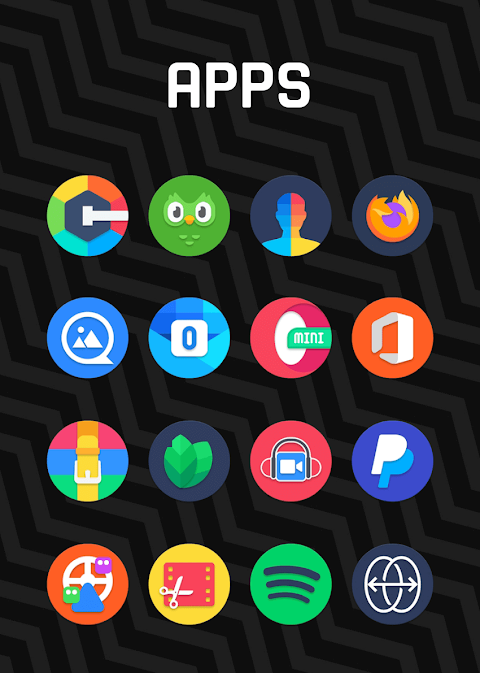
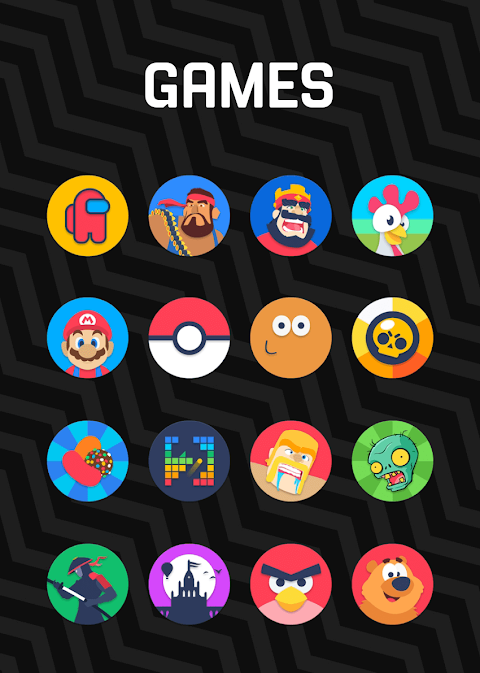
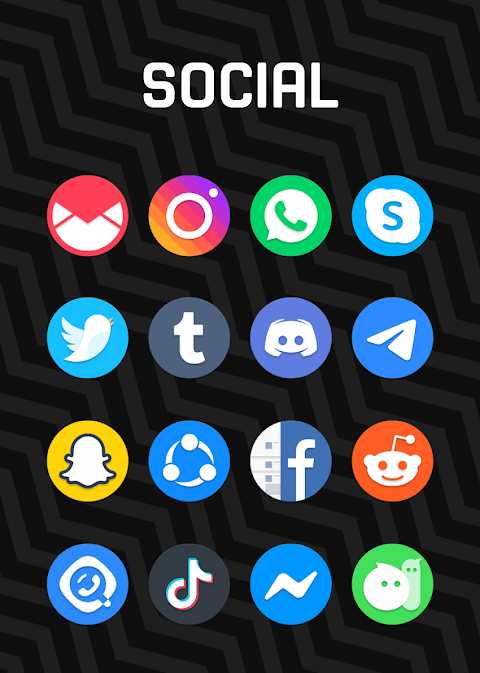




About the App
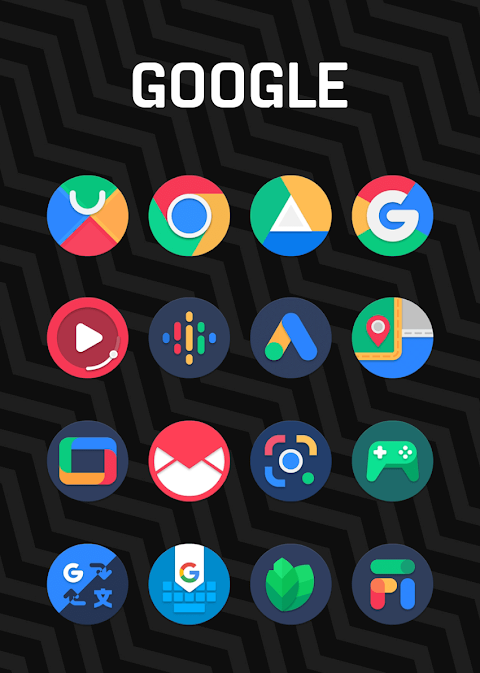
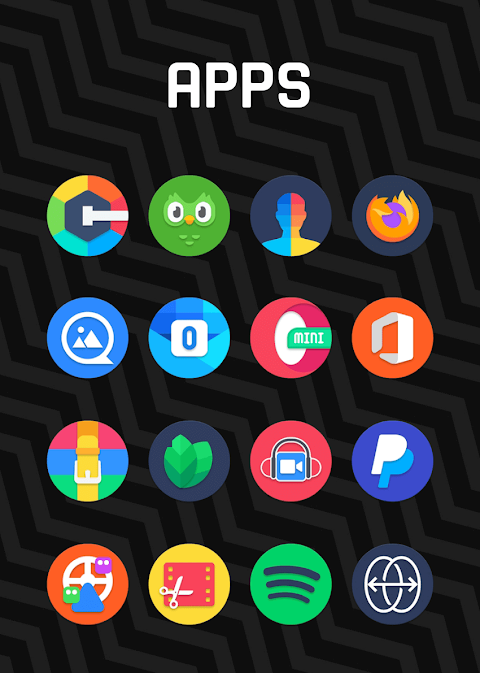
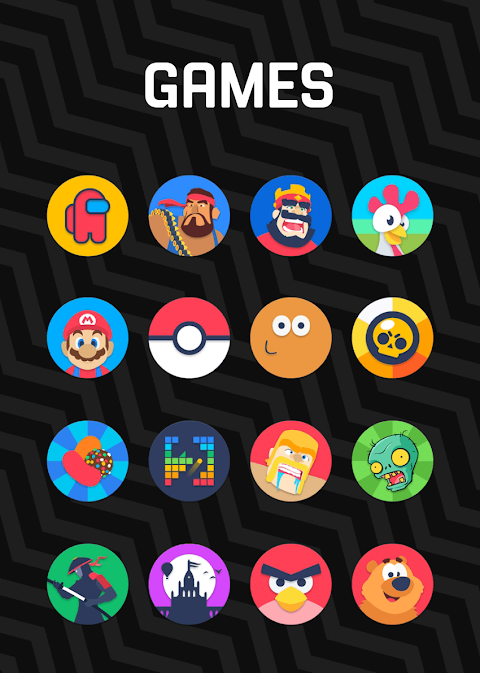
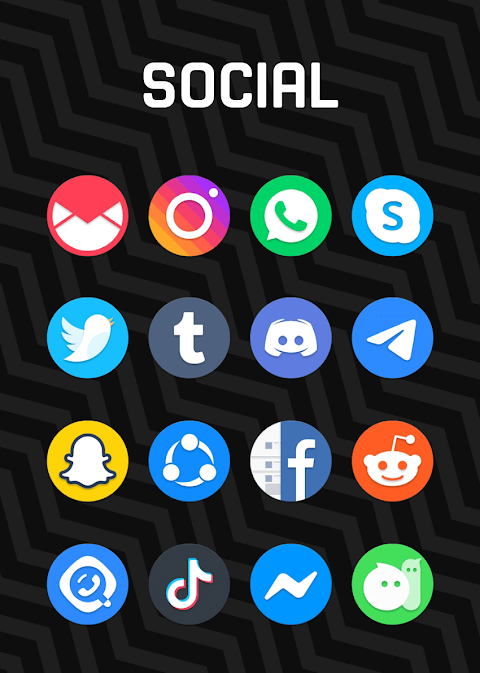
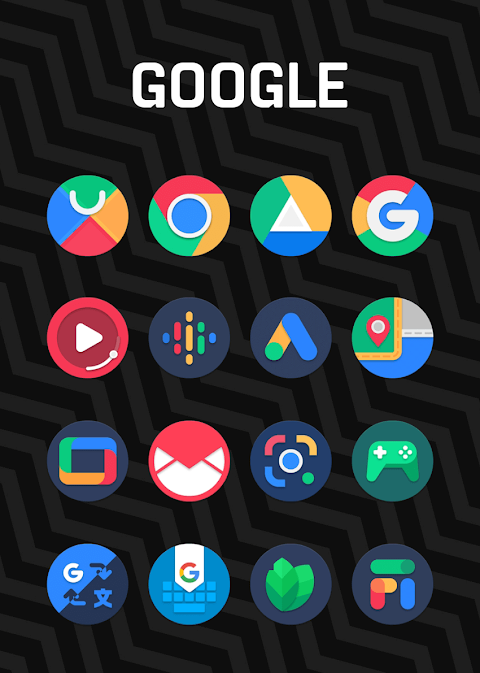
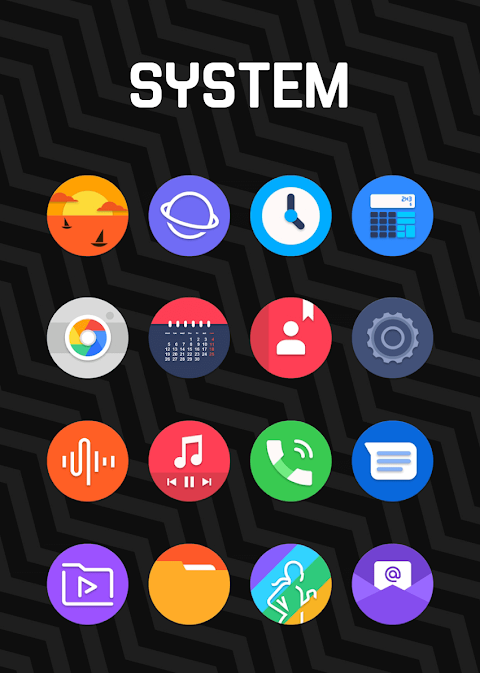
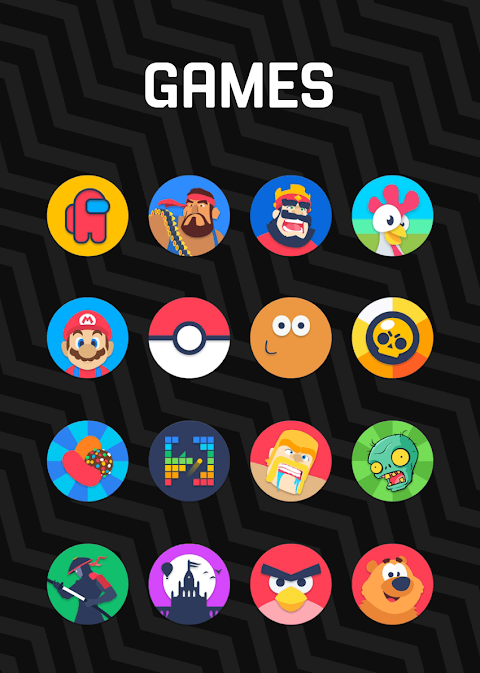
Circa - Round Icon Pack is an icon theme that draws heavy inspiration from Google's Material Design guidelines. This circle icon pack is designed to enhance the look of your device with style and elegance.
Each of the 7500+ high quality icons is crafted with care, ensuring every detail is finely tuned. As you use Circa, you’ll discover high quality wallpapers that you can download to personalize your screen further. If you find that there are missing icons for your favorite apps, you can make a free icon request, allowing you to customize your experience even more.
To use Circa, you will need a compatible launcher. For the best experience, we recommend Nova Launcher or Lawnchair. Simply open the Circa app and apply the icon pack through the app interface. If your launcher isn't listed, don’t worry! You can change the icon pack through your phone’s launcher settings. Just look for Circa in your list of icon packs.
Circa also features a handy icon pack management dashboard that allows you to navigate through the icons easily. You can even try out the icons with your current wallpaper using the dashboard preview pane. This is a convenient way to see how your screen will look before making changes.
We provide frequent updates to ensure that you always get new icons and features. Circa offers long term support, meaning we’re committed to enhancing your experience for the long haul.
The app is compatible with a wide range of launchers, allowing flexibility in how you apply the icons. You can apply the icon pack via the dashboard for launchers like Abc Launcher, Action Launcher, Adw Launcher, Apex Launcher, Atom Launcher, Aviate Launcher, Cm Launcher, Evie Launcher, Go Launcher, Holo HD Launcher, Holo Launcher, Lg Home Launcher, Lucid Launcher, M Launcher, Mini Launcher, Next Launcher, Nougat Launcher, Nova Launcher, Smart Launcher, Solo Launcher, V Launcher, ZenUI Launcher, and Zero Launcher.
Additionally, you can apply Circa through the settings of other launchers such as Poco Launcher, Arrow Launcher, Xperia Home, EverythingMe, Themer, Hola, Trebuchet, Unicon, Cobo Launcher, Line Launcher, Mesh Launcher, Z Launcher, ASAP Launcher, and Peek Launcher. This broad compatibility ensures that many users can enjoy the beautiful icons.
If you encounter any issues, please reach out to us for support. You can contact us through email at gomo.panoto@gmail.com or on Twitter. We pride ourselves on addressing problems promptly and efficiently.
Thank you to Dani Mahardika for creating the Candybar Dashboard, which enhances our icon pack management experience.
Finally, please note that you may need to adjust settings if Go Launcher doesn’t change your icons. You can go to the icon pack theme settings in Go Launcher and use the downloaded button in the top right corner. If some main icons remain unchanged, simply long-press the icon and use the replace menu to choose the new one.
When using Nova Launcher, be aware that icons may appear rounded automatically. You can change this in the Nova theme menu, ensuring the icon shapes option is turned off.
With Circa - Round Icon Pack, you have the tools to elevate your device's aesthetics, all while maintaining an easy-to-use interface that makes customization a breeze. Enjoy the beauty of Material Design every day.
Each of the 7500+ high quality icons is crafted with care, ensuring every detail is finely tuned. As you use Circa, you’ll discover high quality wallpapers that you can download to personalize your screen further. If you find that there are missing icons for your favorite apps, you can make a free icon request, allowing you to customize your experience even more.
To use Circa, you will need a compatible launcher. For the best experience, we recommend Nova Launcher or Lawnchair. Simply open the Circa app and apply the icon pack through the app interface. If your launcher isn't listed, don’t worry! You can change the icon pack through your phone’s launcher settings. Just look for Circa in your list of icon packs.
Circa also features a handy icon pack management dashboard that allows you to navigate through the icons easily. You can even try out the icons with your current wallpaper using the dashboard preview pane. This is a convenient way to see how your screen will look before making changes.
We provide frequent updates to ensure that you always get new icons and features. Circa offers long term support, meaning we’re committed to enhancing your experience for the long haul.
The app is compatible with a wide range of launchers, allowing flexibility in how you apply the icons. You can apply the icon pack via the dashboard for launchers like Abc Launcher, Action Launcher, Adw Launcher, Apex Launcher, Atom Launcher, Aviate Launcher, Cm Launcher, Evie Launcher, Go Launcher, Holo HD Launcher, Holo Launcher, Lg Home Launcher, Lucid Launcher, M Launcher, Mini Launcher, Next Launcher, Nougat Launcher, Nova Launcher, Smart Launcher, Solo Launcher, V Launcher, ZenUI Launcher, and Zero Launcher.
Additionally, you can apply Circa through the settings of other launchers such as Poco Launcher, Arrow Launcher, Xperia Home, EverythingMe, Themer, Hola, Trebuchet, Unicon, Cobo Launcher, Line Launcher, Mesh Launcher, Z Launcher, ASAP Launcher, and Peek Launcher. This broad compatibility ensures that many users can enjoy the beautiful icons.
If you encounter any issues, please reach out to us for support. You can contact us through email at gomo.panoto@gmail.com or on Twitter. We pride ourselves on addressing problems promptly and efficiently.
Thank you to Dani Mahardika for creating the Candybar Dashboard, which enhances our icon pack management experience.
Finally, please note that you may need to adjust settings if Go Launcher doesn’t change your icons. You can go to the icon pack theme settings in Go Launcher and use the downloaded button in the top right corner. If some main icons remain unchanged, simply long-press the icon and use the replace menu to choose the new one.
When using Nova Launcher, be aware that icons may appear rounded automatically. You can change this in the Nova theme menu, ensuring the icon shapes option is turned off.
With Circa - Round Icon Pack, you have the tools to elevate your device's aesthetics, all while maintaining an easy-to-use interface that makes customization a breeze. Enjoy the beauty of Material Design every day.

Cyandiant – icon Pack
GomoTheGom
$1.49
Hexanet White – Icon Pack
GomoTheGom
$1.49
Cuties – Icon Pack
PhunktasticDesigns
$1.49
$1.04