

$1.49
FREE
100% Off
Cyandiant – icon Pack
GomoTheGom








About the App
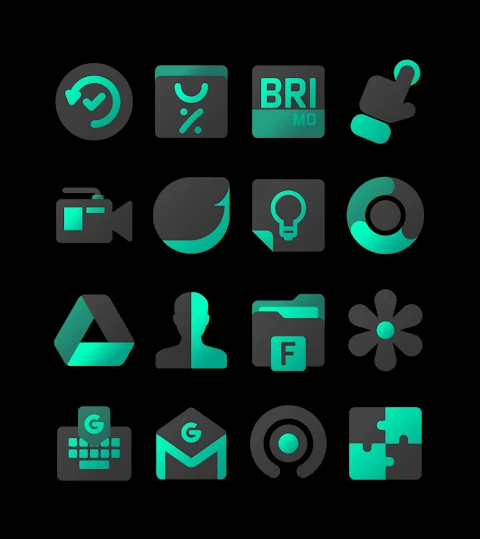
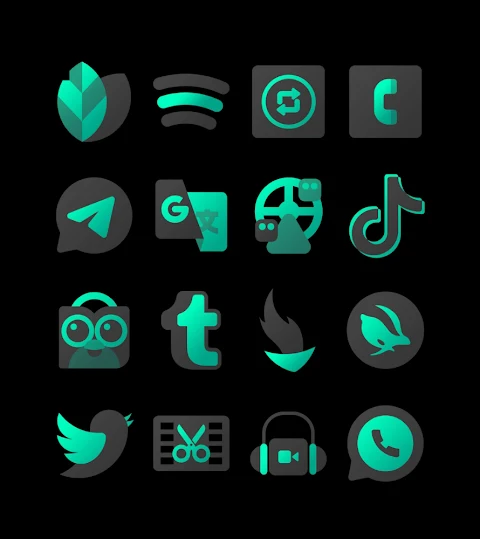
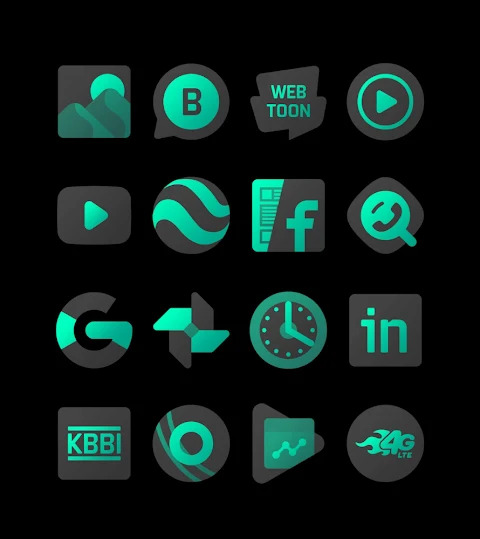
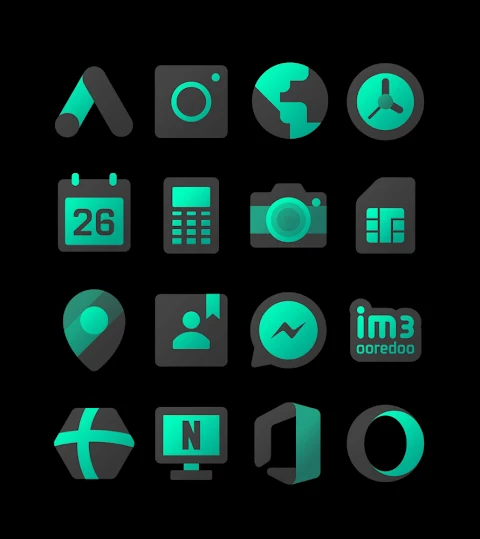
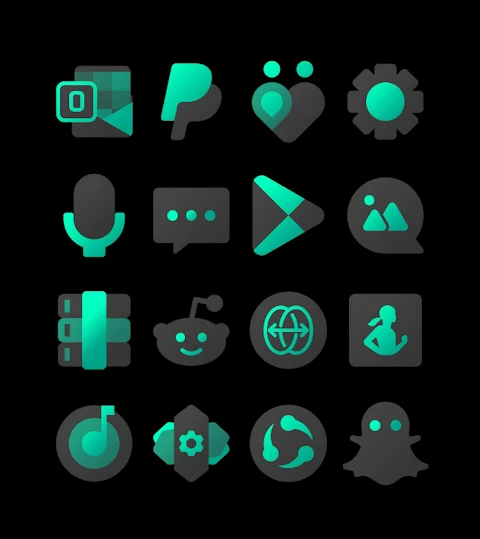
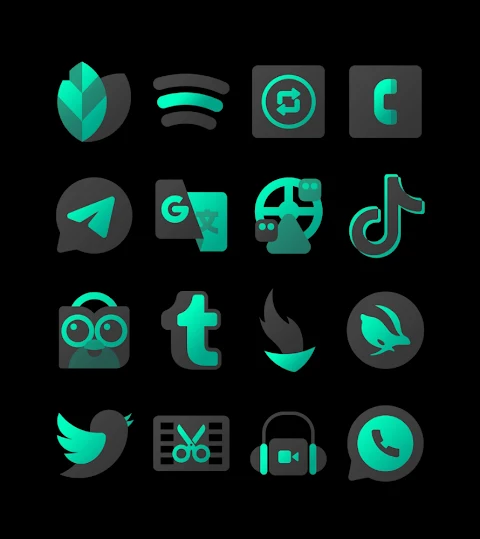
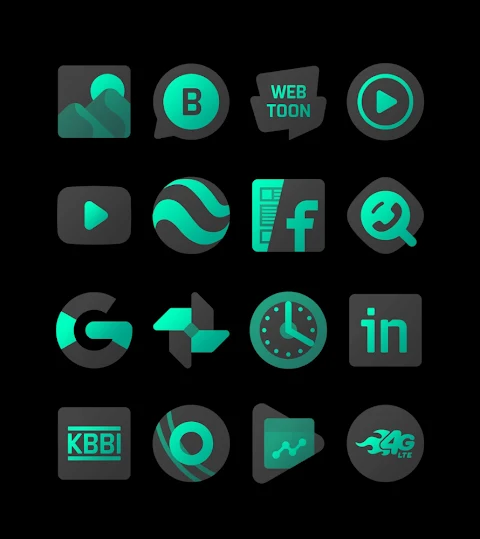
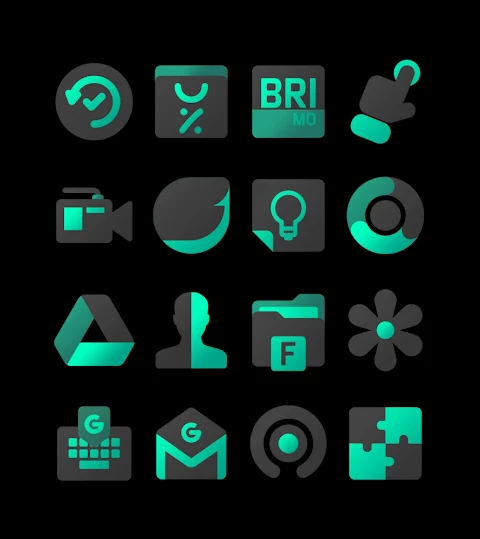
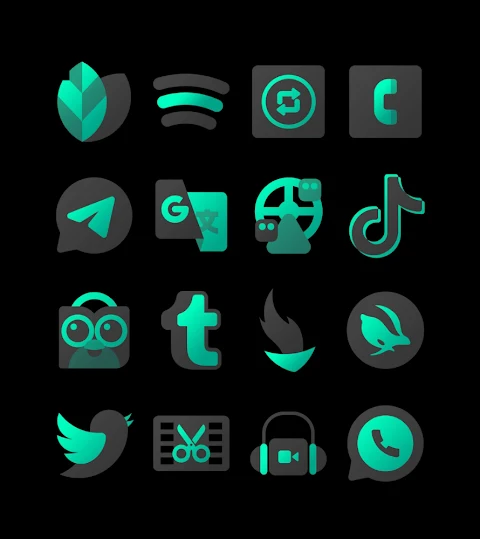
Cyandiant is a collection of vibrant cyan themed icons designed to give your device a calm and refreshing look. With over 3000 icons and counting, this icon pack allows you to customize your home screen icons easily. Each icon features an HD icon resolution of 256x256px, ensuring that they look sharp and appealing.
In addition to the wide variety of icons, Cyandiant also includes wallpapers that complement the icon designs. If you have specific requests for icons, there’s an icon request feature that lets you suggest what you’d like to see added in future updates.
Applying the Cyandiant icon pack is quick and simple, especially since it supports many popular launchers. You'll find integrations with well-known options like Nova Launcher, Evie Launcher, Apex Launcher, ADW Launcher, ABC Launcher, Next Launcher, Holo Launcher, Lucid Launcher, M Launcher, Action Launcher, and Sony Xperia Home Launcher. This means you can enjoy a personalized experience no matter which launcher you prefer to use.
To apply the Cyandiant icon pack, just follow these easy steps:
1. Open the Cyandiant icon pack app.
2. Navigate to the “Apply Icon Pack” screen.
3. The app will display a list of supported launchers. Select Nova Launcher if it is installed on your device to start applying the icons.
4. The icons from the Cyandiant icon pack will automatically be applied to your Nova Launcher.
If you don’t see your launcher listed when trying to apply the icons, you can try applying them directly from the launcher settings.
For those using the Sony Xperia Home Launcher, there are specific settings to follow. Since it may not appear in the Cyandiant app, you can still use it with a few adjustments. Just long press on your main screen, open the settings, scroll down to the “Appearance Icon Setting,” and choose the Cyandiant icon pack. This will refresh your device theme and let you enjoy the vibrant icon designs.
However, please note that icon masking may not be supported for certain launchers like Go Launcher and Zero Launcher, which can limit how icons are displayed.
With unique icon styles and a user-friendly setup, Cyandiant makes it easy to refresh your device’s look. Plus, there’s community support for icons, allowing you to connect with other users and share ideas.
For more design information, feel free to check out Cyandiant on Google+, Instagram, and Twitter. There you can see updates and maybe even find inspiration for how to use the icons creatively.
Overall, Cyandiant offers a calm and refreshing aesthetic that enhances any device, making it an ideal choice for anyone looking to customize their home screen. Embrace the vibrant icon design with this customizable icon pack!
In addition to the wide variety of icons, Cyandiant also includes wallpapers that complement the icon designs. If you have specific requests for icons, there’s an icon request feature that lets you suggest what you’d like to see added in future updates.
Applying the Cyandiant icon pack is quick and simple, especially since it supports many popular launchers. You'll find integrations with well-known options like Nova Launcher, Evie Launcher, Apex Launcher, ADW Launcher, ABC Launcher, Next Launcher, Holo Launcher, Lucid Launcher, M Launcher, Action Launcher, and Sony Xperia Home Launcher. This means you can enjoy a personalized experience no matter which launcher you prefer to use.
To apply the Cyandiant icon pack, just follow these easy steps:
1. Open the Cyandiant icon pack app.
2. Navigate to the “Apply Icon Pack” screen.
3. The app will display a list of supported launchers. Select Nova Launcher if it is installed on your device to start applying the icons.
4. The icons from the Cyandiant icon pack will automatically be applied to your Nova Launcher.
If you don’t see your launcher listed when trying to apply the icons, you can try applying them directly from the launcher settings.
For those using the Sony Xperia Home Launcher, there are specific settings to follow. Since it may not appear in the Cyandiant app, you can still use it with a few adjustments. Just long press on your main screen, open the settings, scroll down to the “Appearance Icon Setting,” and choose the Cyandiant icon pack. This will refresh your device theme and let you enjoy the vibrant icon designs.
However, please note that icon masking may not be supported for certain launchers like Go Launcher and Zero Launcher, which can limit how icons are displayed.
With unique icon styles and a user-friendly setup, Cyandiant makes it easy to refresh your device’s look. Plus, there’s community support for icons, allowing you to connect with other users and share ideas.
For more design information, feel free to check out Cyandiant on Google+, Instagram, and Twitter. There you can see updates and maybe even find inspiration for how to use the icons creatively.
Overall, Cyandiant offers a calm and refreshing aesthetic that enhances any device, making it an ideal choice for anyone looking to customize their home screen. Embrace the vibrant icon design with this customizable icon pack!
Glossy Glow Icon Pack
Padmanabhan
$0.49
$0.19
Chester Modern minimal
CHESTER WATCH FACES
$0.99
$0.50

DADAM110: Minimal Watch Face
DADAM Watch Faces
$0.99
$0.10