

$1.49
FREE
100% Off
Hexanet White – Icon Pack
GomoTheGom






About the App
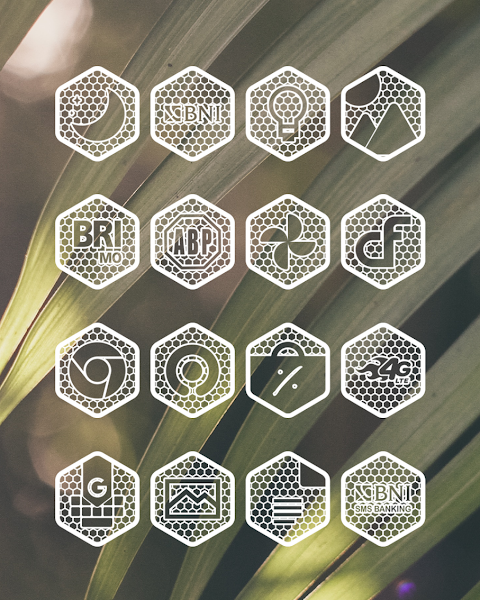
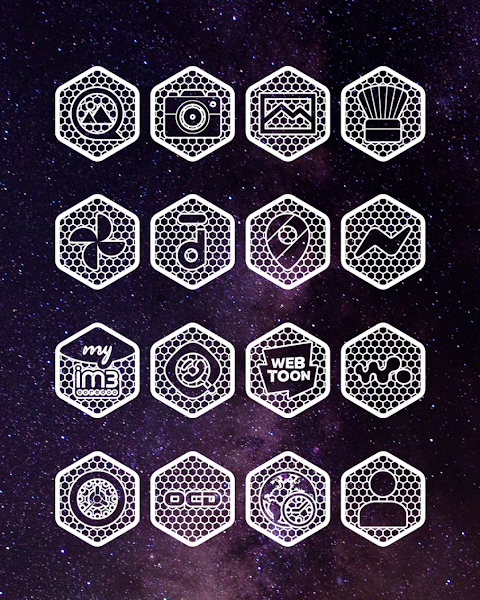
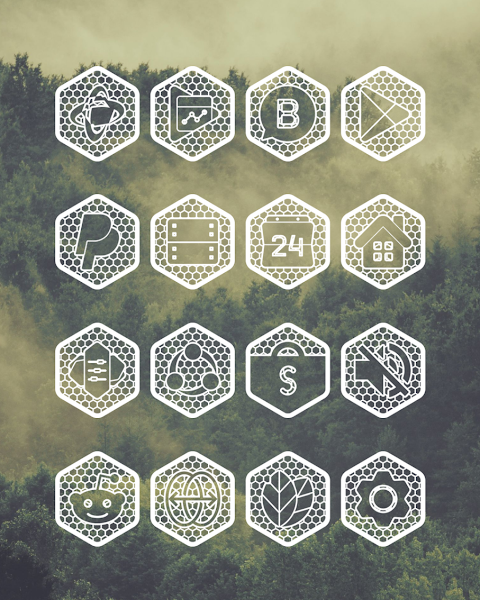
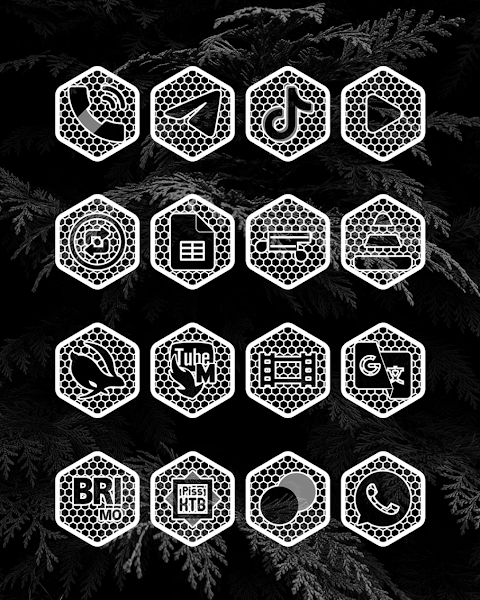
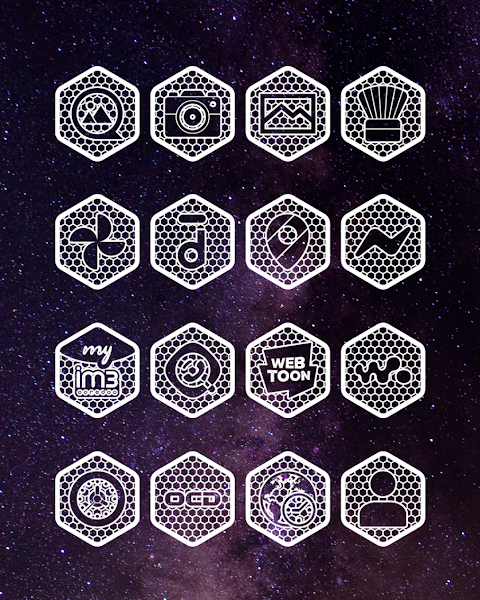
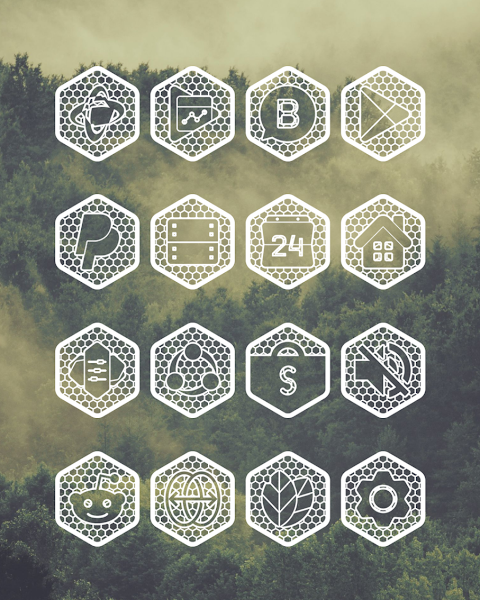
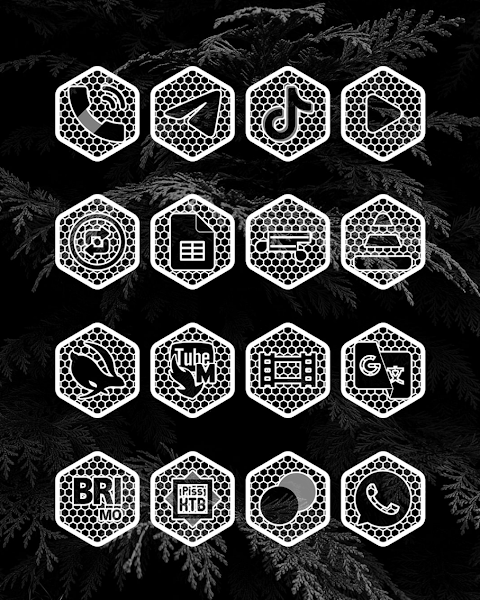
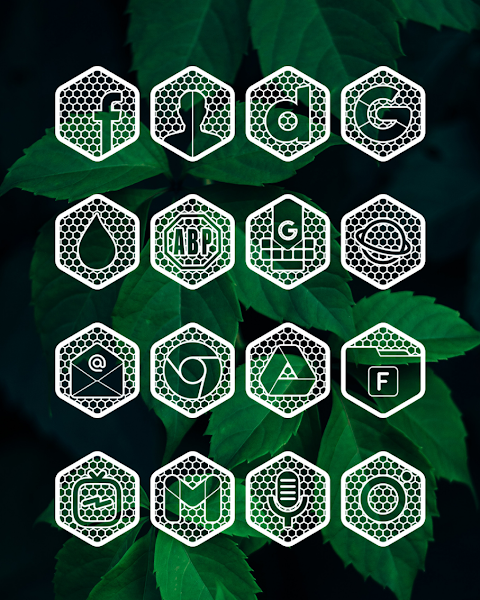
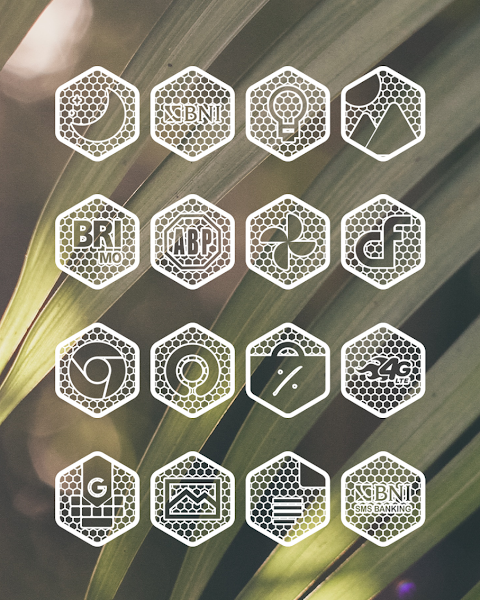
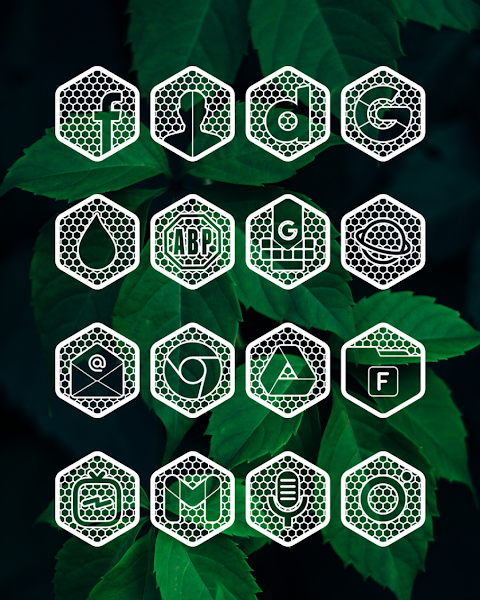
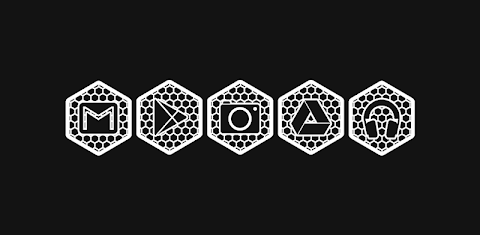
Hexanet White is a unique icon pack and icon changer inspired by net structures. It features a hexagon icon design that is perfectly white and transparent, providing an elegant look for your device. These icons work wonderfully with dark wallpaper or natural scenery themes, creating a beautiful effect. However, it's best to avoid using this icon pack with bright or white wallpapers, as this can make the net structure design less visible.
If you're wondering how to apply the Hexanet White icon pack, don’t worry—it’s simple. This icon pack supports several popular launchers, including Nova Launcher and Evie Launcher. Here are the steps to get started:
First, open the Hexanet White app. Next, navigate to the "Apply Icon Pack" screen. You'll see a list of supported launchers, like Nova Launcher and Evie Launcher. Choose Nova Launcher if it’s installed on your device. The app will automatically apply the icons from the Hexanet White icon pack to Nova Launcher.
If you don’t see the launcher when trying to apply icons, you may need to apply them directly from the launcher itself.
For Sony Xperia users, the Hexanet White icon pack can also be applied, but you'll have to do it through different settings. Here’s how:
1. Long press on your main screen.
2. Open the settings.
3. Scroll down to the "Appearance" icon settings.
4. Choose the Hexanet icon pack.
5. That's it! Your Sony Xperia will now have the Hexanet White icons.
Please note that this icon pack works only on Sony Xperia Home Launcher versions 10.0.A.0.8 and above.
Hexanet White is compatible with a wide range of launchers, including:
- Nova Launcher
- Apex Launcher
- ADW Launcher
- Evie Launcher
- Sony Xperia Home Launcher
- And many more.
Keep in mind that if your stock launcher doesn’t support icon packs, you may need to use a 3rd party launcher. You can also use apps like Awesome Icons or Unicon to change your icons without switching to a 3rd party launcher.
One of the key features of the Hexanet White icon pack is its extensive collection of over 7000 icons, constantly growing. It includes a useful iconback feature for any unthemed icons, and you’ll find 36+ HD wallpapers to complete your setup. The pack also offers alternate icons and an icon request feature, plus all icons are designed in stunning HD resolution of 192x192 pixels.
While using the Hexanet White icon pack, you might encounter some limitations with Go Launcher, particularly regarding icon masking. Make sure to keep this in mind when planning your icon setup.
For additional details about the design, feel free to check out more information on Google+, Instagram, or Twitter.
In summary, the Hexanet White icon pack is an excellent choice for those who prefer a sleek, net structure design. Its compatibility with numerous launchers, along with a vast icon collection and customization options, makes it a valuable addition to your device’s aesthetic. Enjoy transforming your home screen with the beauty of Hexanet White!
If you're wondering how to apply the Hexanet White icon pack, don’t worry—it’s simple. This icon pack supports several popular launchers, including Nova Launcher and Evie Launcher. Here are the steps to get started:
First, open the Hexanet White app. Next, navigate to the "Apply Icon Pack" screen. You'll see a list of supported launchers, like Nova Launcher and Evie Launcher. Choose Nova Launcher if it’s installed on your device. The app will automatically apply the icons from the Hexanet White icon pack to Nova Launcher.
If you don’t see the launcher when trying to apply icons, you may need to apply them directly from the launcher itself.
For Sony Xperia users, the Hexanet White icon pack can also be applied, but you'll have to do it through different settings. Here’s how:
1. Long press on your main screen.
2. Open the settings.
3. Scroll down to the "Appearance" icon settings.
4. Choose the Hexanet icon pack.
5. That's it! Your Sony Xperia will now have the Hexanet White icons.
Please note that this icon pack works only on Sony Xperia Home Launcher versions 10.0.A.0.8 and above.
Hexanet White is compatible with a wide range of launchers, including:
- Nova Launcher
- Apex Launcher
- ADW Launcher
- Evie Launcher
- Sony Xperia Home Launcher
- And many more.
Keep in mind that if your stock launcher doesn’t support icon packs, you may need to use a 3rd party launcher. You can also use apps like Awesome Icons or Unicon to change your icons without switching to a 3rd party launcher.
One of the key features of the Hexanet White icon pack is its extensive collection of over 7000 icons, constantly growing. It includes a useful iconback feature for any unthemed icons, and you’ll find 36+ HD wallpapers to complete your setup. The pack also offers alternate icons and an icon request feature, plus all icons are designed in stunning HD resolution of 192x192 pixels.
While using the Hexanet White icon pack, you might encounter some limitations with Go Launcher, particularly regarding icon masking. Make sure to keep this in mind when planning your icon setup.
For additional details about the design, feel free to check out more information on Google+, Instagram, or Twitter.
In summary, the Hexanet White icon pack is an excellent choice for those who prefer a sleek, net structure design. Its compatibility with numerous launchers, along with a vast icon collection and customization options, makes it a valuable addition to your device’s aesthetic. Enjoy transforming your home screen with the beauty of Hexanet White!

Analog Basic 23 WEAR OS 4+
OQ Watchfaces
$0.49

You-R Circle Icon Pack
GomoTheGom
$1.49

WFP 308 Business watch face
WFProduction by Alexandr Kovalev
$2.49
$1.25