
$0.49
FREE
100% Off
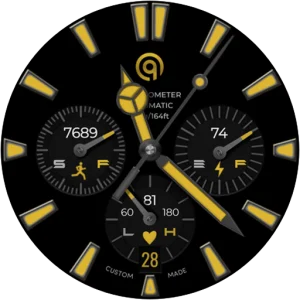
Analog Basic 23 WEAR OS 4+
OQ Watchfaces

About the App
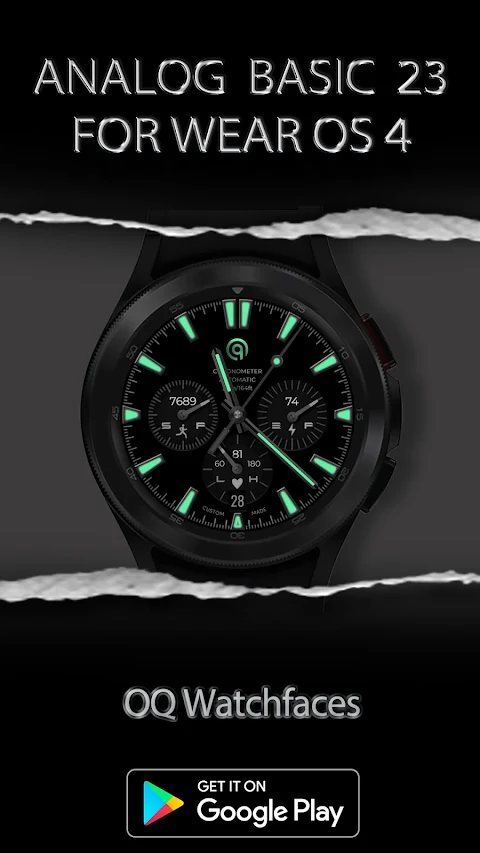
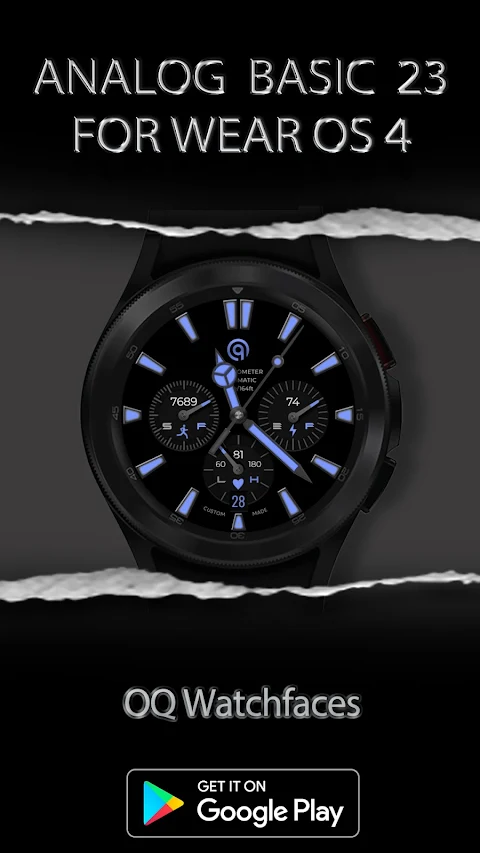
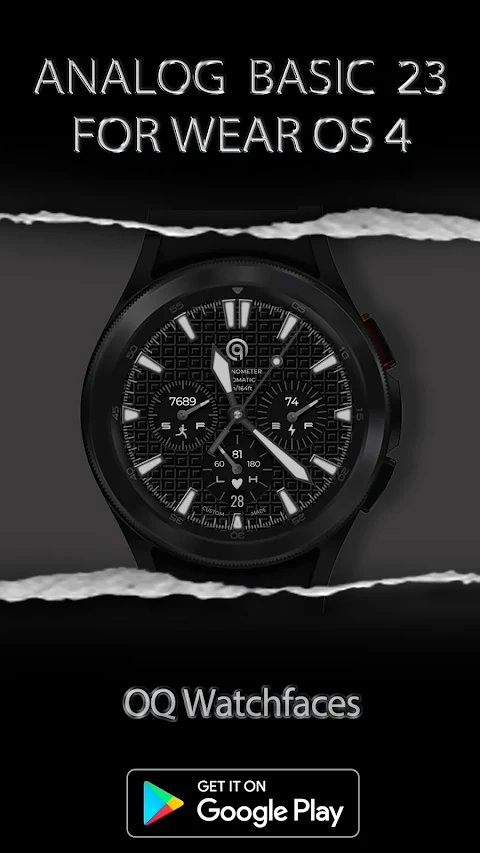
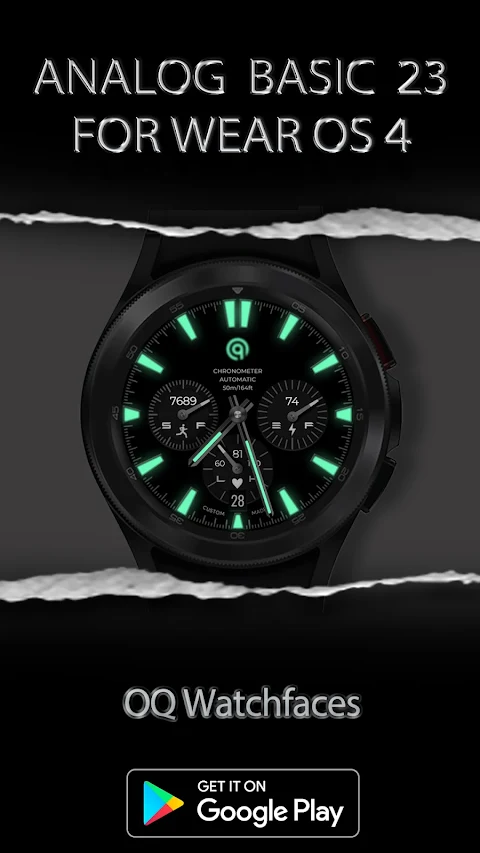
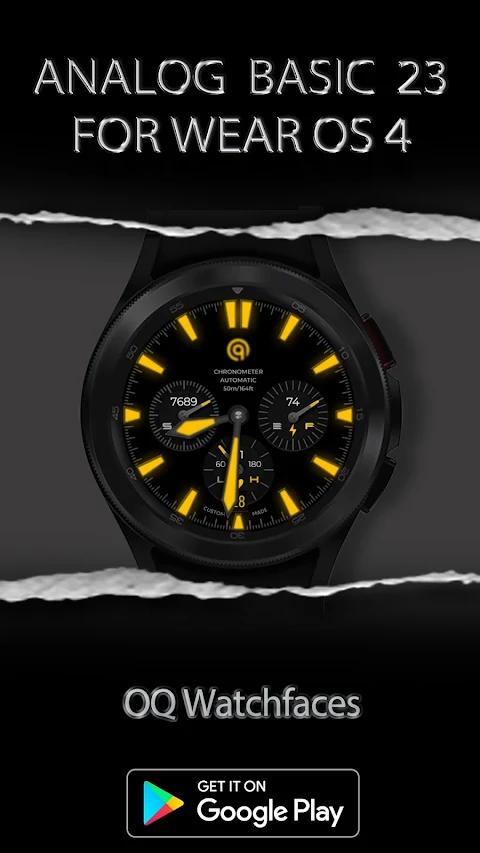
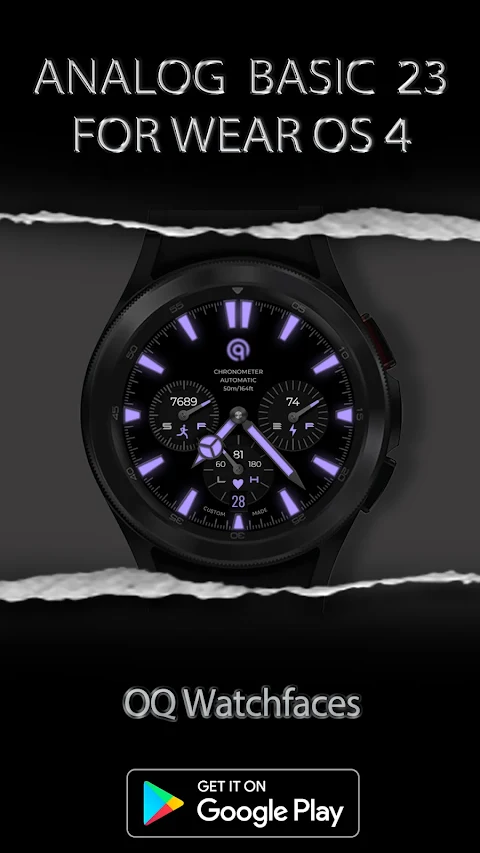
Discover the Analog Basic 23 WEAR OS watch face, designed specifically for devices running on WEAR OS. This watch face has been created using the Samsung Galaxy Watch face studio, ensuring a stylish and functional look. It has been tested on multiple devices, including the Samsung Watch 4 Classic, Samsung Watch 5 Pro, and Tic Watch 5 Pro. Users of Wear OS 3+ devices will also find compatibility with this watch face.
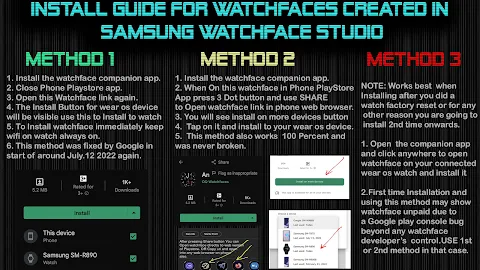
Before downloading, please read all the instructions carefully to avoid any issues. An official install guide for watch faces has been prepared by Tony Morelan, a senior developer and evangelist. This guide provides a thorough explanation, complete with image illustrations on how to install the watch face on your connected device. You can find this helpful resource at the provided link in the description.
For those who are new to Android Wear OS or unsure about installation, a brief INSTALL GUIDE is included in the watch face previews. This guide features screen previews to assist you in installing the watch face. Please make sure to review it before posting any questions about installation.
To avoid errors, do not pay twice from the watch Google Play Store. Refer to the INSTALL GUIDE image, which outlines three effective methods for installing both the phone and watch app.
The Analog Basic 23 watch face comes with a variety of customization menu features for your convenience. You can choose from three pairs of hours and minutes hands to match your style.
The watch face includes handy tap index bar features. For example, tapping the index bar at 9 o’clock will open the watch Google Play Store app. If you tap the index bar at 3 o’clock, you can quickly access the watch phone app. Likewise, tapping the index bar at 6 o’clock will open the alarming app shortcut, allowing you to set alerts easily.
There’s also a nice feature where tapping the text labeled "Automatic" under the OQ logo will take you to the calendar menu access. For those who want to monitor their health, tapping on the BPM text provides access to the Samsung Health heart rate monitor.
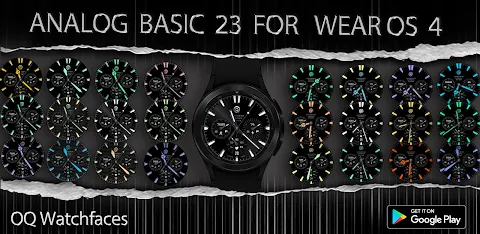
This watch face offers a dim mode display for both the main and Always On Display (AOD), which can be customized through the menu. You also have the option to change the index color customization to enhance the look. By default, the outer minutes lines index color is off, but you can enable it in the customization menu. You can also toggle the gray minutes index lines as per your preference.
For users who want to track their activity, the steps data counter can be accessed by tapping on the steps text data.
Additionally, the Analog Basic 23 includes seven customizable complications. You can set four of these complications to be visible on the main display, while the other three can function as invisible shortcuts for your favorite apps. This offers a great way to personalize your watch face layout.
Lastly, you can also customize the seconds movement options, allowing for further personalization of your watch face to fit your needs.
In summary, the Analog Basic 23 WEAR OS watch face is designed with both style and functionality in mind, making it a great choice for anyone using WEAR OS devices. Enjoy a seamless experience as you explore the features and customization options this watch face has to offer.
Before downloading, please read all the instructions carefully to avoid any issues. An official install guide for watch faces has been prepared by Tony Morelan, a senior developer and evangelist. This guide provides a thorough explanation, complete with image illustrations on how to install the watch face on your connected device. You can find this helpful resource at the provided link in the description.
For those who are new to Android Wear OS or unsure about installation, a brief INSTALL GUIDE is included in the watch face previews. This guide features screen previews to assist you in installing the watch face. Please make sure to review it before posting any questions about installation.
To avoid errors, do not pay twice from the watch Google Play Store. Refer to the INSTALL GUIDE image, which outlines three effective methods for installing both the phone and watch app.
The Analog Basic 23 watch face comes with a variety of customization menu features for your convenience. You can choose from three pairs of hours and minutes hands to match your style.
The watch face includes handy tap index bar features. For example, tapping the index bar at 9 o’clock will open the watch Google Play Store app. If you tap the index bar at 3 o’clock, you can quickly access the watch phone app. Likewise, tapping the index bar at 6 o’clock will open the alarming app shortcut, allowing you to set alerts easily.
There’s also a nice feature where tapping the text labeled "Automatic" under the OQ logo will take you to the calendar menu access. For those who want to monitor their health, tapping on the BPM text provides access to the Samsung Health heart rate monitor.
This watch face offers a dim mode display for both the main and Always On Display (AOD), which can be customized through the menu. You also have the option to change the index color customization to enhance the look. By default, the outer minutes lines index color is off, but you can enable it in the customization menu. You can also toggle the gray minutes index lines as per your preference.
For users who want to track their activity, the steps data counter can be accessed by tapping on the steps text data.
Additionally, the Analog Basic 23 includes seven customizable complications. You can set four of these complications to be visible on the main display, while the other three can function as invisible shortcuts for your favorite apps. This offers a great way to personalize your watch face layout.
Lastly, you can also customize the seconds movement options, allowing for further personalization of your watch face to fit your needs.
In summary, the Analog Basic 23 WEAR OS watch face is designed with both style and functionality in mind, making it a great choice for anyone using WEAR OS devices. Enjoy a seamless experience as you explore the features and customization options this watch face has to offer.
S4U Kyoto realistic watch face
styles4you
$1.49
$0.37
Radar Watch Face by Nodeshaper
NodeShaper
$0.99
$0.49
CFS129 Digital Essence
CFS Creative Face Studio
$1.49
$0.69