

$0.99
$0.69
30% Off
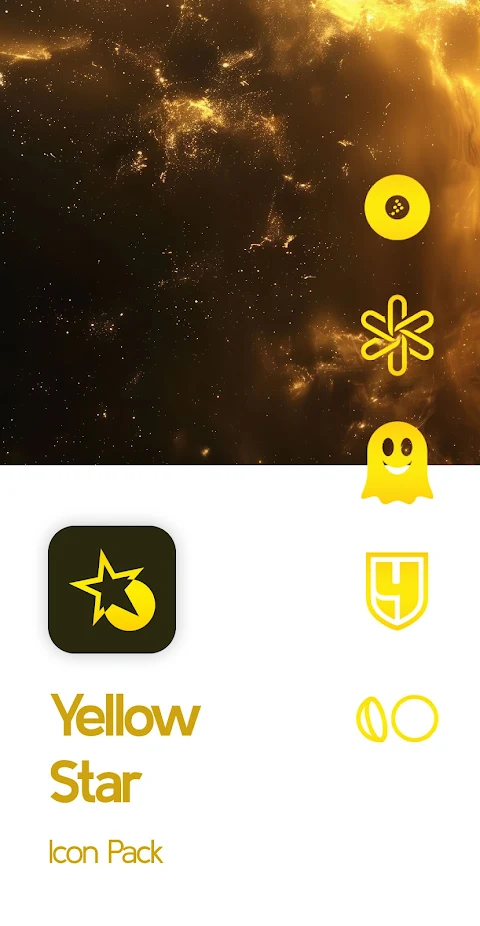
Yellow Star Icon Pack
PizzApp Design


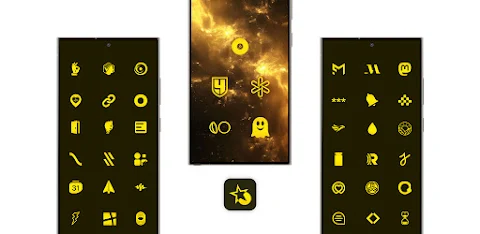
About the App
The Yellow Star Icon Pack is a perfect choice whether you enjoy minimalist elegance or intricate detailing in your app icons. This vibrant yellow-themed icon pack is expertly designed to refresh your home screen with a stunning makeover.
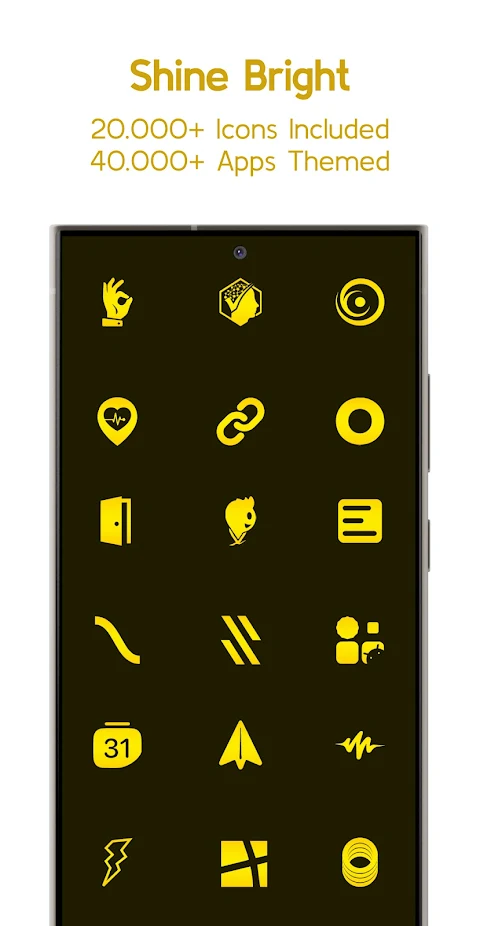
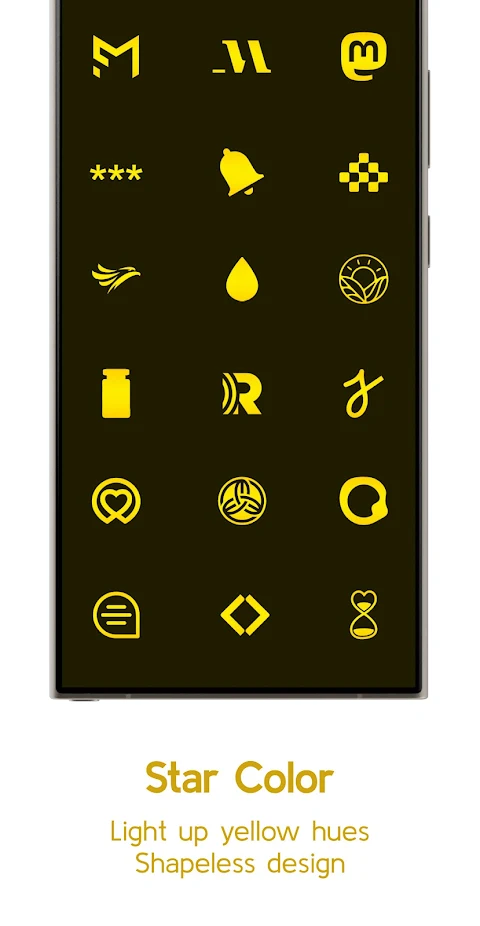
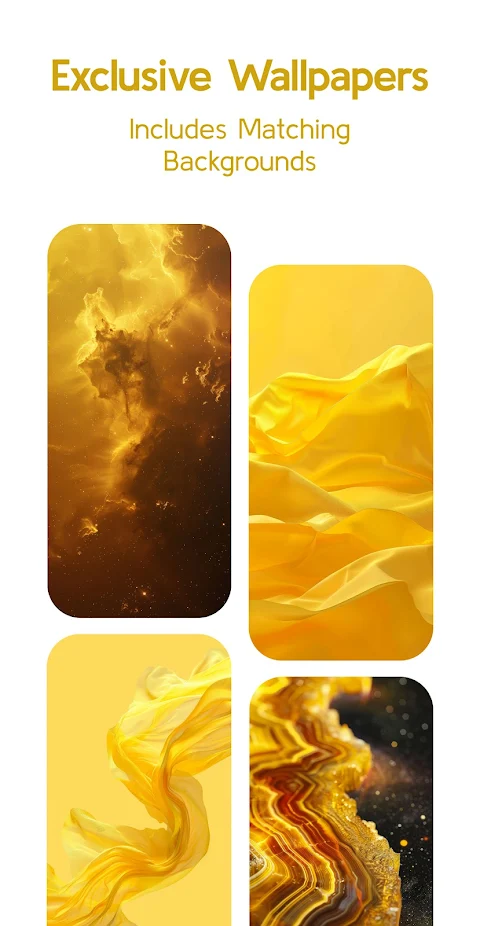
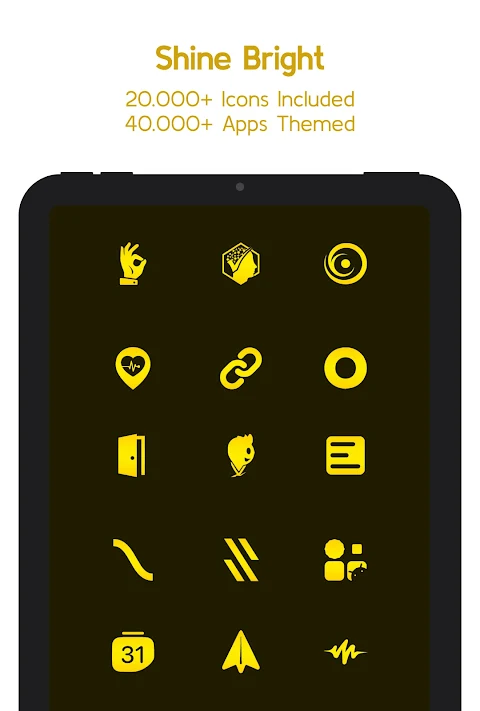
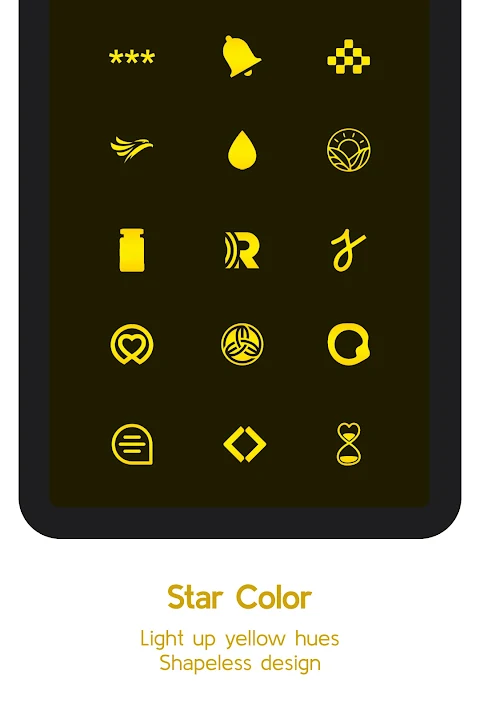
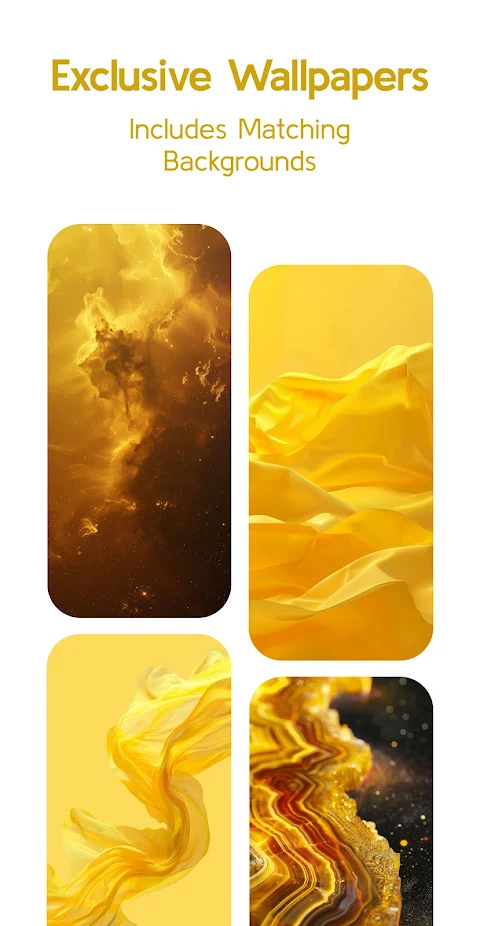
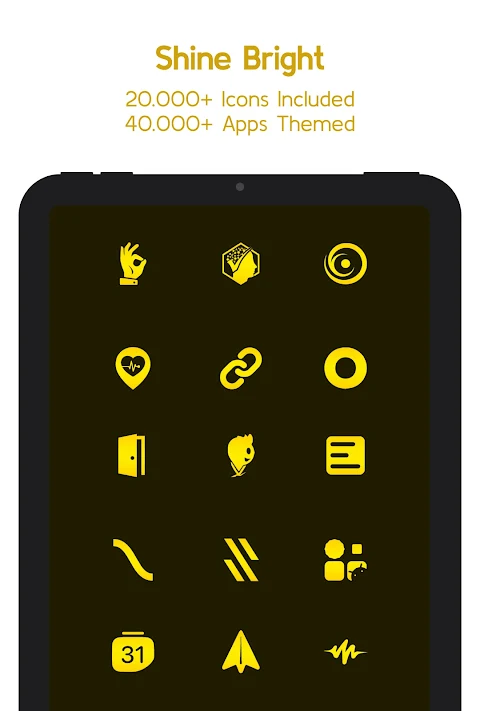
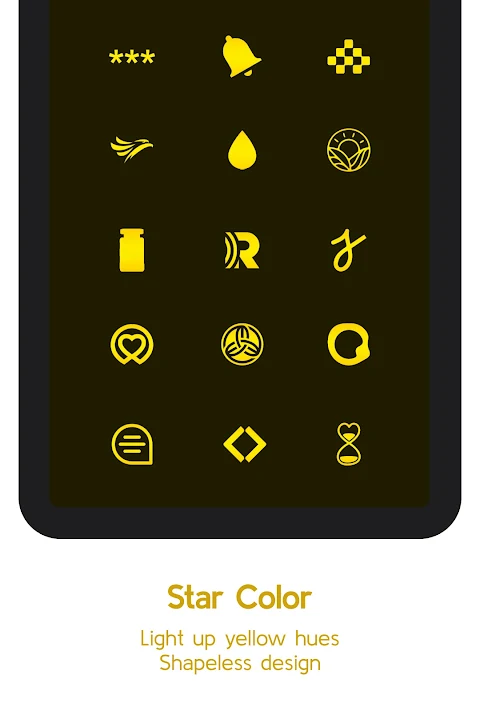
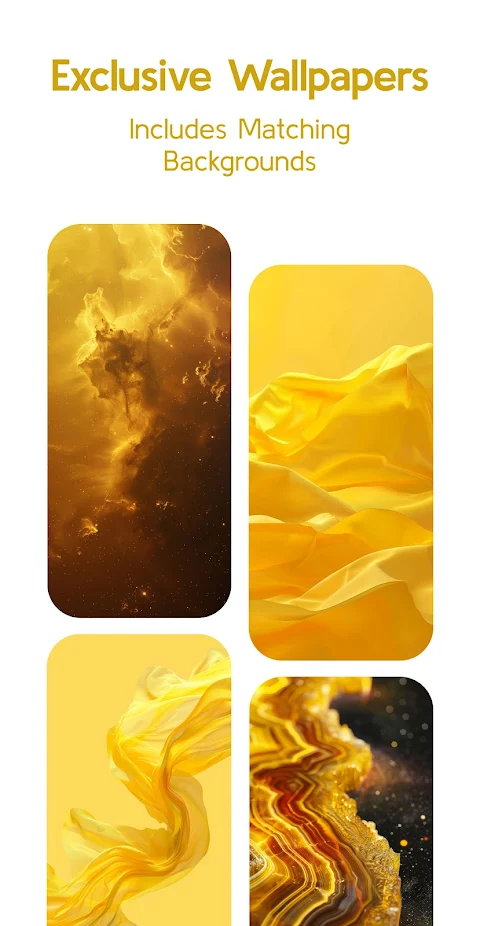
With over 25,000 yellow icons included, the Yellow Star Icon Pack covers more than 45,000 apps. You’ll find icons for system apps, Google apps, stock OEM apps, social apps, media apps, games apps, and more. Alongside the icons, you can also enjoy exclusive yellow wallpapers to enhance your device’s look.
One of the standout features of the Yellow Star Icon Pack is its support for dynamic calendars. This works well with supported launchers, making it easy to keep your calendar organized and visually appealing. The app includes a user-friendly Material You dashboard, allowing you to navigate effortlessly.
The icon masking feature helps give a proper background to any unthemed apps, ensuring a cohesive look on your device. Plus, with an icon request option, you can easily ask for icons for your favorite apps—both free and premium options are available. Regular updates mean you'll get fresh icons to keep your setup looking new and exciting.
To use the Yellow Star Icon Pack, you'll need to install a compatible launcher. This can include popular choices like the Nova Launcher, Lawnchair Launcher, and Samsung One UI, among others. Simply open the icon pack app and tap to apply, or select it in your launcher settings to get started.
Keep in mind that third-party launcher compatibility is necessary for the Yellow Star Icon Pack to function correctly. If you notice any icons that are unthemed or missing, you can send a request within the app. The FAQ section is also there to answer common questions you might have, so it's worth checking before reaching out for support.
With vibrant yellow-themed icons at your fingertips, the Yellow Star Icon Pack is all about customization. You can connect with the design team through various platforms, like Instagram or Telegram, for updates and community support. Enjoy transforming your home screen with this fun and stylish icon pack!
With over 25,000 yellow icons included, the Yellow Star Icon Pack covers more than 45,000 apps. You’ll find icons for system apps, Google apps, stock OEM apps, social apps, media apps, games apps, and more. Alongside the icons, you can also enjoy exclusive yellow wallpapers to enhance your device’s look.
One of the standout features of the Yellow Star Icon Pack is its support for dynamic calendars. This works well with supported launchers, making it easy to keep your calendar organized and visually appealing. The app includes a user-friendly Material You dashboard, allowing you to navigate effortlessly.
The icon masking feature helps give a proper background to any unthemed apps, ensuring a cohesive look on your device. Plus, with an icon request option, you can easily ask for icons for your favorite apps—both free and premium options are available. Regular updates mean you'll get fresh icons to keep your setup looking new and exciting.
To use the Yellow Star Icon Pack, you'll need to install a compatible launcher. This can include popular choices like the Nova Launcher, Lawnchair Launcher, and Samsung One UI, among others. Simply open the icon pack app and tap to apply, or select it in your launcher settings to get started.
Keep in mind that third-party launcher compatibility is necessary for the Yellow Star Icon Pack to function correctly. If you notice any icons that are unthemed or missing, you can send a request within the app. The FAQ section is also there to answer common questions you might have, so it's worth checking before reaching out for support.
With vibrant yellow-themed icons at your fingertips, the Yellow Star Icon Pack is all about customization. You can connect with the design team through various platforms, like Instagram or Telegram, for updates and community support. Enjoy transforming your home screen with this fun and stylish icon pack!
Aline White: linear icon pack
One4Studio
$2.49
$1.25
【Hybrid】Flat Small Clock
ZKin
$2.99
![[69D] RetroRadio](https://appdovo.com/wp-content/uploads/2026/08/com.sixty9design.retroradiomkid0rOIncgnZ_FF2E5e-1-150x150.webp)
[69D] RetroRadio
69 Design
$1.49
$0.30