
$0.99
$0.10
90% Off
Win10 Flat – Icon Pack
Olivera Onias Design



About the App
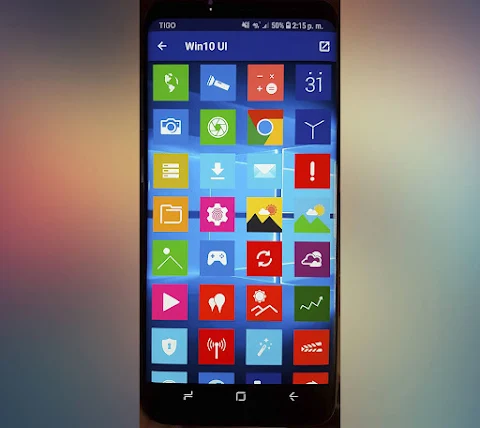
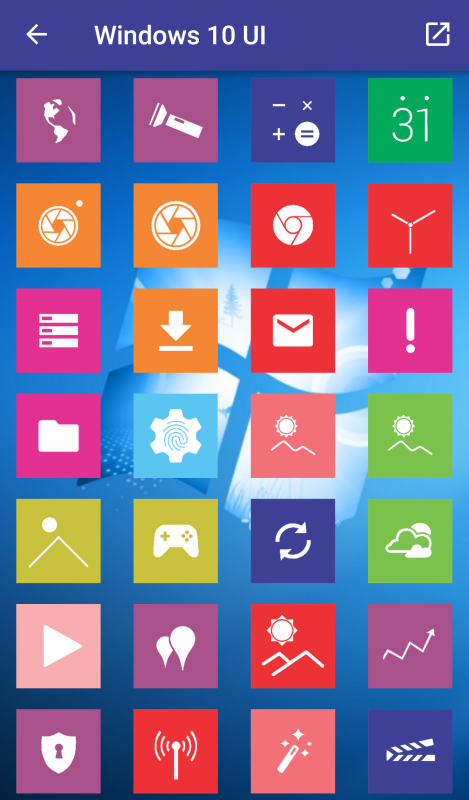
Win10 Flat - Icon Pack is a stylish square icon pack that brings a flat design aesthetic to your phone, giving it an elegant look. Originally known as Windows 10 - Icon Pack, it offers a fresh take on customizing your device. To use this pack effectively, you will need to install a launcher, such as Nova Launcher or others like Action Launcher or GO Launcher.
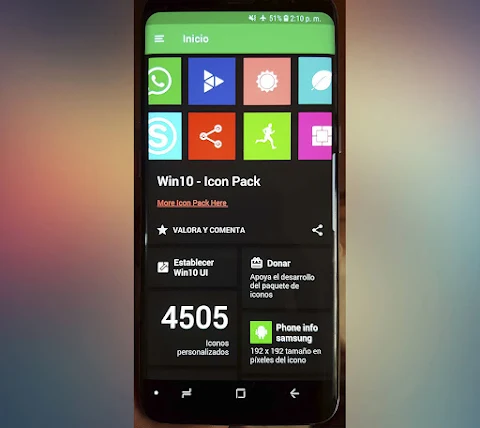
Using the Win10 Flat - Icon Pack is simple. First, open the Win10 UI application. In the menu located in the upper left corner, choose the option to set or apply the icon pack. The app will show you a list of supported launchers, prioritizing the ones you have already installed. Select your preferred launcher and press accept. If you don’t have any launcher installed yet, the app will guide you to download one with a launcher download link.
You can also apply the Win10 Flat - Icon Pack directly from your launcher if you prefer. In case you don't want to use a launcher, there's even an option to use an icon changer.
This icon pack includes a hefty collection of over 4200 custom icons, each featuring high-definition designs at a resolution of 192x192 pixels. Additionally, there are more than 80 wallpapers included to give your phone another layer of style. For your convenience, you can make an icon request via email for any additional icons you may want. The APK is lightweight, only 10 MB, making installation quick and easy.
While Win10 Flat - Icon Pack supports many launchers, including popular ones like Smart Launcher, Solo Launcher, and ZenUI Launcher, it's important to note some limitations. For example, it is not compatible with the default launcher found on Samsung or Huawei devices, and there are some limitations in support for GO Launcher since it does not support icon masking.
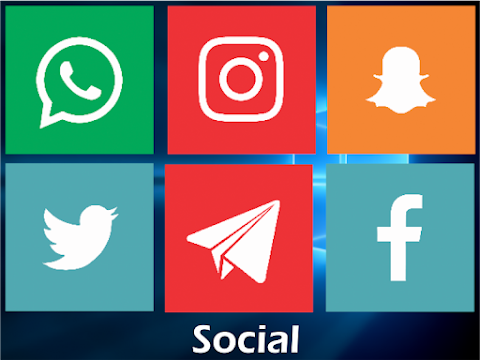
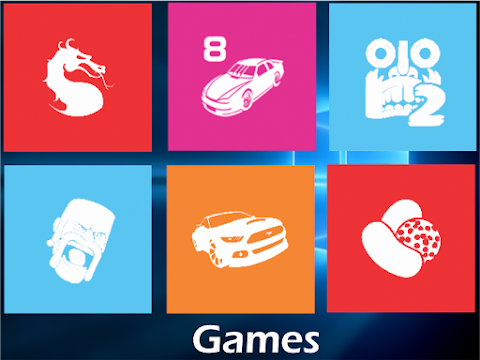
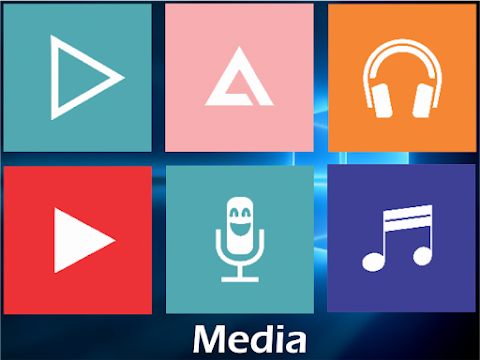
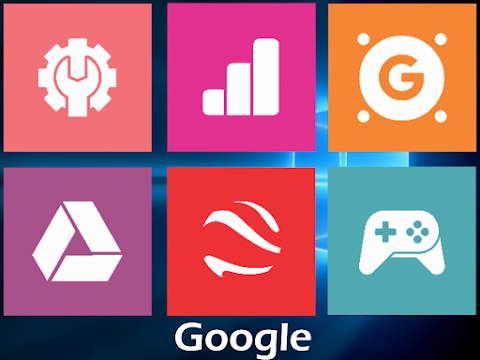
The design of the icons and wallpapers reflects the Windows 10 style, giving your phone a distinct look. The app achieves a minimal design, ensuring that the icons fit seamlessly with various backgrounds and themes. In addition, the interface is designed to accommodate multiple languages, making it accessible to a wider audience.
Win10 Flat - Icon Pack utilizes the CandyBar board, providing a smooth experience for users who want visually pleasing icons. Popular launchers such as ADW Launcher, Apex Launcher, CM Theme Engine, Holo Launcher, and more are also supported. While some other launchers like Cobo Launcher and Launch by Quixey are not included in the initial compatibility list, you can still explore many options for customization.
In conclusion, Win10 Flat - Icon Pack is an excellent choice for anyone looking to enhance their phone with a stylish array of icons and wallpapers. With its straightforward installation process, variety of supported launchers, and extensive library of custom icons, it’s perfect for anyone wanting to add a touch of elegance to their mobile devices. Whether you’re a fan of flat designs or love the colors and style reminiscent of Windows 10, this icon pack has something for everyone.
Using the Win10 Flat - Icon Pack is simple. First, open the Win10 UI application. In the menu located in the upper left corner, choose the option to set or apply the icon pack. The app will show you a list of supported launchers, prioritizing the ones you have already installed. Select your preferred launcher and press accept. If you don’t have any launcher installed yet, the app will guide you to download one with a launcher download link.
You can also apply the Win10 Flat - Icon Pack directly from your launcher if you prefer. In case you don't want to use a launcher, there's even an option to use an icon changer.
This icon pack includes a hefty collection of over 4200 custom icons, each featuring high-definition designs at a resolution of 192x192 pixels. Additionally, there are more than 80 wallpapers included to give your phone another layer of style. For your convenience, you can make an icon request via email for any additional icons you may want. The APK is lightweight, only 10 MB, making installation quick and easy.
While Win10 Flat - Icon Pack supports many launchers, including popular ones like Smart Launcher, Solo Launcher, and ZenUI Launcher, it's important to note some limitations. For example, it is not compatible with the default launcher found on Samsung or Huawei devices, and there are some limitations in support for GO Launcher since it does not support icon masking.
The design of the icons and wallpapers reflects the Windows 10 style, giving your phone a distinct look. The app achieves a minimal design, ensuring that the icons fit seamlessly with various backgrounds and themes. In addition, the interface is designed to accommodate multiple languages, making it accessible to a wider audience.
Win10 Flat - Icon Pack utilizes the CandyBar board, providing a smooth experience for users who want visually pleasing icons. Popular launchers such as ADW Launcher, Apex Launcher, CM Theme Engine, Holo Launcher, and more are also supported. While some other launchers like Cobo Launcher and Launch by Quixey are not included in the initial compatibility list, you can still explore many options for customization.
In conclusion, Win10 Flat - Icon Pack is an excellent choice for anyone looking to enhance their phone with a stylish array of icons and wallpapers. With its straightforward installation process, variety of supported launchers, and extensive library of custom icons, it’s perfect for anyone wanting to add a touch of elegance to their mobile devices. Whether you’re a fan of flat designs or love the colors and style reminiscent of Windows 10, this icon pack has something for everyone.

Parts Watch Face
amoledwatchfaces™
$1.49
$0.45
Splatter Digital
Bloomfield Watchfaces
$1.99
$0.40

Pills 3D – Icon Pack
GomoTheGom
$1.49
$0.89