

$0.99
$0.49
51% Off
Warak Green – Icon Pack
Panoto Gomo

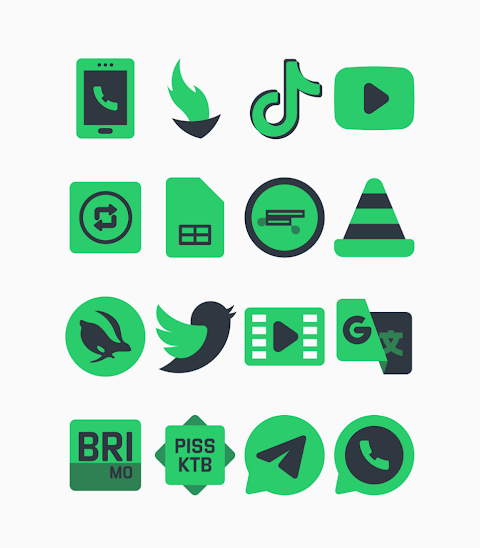
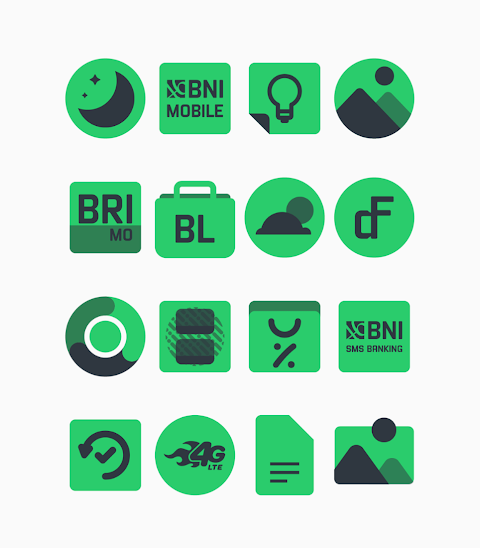
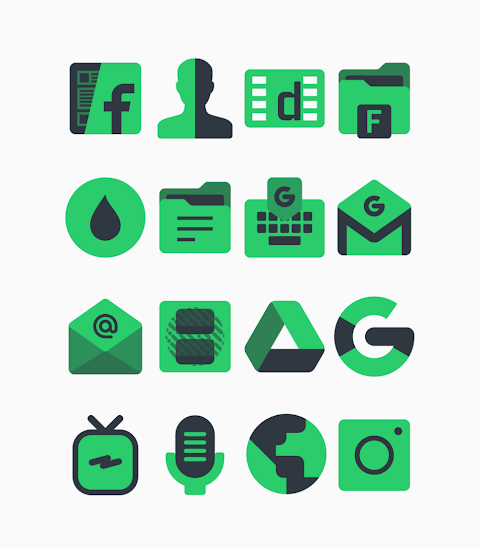
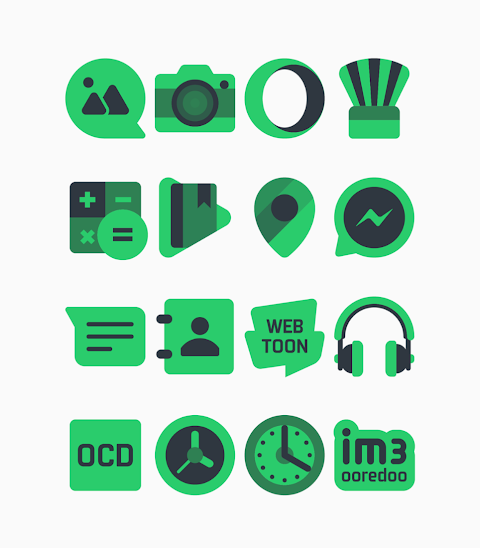
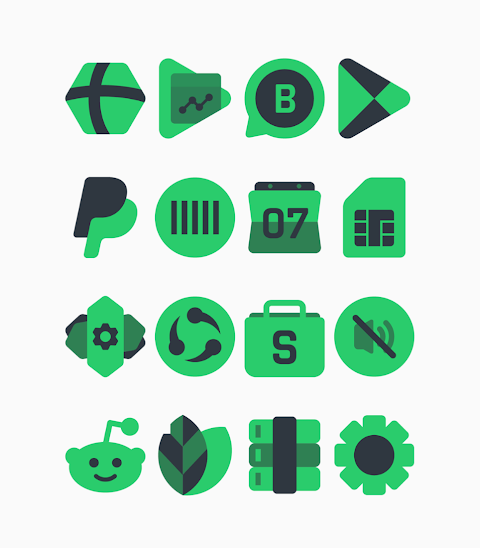
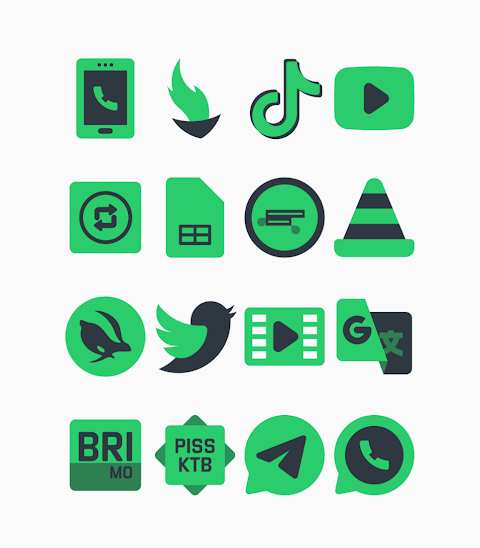


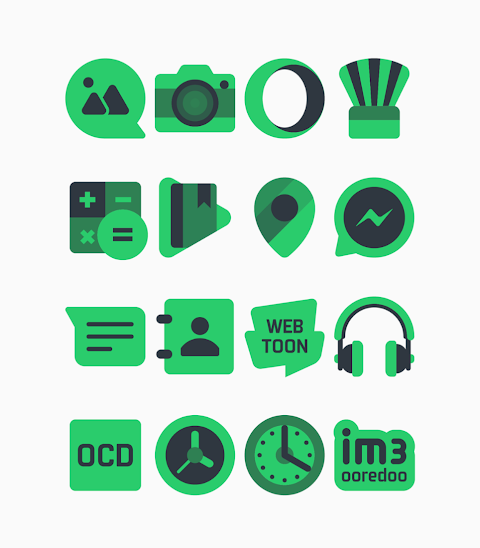
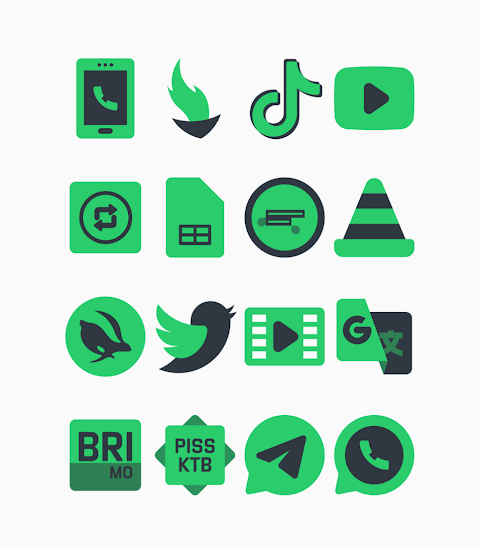

About the App
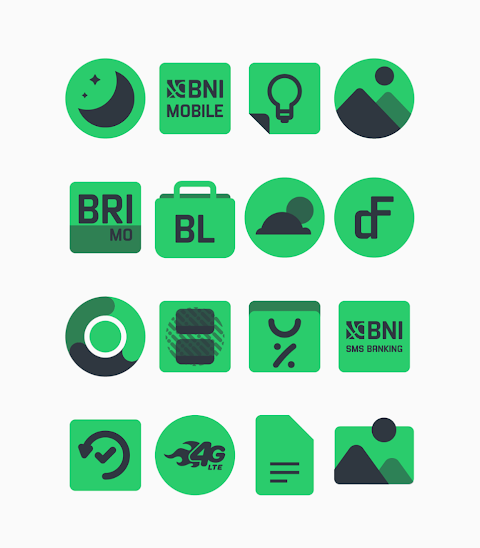
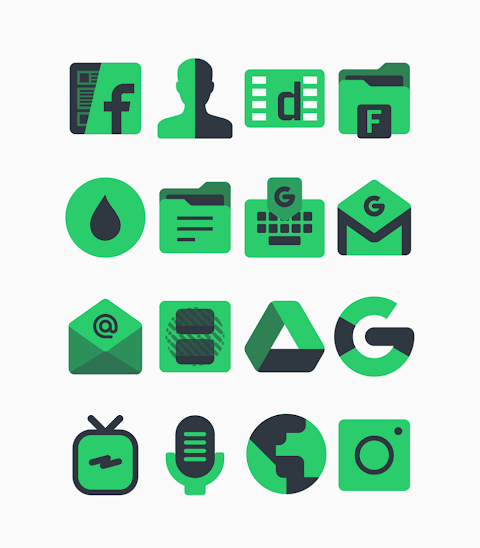
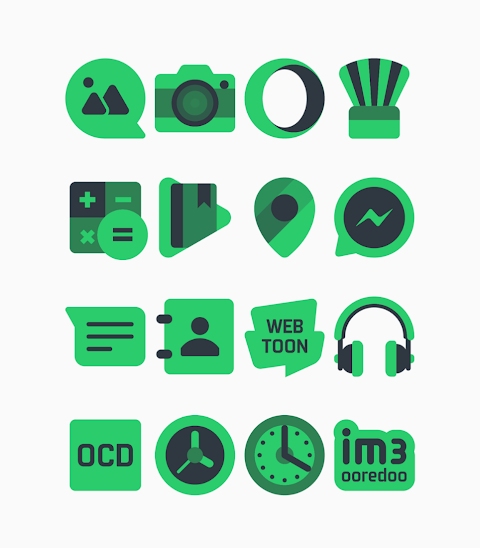
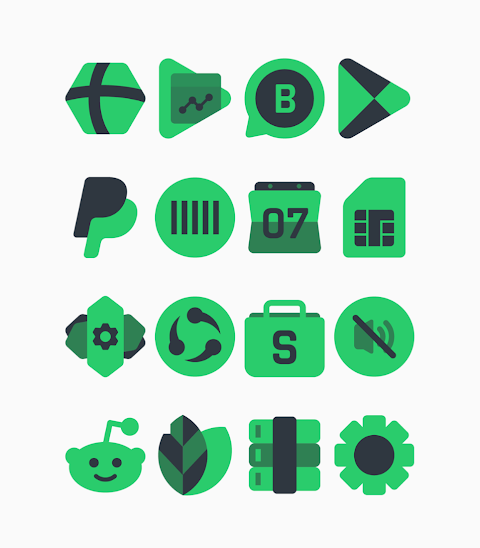
Warak Green is a vibrant green icon pack designed to enhance the look of your screen. With over 3000 icons and counting, it offers plenty of options for customization. The icons are in HD resolution, each one measuring 256x256 pixels, ensuring they look sharp and clear.
One exciting feature of Warak Green is the icon request option. If you don't see a specific icon you want, you can suggest it, allowing you to personalize your device even more. Additionally, the pack comes with custom wallpapers that complement the icons, making your overall home screen aesthetics truly unique.
Using Warak Green is straightforward, especially with its launcher compatibility. This icon pack works with several popular launchers, including Nova Launcher and Evie Launcher, among others. To apply the icons, follow these simple steps:
1. Open the Warak Green icon pack app on your device.
2. Go to the "Apply Icon Pack" screen within the app.
3. Here, you'll see a list of supported launchers. Select Nova Launcher if you have it installed on your phone.
4. The app will automatically apply the icons from the Warak Green icon pack to your selected launcher.
If Nova Launcher doesn’t appear when you're trying to apply the icon pack, you can also try applying it directly from the launcher settings.
If you use a Sony Xperia device, you can still enjoy Warak Green, although it involves a slightly different method. Here’s how to apply the icon pack on Sony Xperia Home Launcher:
1. Long press on your main screen.
2. Open the settings menu.
3. Scroll down to find the appearance icon settings.
4. Choose the Warak Green icon pack from the options available.
5. That’s it! Your Sony Xperia device will now feature Warak Green icons.
Please note that this icon pack only supports Sony Xperia Home Launcher versions 10.0.A.0.8 or later.
Warak Green is compatible with many other launchers too, including Apex Launcher, ADW Launcher, ABC Launcher, Next Launcher, Holo Launcher, Lucid Launcher, M Launcher, Action Launcher, Smart Launcher, Go Launcher, and Zero Launcher, though it’s important to remember that Go Launcher and Zero Launcher do not support icon masking.
For those interested in mobile UI design and app customization tools, Warak Green provides a creative way to personalize your Android device. The design inspiration comes from a commitment to quality and aesthetics, and users often share their designs on social media platforms like Google+, Instagram, and Twitter.
A special thanks goes to Dani Mahardika for creating the Candybar Dashboard, which supports this icon pack.
With Warak Green, you can easily change how your device looks, making it a perfect choice for anyone looking to enhance their home screen experience. Enjoy detailed customization and a fresh new look with this fantastic green icon pack!
One exciting feature of Warak Green is the icon request option. If you don't see a specific icon you want, you can suggest it, allowing you to personalize your device even more. Additionally, the pack comes with custom wallpapers that complement the icons, making your overall home screen aesthetics truly unique.
Using Warak Green is straightforward, especially with its launcher compatibility. This icon pack works with several popular launchers, including Nova Launcher and Evie Launcher, among others. To apply the icons, follow these simple steps:
1. Open the Warak Green icon pack app on your device.
2. Go to the "Apply Icon Pack" screen within the app.
3. Here, you'll see a list of supported launchers. Select Nova Launcher if you have it installed on your phone.
4. The app will automatically apply the icons from the Warak Green icon pack to your selected launcher.
If Nova Launcher doesn’t appear when you're trying to apply the icon pack, you can also try applying it directly from the launcher settings.
If you use a Sony Xperia device, you can still enjoy Warak Green, although it involves a slightly different method. Here’s how to apply the icon pack on Sony Xperia Home Launcher:
1. Long press on your main screen.
2. Open the settings menu.
3. Scroll down to find the appearance icon settings.
4. Choose the Warak Green icon pack from the options available.
5. That’s it! Your Sony Xperia device will now feature Warak Green icons.
Please note that this icon pack only supports Sony Xperia Home Launcher versions 10.0.A.0.8 or later.
Warak Green is compatible with many other launchers too, including Apex Launcher, ADW Launcher, ABC Launcher, Next Launcher, Holo Launcher, Lucid Launcher, M Launcher, Action Launcher, Smart Launcher, Go Launcher, and Zero Launcher, though it’s important to remember that Go Launcher and Zero Launcher do not support icon masking.
For those interested in mobile UI design and app customization tools, Warak Green provides a creative way to personalize your Android device. The design inspiration comes from a commitment to quality and aesthetics, and users often share their designs on social media platforms like Google+, Instagram, and Twitter.
A special thanks goes to Dani Mahardika for creating the Candybar Dashboard, which supports this icon pack.
With Warak Green, you can easily change how your device looks, making it a perfect choice for anyone looking to enhance their home screen experience. Enjoy detailed customization and a fresh new look with this fantastic green icon pack!
EXD069: Galaxy Space Face
Executive Design Watch Face
$1.99
$1.49
![[KNA030] BIG NUM](https://appdovo.com/wp-content/uploads/2026/07/com.watchfacestudio.kna030A9m4evf-POlPPF0A6L-w-1-150x150.webp)
[KNA030] BIG NUM
KNA TH Watch Faces
$0.99
$0.19

ZKin Watch Smooth Machinery
ZKin
$2.99
$0.99