

$1.49
FREE
100% Off
Squarecut – Icon Pack
GomoTheGom




About the App
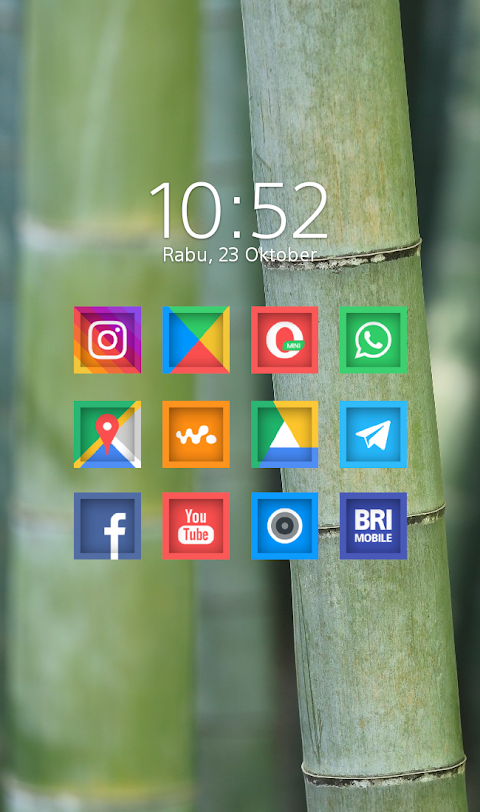
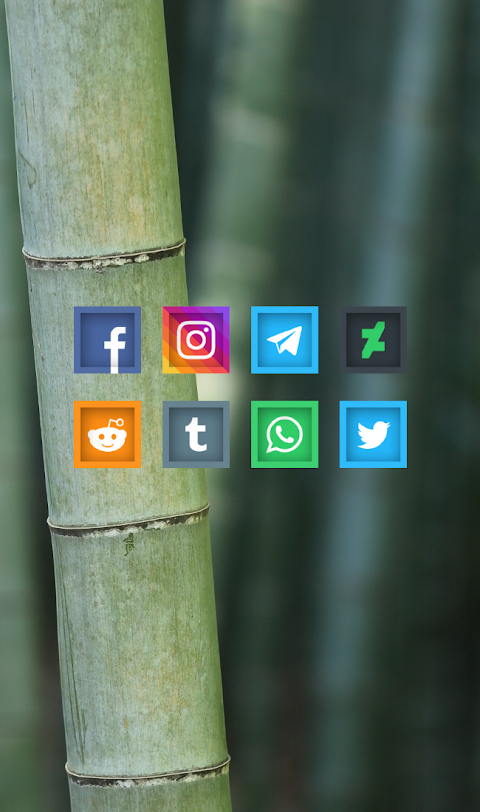
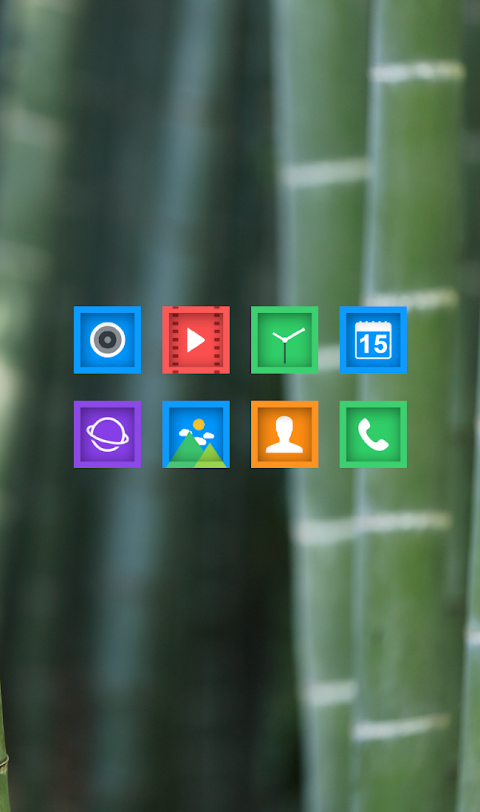
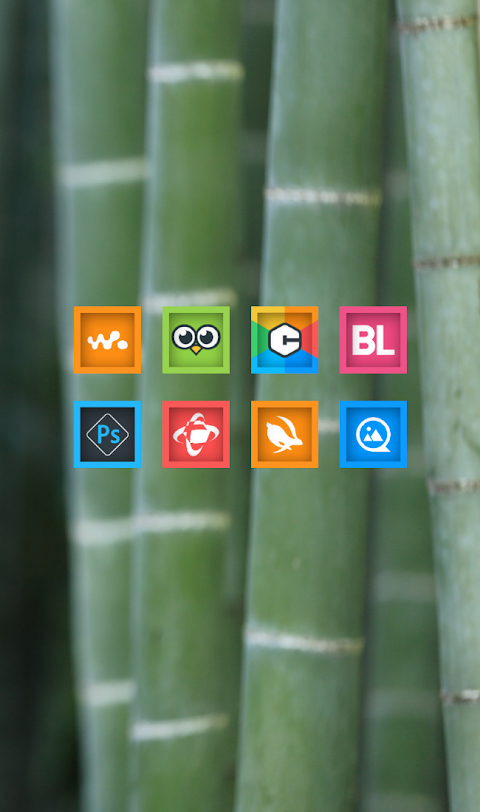
Squarecut is a unique Square Shaped Icon Pack, featuring a distinctive cut-effect inside each icon. It boasts a carefully curated Color Palette that adds vibrancy to your device. This icon pack is part of the Square series, designed to enhance your home screen with style.
If you're wondering how to apply the Squarecut Icon Pack, it's simple. The pack supports many popular launchers, making it easy to get started. Here's how you can do it:
First, open the Squarecut Icon Pack App on your phone. From there, navigate to the Apply Icon Pack Screen. You will see a list of Popular Launchers that the Squarecut icon pack is compatible with. If you have Nova Launcher installed, just select it and the app will automatically apply the icons for you.
If your preferred launcher doesn’t appear while you’re trying to apply the icons from the icon pack, you can also go directly through the launcher settings to apply it.
For users of the Sony Xperia Home Launcher, there is a slightly different process since it may not show in the app. Here’s how to set it up on a Sony device:
1. Long press on your main screen.
2. Open the settings.
3. Scroll down to find the appearance icon setting.
4. Choose the Squarecut icon pack from the options.
5. Once done, your Sony Xperia will now feature the Squarecut icons.
Please note that the icon pack is only supported on Sony Xperia Home Launcher version 10.0.A.0.8 or higher.
Squarecut comes packed with features to enrich your experience. You will find over 5000 Icons and counting, ensuring a wide variety of choices for your customization needs. The Iconback Feature adds backgrounds for any unthemed icons, so everything looks cohesive. You also have access to 36 HD Wallpapers to compliment your home screen design.
Additionally, the Squarecut Icon Pack offers Alternate Icons, allowing you to switch things up as you please. If you’re looking for a specific icon that isn’t included, you can use the Icon Request Feature to suggest your ideas. Each icon in this pack has an HD Icon Resolution of 192x192px, ensuring they look sharp and vibrant on your screen.
It's important to note that certain launchers, like Go Launcher and Zero Launcher, do not support icon masking. However, the list of supported launchers is extensive, including names like Apex Launcher, ADW Launcher, ABC Launcher, Next Launcher, Holo Launcher, Lucid Launcher, M Launcher, Action Launcher, Aviate Launcher, and Smart Launcher.
Squarecut allows for easy Theme Customization, enabling users to personalize their device effortlessly. Its compatibility with various launchers brings flexibility to your home screen design, meeting your specific style preferences.
For more design information and updates, feel free to check out Squarecut on platforms like Google+, Instagram, and Twitter.
With Squarecut, enjoy a fresh and beautiful way to express yourself through your home screen.
If you're wondering how to apply the Squarecut Icon Pack, it's simple. The pack supports many popular launchers, making it easy to get started. Here's how you can do it:
First, open the Squarecut Icon Pack App on your phone. From there, navigate to the Apply Icon Pack Screen. You will see a list of Popular Launchers that the Squarecut icon pack is compatible with. If you have Nova Launcher installed, just select it and the app will automatically apply the icons for you.
If your preferred launcher doesn’t appear while you’re trying to apply the icons from the icon pack, you can also go directly through the launcher settings to apply it.
For users of the Sony Xperia Home Launcher, there is a slightly different process since it may not show in the app. Here’s how to set it up on a Sony device:
1. Long press on your main screen.
2. Open the settings.
3. Scroll down to find the appearance icon setting.
4. Choose the Squarecut icon pack from the options.
5. Once done, your Sony Xperia will now feature the Squarecut icons.
Please note that the icon pack is only supported on Sony Xperia Home Launcher version 10.0.A.0.8 or higher.
Squarecut comes packed with features to enrich your experience. You will find over 5000 Icons and counting, ensuring a wide variety of choices for your customization needs. The Iconback Feature adds backgrounds for any unthemed icons, so everything looks cohesive. You also have access to 36 HD Wallpapers to compliment your home screen design.
Additionally, the Squarecut Icon Pack offers Alternate Icons, allowing you to switch things up as you please. If you’re looking for a specific icon that isn’t included, you can use the Icon Request Feature to suggest your ideas. Each icon in this pack has an HD Icon Resolution of 192x192px, ensuring they look sharp and vibrant on your screen.
It's important to note that certain launchers, like Go Launcher and Zero Launcher, do not support icon masking. However, the list of supported launchers is extensive, including names like Apex Launcher, ADW Launcher, ABC Launcher, Next Launcher, Holo Launcher, Lucid Launcher, M Launcher, Action Launcher, Aviate Launcher, and Smart Launcher.
Squarecut allows for easy Theme Customization, enabling users to personalize their device effortlessly. Its compatibility with various launchers brings flexibility to your home screen design, meeting your specific style preferences.
For more design information and updates, feel free to check out Squarecut on platforms like Google+, Instagram, and Twitter.
With Squarecut, enjoy a fresh and beautiful way to express yourself through your home screen.
Roui – Icon Pack
Olivera Onias Design
$1.49
$0.30
Red – Icon Pack
Panoto Gomo
$0.99
$0.29

Octa Dark – Icon Pack
GomoTheGom
$1.49