
$0.99
$0.29
71% Off
Red – Icon Pack
Panoto Gomo



About the App
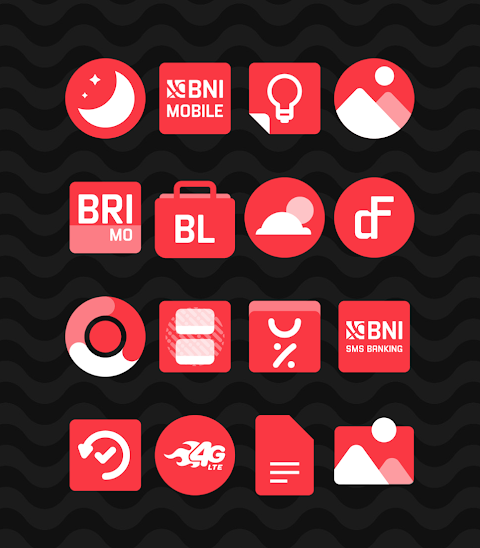
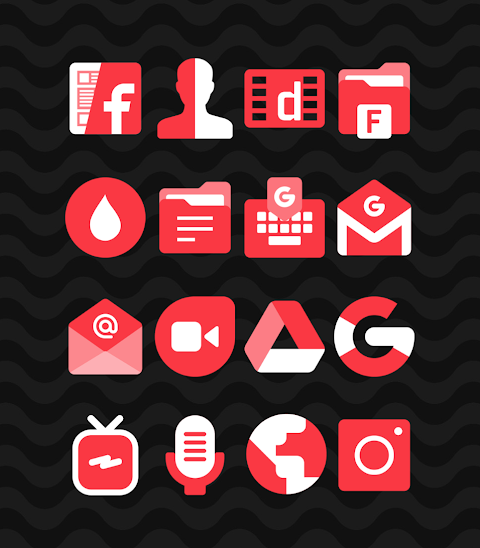
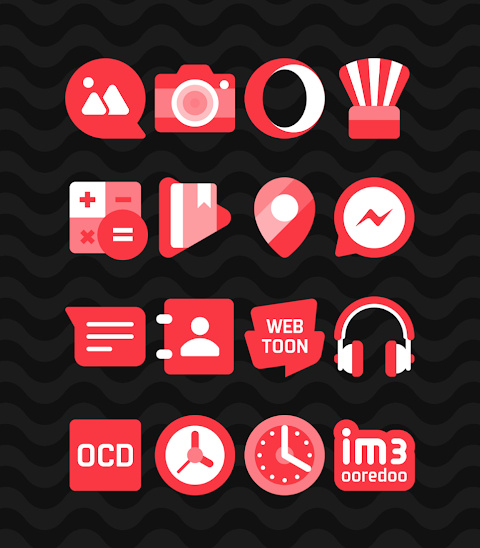
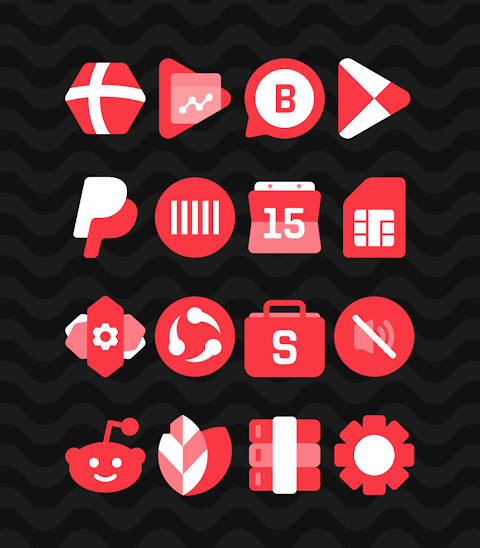
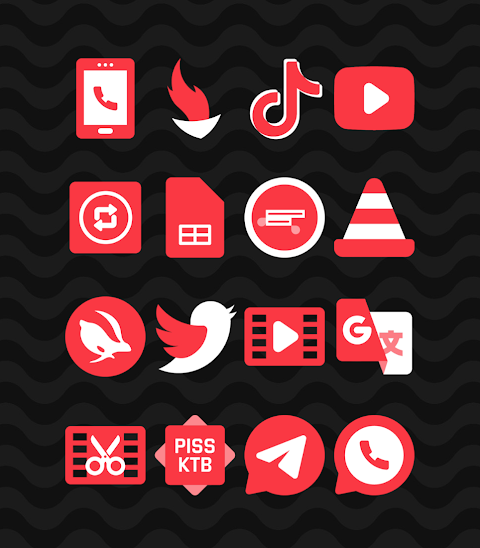
Red - Icon Pack offers a unique collection of shapeless icons designed in a striking red color scheme. With over 2700 icons available and counting, this icon pack provides fantastic opportunities for customization on your Android device.
One of the standout features of the Red icon pack is its HD icon resolution of 256x256px, ensuring that your icons look sharp and vibrant. In addition to the icons, the pack includes wallpapers to enhance your device even further. If there's a specific icon you want that isn’t included, you can also use the icon request feature to suggest new designs.
To begin using the Red icon pack, you’ll need to have a compatible launcher installed. It supports a variety of popular launchers, such as Nova Launcher, Evie Launcher, Apex Launcher, and many more. Applying the icon pack is simple. Just follow these steps to apply the icon pack:
1. Open the Red Icon Pack App on your device.
2. Navigate to the “Apply Icon Pack” screen.
3. Here, you will see a list of supported launchers. Choose the Nova Launcher installed on your phone to apply icons from the Red icon pack.
4. The app will automatically apply the icons for you.
If your launcher does not appear while applying from the icon pack, you can try applying the icon pack directly from the launcher’s settings.
For users with the Sony Xperia Home Launcher, the icon pack can still be applied, but you'll need to adjust a few settings. Simply long-press on your main screen, open the settings, and scroll down to find the appearance icon setting. Once there, you can select the Red icon pack, and it will be applied. Note that this icon pack is only supported on Sony Xperia Home Launcher version 10.0.A.0.8 or higher.
The Red icon pack works with multiple launchers. This includes the ADW launcher, ABC launcher, Next launcher, Holo launcher, Lucid launcher, M launcher, Action launcher, Aviate launcher, Smart launcher, Go launcher, and Zero launcher. However, please be aware that Go Launcher and Zero Launcher do not support icon masking.
In summary, the Red icon pack provides great options for icon customization and personalization tools that enhance your Android experience. Whether you're seeking a new look for your device or want to change things up, this pack offers the theme-based icons you need.
For more design information, you can find us on Google+, Instagram, and Twitter. Special thanks to Dani Mahardika for the Candybar Dashboard, which has been instrumental in this project's success. Start your journey into Android customization today with the Red icon pack.
One of the standout features of the Red icon pack is its HD icon resolution of 256x256px, ensuring that your icons look sharp and vibrant. In addition to the icons, the pack includes wallpapers to enhance your device even further. If there's a specific icon you want that isn’t included, you can also use the icon request feature to suggest new designs.
To begin using the Red icon pack, you’ll need to have a compatible launcher installed. It supports a variety of popular launchers, such as Nova Launcher, Evie Launcher, Apex Launcher, and many more. Applying the icon pack is simple. Just follow these steps to apply the icon pack:
1. Open the Red Icon Pack App on your device.
2. Navigate to the “Apply Icon Pack” screen.
3. Here, you will see a list of supported launchers. Choose the Nova Launcher installed on your phone to apply icons from the Red icon pack.
4. The app will automatically apply the icons for you.
If your launcher does not appear while applying from the icon pack, you can try applying the icon pack directly from the launcher’s settings.
For users with the Sony Xperia Home Launcher, the icon pack can still be applied, but you'll need to adjust a few settings. Simply long-press on your main screen, open the settings, and scroll down to find the appearance icon setting. Once there, you can select the Red icon pack, and it will be applied. Note that this icon pack is only supported on Sony Xperia Home Launcher version 10.0.A.0.8 or higher.
The Red icon pack works with multiple launchers. This includes the ADW launcher, ABC launcher, Next launcher, Holo launcher, Lucid launcher, M launcher, Action launcher, Aviate launcher, Smart launcher, Go launcher, and Zero launcher. However, please be aware that Go Launcher and Zero Launcher do not support icon masking.
In summary, the Red icon pack provides great options for icon customization and personalization tools that enhance your Android experience. Whether you're seeking a new look for your device or want to change things up, this pack offers the theme-based icons you need.
For more design information, you can find us on Google+, Instagram, and Twitter. Special thanks to Dani Mahardika for the Candybar Dashboard, which has been instrumental in this project's success. Start your journey into Android customization today with the Red icon pack.
ClassicWIN Sport V2 Watch face
WinWatchfaces
$1.29
$0.84

EXD204: Personal Watch Face
Executive Design Watch Face
$1.49
Dock Outline – 3D Icon Pack
GomoTheGom
$1.49
FREE