

$1.49
$0.29
81% Off
Square Clear – Icon Pack
GomoTheGom








About the App
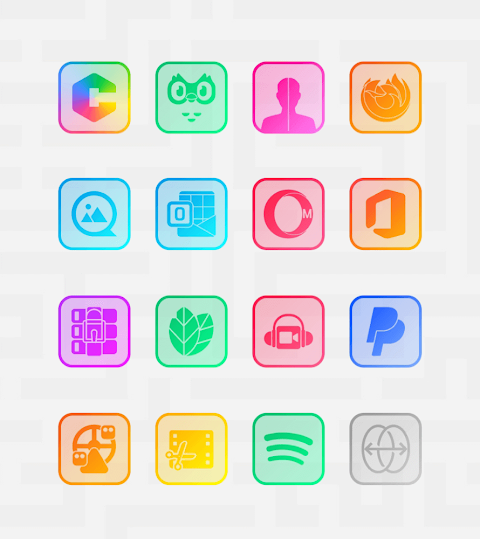
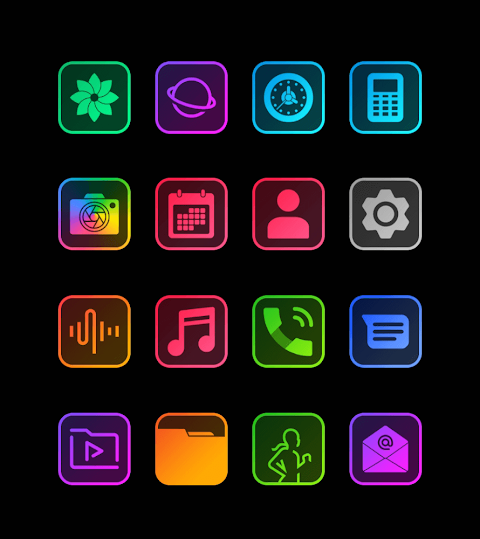
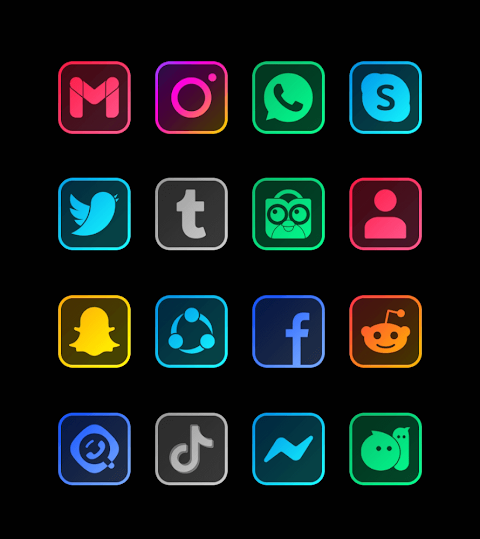
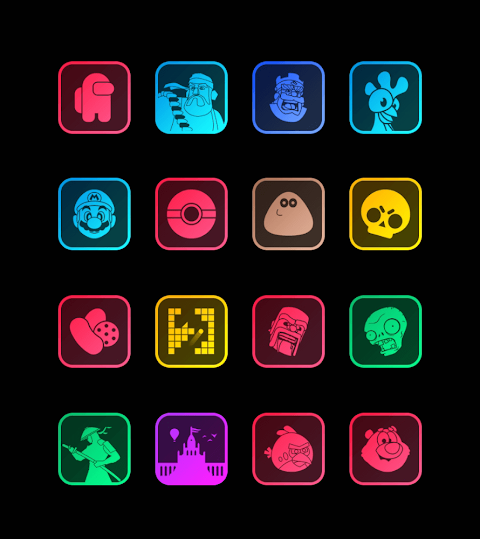
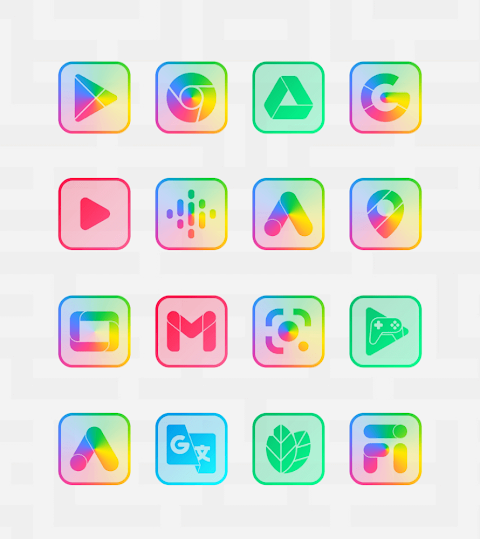
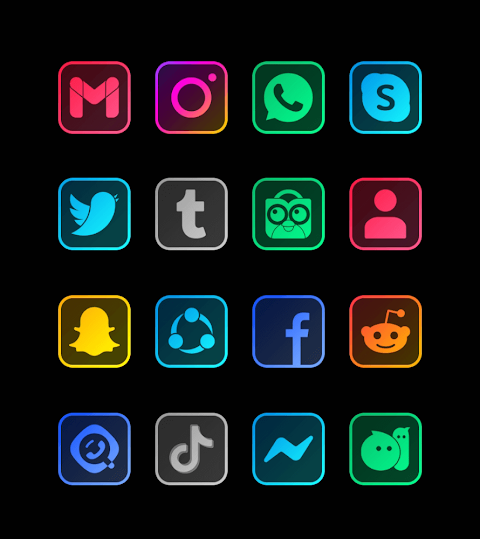
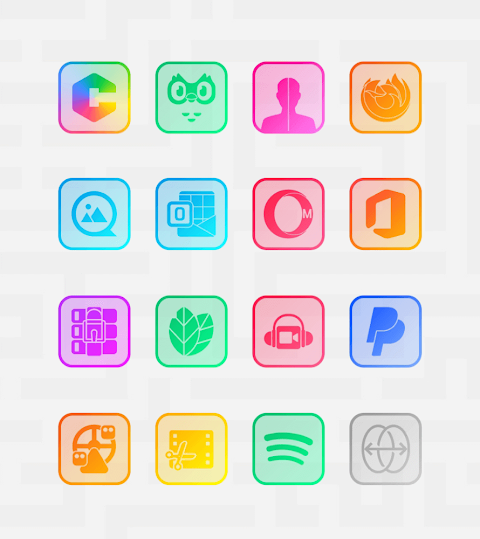
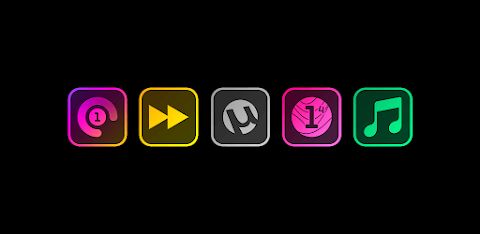
Square Clear - Icon Pack is a collection of beautiful transparent icon packs that feature vibrant neon colors and decorative lines. This special series is designed to enhance the look of your device’s screen. Unlike other neon icons, the Square Clear icon packs perfectly match both dark and light wallpapers, giving you the flexibility to personalize your background. To achieve the best visual effect, it's recommended that you disable any shadow effects.
With over 7500 icons available, Square Clear - Icon Pack offers a broad selection to choose from. You can easily download wallpapers that complement the icons, and you even have the opportunity to request new icons for free. The app includes a simple dashboard for icon pack management, allowing you to quickly apply the icons to your favorite launchers.
Users can preview how the icons look with their current wallpaper using the dashboard’s preview pane. Plus, the app receives frequent updates and long-term support, ensuring your experience remains fresh and up to date.
To get started, you’ll need to install a compatible launcher. The app works best with popular options like Nova Launcher or Microsoft Launcher. Once you have a launcher installed, open the Square Clear - Icon Pack and apply the icons. If you don’t see your launcher listed, you can still change your icon pack through your phone's theme or icon change settings. The Square Clear icon pack will appear in the list for easy selection.
The app is compatible with many launchers, including Abc Launcher, Action Launcher, Adw Launcher, Apex Launcher, Atom Launcher, Aviate Launcher, Cm Launcher, Evie Launcher, Go Launcher, Holo HD Launcher, Holo Launcher, Lg Home Launcher, Lucid Launcher, M Launcher, Mini Launcher, Next Launcher, Nougat Launcher, Smart Launcher, Solo Launcher, V Launcher, ZenUI Launcher, and Zero Launcher. You can also apply it through the launcher or theme settings on Poco Launcher, Arrow Launcher, Xperia Home, EverythingMe, Themer, Hola, Trebuchet, Unicon, Cobo Launcher, Line Launcher, Mesh Launcher, Z Launcher, ASAP Launcher, and Peek Launcher.
Please note that a supported launcher is necessary to use this icon pack properly. If you run into any issues, feel free to reach out to us. We’re committed to providing you with complete support and answers in a short time.
Thanks to Dani Mahardika for creating the Candybar Dashboard, which enhances the experience of managing the icon packs.
For best results when using Go Launcher, if the icons do not change, you can adjust the icon pack theme settings by navigating to the downloaded button. If some icons remain unchanged, just long-press the icon to use the replace menu.
When using Nova Launcher, be aware that icons may appear rounded by default. You can change this in the Nova theme menu by turning off the "change icon shapes" option. Enjoy customizing your device with Square Clear - Icon Pack!
With over 7500 icons available, Square Clear - Icon Pack offers a broad selection to choose from. You can easily download wallpapers that complement the icons, and you even have the opportunity to request new icons for free. The app includes a simple dashboard for icon pack management, allowing you to quickly apply the icons to your favorite launchers.
Users can preview how the icons look with their current wallpaper using the dashboard’s preview pane. Plus, the app receives frequent updates and long-term support, ensuring your experience remains fresh and up to date.
To get started, you’ll need to install a compatible launcher. The app works best with popular options like Nova Launcher or Microsoft Launcher. Once you have a launcher installed, open the Square Clear - Icon Pack and apply the icons. If you don’t see your launcher listed, you can still change your icon pack through your phone's theme or icon change settings. The Square Clear icon pack will appear in the list for easy selection.
The app is compatible with many launchers, including Abc Launcher, Action Launcher, Adw Launcher, Apex Launcher, Atom Launcher, Aviate Launcher, Cm Launcher, Evie Launcher, Go Launcher, Holo HD Launcher, Holo Launcher, Lg Home Launcher, Lucid Launcher, M Launcher, Mini Launcher, Next Launcher, Nougat Launcher, Smart Launcher, Solo Launcher, V Launcher, ZenUI Launcher, and Zero Launcher. You can also apply it through the launcher or theme settings on Poco Launcher, Arrow Launcher, Xperia Home, EverythingMe, Themer, Hola, Trebuchet, Unicon, Cobo Launcher, Line Launcher, Mesh Launcher, Z Launcher, ASAP Launcher, and Peek Launcher.
Please note that a supported launcher is necessary to use this icon pack properly. If you run into any issues, feel free to reach out to us. We’re committed to providing you with complete support and answers in a short time.
Thanks to Dani Mahardika for creating the Candybar Dashboard, which enhances the experience of managing the icon packs.
For best results when using Go Launcher, if the icons do not change, you can adjust the icon pack theme settings by navigating to the downloaded button. If some icons remain unchanged, just long-press the icon to use the replace menu.
When using Nova Launcher, be aware that icons may appear rounded by default. You can change this in the Nova theme menu by turning off the "change icon shapes" option. Enjoy customizing your device with Square Clear - Icon Pack!
Lines Silver – icon Pack
Panoto Gomo
$0.99
$0.29
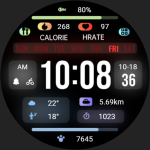
【Custom】Luminous Multi Data
ZKin
$2.99
$0.99
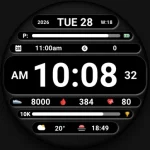
DADAM129: Digital Watch Face
DADAM Watch Faces
$1.99
$0.49