
$0.99
$0.29
71% Off
Lines Silver – icon Pack
Panoto Gomo












About the App
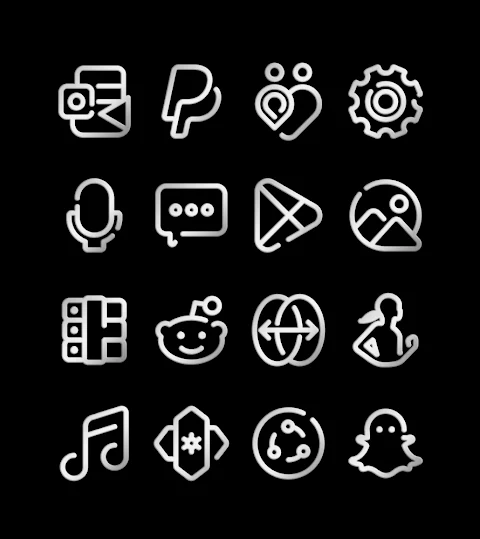
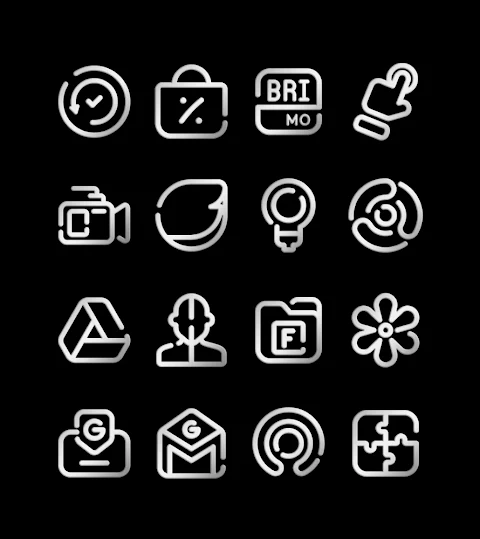
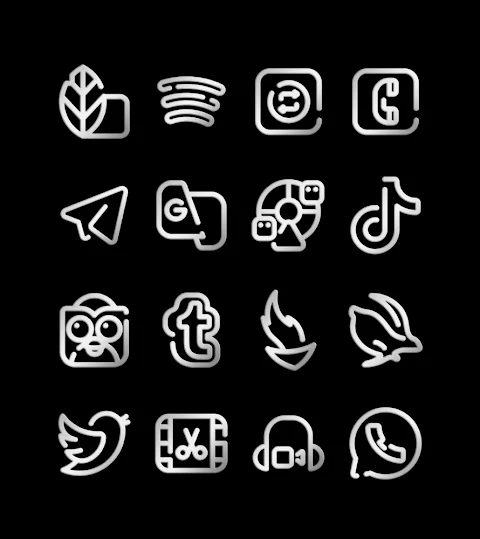
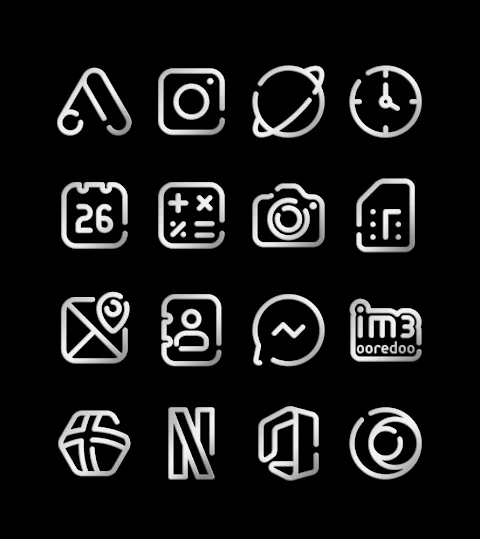
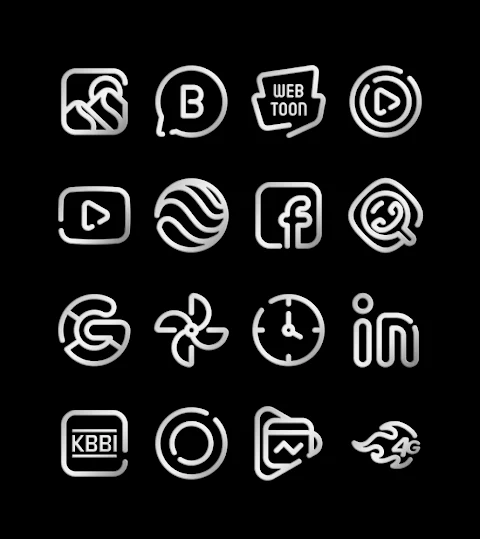
Lines Silver is the silver version of the Lines icon pack series, designed to enhance the look of your mobile device. With over 3200 icons and counting, this app offers a vast selection of custom icons to personalize your phone.
One of the standout features of Lines Silver is its HD icon resolution of 256x256 pixels, ensuring that your app icons look sharp and clear. The app also includes free wallpapers, allowing you to easily update your device's background. For those who have specific icon needs, there’s a free icon request feature. If you’re missing a particular icon, you can send a request, and efforts will be made to add it in future updates.
Using Lines Silver is straightforward. This icon pack supports many popular launchers, such as nova launcher, evie launcher, apex launcher, ADW launcher, ABC launcher, next launcher, Holo launcher, Lucid launcher, M launcher, action launcher, Sony Xperia Home Launcher, Aviate launcher, smart launcher, Go launcher, and zero launcher. To apply the icon pack, you simply need to follow these steps:
1. Open the Lines Silver app on your device.
2. Navigate to the "Apply Icon Pack" screen.
3. You will see a list of supported launchers. Choose your installed launcher, like nova launcher, to apply the icons.
4. The app will then automatically apply the icons from Lines Silver for your selected launcher.
It’s important to note that you need a compatible launcher for Lines Silver to work. Please be aware that the Google Now Launcher does not support any icon packs, so you will need another launcher for this app to function correctly.
In addition to its many features, Lines Silver also focuses on mobile customization. By changing your app icons and wallpapers, you can create a personalized interface that reflects your style. This app serves as a valuable tool for anyone looking to enhance their Android device experience through user interface enhancement.
If you have questions or need assistance, feel free to reach out on Instagram or Twitter. And a special thanks goes to Dani Mahardika for providing the Candybar Dashboard, which makes the app even better.
With Lines Silver, you have the chance to transform your device into something unique with high-definition icons and creative design options that bring your screen to life.
One of the standout features of Lines Silver is its HD icon resolution of 256x256 pixels, ensuring that your app icons look sharp and clear. The app also includes free wallpapers, allowing you to easily update your device's background. For those who have specific icon needs, there’s a free icon request feature. If you’re missing a particular icon, you can send a request, and efforts will be made to add it in future updates.
Using Lines Silver is straightforward. This icon pack supports many popular launchers, such as nova launcher, evie launcher, apex launcher, ADW launcher, ABC launcher, next launcher, Holo launcher, Lucid launcher, M launcher, action launcher, Sony Xperia Home Launcher, Aviate launcher, smart launcher, Go launcher, and zero launcher. To apply the icon pack, you simply need to follow these steps:
1. Open the Lines Silver app on your device.
2. Navigate to the "Apply Icon Pack" screen.
3. You will see a list of supported launchers. Choose your installed launcher, like nova launcher, to apply the icons.
4. The app will then automatically apply the icons from Lines Silver for your selected launcher.
It’s important to note that you need a compatible launcher for Lines Silver to work. Please be aware that the Google Now Launcher does not support any icon packs, so you will need another launcher for this app to function correctly.
In addition to its many features, Lines Silver also focuses on mobile customization. By changing your app icons and wallpapers, you can create a personalized interface that reflects your style. This app serves as a valuable tool for anyone looking to enhance their Android device experience through user interface enhancement.
If you have questions or need assistance, feel free to reach out on Instagram or Twitter. And a special thanks goes to Dani Mahardika for providing the Candybar Dashboard, which makes the app even better.
With Lines Silver, you have the chance to transform your device into something unique with high-definition icons and creative design options that bring your screen to life.
BLZ SEAVOR – Diver Watch Face
BALLOZI Watch Faces
$2.29
$0.92
Pixel OLED: Watch face
amoledwatchfaces™
$1.49
$0.75
Adaptive Watch Face
amoledwatchfaces™
$1.99
$1.00