
$1.49
$0.30
80% Off
S4U Tempest digital watch face
styles4you

About the App
The S4U Tempest digital watch face is designed for smartwatches running Wear OS 4 or higher, specifically Wear OS API 33 and above. This means it works well with popular devices, such as the Samsung Galaxy Watch 4, 5, 6, 7, 7 Ultra, 8, and the Google Pixel Watch 1 to 3, along with other Wear OS 5 smartwatches.
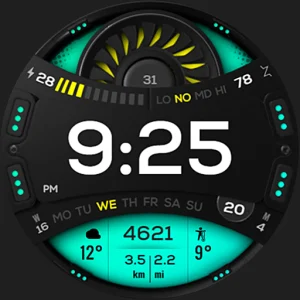
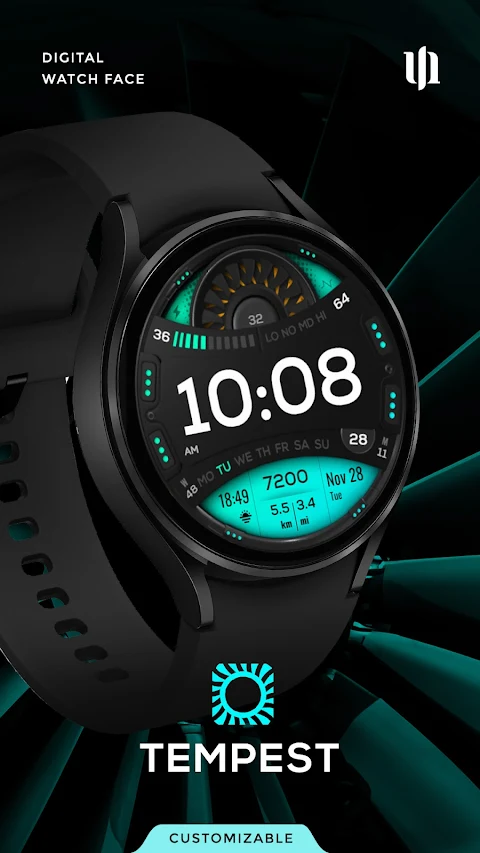
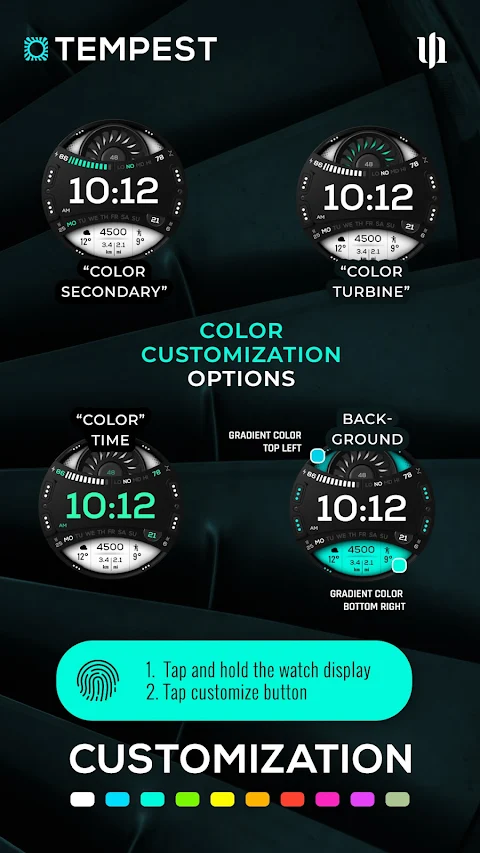
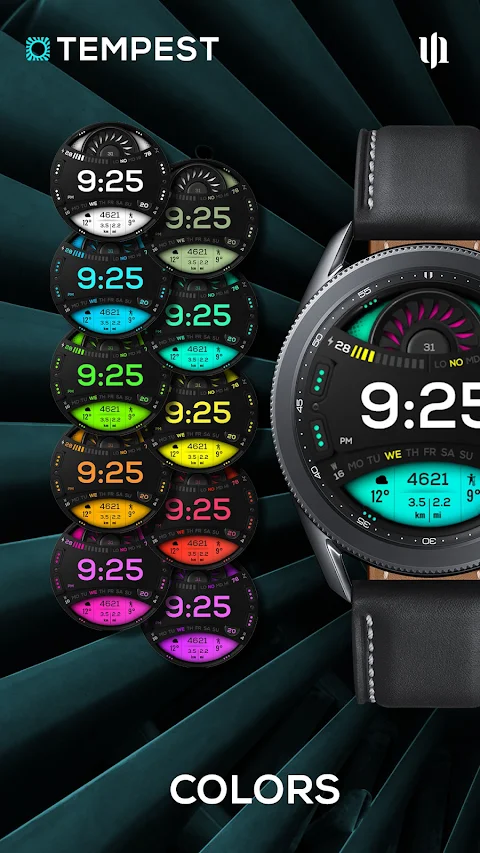
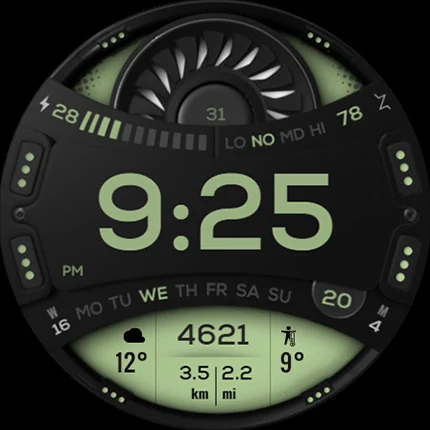
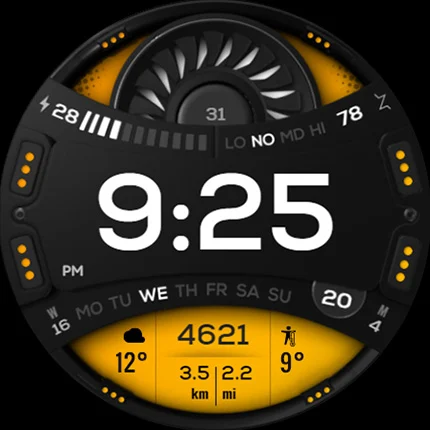
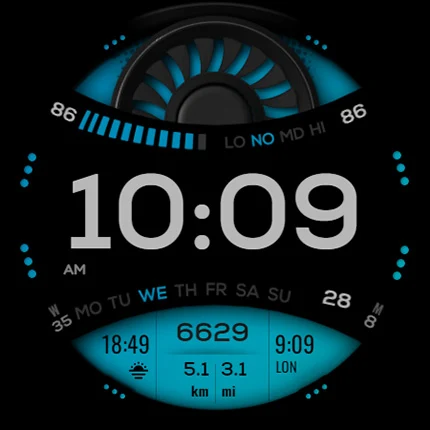
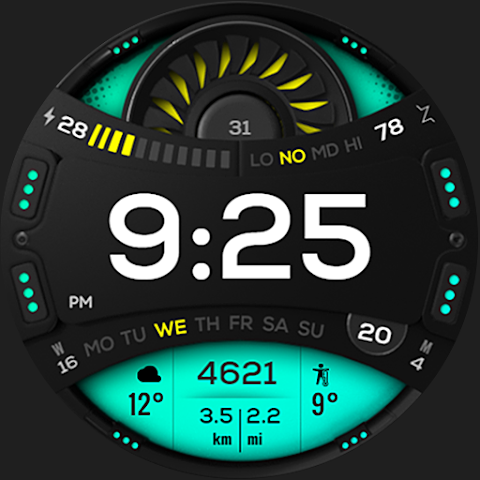
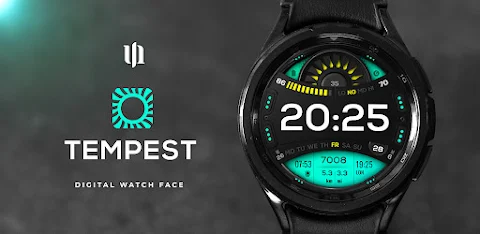
This sporty digital watch face offers many exciting features that make it both stylish and useful. Users can customize the watch face with various color customization options. With a total of 10 color options, you can change the appearance of four different areas on the watch, allowing you to express your personal style.
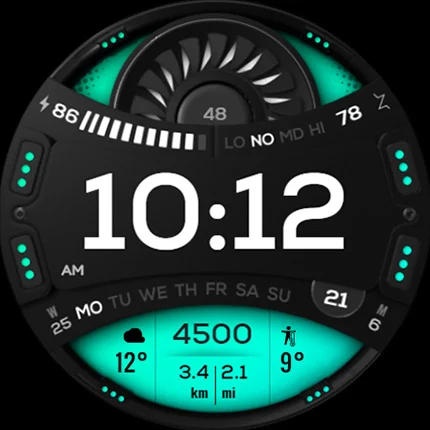
The display shows important information at a glance. You can easily check the time, date, and battery status. It also tracks the distance you've walked, whether in miles or kilometers, and keeps track of your heart rate. The watch face includes individual data containers, making it simple to access additional information like the display for weather information, world time display, and sunrise sunset display.
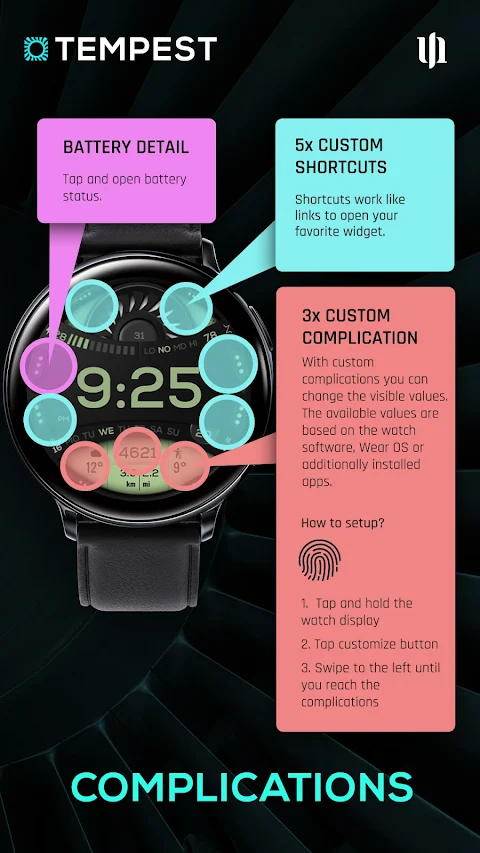
Users can set up to five custom shortcuts. This allows for quick access to your favorite apps with just one click. You can manage these shortcuts easily by pressing and holding the watch display. Then, simply follow the prompts to customize your watch display. It’s as simple as swiping left or right to switch between different items and swiping up or down to change colors and options.
The S4U Tempest watch face also features editable complications. You can adjust what information is most important to you by customizing the visible values. To do this, press and hold the clock display and select the customize button. You will see eight highlighted areas: five serve as shortcuts to your favorite widgets, while three can display different information, like the weather or world clock.
For added convenience, you can tap once under the battery status display to open the battery details widget, giving you a clearer view of battery performance.
If you ever experience issues with installation or downloading on a compatible smartwatch, don't hesitate to reach out for support via email at wear@s4u-watches.com. Following the steps in the companion app should help resolve any concerns.
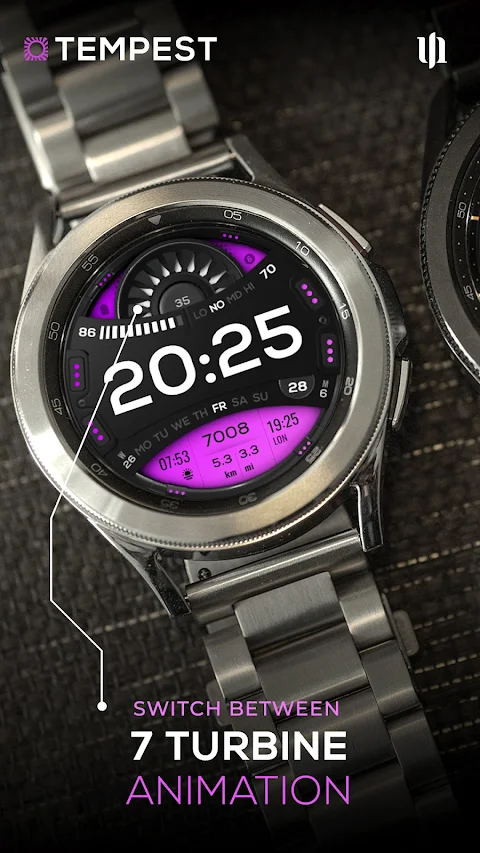
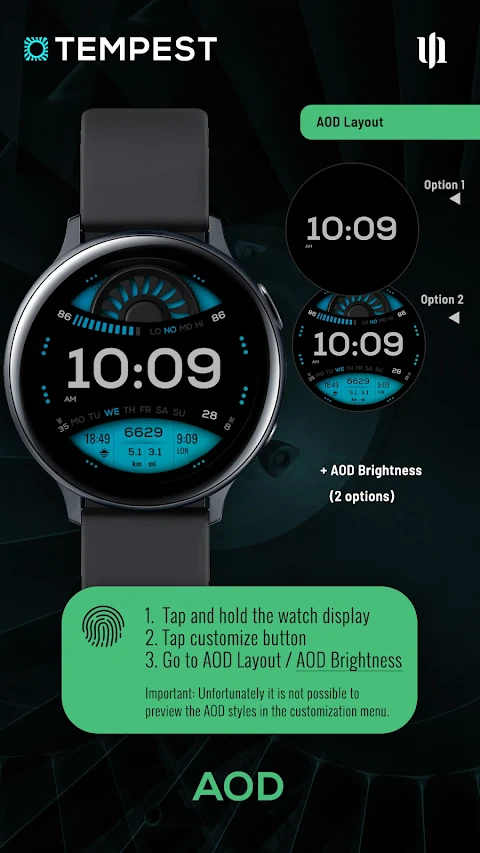
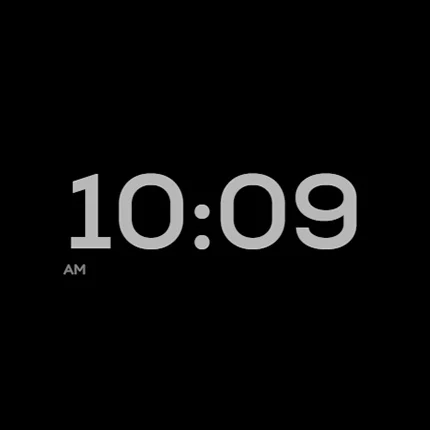
The AOD Layout options and AOD Brightness adjustment allow for flexibility in how your watch looks during always-on display mode. Additionally, the Turbine Animation Design gives a unique touch to the background visuals.
Every part of the S4U Tempest is crafted with care, and I always appreciate feedback on my designs. Whether you enjoy the watch face or have suggestions for improvement, your input helps me create even better S4U watch designs in the future.
Stay updated with new creations of watch faces for Wear OS by visiting my website. I’m always working on new designs that you might love! For social media updates, follow me on Instagram, Facebook, YouTube, and X.
Explore, customize, and enjoy your S4U Tempest digital watch face. It’s more than just a watch; it’s a reflection of your style and a handy tool for everyday life.
This sporty digital watch face offers many exciting features that make it both stylish and useful. Users can customize the watch face with various color customization options. With a total of 10 color options, you can change the appearance of four different areas on the watch, allowing you to express your personal style.
The display shows important information at a glance. You can easily check the time, date, and battery status. It also tracks the distance you've walked, whether in miles or kilometers, and keeps track of your heart rate. The watch face includes individual data containers, making it simple to access additional information like the display for weather information, world time display, and sunrise sunset display.
Users can set up to five custom shortcuts. This allows for quick access to your favorite apps with just one click. You can manage these shortcuts easily by pressing and holding the watch display. Then, simply follow the prompts to customize your watch display. It’s as simple as swiping left or right to switch between different items and swiping up or down to change colors and options.
The S4U Tempest watch face also features editable complications. You can adjust what information is most important to you by customizing the visible values. To do this, press and hold the clock display and select the customize button. You will see eight highlighted areas: five serve as shortcuts to your favorite widgets, while three can display different information, like the weather or world clock.
For added convenience, you can tap once under the battery status display to open the battery details widget, giving you a clearer view of battery performance.
If you ever experience issues with installation or downloading on a compatible smartwatch, don't hesitate to reach out for support via email at wear@s4u-watches.com. Following the steps in the companion app should help resolve any concerns.
The AOD Layout options and AOD Brightness adjustment allow for flexibility in how your watch looks during always-on display mode. Additionally, the Turbine Animation Design gives a unique touch to the background visuals.
Every part of the S4U Tempest is crafted with care, and I always appreciate feedback on my designs. Whether you enjoy the watch face or have suggestions for improvement, your input helps me create even better S4U watch designs in the future.
Stay updated with new creations of watch faces for Wear OS by visiting my website. I’m always working on new designs that you might love! For social media updates, follow me on Instagram, Facebook, YouTube, and X.
Explore, customize, and enjoy your S4U Tempest digital watch face. It’s more than just a watch; it’s a reflection of your style and a handy tool for everyday life.
KTcs
KocaTurk Watch Faces
$0.99
$0.50
WAW025 Posh Tech Watch Face
WAW Watch Faces
$2.99
$0.49
CELEST5495 Artistic Watch
CELEST Watches
$1.99
$1.00