
$1.49
FREE
100% Off
Red Carpet – Icon Pack
GomoTheGom

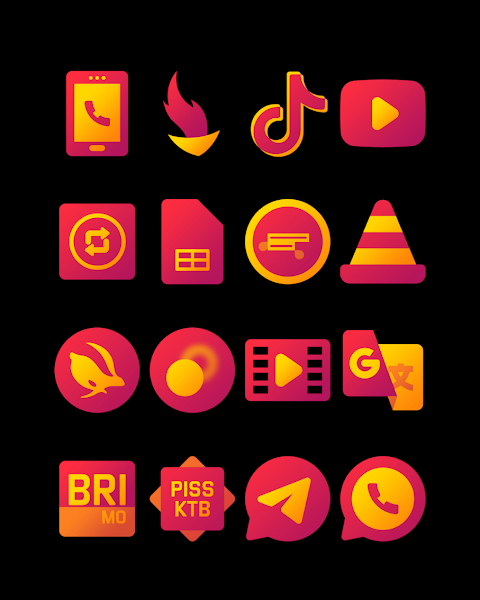
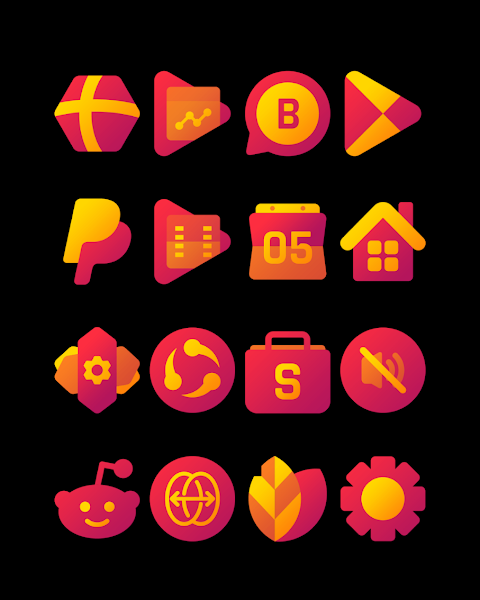
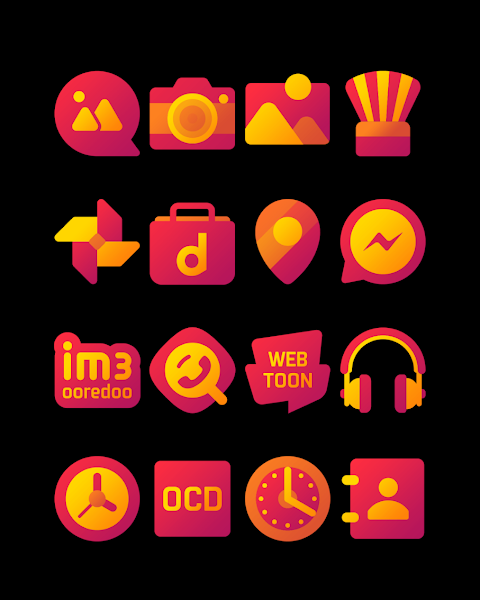
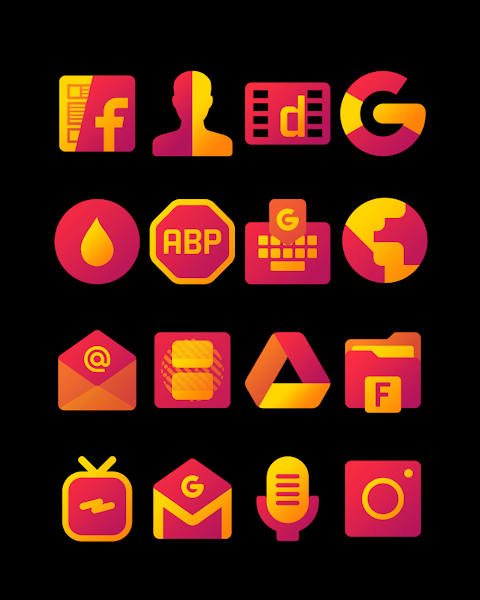


About the App
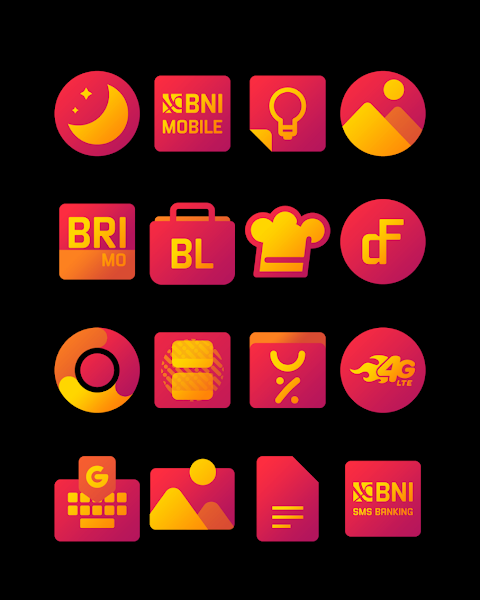
Red Carpet is a fun themed icon pack that features vibrant red and yellow colors. It offers over 3000 icons and continues to grow, providing a wide range of beautiful 256x256px icons that can enhance the look of your device. The icons are designed for high-definition displays, ensuring that every detail stands out.
One of the key features of Red Carpet is the icon request option, allowing users to suggest new icons they would like to see added. This makes it easier to customize your experience, ensuring that you can have icons that reflect your personal style.
If you want to apply the Red Carpet icon pack, it is compatible with a variety of popular launchers. Some of the launchers supported by Red Carpet include Nova Launcher and Evie Launcher, among many others. To apply the icon pack, simply follow these steps:
1. Open the Red Carpet icon pack app.
2. Go to the "Apply Icon Pack" screen.
3. You will see a list of supported launchers, including Nova Launcher and Evie Launcher. Choose the launcher you have installed on your phone.
4. The app will take care of applying the new icons from the Red Carpet icon pack to your selected launcher.
If your launcher does not appear for applying the icons directly from the app, you can always try applying them from within your launcher settings instead.
For users of the Sony Xperia Home Launcher, you can also apply the Red Carpet icon pack, although it requires a few extra steps. To do this, simply:
1. Long press on your main screen.
2. Open the settings.
3. Scroll down to find the appearance icon settings.
4. Select the Red Carpet icon pack.
5. Your Sony Xperia will then be updated with the new icons.
Please note that the Red Carpet icon pack is only supported on Sony Xperia Home Launcher version 10.0.A.0.8 and above.
In addition to Nova and Evie Launcher, Red Carpet supports a variety of other launchers, including Apex Launcher, ADW Launcher, ABC Launcher, Next Launcher, Holo Launcher, Lucid Launcher, M Launcher, Action Launcher, Aviate Launcher, Smart Launcher, Go Launcher, and Zero Launcher. However, it's important to remember that Go Launcher and Zero Launcher do not support icon masking.
Red Carpet also provides access to wallpapers that can further enhance your device's appearance. The visual design elements within the app make personalization enjoyable and straightforward.
For additional design inspiration and information, you can check out Red Carpet's social media pages on Google+, Instagram, and Twitter. Follow along to see the latest updates and trends.
Special thanks to Dani Mahardika for the Candybar Dashboard, which has helped make this icon pack possible. Overall, Red Carpet is a great way to customize your device, bringing color and personality to your home screen. Whether you are looking for new icons or just want to change things up, Red Carpet has something to offer everyone.
One of the key features of Red Carpet is the icon request option, allowing users to suggest new icons they would like to see added. This makes it easier to customize your experience, ensuring that you can have icons that reflect your personal style.
If you want to apply the Red Carpet icon pack, it is compatible with a variety of popular launchers. Some of the launchers supported by Red Carpet include Nova Launcher and Evie Launcher, among many others. To apply the icon pack, simply follow these steps:
1. Open the Red Carpet icon pack app.
2. Go to the "Apply Icon Pack" screen.
3. You will see a list of supported launchers, including Nova Launcher and Evie Launcher. Choose the launcher you have installed on your phone.
4. The app will take care of applying the new icons from the Red Carpet icon pack to your selected launcher.
If your launcher does not appear for applying the icons directly from the app, you can always try applying them from within your launcher settings instead.
For users of the Sony Xperia Home Launcher, you can also apply the Red Carpet icon pack, although it requires a few extra steps. To do this, simply:
1. Long press on your main screen.
2. Open the settings.
3. Scroll down to find the appearance icon settings.
4. Select the Red Carpet icon pack.
5. Your Sony Xperia will then be updated with the new icons.
Please note that the Red Carpet icon pack is only supported on Sony Xperia Home Launcher version 10.0.A.0.8 and above.
In addition to Nova and Evie Launcher, Red Carpet supports a variety of other launchers, including Apex Launcher, ADW Launcher, ABC Launcher, Next Launcher, Holo Launcher, Lucid Launcher, M Launcher, Action Launcher, Aviate Launcher, Smart Launcher, Go Launcher, and Zero Launcher. However, it's important to remember that Go Launcher and Zero Launcher do not support icon masking.
Red Carpet also provides access to wallpapers that can further enhance your device's appearance. The visual design elements within the app make personalization enjoyable and straightforward.
For additional design inspiration and information, you can check out Red Carpet's social media pages on Google+, Instagram, and Twitter. Follow along to see the latest updates and trends.
Special thanks to Dani Mahardika for the Candybar Dashboard, which has helped make this icon pack possible. Overall, Red Carpet is a great way to customize your device, bringing color and personality to your home screen. Whether you are looking for new icons or just want to change things up, Red Carpet has something to offer everyone.

Engine Watch Face
amoledwatchfaces™
$1.49
$0.89

Glance X: Watch face
amoledwatchfaces™
$1.49
$0.75

h1403 Information King Space
Happy Watch Faces
$4.49