
$1.79
$0.49
73% Off
Photo Complication for Wear OS
amoledwatchfaces™

About the App
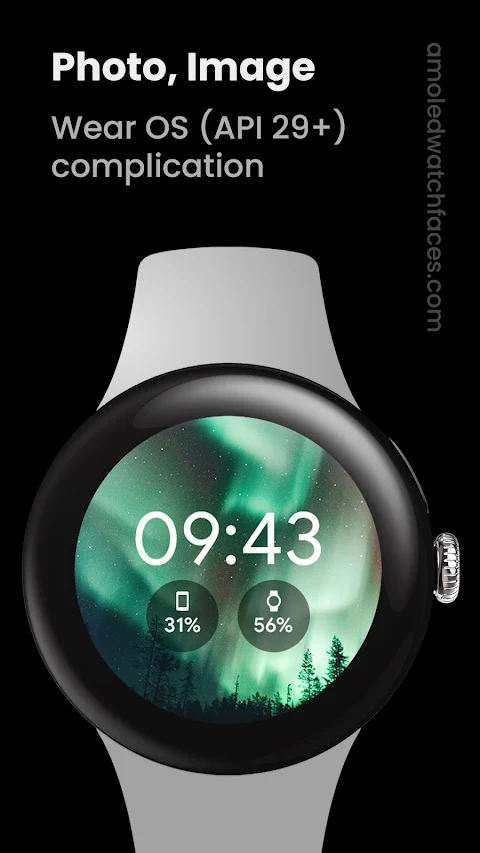
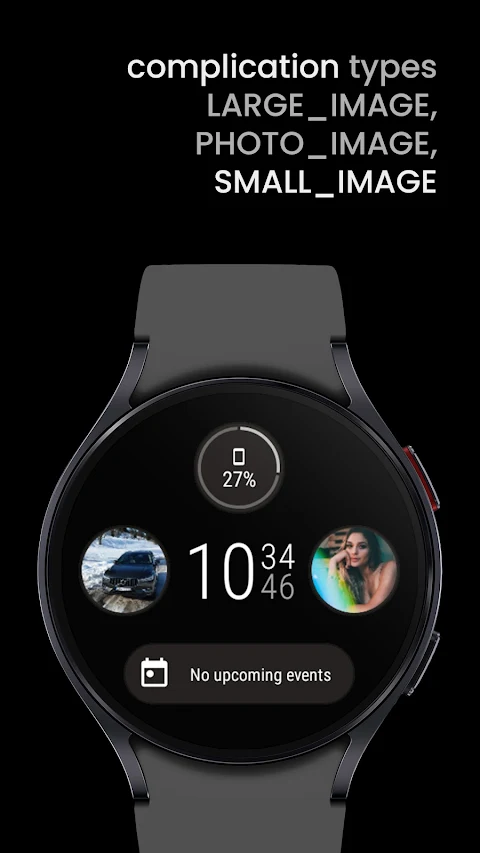
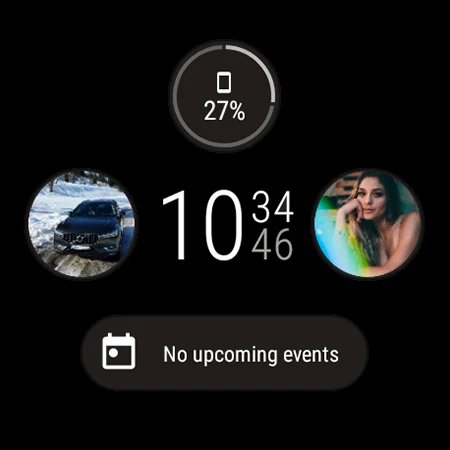
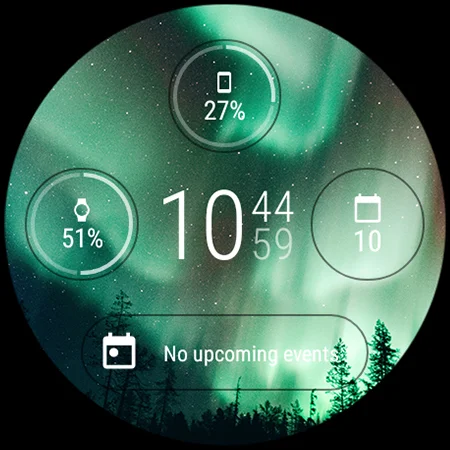
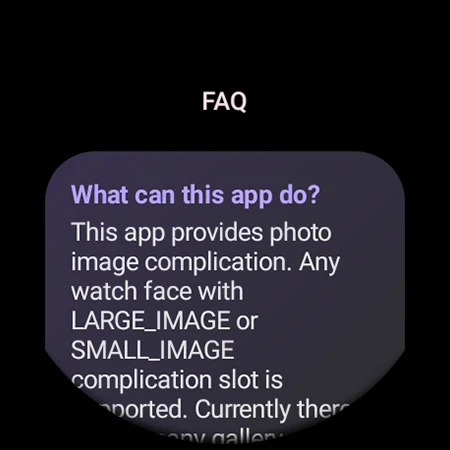
Photo Complication for Wear OS is designed specifically for Wear OS devices running API 29 and above. If you have a watch face that allows for background image customization or features a LARGE_IMAGE or SMALL_IMAGE complication slot, this app can help you personalize your watch even more.
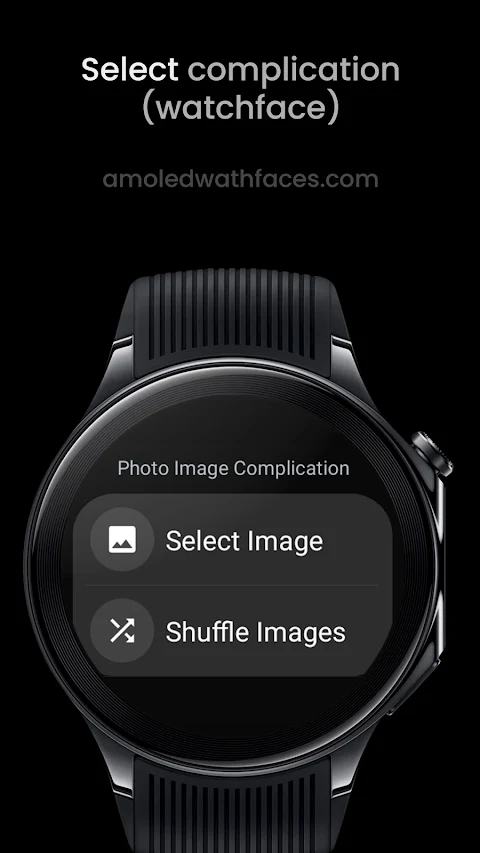
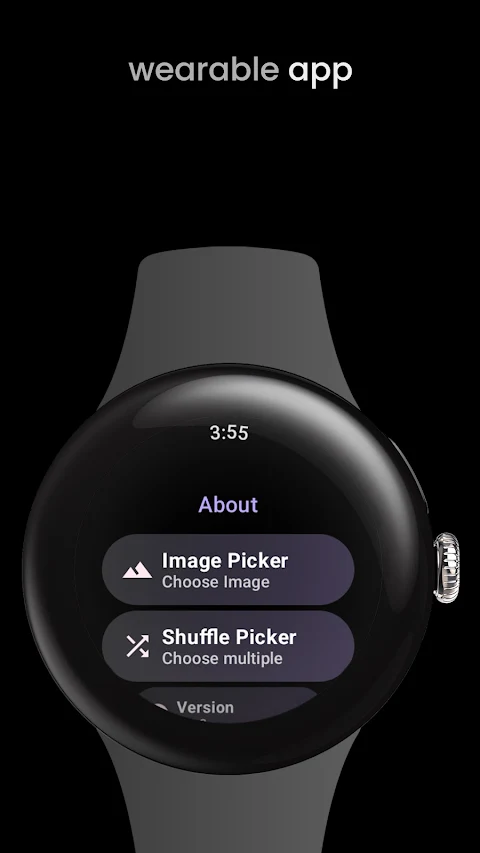
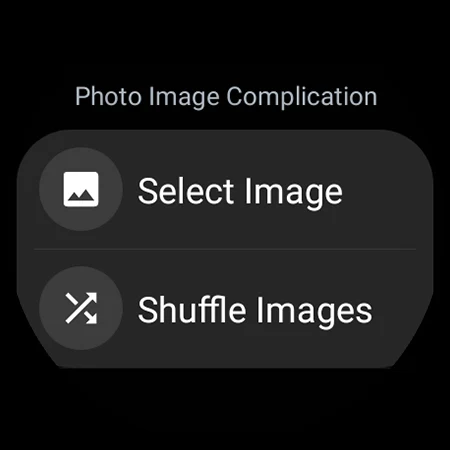
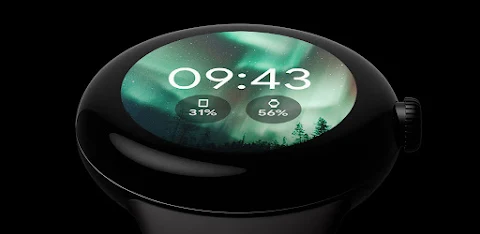
With Photo Complication for Wear OS, you can choose any image or photo stored in your watch's internal storage to set as a background image. Simply move some images to your watch, customize your watch face, and add either the select image complication or the shuffle images complication to display your chosen image.
It's important to remember that your watch face needs to support background image customization. This app serves as a custom complication provider, not a watch face itself.
Getting started is easy. To set up a complication, follow these steps: first, long press the center of your watch face. Then, tap the 'customize' button. From there, scroll down to add a custom complication, and choose from the available options.
The custom complications available include the select image complication, which displays a static image or photo, and the shuffle images complication. This feature shows a random image from your gallery every 3600 seconds, or one hour.
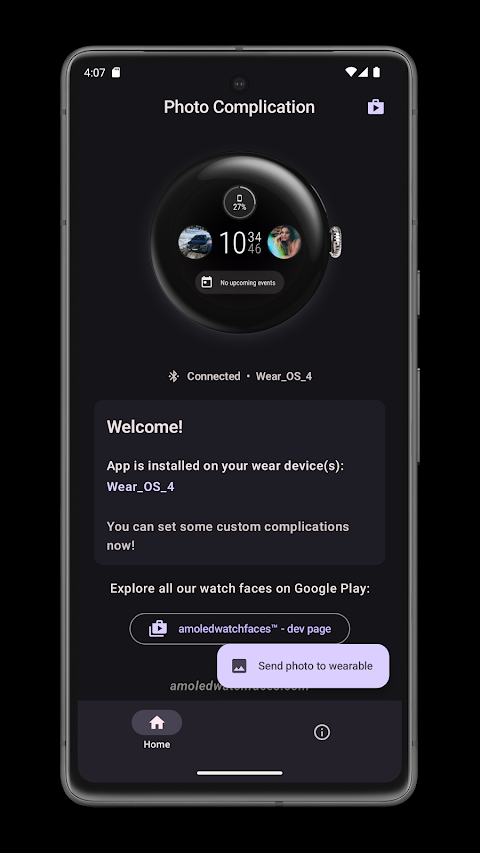
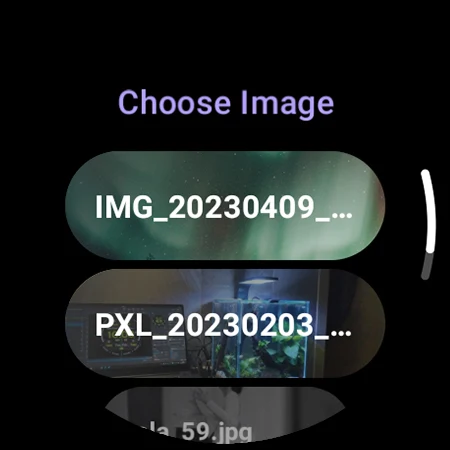
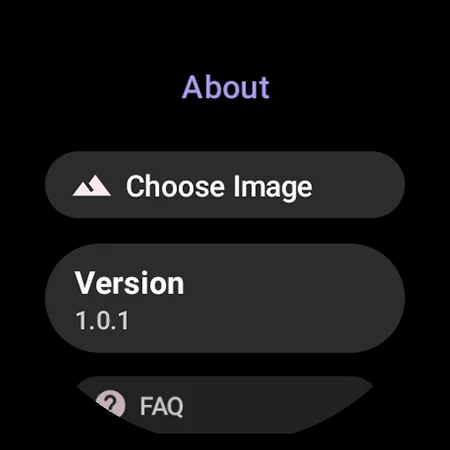
For the initial setup, the app requires internal storage permission to access your images. You can use the image selection button in the app’s user interface (UI) for a quick image change, so you don’t have to go through the customization setup process repeatedly. Once your complication is set up, you can easily change the complication image right from the app UI.
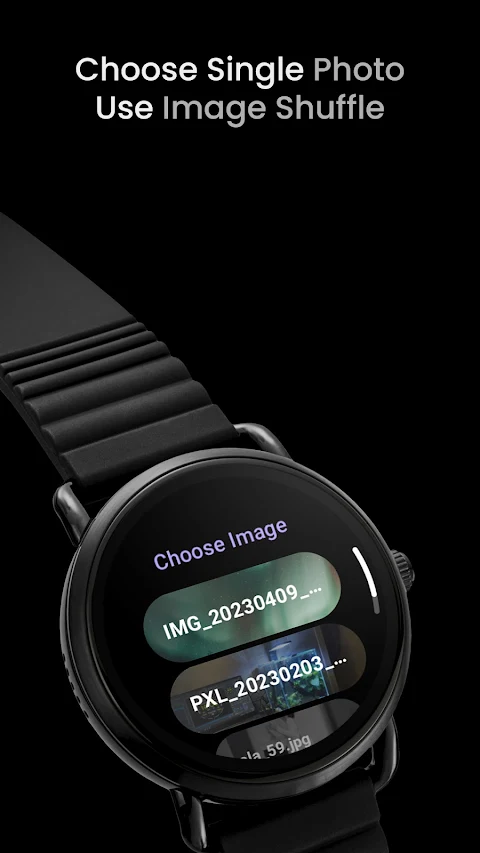
Remember to refresh the image list after adding new images to your internal storage. You can do this quickly by using the 'Choose Image' button, or simply by re-applying the complication. Keep in mind that this app does not have a background service, so it can fetch new images only when you open the choose image screen.
If you're interested in exploring additional complication apps, we offer various options for heart rate monitoring, distance and calories tracking, and phone battery monitoring. You can find these apps linked in the description.
Check out our watch face portfolio for more customization options and features. If you run into any issues or need help, feel free to reach out to our support address. We also encourage you to join our Telegram group for live support discussions and updates.
We want to help you make the most of your watch with Photo Complication for Wear OS, delivering a more personalized and enjoyable experience with your custom watch faces.
With Photo Complication for Wear OS, you can choose any image or photo stored in your watch's internal storage to set as a background image. Simply move some images to your watch, customize your watch face, and add either the select image complication or the shuffle images complication to display your chosen image.
It's important to remember that your watch face needs to support background image customization. This app serves as a custom complication provider, not a watch face itself.
Getting started is easy. To set up a complication, follow these steps: first, long press the center of your watch face. Then, tap the 'customize' button. From there, scroll down to add a custom complication, and choose from the available options.
The custom complications available include the select image complication, which displays a static image or photo, and the shuffle images complication. This feature shows a random image from your gallery every 3600 seconds, or one hour.
For the initial setup, the app requires internal storage permission to access your images. You can use the image selection button in the app’s user interface (UI) for a quick image change, so you don’t have to go through the customization setup process repeatedly. Once your complication is set up, you can easily change the complication image right from the app UI.
Remember to refresh the image list after adding new images to your internal storage. You can do this quickly by using the 'Choose Image' button, or simply by re-applying the complication. Keep in mind that this app does not have a background service, so it can fetch new images only when you open the choose image screen.
If you're interested in exploring additional complication apps, we offer various options for heart rate monitoring, distance and calories tracking, and phone battery monitoring. You can find these apps linked in the description.
Check out our watch face portfolio for more customization options and features. If you run into any issues or need help, feel free to reach out to our support address. We also encourage you to join our Telegram group for live support discussions and updates.
We want to help you make the most of your watch with Photo Complication for Wear OS, delivering a more personalized and enjoyable experience with your custom watch faces.

Darko 3 – Icon Pack
PhunktasticDesigns
$1.99
$0.80

Space – Icon Pack
Panoto Gomo
$0.99
$0.29
Edgest Edge Gestures & Control
Dust Speck
$1.49
$0.75