
$1.49
$0.75
50% Off
Edgest Edge Gestures & Control
Dust Speck

About the App
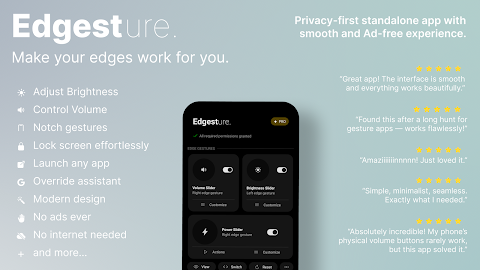
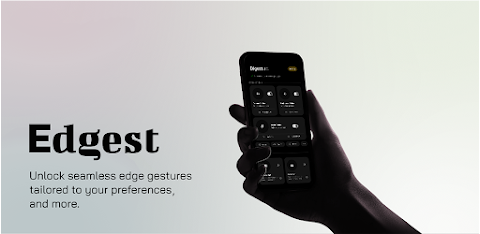
Edgest Edge Gestures & Control puts you in charge of your device like never before. This app is designed to make your smartphone experience smoother and more efficient through gesture navigation. With Edgest, you can easily access your favorite actions using edge gestures, notch gestures, and custom gestures.
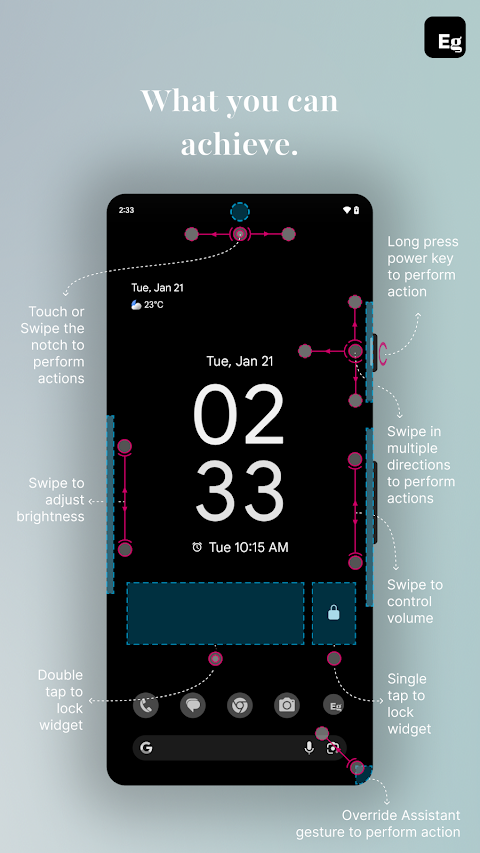
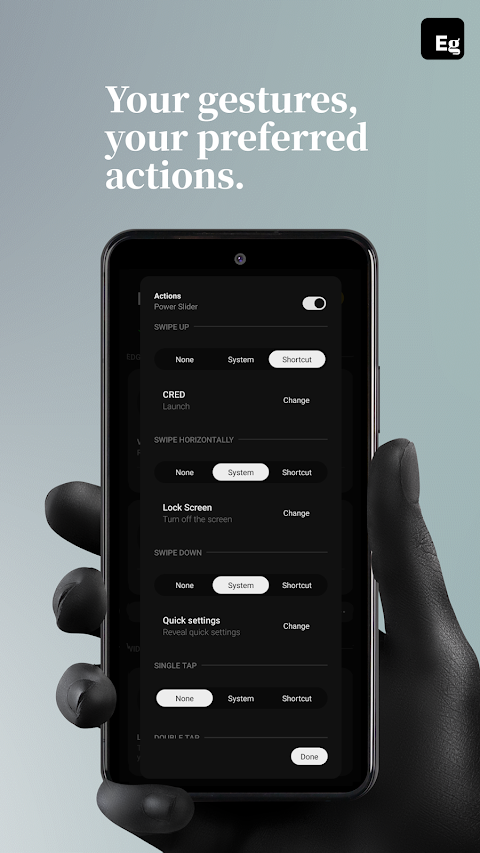
Using edge gestures allows you to navigate your device quickly and intuitively. You can assign actions to swipes, taps, and long press gestures near the screen edges. If your phone has a notch or a camera cutout, you can utilize notch gestures. This way, you can create additional shortcuts without cluttering your screen. Whether you need to launch apps quickly or access essential functions, Edgest provides the tools to make it happen.
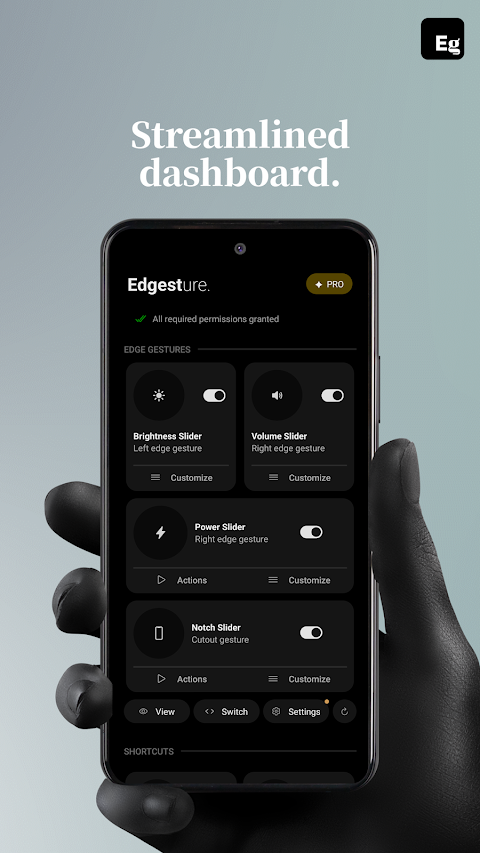
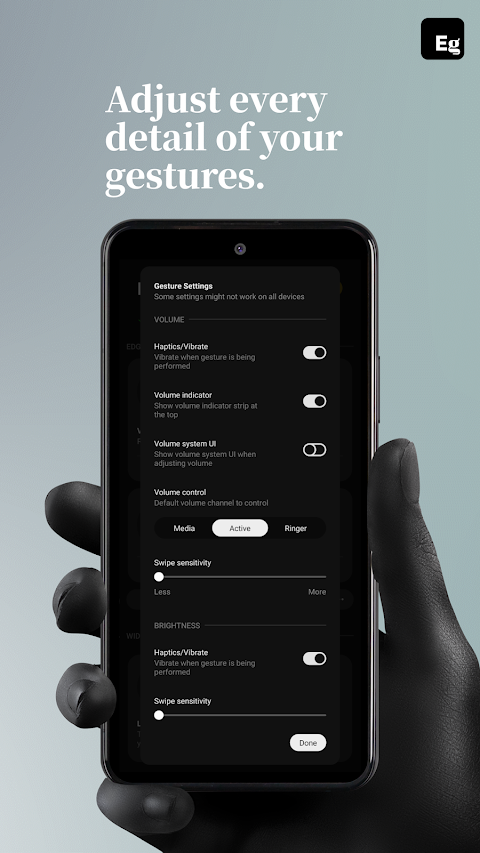
One of the standout features of Edgest is its ability to control volume and brightness directly from the screen's edge. This means you can make adjustments without having to dig through menus, making it easier to adapt your device to your needs. Additionally, with the quick settings tile, you can instantly access custom actions that you use the most, further boosting productivity.
Edgest also simplifies media control through gestures. You can manage media playback, skip tracks, or pause music directly from your gestures or quick settings. This lets you stay focused on what you are doing without switching apps or screens.
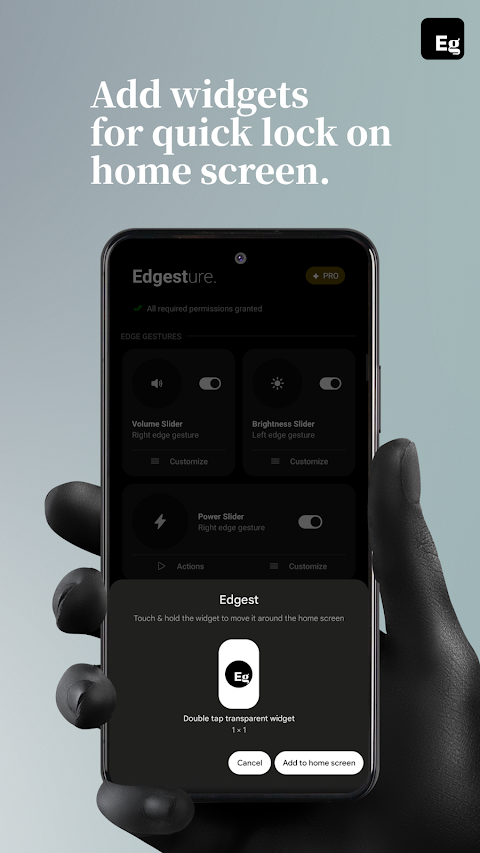
Locking your device is just as effortless. With the lock screen widget, you can lock your phone using a single-tap lock or double-tap lock option—no power button needed. When combined with your gesture shortcuts, this makes for even faster device control.
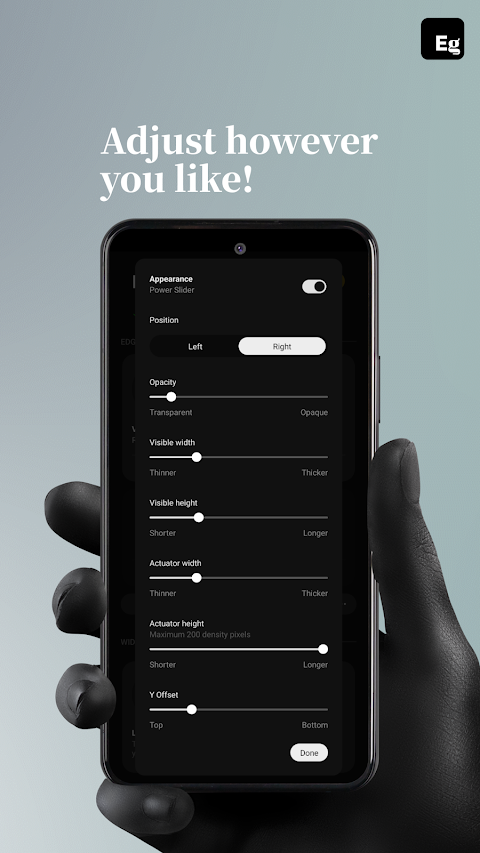
Customization is key with Edgest. You can personalize your gesture navigation exactly how you want it. The app allows you to adjust gesture sensitivity, animation speed, and feedback, along with assigning different actions to various gesture types. This includes options for notch gestures where supported. Whether it’s creating custom gestures that launch apps or shortcuts to open specific menus, Edgest adapts to what you need.
Why should you choose Edgest? This app offers simple and intuitive gesture navigation, making it easy for anyone to use. The notch-friendly gestures cater to modern displays, while flexible custom gestures provide effortless access to your favorite features. You also get optimised volume and brightness control, all packaged in a lightweight app that won’t drain your battery.
It’s important to note that Edgest uses the AccessibilityService API strictly to execute system commands. This includes actions like opening the notifications panel, accessing quick settings, navigating to the home screen, opening recent apps, taking screenshots, and locking the screen. No other data is accessed or processed using this permission, ensuring your privacy remains a priority.
With Edgest Edge Gestures & Control, you are empowered to navigate your device more effectively while enjoying a streamlined and personalized experience. Dive into a world where efficiency meets simplicity, and elevate how you use your smartphone today.
Using edge gestures allows you to navigate your device quickly and intuitively. You can assign actions to swipes, taps, and long press gestures near the screen edges. If your phone has a notch or a camera cutout, you can utilize notch gestures. This way, you can create additional shortcuts without cluttering your screen. Whether you need to launch apps quickly or access essential functions, Edgest provides the tools to make it happen.
One of the standout features of Edgest is its ability to control volume and brightness directly from the screen's edge. This means you can make adjustments without having to dig through menus, making it easier to adapt your device to your needs. Additionally, with the quick settings tile, you can instantly access custom actions that you use the most, further boosting productivity.
Edgest also simplifies media control through gestures. You can manage media playback, skip tracks, or pause music directly from your gestures or quick settings. This lets you stay focused on what you are doing without switching apps or screens.
Locking your device is just as effortless. With the lock screen widget, you can lock your phone using a single-tap lock or double-tap lock option—no power button needed. When combined with your gesture shortcuts, this makes for even faster device control.
Customization is key with Edgest. You can personalize your gesture navigation exactly how you want it. The app allows you to adjust gesture sensitivity, animation speed, and feedback, along with assigning different actions to various gesture types. This includes options for notch gestures where supported. Whether it’s creating custom gestures that launch apps or shortcuts to open specific menus, Edgest adapts to what you need.
Why should you choose Edgest? This app offers simple and intuitive gesture navigation, making it easy for anyone to use. The notch-friendly gestures cater to modern displays, while flexible custom gestures provide effortless access to your favorite features. You also get optimised volume and brightness control, all packaged in a lightweight app that won’t drain your battery.
It’s important to note that Edgest uses the AccessibilityService API strictly to execute system commands. This includes actions like opening the notifications panel, accessing quick settings, navigating to the home screen, opening recent apps, taking screenshots, and locking the screen. No other data is accessed or processed using this permission, ensuring your privacy remains a priority.
With Edgest Edge Gestures & Control, you are empowered to navigate your device more effectively while enjoying a streamlined and personalized experience. Dive into a world where efficiency meets simplicity, and elevate how you use your smartphone today.
Sporty Analog Watch Face
amoledwatchfaces™
$1.49
$0.75
Nova : Minimal Watch Face
JustWatch - Premium Watch Faces
$1.49
$0.49
BIG 24 Digital Watchface
WinWatchfaces
$1.29
$0.65