
$1.49
FREE
100% Off
Octacrop – Icon Pack
GomoTheGom

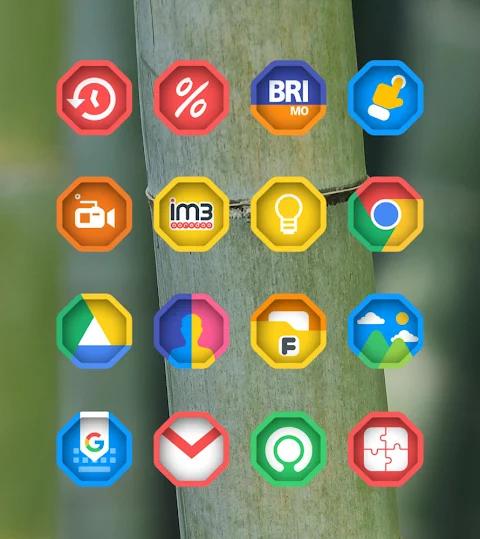
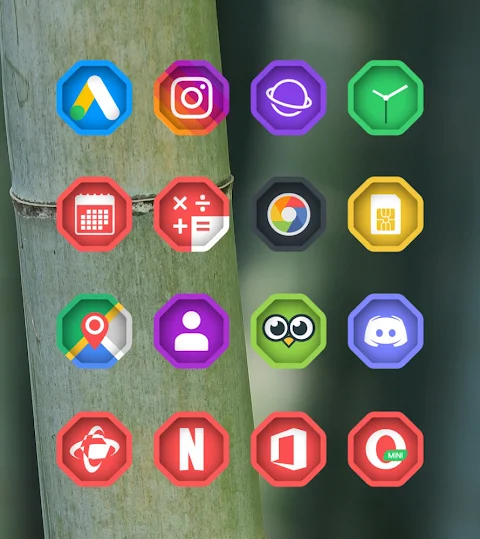
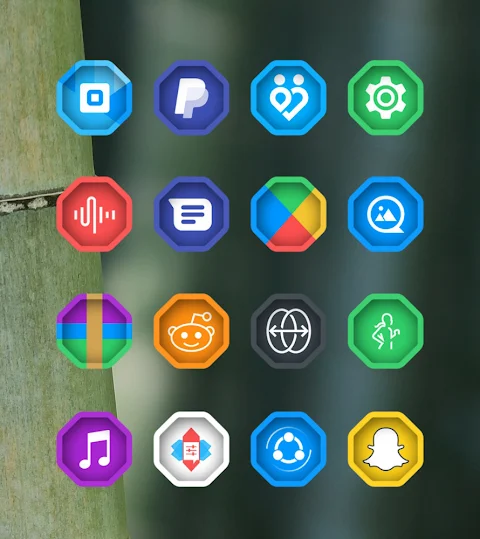
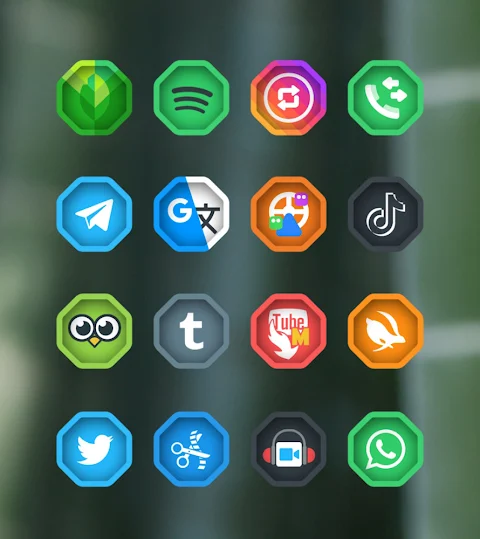


About the App
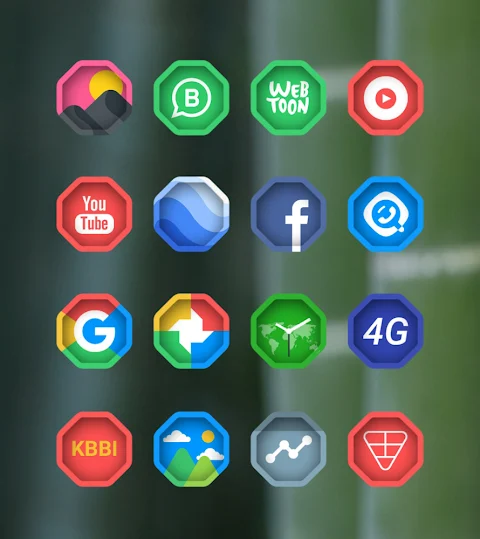
Octacrop is an Octa shaped icon pack designed to give your device a fresh and unique look. Each icon features a cut-effect, making them stand out on your screen. With a vibrant color palette, Octacrop is part of the Octa series of cuticon icon packs, perfect for anyone looking to customize their home screen.
Using the Octacrop Icon Pack is simple, and it works with many popular launchers. For instance, if you have Nova Launcher or Evie Launcher installed, you can easily apply this icon pack. Here’s how to do it:
1. Open the Octacrop Icon Pack app on your phone.
2. Navigate to the "Apply Icon Pack" screen within the app.
3. You'll see a list of supported launchers. Select the Nova Launcher, or any other launcher of your choice, to apply the icons.
4. The app automatically applies the icons from the Octacrop icon pack to your selected launcher.
If your chosen launcher doesn’t appear when you try to apply the icons, you can also apply the Octacrop icon pack directly from the launcher itself.
For users with Sony Xperia devices, applying the Octacrop icon pack requires a few special settings. Here’s what to do:
1. Long press on your main screen and open the settings.
2. Scroll down to find and open the appearance icon settings.
3. Choose the Octacrop icon pack, and you’re done. Your Sony Xperia device will now display the Octacrop icons.
Please note that the Octacrop icon pack only supports Sony Xperia Home Launcher version 10.0.A.0.8 or higher.
The Octacrop icon pack supports a wide range of launchers. You’ll find options like the Icon Pack for Apex Launcher, Icon Pack for ADW Launcher, Icon Pack for ABC Launcher, Icon Pack for Next Launcher, Icon Pack for Holo Launcher, Icon Pack for Lucid Launcher, Icon Pack for M Launcher, Icon Pack for Action Launcher, Icon Pack for Sony Xperia Home Launcher, Icon Pack for Aviate Launcher, Icon Pack for Smart Launcher, Icon Pack for Go Launcher, and Icon Pack for Zero Launcher.
In addition to its design features, Octacrop boasts an impressive collection of over 5000 icons and continues to grow. Users can benefit from the alternate icons feature and find a solution for any unthemed icons with the icon back feature. The app also provides 36+ HD wallpapers, allowing for further personalization of your device. If you have specific icons in mind, the icon request feature lets you suggest new designs directly.
All icons are designed at a high definition resolution of 192x192 pixels, ensuring your home screen looks sharp and vibrant.
For more design inspiration and updates, you can check out additional information on platforms like Google+, Instagram, and Twitter.
With Octacrop, you have everything you need to transform your device and express your style through a well-crafted and easy-to-use icon pack. Whether you’re new to customizing your home screen or an experienced user, Octacrop is here to help enhance your device’s appearance.

Galaxy Watch Face 2
Galaxy Design Watch Face
$1.99
$0.99

Yellow Star Icon Pack
PizzApp Design
$0.99
$0.69

Sinfonia Minimal Icon Pack
OSheden Design
$0.99
FREE