

$0.99
$0.40
60% Off
NTV515 – N Style watch face
NTV Watchfaces






About the App
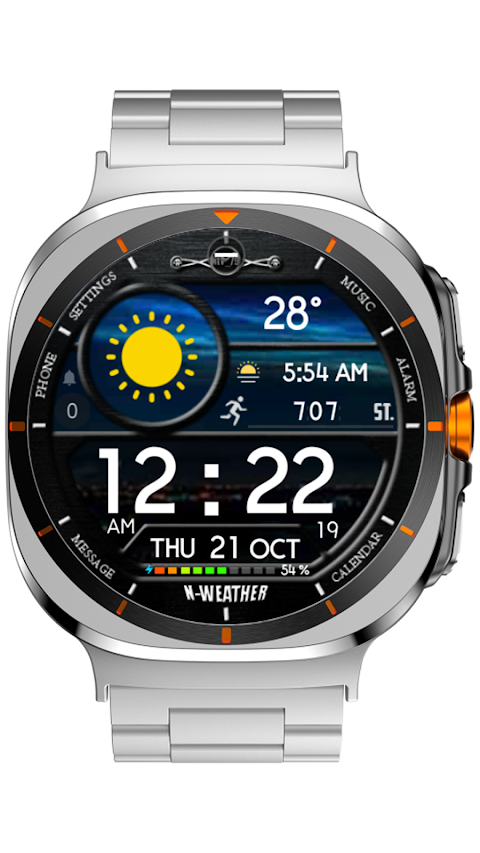
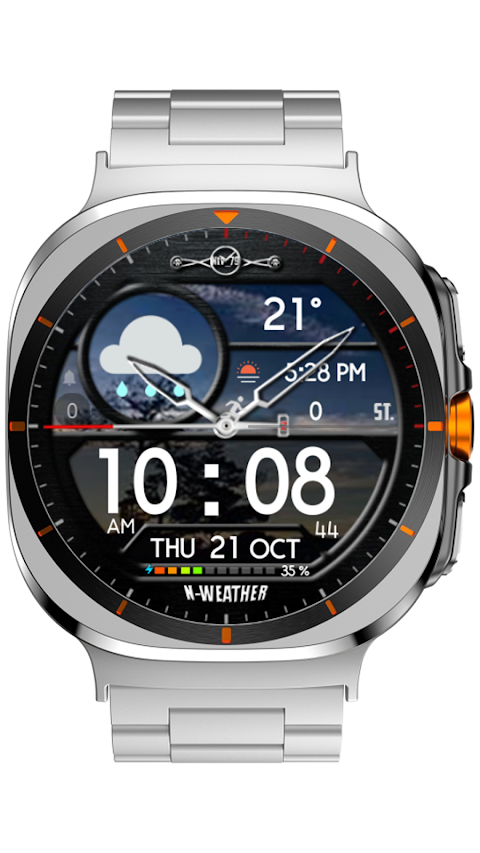
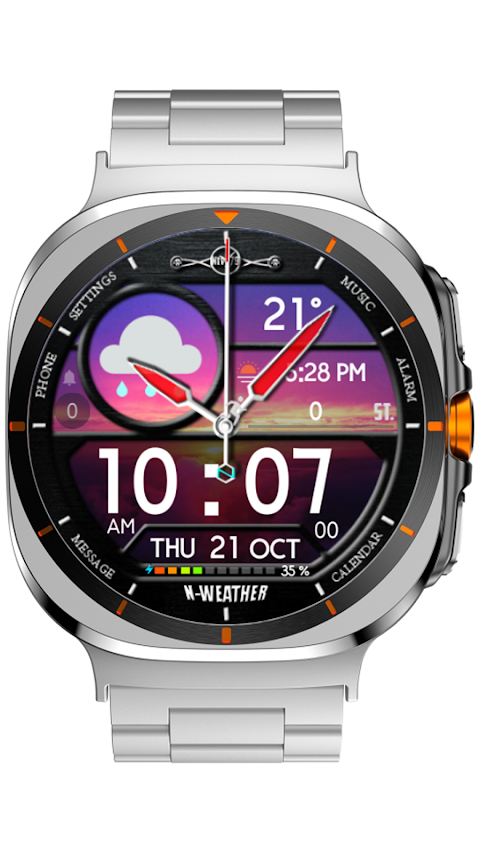
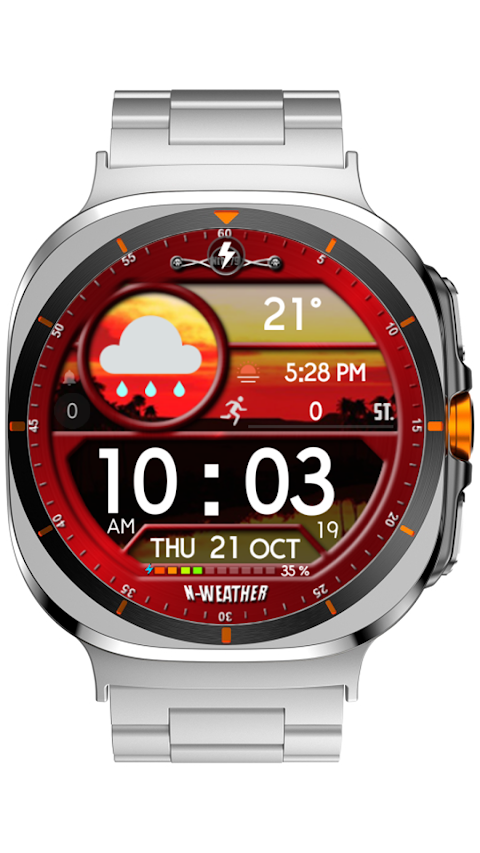
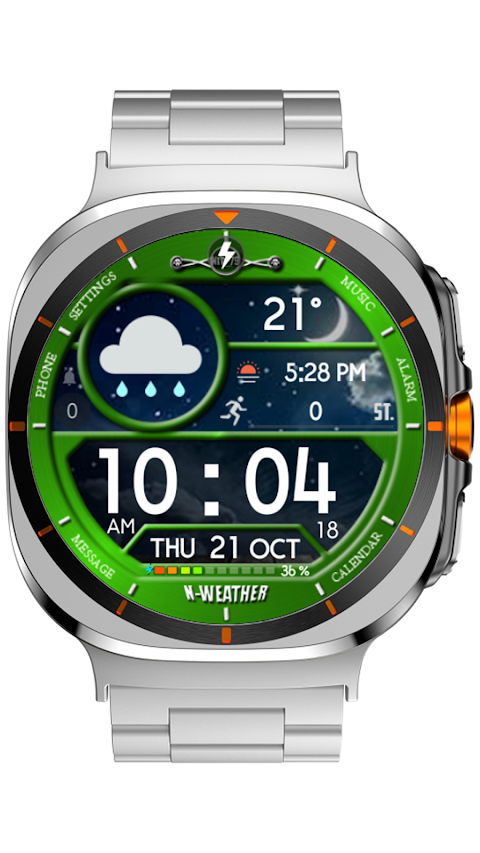
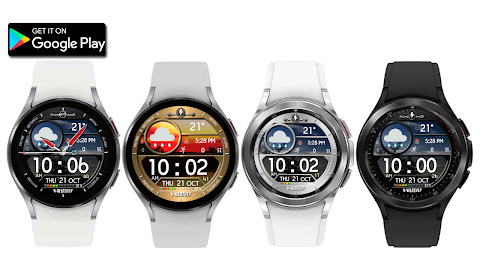
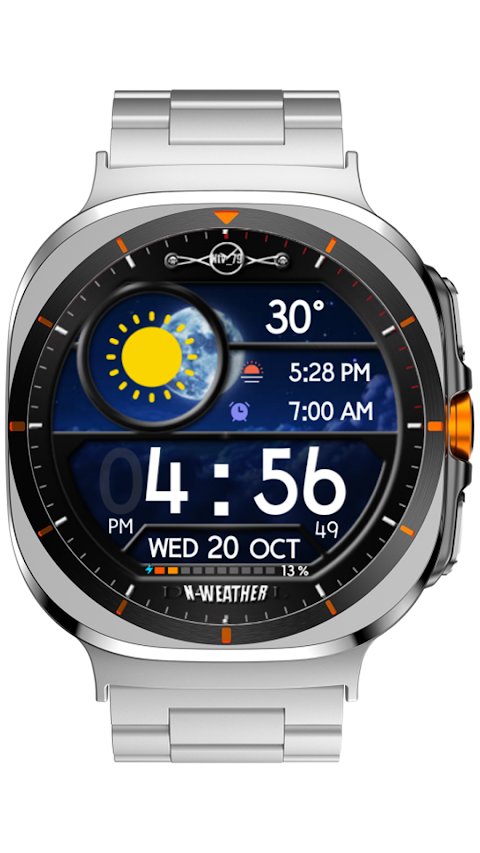
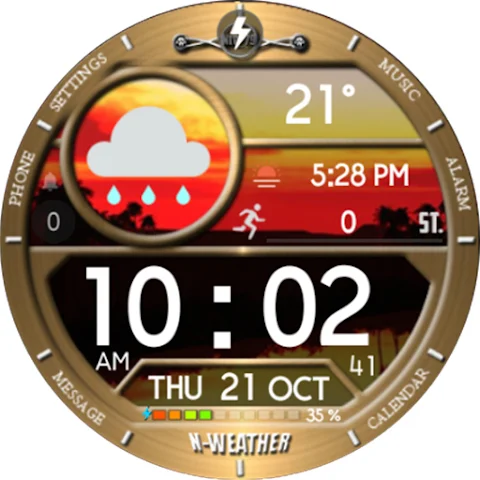
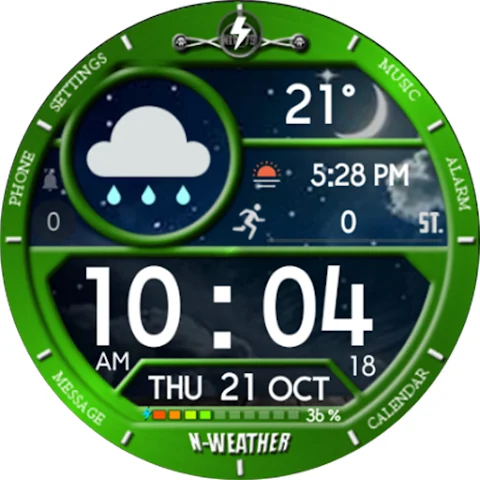
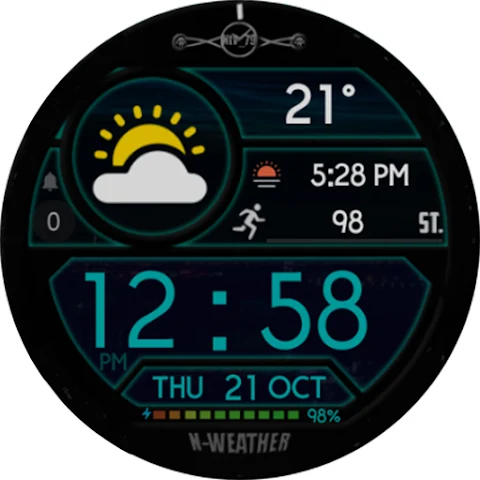
With the NTV515 - N Style watch face, you can truly personalize your smartwatch. This app allows you to customize your watch face by simply pressing and holding the screen. You can change various elements to match your style and preferences.
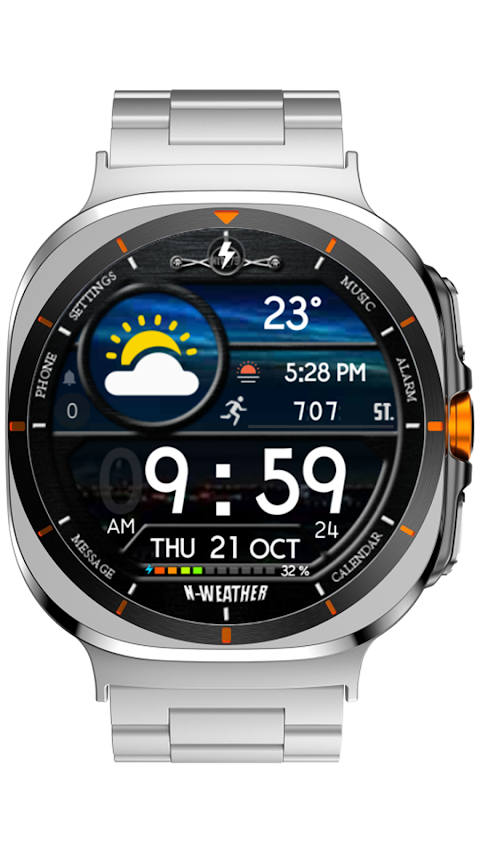
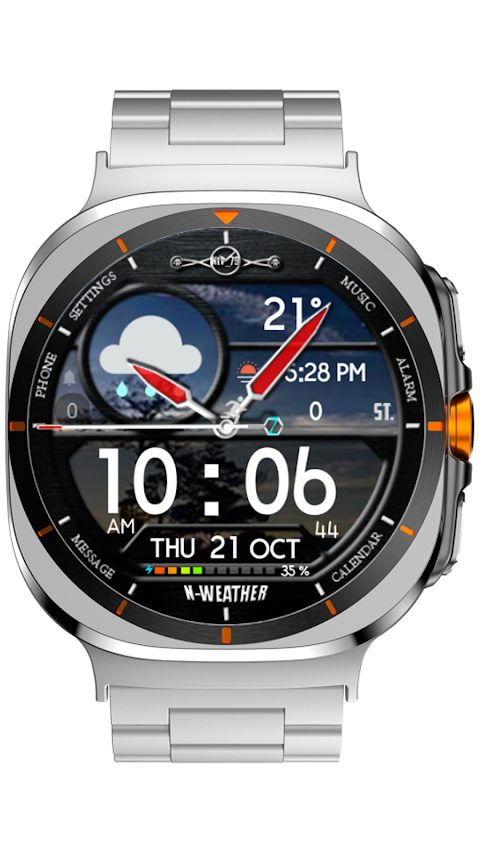
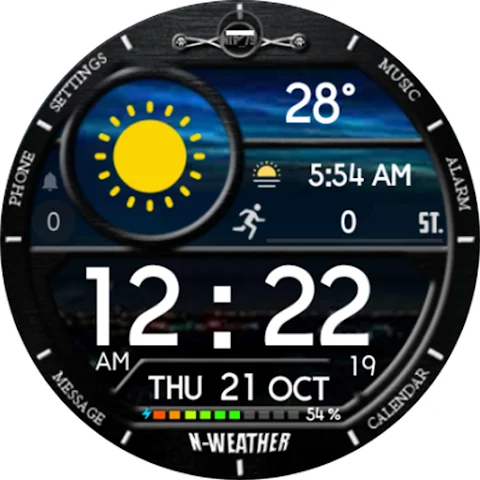
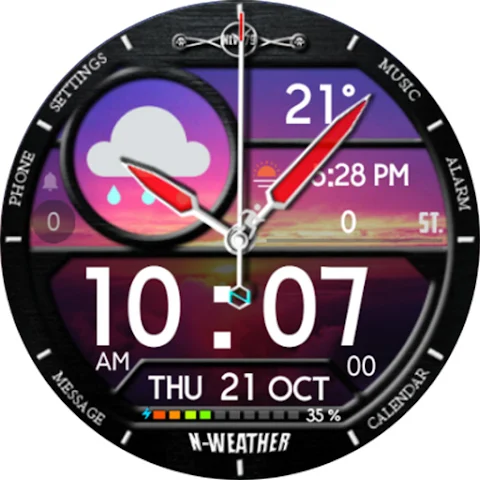
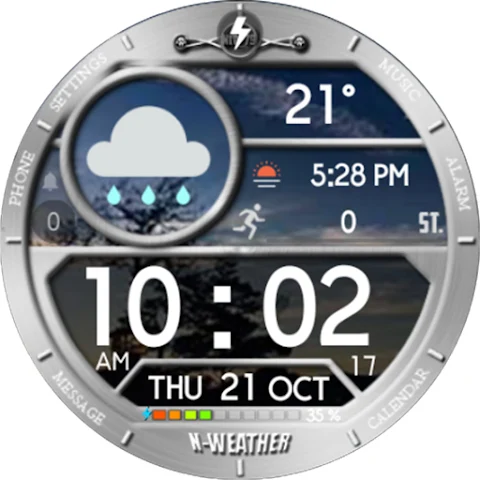
There are six color options to choose from for the covers, as well as six natural backgrounds to give your watch a fresh look. The digital LCD also comes in six colors, including one transparent option. If you prefer an analog clock display, you can select from five different hands styles. You can even hide all hands if you want a cleaner look. The index style has six options, allowing you to show, change, or hide it based on your taste.
A unique feature of the NTV515 watch face is the custom step icon. You can adjust its position, making it suitable for when you choose to place complications either above or below. Speaking of complications, you can select from six different types. These allow the watch face to show data from apps you choose, making it easier to stay informed. You can tap each zone to decide what you want to display. Commonly recommended data to include are weather information, sunset/sunrise data, step count display, and unread notification counts like call history and watch battery levels.
In addition to these customizable features, you can also select two custom app shortcuts. These allow quick access to your favorite apps right from your watch face.
The NTV515 watch face has several important features that enhance its functionality. You can toggle between a 12-hour or 24-hour digital clock format, depending on your phone’s settings. The app supports a multilingual display for days and months, providing a day display, date display, and month display. You’ll also find battery information display to keep track of your watch's power level and AOD mode support for those times when you want your watch display to stay on.
It’s important to note that some features may not be available on all smartwatch models. The NTV515 watch face is designed specifically for devices that work with Wear OS API 33+.
Personalization is key with the NTV515 watch face. You have plenty of color customization options, as well as various user-selected data zones that allow the watch to display information most relevant to you. Whether you’re interested in health tracking features or simply want a stylish look, this watch face provides the customizable watch interface you crave.
If you have any suggestions or questions, feel free to reach out via email at ntv579@gmail.com. Enjoy the experience of personalizing your watch with the NTV515 - N Style watch face!
There are six color options to choose from for the covers, as well as six natural backgrounds to give your watch a fresh look. The digital LCD also comes in six colors, including one transparent option. If you prefer an analog clock display, you can select from five different hands styles. You can even hide all hands if you want a cleaner look. The index style has six options, allowing you to show, change, or hide it based on your taste.
A unique feature of the NTV515 watch face is the custom step icon. You can adjust its position, making it suitable for when you choose to place complications either above or below. Speaking of complications, you can select from six different types. These allow the watch face to show data from apps you choose, making it easier to stay informed. You can tap each zone to decide what you want to display. Commonly recommended data to include are weather information, sunset/sunrise data, step count display, and unread notification counts like call history and watch battery levels.
In addition to these customizable features, you can also select two custom app shortcuts. These allow quick access to your favorite apps right from your watch face.
The NTV515 watch face has several important features that enhance its functionality. You can toggle between a 12-hour or 24-hour digital clock format, depending on your phone’s settings. The app supports a multilingual display for days and months, providing a day display, date display, and month display. You’ll also find battery information display to keep track of your watch's power level and AOD mode support for those times when you want your watch display to stay on.
It’s important to note that some features may not be available on all smartwatch models. The NTV515 watch face is designed specifically for devices that work with Wear OS API 33+.
Personalization is key with the NTV515 watch face. You have plenty of color customization options, as well as various user-selected data zones that allow the watch to display information most relevant to you. Whether you’re interested in health tracking features or simply want a stylish look, this watch face provides the customizable watch interface you crave.
If you have any suggestions or questions, feel free to reach out via email at ntv579@gmail.com. Enjoy the experience of personalizing your watch with the NTV515 - N Style watch face!
PRADO 95 Weather Watch Face
PRADO DESIGN ® Watch Faces
$1.99
$0.80
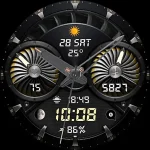
Aviator Air Turbine A9
Inspire Watch
$1.99
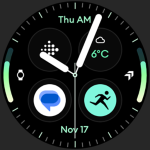
Analog M3 Watch Face
amoledwatchfaces™
$1.79
$0.90