
$1.49
$0.45
70% Off
N-SPORT222 Mechanical NS Watch
N-SPORT WATCH FACE


About the App
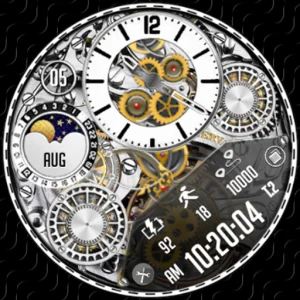
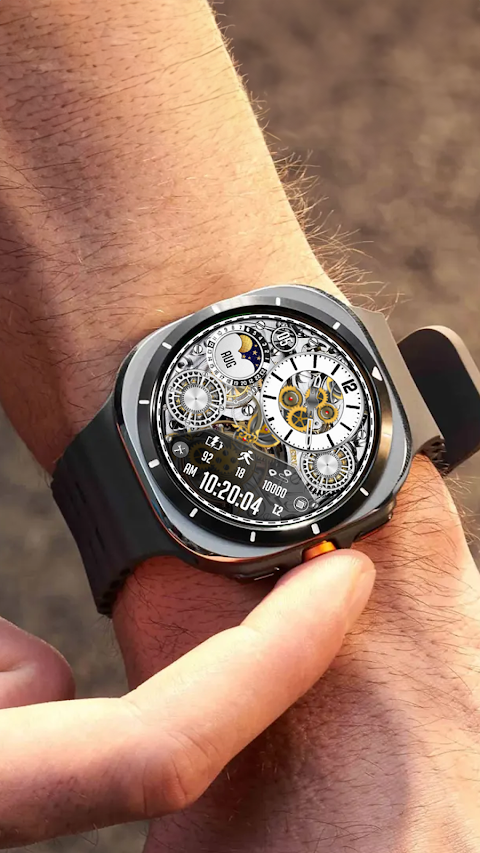
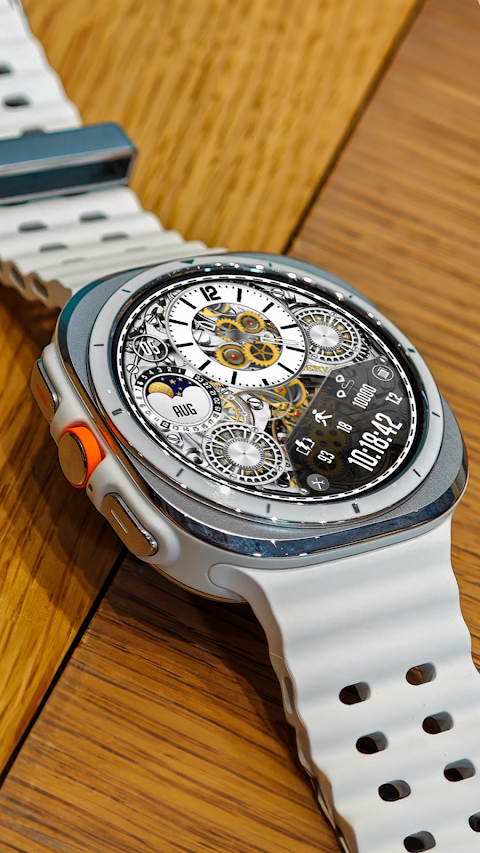
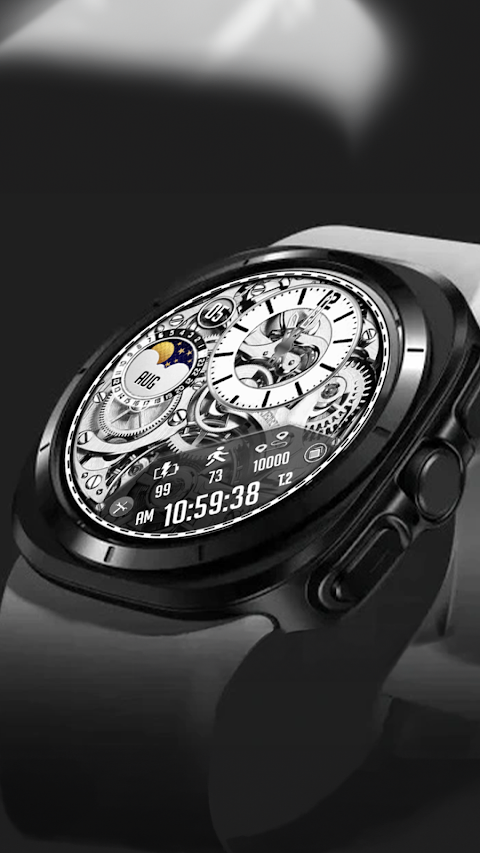
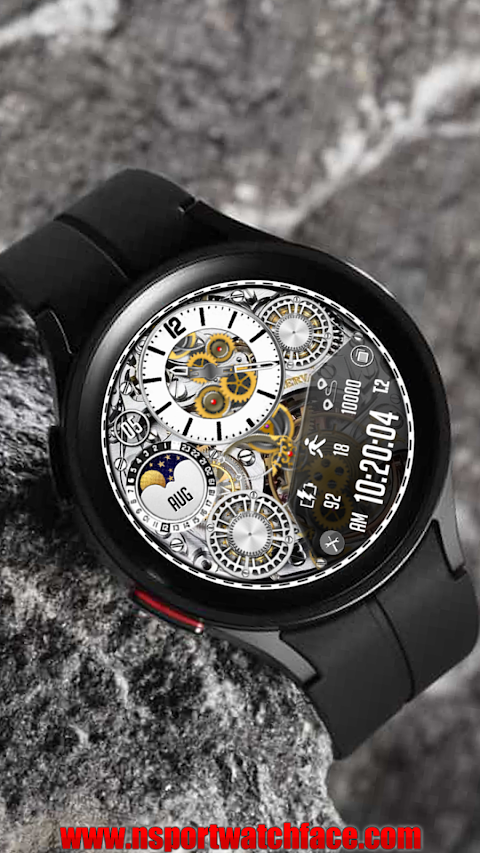
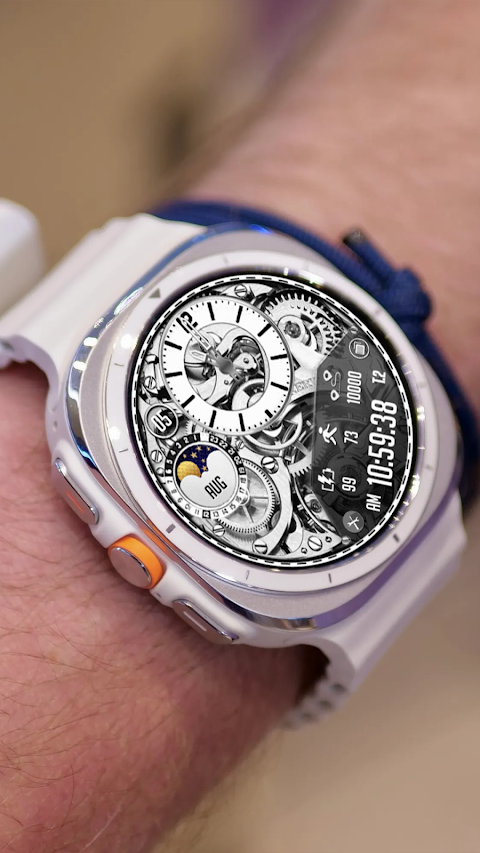
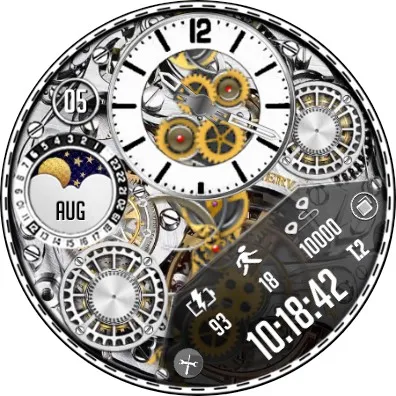
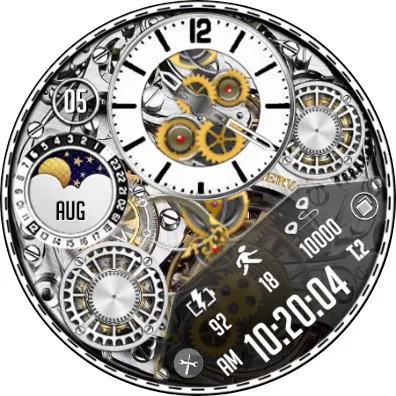
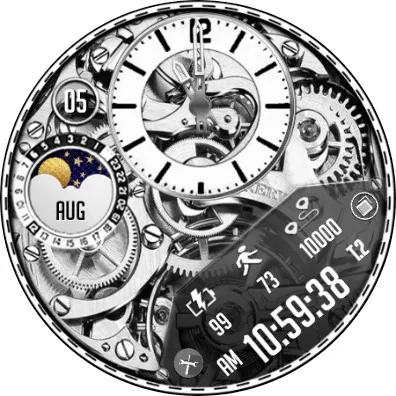
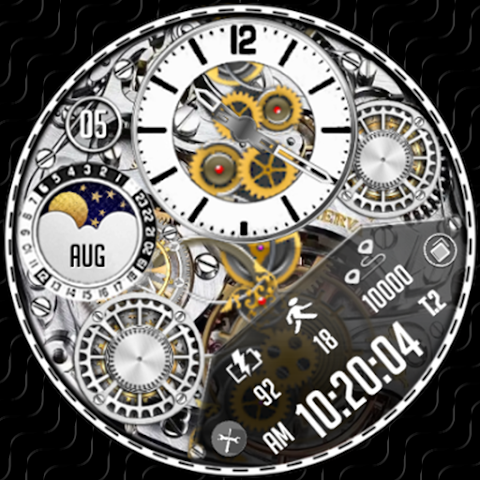
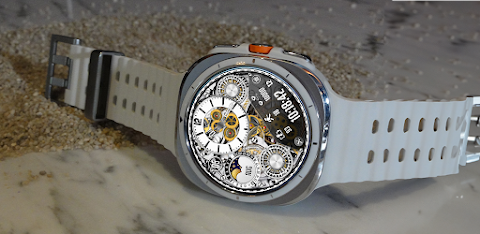
The N-SPORT222 Mechanical NS Watch offers a unique and engaging experience for smartwatch users. This watch face features a mechanical design, complete with mechanical movement effects that bring a dynamic look to your device. You can customize the appearance by using custom backgrounds and even switch the animation on and off based on your preference.
One of the standout features of the N-Sport Watch Face is its display options. You can enjoy both analog and digital time formats, allowing you to choose the style that suits you best. It supports both 12-hour and 24-hour time formats, making it convenient for all users. The watch face also includes a user-defined date display, showing the day of the week, day of the month, and month in year.
Tracking your daily activities is easy with features for step count tracking and a step goal display. You can also keep an eye on your battery percentage with the battery percentage display, ensuring you stay connected throughout the day. The N-Sport Watch Face also has an always-on display support feature, so you can see the time and information at a glance, even when your watch is not actively in use.
This app is designed exclusively for smartwatch devices that run on WEAR OS API Level 33 or higher. This includes popular models like the Samsung Galaxy Watch, Galaxy Watch Ultra, Watch 7, Watch 6, Watch 5, Watch 4 Classic, and the Pixel Watch. If you encounter any trouble installing the watch face, you can easily follow the installation instructions provided on the website, or seek assistance through the installation companion app.
The companion app is designed to enhance your user experience. This app does not require any permissions when installed on your smartphone, making the process smooth and simple. It allows you to click to install the watch face directly on your device and provides links to the N-Sport Watch Face Play Store page, as well as the Buy 1 Get 1 offer on the N-Sport Watch Face website.
Don’t forget to check out the exciting promotional coupons group on Facebook and follow the Facebook page to get regular updates on new watch face designs. If you enjoy this design, don’t hesitate to explore other creations available for Wear OS, as more designs will be released in the future.
For those who own older Galaxy watches running Tizen OS, there’s no need to worry. You can visit the Galaxy Store to discover exclusive designs tailored for those devices.
Stay connected with N-Sport on social media for updates and news. Follow on Instagram to see more about the designs, check out the Telegram channel for the latest announcements, and join Threads.net for community engagement. If you prefer video content, there are video tutorials available on YouTube to guide you through the features and installation processes.
Remember, your feedback is valuable. Feel free to provide your thoughts and suggestions via the Play Store. This helps in improving the app and ensuring a better experience for all users. Thank you for considering the N-Sport Watch Face, and best wishes for your healthy and stylish smartwatch journey!
One of the standout features of the N-Sport Watch Face is its display options. You can enjoy both analog and digital time formats, allowing you to choose the style that suits you best. It supports both 12-hour and 24-hour time formats, making it convenient for all users. The watch face also includes a user-defined date display, showing the day of the week, day of the month, and month in year.
Tracking your daily activities is easy with features for step count tracking and a step goal display. You can also keep an eye on your battery percentage with the battery percentage display, ensuring you stay connected throughout the day. The N-Sport Watch Face also has an always-on display support feature, so you can see the time and information at a glance, even when your watch is not actively in use.
This app is designed exclusively for smartwatch devices that run on WEAR OS API Level 33 or higher. This includes popular models like the Samsung Galaxy Watch, Galaxy Watch Ultra, Watch 7, Watch 6, Watch 5, Watch 4 Classic, and the Pixel Watch. If you encounter any trouble installing the watch face, you can easily follow the installation instructions provided on the website, or seek assistance through the installation companion app.
The companion app is designed to enhance your user experience. This app does not require any permissions when installed on your smartphone, making the process smooth and simple. It allows you to click to install the watch face directly on your device and provides links to the N-Sport Watch Face Play Store page, as well as the Buy 1 Get 1 offer on the N-Sport Watch Face website.
Don’t forget to check out the exciting promotional coupons group on Facebook and follow the Facebook page to get regular updates on new watch face designs. If you enjoy this design, don’t hesitate to explore other creations available for Wear OS, as more designs will be released in the future.
For those who own older Galaxy watches running Tizen OS, there’s no need to worry. You can visit the Galaxy Store to discover exclusive designs tailored for those devices.
Stay connected with N-Sport on social media for updates and news. Follow on Instagram to see more about the designs, check out the Telegram channel for the latest announcements, and join Threads.net for community engagement. If you prefer video content, there are video tutorials available on YouTube to guide you through the features and installation processes.
Remember, your feedback is valuable. Feel free to provide your thoughts and suggestions via the Play Store. This helps in improving the app and ensuring a better experience for all users. Thank you for considering the N-Sport Watch Face, and best wishes for your healthy and stylish smartwatch journey!
Searcho – Search Launcher
Bract Studio
$0.99
$0.31
Civinic Digital Watch Face
Comback Watch Faces
$0.99
Lumbre – Icon Pack
Olivera Onias Design
$0.99
$0.10