

$0.99
$0.49
51% Off
Murasaki Purple – Icon Pack
Panoto Gomo



About the App
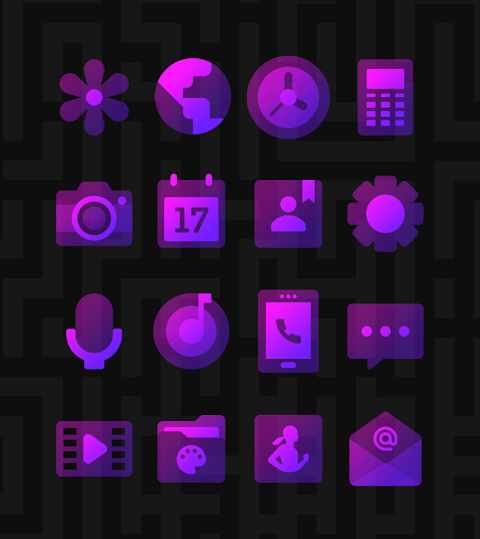
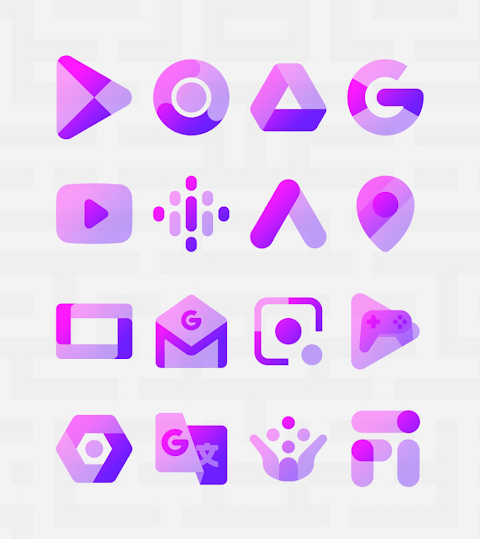
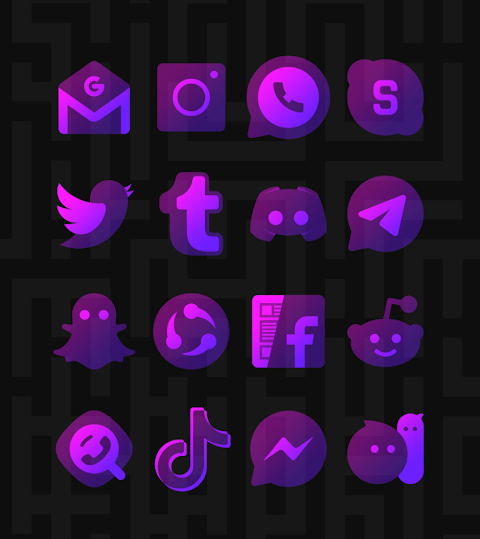
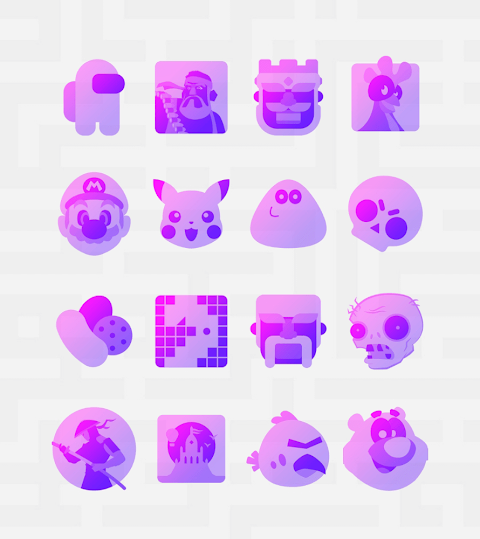
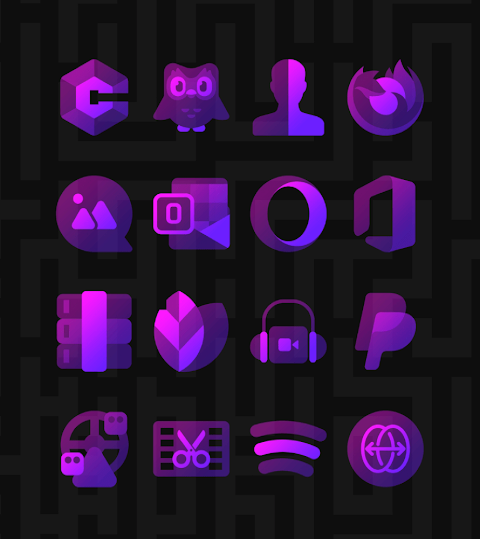
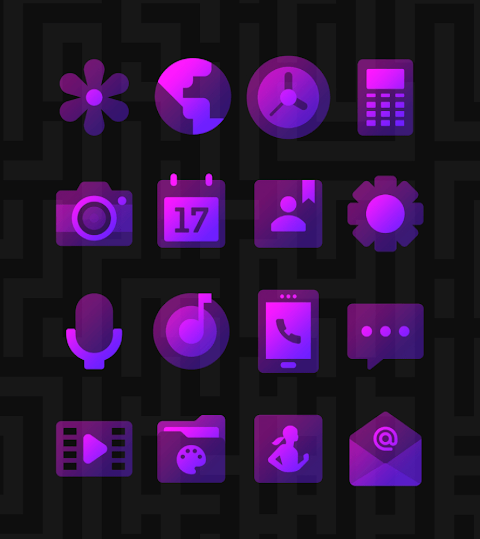
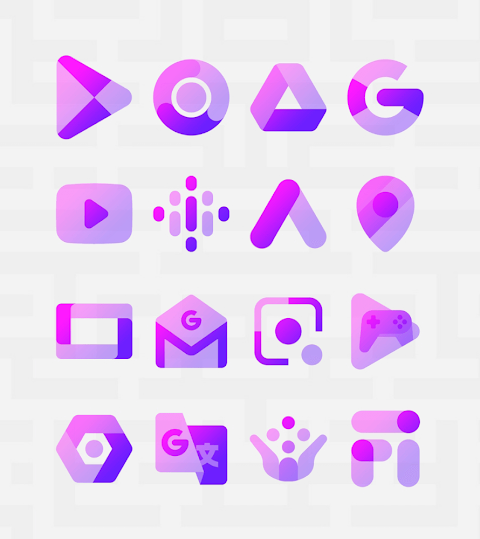
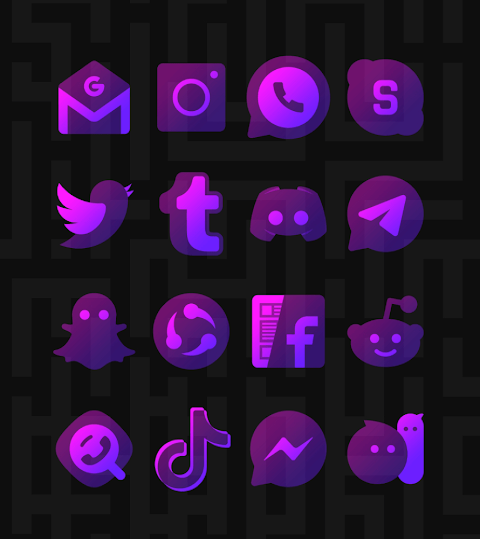
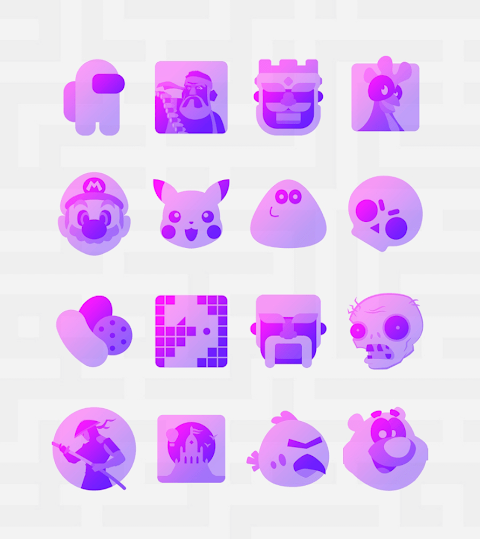
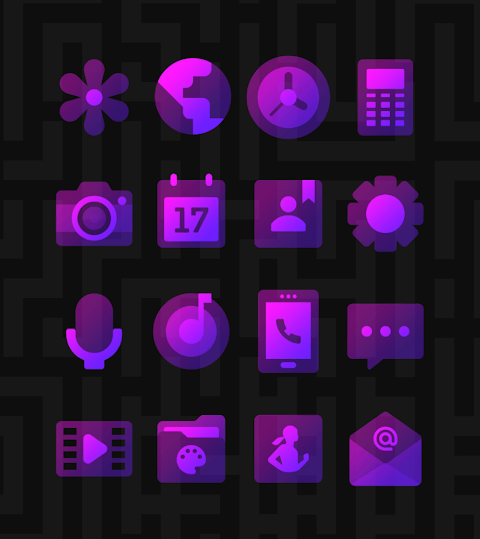
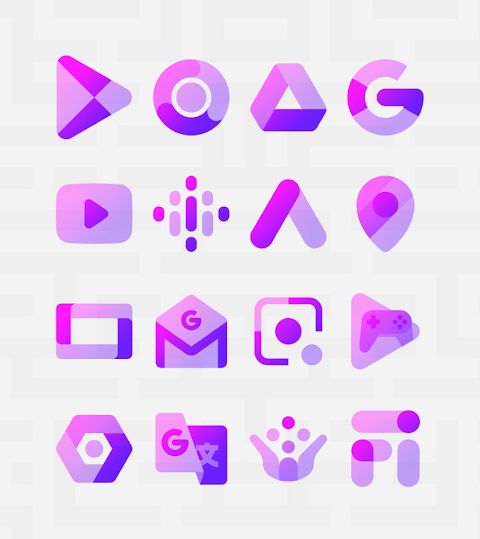
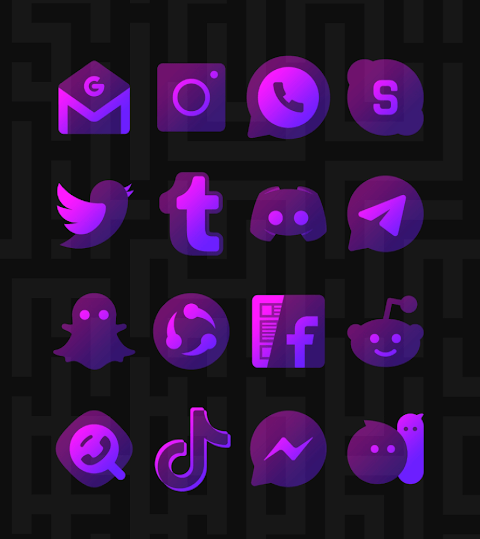
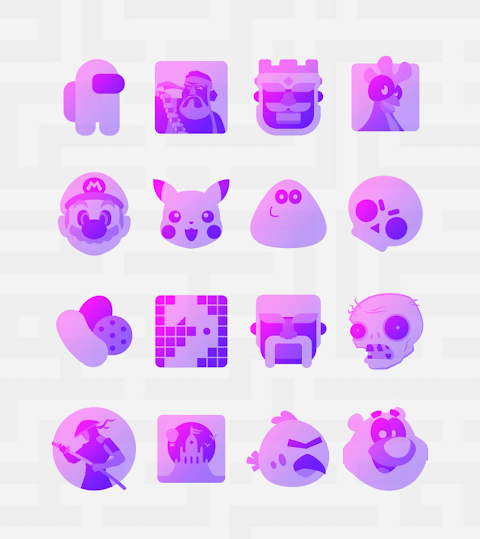
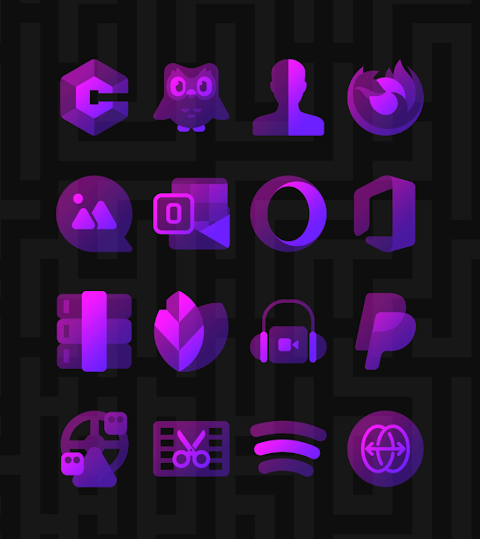
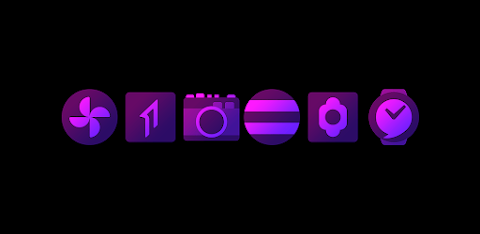
Murasaki Purple is a stunning icon pack that features vibrant purple colors to brighten up your screen. This unique purple colors icon pack offers a transparent icon design, giving your device a fresh and modern look. Each icon is created with great care, following material guidelines to ensure they look alive, even with their transparent style. The icons are made using a special gradient color selection, providing various color series that add depth and character to your app icons.
With over 3,500 high quality icons, each measured at 254x254 pixels, Murasaki Purple is constantly growing and regularly updated. You can also download high resolution wallpapers to complement your new icons. If you find any missing app icons, the icon request feature allows you to request them for free, ensuring that your icon collection stays complete.
Murasaki Purple is compatible with many popular launchers. To get started, you can easily apply this icon pack using Nova Launcher or Lawnchair Launcher, which are both highly recommended. If your chosen launcher isn’t listed, you can still change the icon pack settings from your phone’s launcher theme or icon change screen. You’ll see Murasaki Purple in the list, ready to be applied.
The icon pack management is smooth and user-friendly, thanks to the dashboard interface. This interface allows you to preview your favorite icons against your current wallpaper, making it easy to find the perfect look. Murasaki Purple also offers frequent updates and long term support, so you can enjoy new features and icons as they become available.
For those using launchers like Apex Launcher, Action Launcher, and Go Launcher, Murasaki Purple ensures seamless launcher compatibility. Other supported options include Evie Launcher, CM Launcher, Poco Launcher, and Xperia Home. You can also apply it via the Themer application and other compatible launchers like Cobo Launcher and Mini Launcher.
If you encounter any issues, you can reach out for help. You can contact support through email or via social media. Thanks to Dani Mahardika for the Candybar dashboard, which enhances the overall experience.
If you are using Go Launcher and find that some icons do not change, there’s a simple fix: change the icon pack theme settings. Long touch the icon you wish to replace for an easy icon replacement option. In Nova Launcher, when you switch icon sets, you might notice that icons appear rounded. You can adjust this by going to the Nova theme menu and turning off the icon shape.
Murasaki Purple isn’t just an icon pack; it’s a way to customize your device while enjoying beautiful gradient style icons and a transparent icons collection. Upgrade your Android experience with this vibrant icon pack today, and enjoy an enhanced aesthetic for your device.
With over 3,500 high quality icons, each measured at 254x254 pixels, Murasaki Purple is constantly growing and regularly updated. You can also download high resolution wallpapers to complement your new icons. If you find any missing app icons, the icon request feature allows you to request them for free, ensuring that your icon collection stays complete.
Murasaki Purple is compatible with many popular launchers. To get started, you can easily apply this icon pack using Nova Launcher or Lawnchair Launcher, which are both highly recommended. If your chosen launcher isn’t listed, you can still change the icon pack settings from your phone’s launcher theme or icon change screen. You’ll see Murasaki Purple in the list, ready to be applied.
The icon pack management is smooth and user-friendly, thanks to the dashboard interface. This interface allows you to preview your favorite icons against your current wallpaper, making it easy to find the perfect look. Murasaki Purple also offers frequent updates and long term support, so you can enjoy new features and icons as they become available.
For those using launchers like Apex Launcher, Action Launcher, and Go Launcher, Murasaki Purple ensures seamless launcher compatibility. Other supported options include Evie Launcher, CM Launcher, Poco Launcher, and Xperia Home. You can also apply it via the Themer application and other compatible launchers like Cobo Launcher and Mini Launcher.
If you encounter any issues, you can reach out for help. You can contact support through email or via social media. Thanks to Dani Mahardika for the Candybar dashboard, which enhances the overall experience.
If you are using Go Launcher and find that some icons do not change, there’s a simple fix: change the icon pack theme settings. Long touch the icon you wish to replace for an easy icon replacement option. In Nova Launcher, when you switch icon sets, you might notice that icons appear rounded. You can adjust this by going to the Nova theme menu and turning off the icon shape.
Murasaki Purple isn’t just an icon pack; it’s a way to customize your device while enjoying beautiful gradient style icons and a transparent icons collection. Upgrade your Android experience with this vibrant icon pack today, and enjoy an enhanced aesthetic for your device.

Lines Square – White Icon Pack
GomoTheGom
$1.49
FREE
Analog M3 Watch Face
amoledwatchfaces™
$1.79
$0.90

Corvy Icons
myAP Devs
$0.99
$0.59