

$1.49
FREE
100% Off
Lines Square – White Icon Pack
GomoTheGom


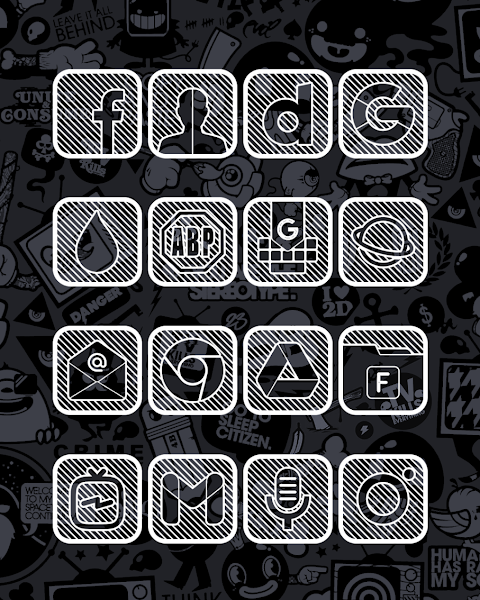


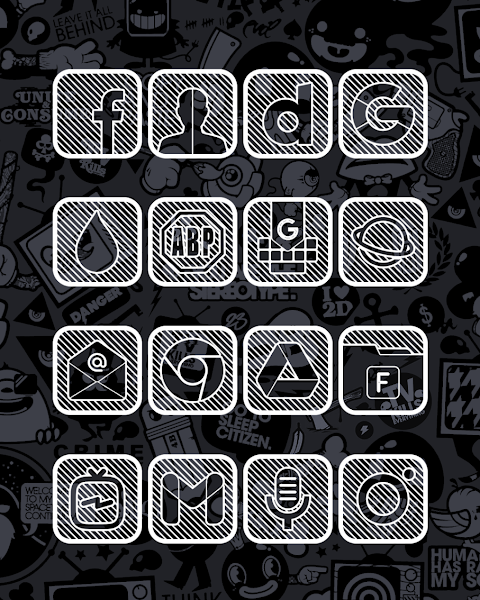
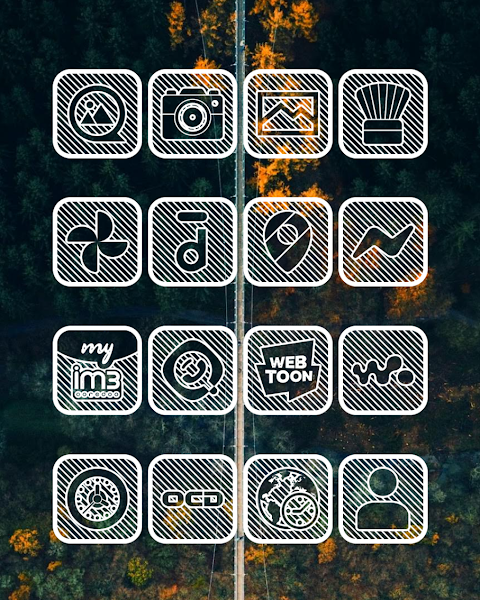

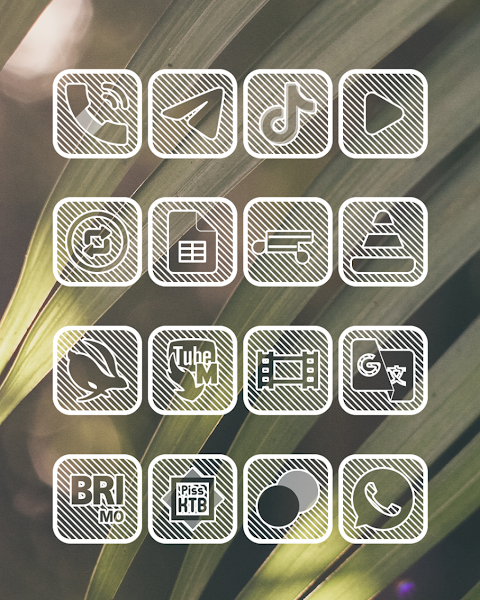
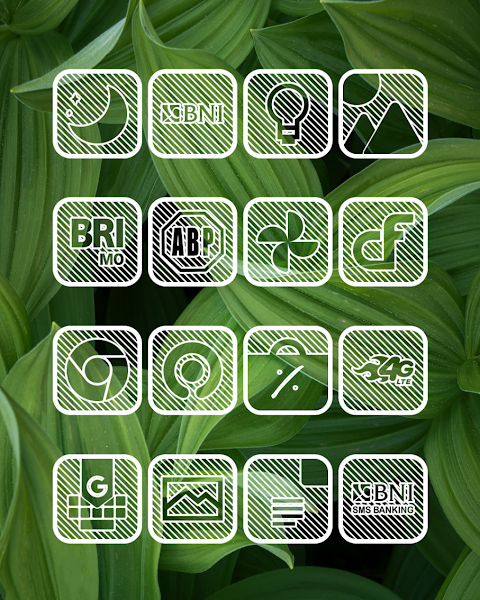
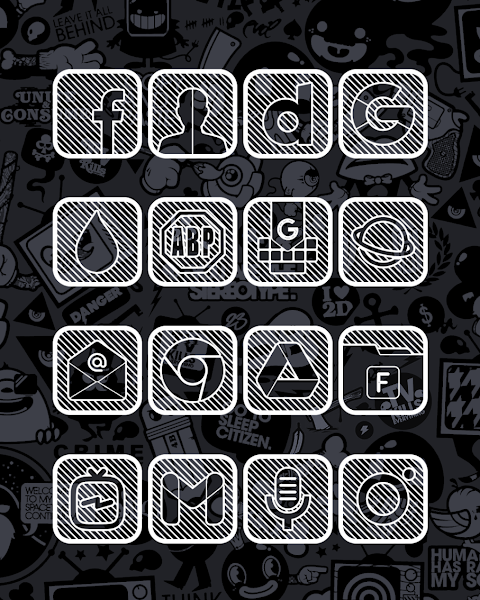
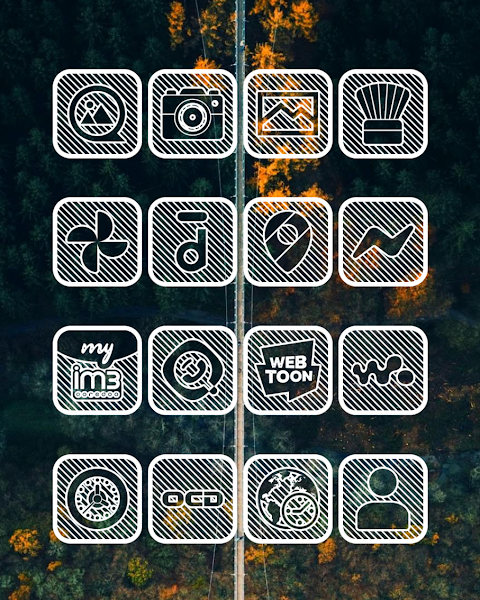


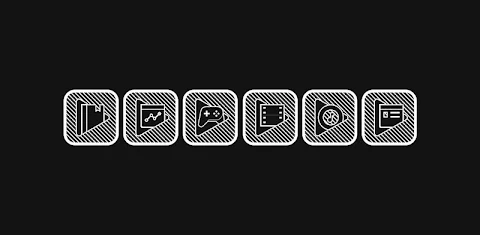
About the App
Lines Square - White Icon Pack is a simple and effective tool for anyone looking to personalize their device. This icon pack serves as an icon changer, allowing you to transform the look of your apps using over 7000 icons and counting. With Lines Square - White, you can choose from a variety of styles, including HD wallpapers and alternate icons, making it easy to find the perfect fit for your screen.
One of the key features of Lines Square - White Icon Pack is the icon request feature. If you can’t find the icon you need, you can request it, ensuring that your collection grows as your needs change. Additionally, each icon is designed with a high-definition resolution of 192x192px, ensuring they look sharp on your display.
To use Lines Square - White Icon Pack, you'll need a launcher that supports icon packs. This app works with many popular launchers, including nova launcher, evie launcher, and more. Here’s how to apply it:
First, open the Lines Square - White Icon Pack app. Next, navigate to the "Apply Icon Pack" screen. You will see a list of supported launchers, so select the one installed on your device, such as nova launcher. Once you make your selection, the app will automatically apply the icons, giving your device a fresh look.
If you are using the Sony Xperia Home Launcher, applying Lines Square - White requires a different method. Here’s what to do:
1. Long press on your home screen.
2. Open the settings menu.
3. Scroll down to the appearance icon settings.
4. Choose Lines Square - White Icon Pack from the list.
5. Your Sony Xperia will then be set up with the new icons.
Remember, this icon pack only supports the Sony Xperia Home Launcher version 10.0.A.0.8 or later.
Lines Square - White Icon Pack is compatible with a wide range of launchers, including Apex launcher, ADW launcher, ABC launcher, Next launcher, Holo launcher, Lucid launcher, M Launcher, N Launcher, Arrow launcher, Action launcher, Aviate launcher, KK launcher, Nine launcher, Blur launcher, Trebuchet launcher, Unicon launcher, Smart launcher, and Go launcher. However, please note that Go launcher and Zero launcher do not support icon masking.
If your current launcher does not support this icon pack, you may need a 3rd party launcher. Alternatively, apps like Awesome Icons or Unicon can help you change your icons without needing to switch launchers.
For those looking for more design information, you can find updates and tips on Google+, Instagram, and Twitter. Using Lines Square - White Icon Pack puts you in control of your device's appearance, allowing you to create a unique and personalized experience.
With Lines Square - White, you get user customization options that make your device truly yours. The themed icons and support for unthemed icons ensure a smooth and enjoyable experience while using your favorite apps. Transform your home screen today with this versatile icon pack!
One of the key features of Lines Square - White Icon Pack is the icon request feature. If you can’t find the icon you need, you can request it, ensuring that your collection grows as your needs change. Additionally, each icon is designed with a high-definition resolution of 192x192px, ensuring they look sharp on your display.
To use Lines Square - White Icon Pack, you'll need a launcher that supports icon packs. This app works with many popular launchers, including nova launcher, evie launcher, and more. Here’s how to apply it:
First, open the Lines Square - White Icon Pack app. Next, navigate to the "Apply Icon Pack" screen. You will see a list of supported launchers, so select the one installed on your device, such as nova launcher. Once you make your selection, the app will automatically apply the icons, giving your device a fresh look.
If you are using the Sony Xperia Home Launcher, applying Lines Square - White requires a different method. Here’s what to do:
1. Long press on your home screen.
2. Open the settings menu.
3. Scroll down to the appearance icon settings.
4. Choose Lines Square - White Icon Pack from the list.
5. Your Sony Xperia will then be set up with the new icons.
Remember, this icon pack only supports the Sony Xperia Home Launcher version 10.0.A.0.8 or later.
Lines Square - White Icon Pack is compatible with a wide range of launchers, including Apex launcher, ADW launcher, ABC launcher, Next launcher, Holo launcher, Lucid launcher, M Launcher, N Launcher, Arrow launcher, Action launcher, Aviate launcher, KK launcher, Nine launcher, Blur launcher, Trebuchet launcher, Unicon launcher, Smart launcher, and Go launcher. However, please note that Go launcher and Zero launcher do not support icon masking.
If your current launcher does not support this icon pack, you may need a 3rd party launcher. Alternatively, apps like Awesome Icons or Unicon can help you change your icons without needing to switch launchers.
For those looking for more design information, you can find updates and tips on Google+, Instagram, and Twitter. Using Lines Square - White Icon Pack puts you in control of your device's appearance, allowing you to create a unique and personalized experience.
With Lines Square - White, you get user customization options that make your device truly yours. The themed icons and support for unthemed icons ensure a smooth and enjoyable experience while using your favorite apps. Transform your home screen today with this versatile icon pack!
Diver Classic LE 2 Wear OS 5+
OQ Watchfaces
$1.59
$0.49

CELEST1510 Analog Watch
CELEST Watches
$1.99
$0.99

Fluffy Icon Pack
Game tunes
$1.49
$0.99