

$1.99
$0.99
50% Off
CELEST1510 Analog Watch
CELEST Watches

About the App
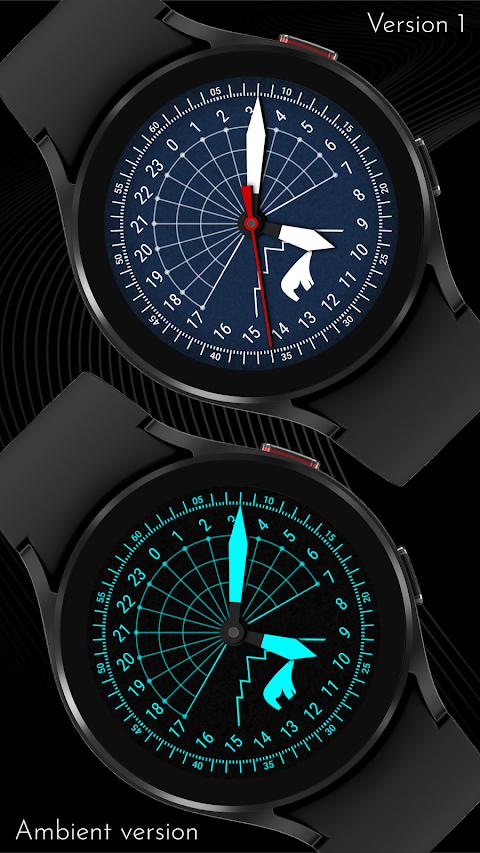
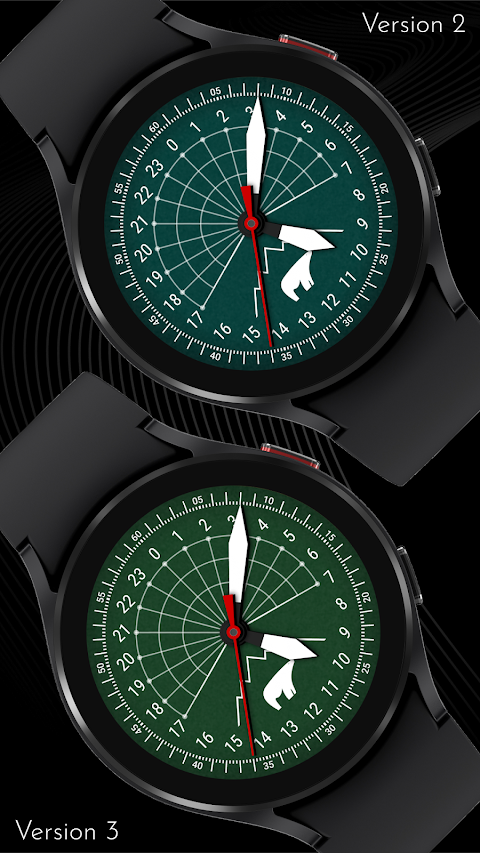
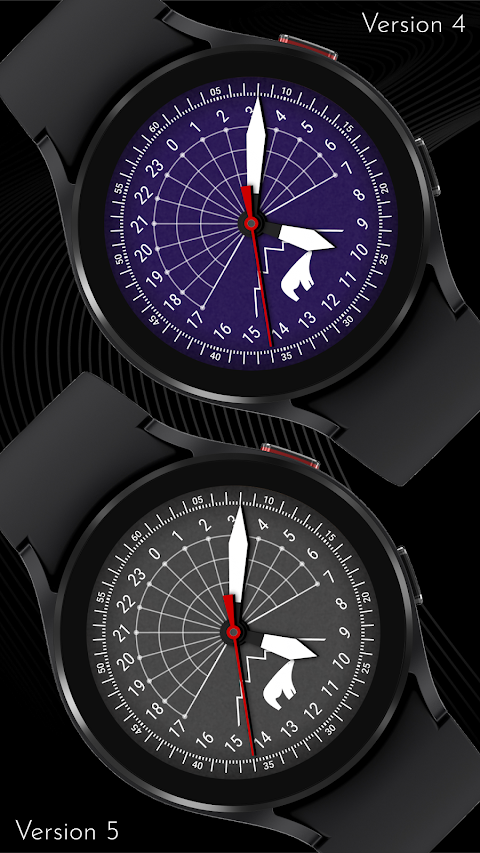
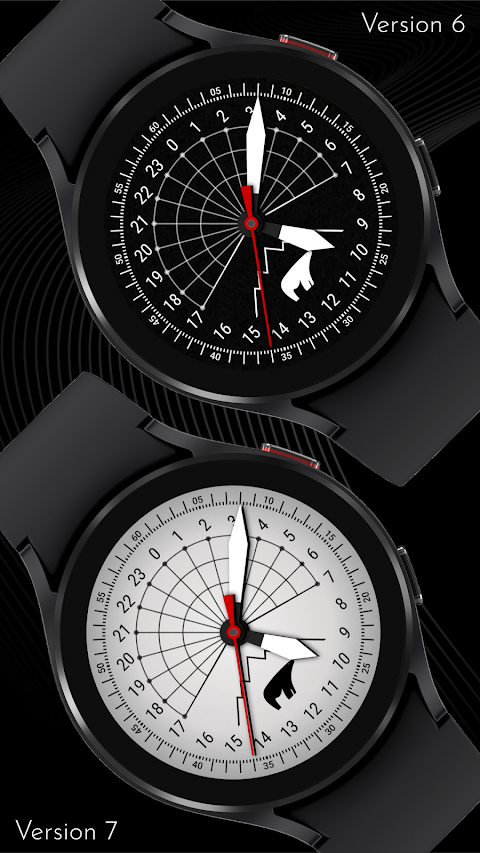
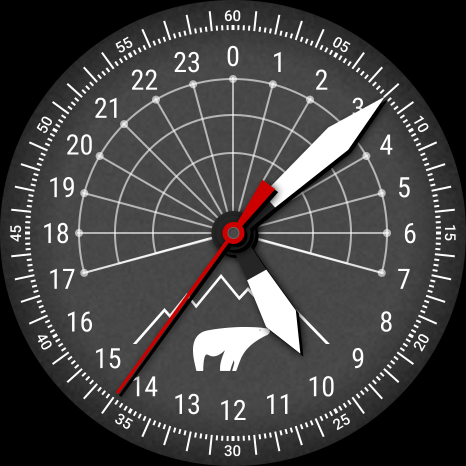
With the CELEST1510 Analog Watch, you can express your unique style and taste. This app allows you to customize your watch face, making it a great choice for anyone who wants a stylish watch option.
When you decide to install the analog watch face, you may run into some installation issues. If the watch face is successfully added on your phone but not on your watch, don’t worry. A companion app is available to enhance visibility on the Google Play app. If you see a triangular symbol next to the Install button in the Play Store app, you can click it. This symbol leads to a dropdown menu where you can select your watch for target watch installation.
You can also try installing the watch face using your laptop, Mac, or PC. By accessing the Play Store through a web browser, you can visually select your watch, making the installation process easier.
If you use a Samsung device and the watch face still doesn't show up, open the Galaxy Wearable app. Go to the Downloaded section, where you'll find the watch face ready for installation. Just click on it to begin.
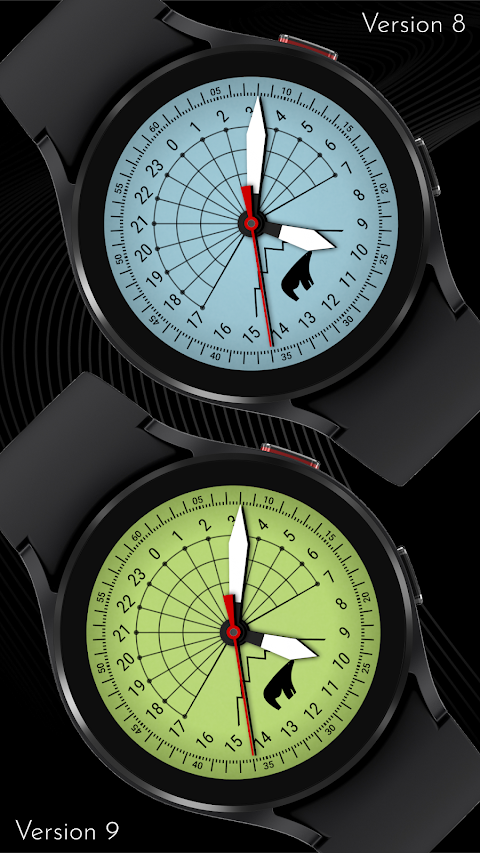
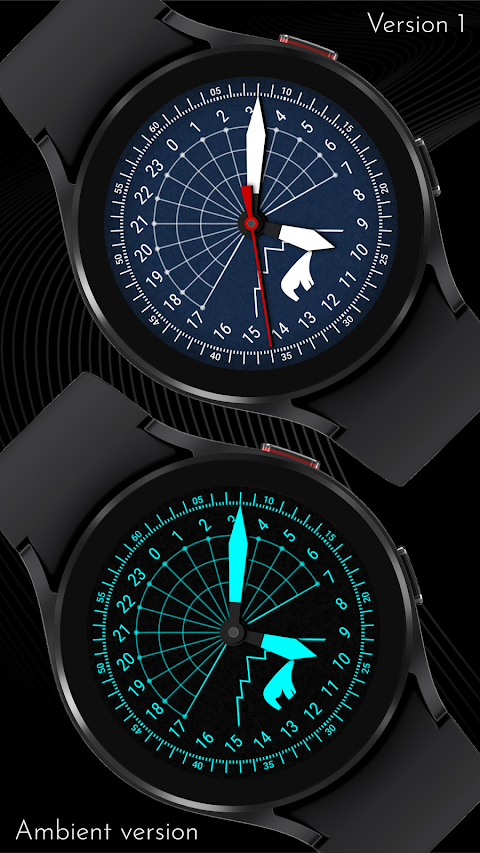
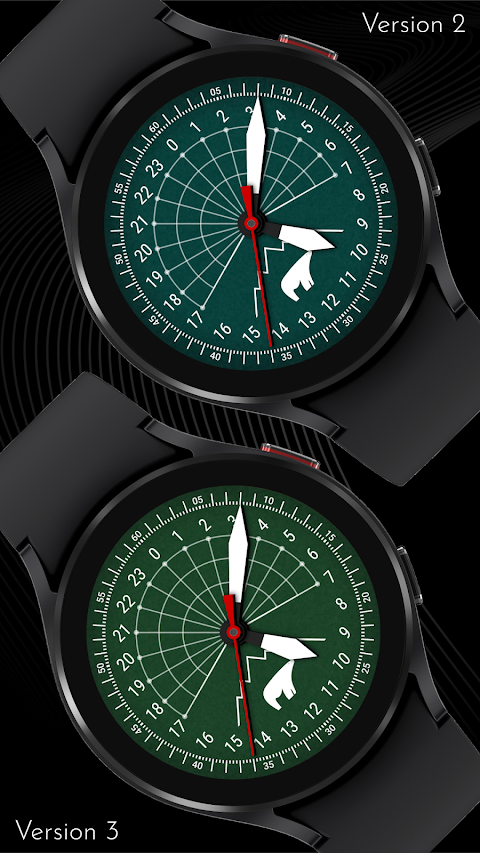
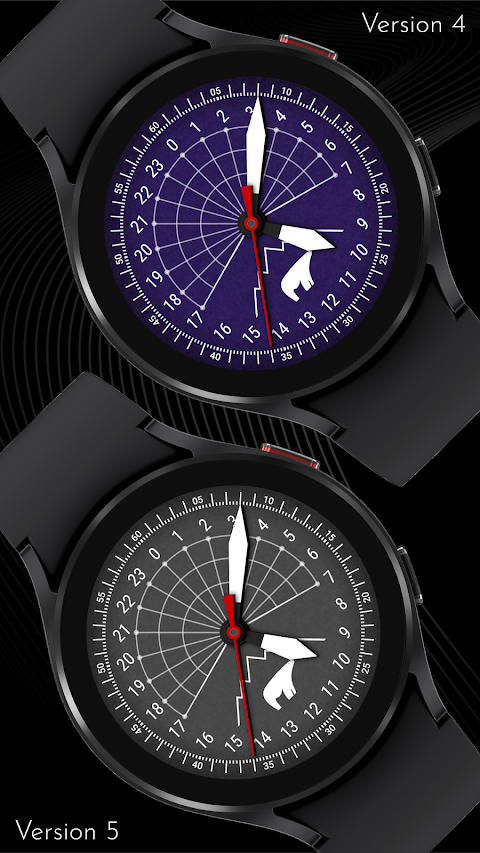
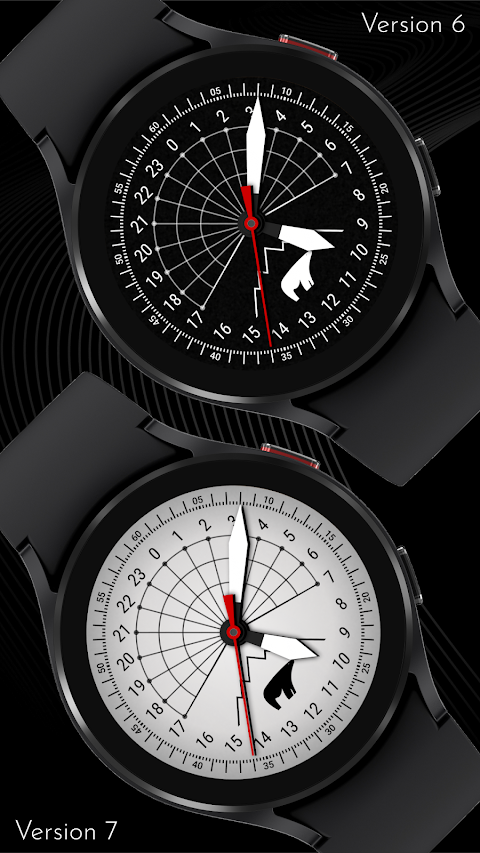
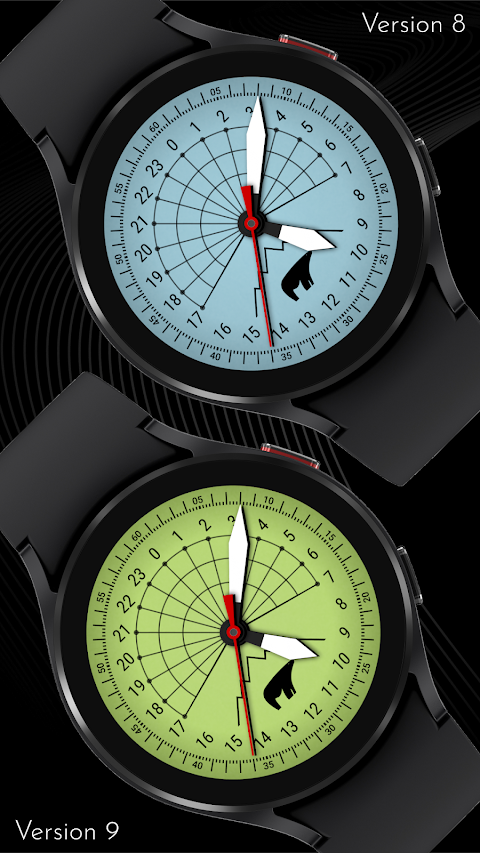
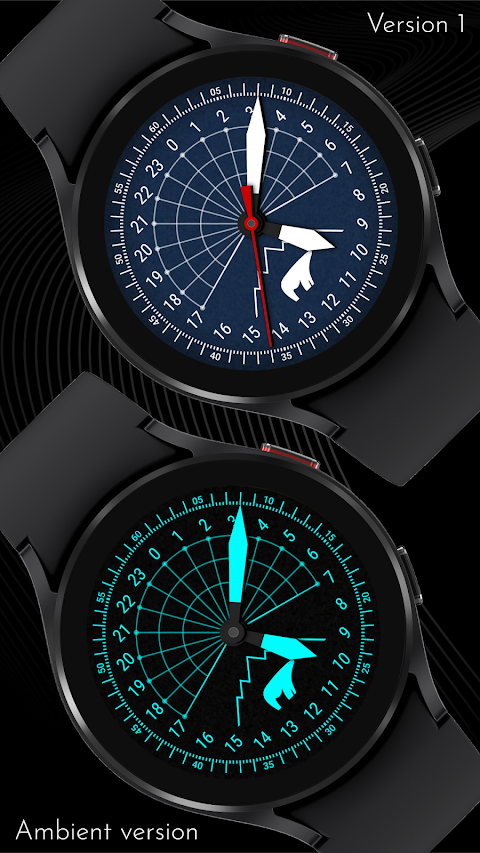
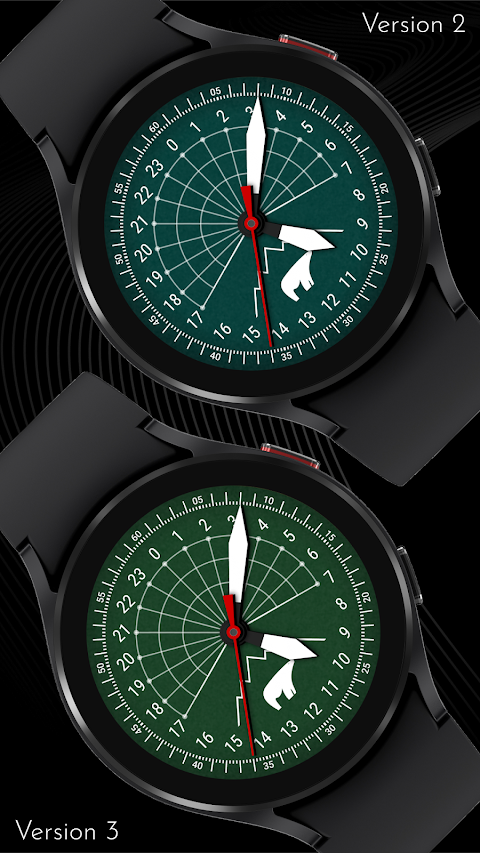
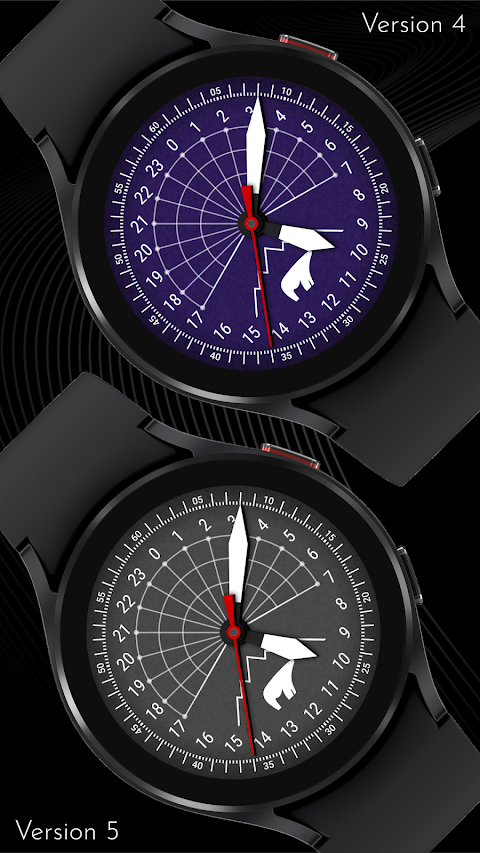
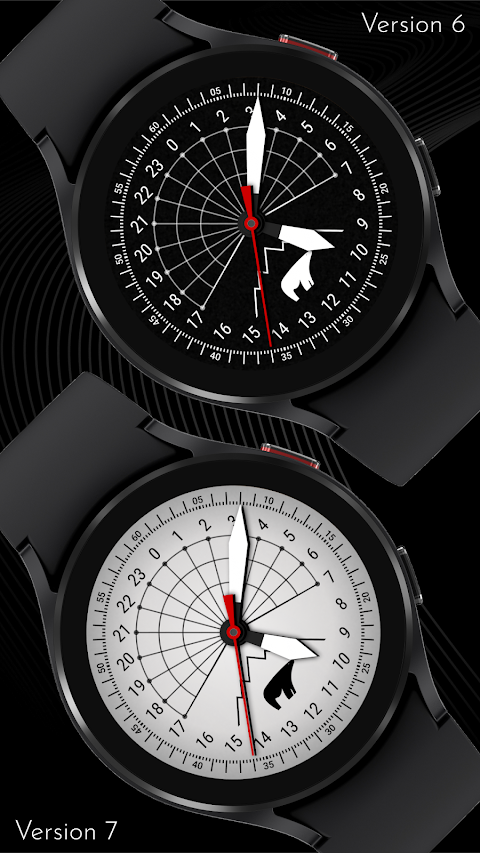
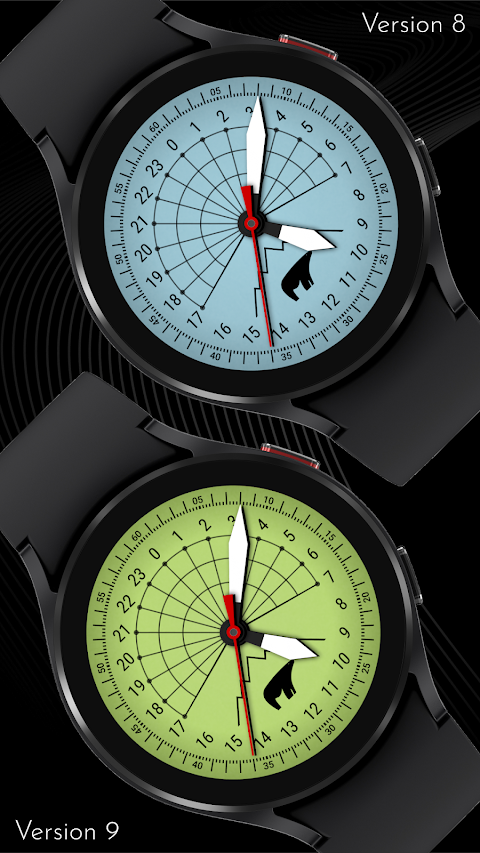
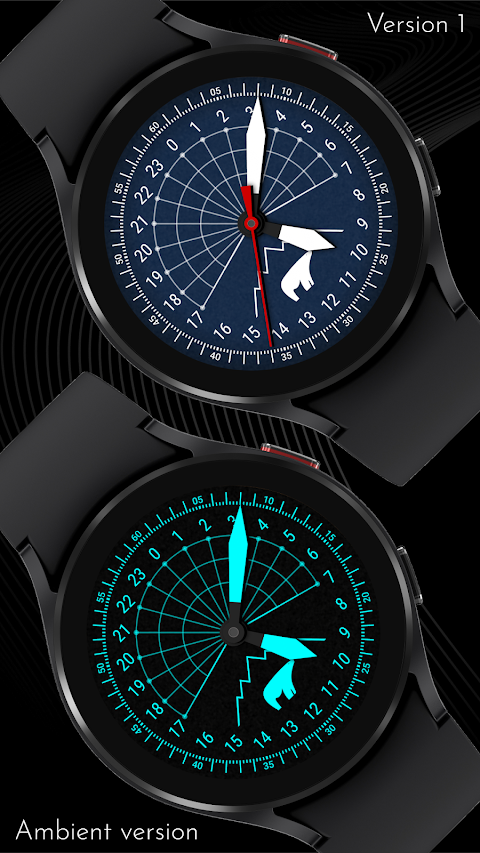
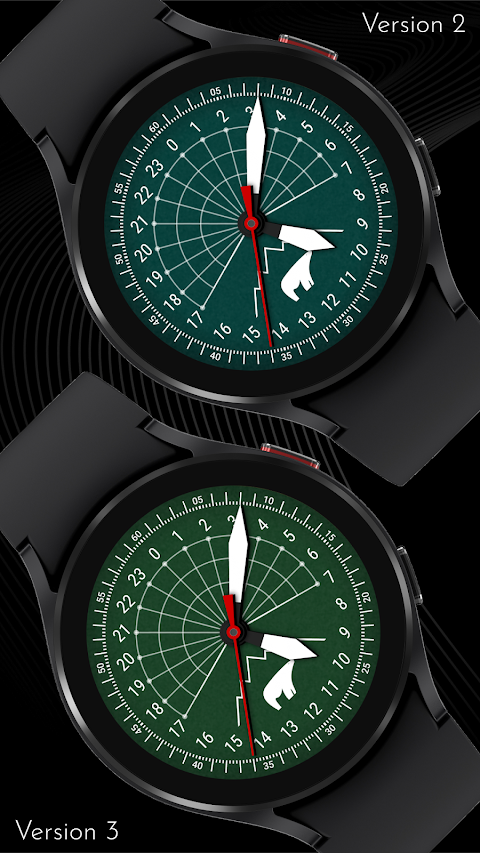
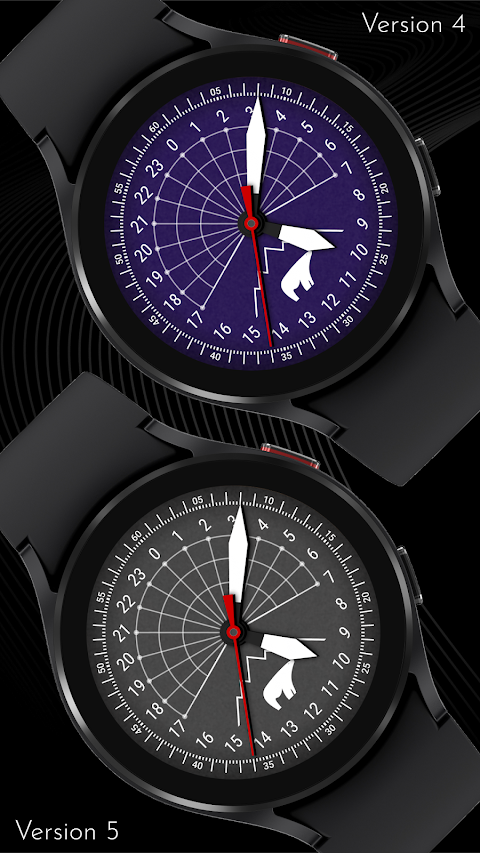
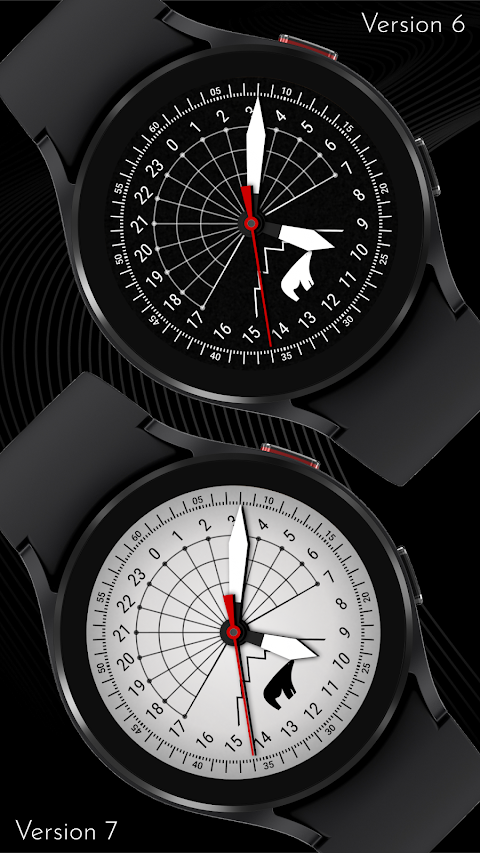
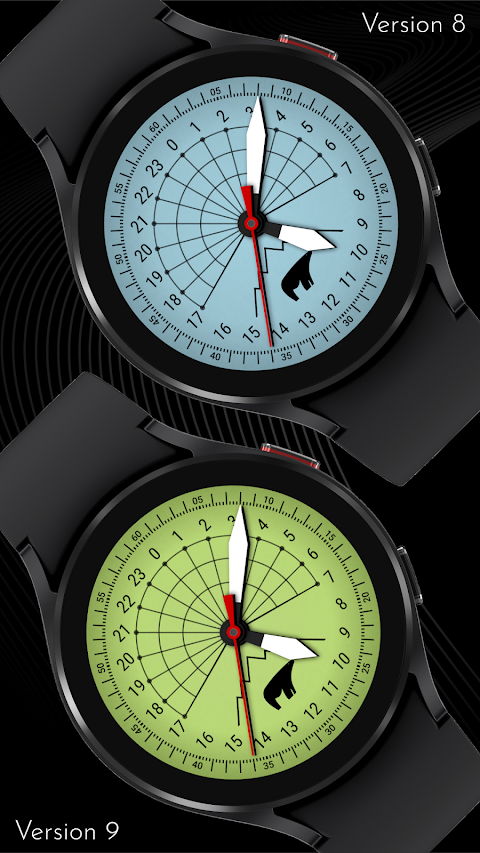
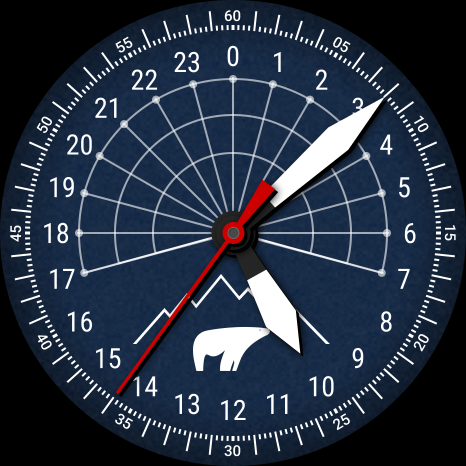
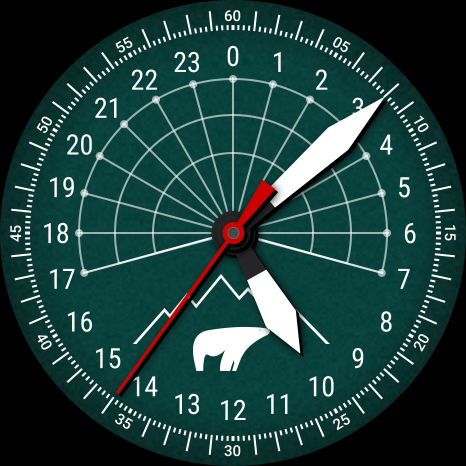
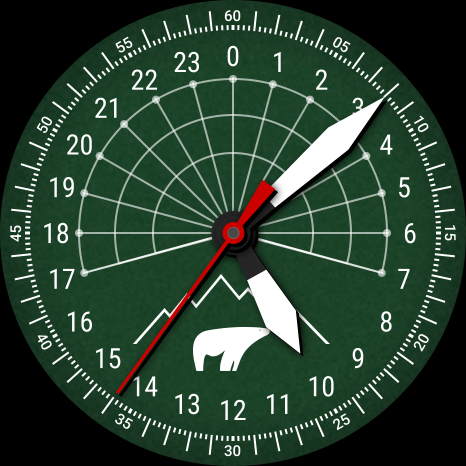
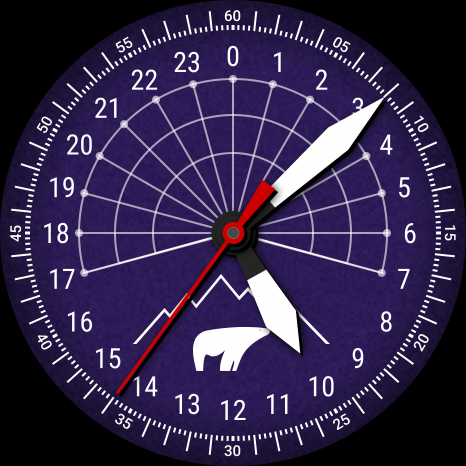
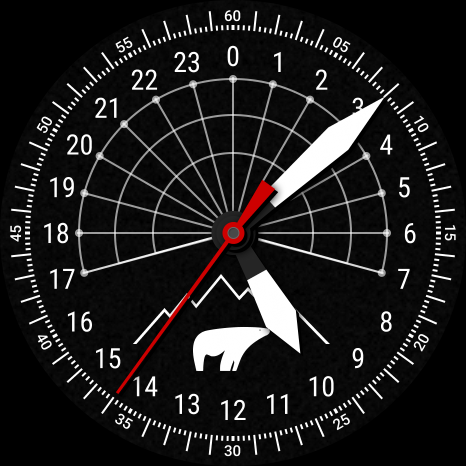
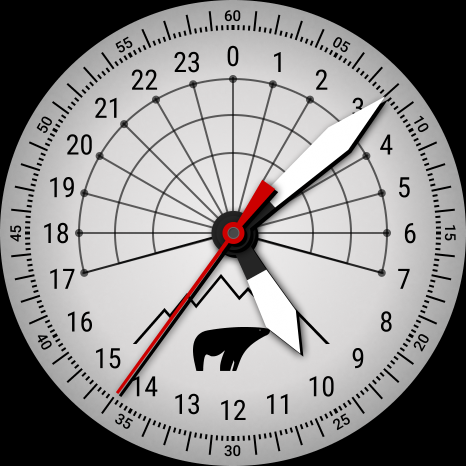
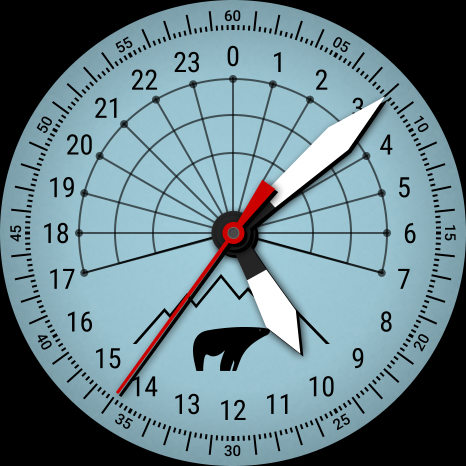
The CELEST1510 Analog Watch offers a range of customization options. You can choose from 10 background variations and 9 color variations for the AOD lume options, allowing you to create a look that suits your style. These customizable watch faces are perfect for anyone looking to add a personal touch to their device.
If you're interested in more options, check our online catalog for a variety of creative designs. There are also Wear OS discounts available, giving you access to trendy watch faces at a great price.
To stay updated, don’t forget to follow us on our social media links. You can find us on Instagram, Facebook, Twitter, and Telegram. Join our community to discover more about stylish watch options and the latest designs.
Installing a watch face with the CELEST1510 is straightforward, but if you encounter any issues, our installation guide has the information you need. Whether using a mobile device or desktop for installation, you’ll find everything is set up for a smooth user experience. Enjoy wearing your unique CELEST1510 Analog Watch as you explore the world with style!
When you decide to install the analog watch face, you may run into some installation issues. If the watch face is successfully added on your phone but not on your watch, don’t worry. A companion app is available to enhance visibility on the Google Play app. If you see a triangular symbol next to the Install button in the Play Store app, you can click it. This symbol leads to a dropdown menu where you can select your watch for target watch installation.
You can also try installing the watch face using your laptop, Mac, or PC. By accessing the Play Store through a web browser, you can visually select your watch, making the installation process easier.
If you use a Samsung device and the watch face still doesn't show up, open the Galaxy Wearable app. Go to the Downloaded section, where you'll find the watch face ready for installation. Just click on it to begin.
The CELEST1510 Analog Watch offers a range of customization options. You can choose from 10 background variations and 9 color variations for the AOD lume options, allowing you to create a look that suits your style. These customizable watch faces are perfect for anyone looking to add a personal touch to their device.
If you're interested in more options, check our online catalog for a variety of creative designs. There are also Wear OS discounts available, giving you access to trendy watch faces at a great price.
To stay updated, don’t forget to follow us on our social media links. You can find us on Instagram, Facebook, Twitter, and Telegram. Join our community to discover more about stylish watch options and the latest designs.
Installing a watch face with the CELEST1510 is straightforward, but if you encounter any issues, our installation guide has the information you need. Whether using a mobile device or desktop for installation, you’ll find everything is set up for a smooth user experience. Enjoy wearing your unique CELEST1510 Analog Watch as you explore the world with style!
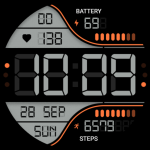
Digiwatch WatchFace
JustWatch - Premium Watch Faces
$1.49
$0.49

Rubuk – Square Icon Pack
GomoTheGom
$1.49
$0.29
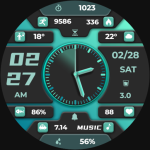
【Digital】Business Green Light
ZKin
$2.99
$0.99