
$1.49
$0.25
83% Off
ML2U 243 Watch Face
ML2U











About the App
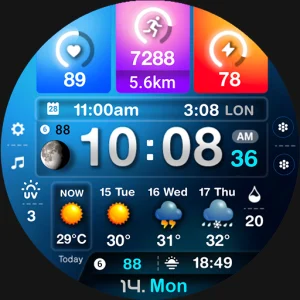
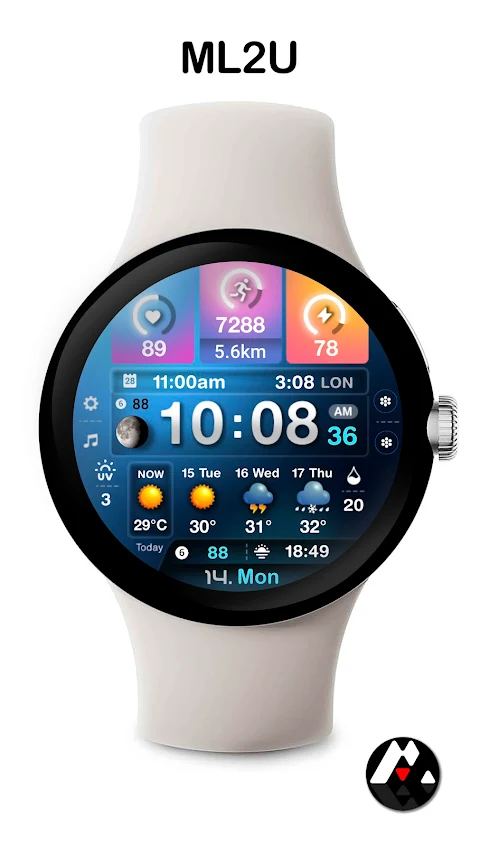
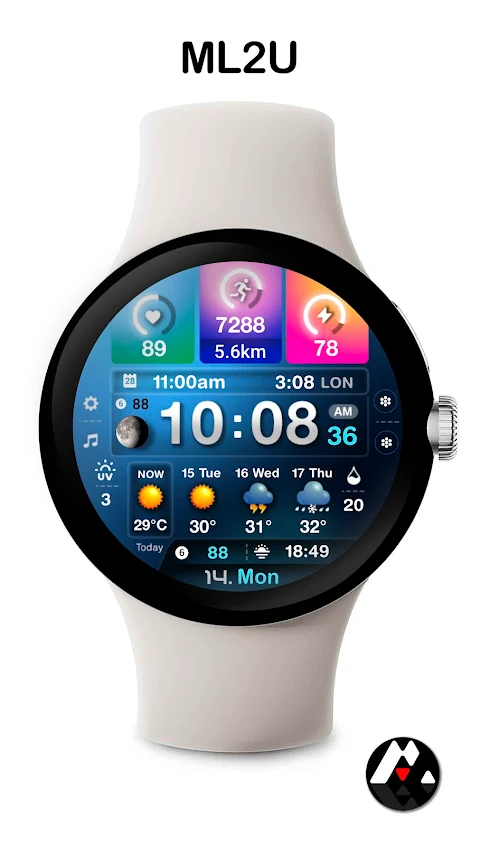
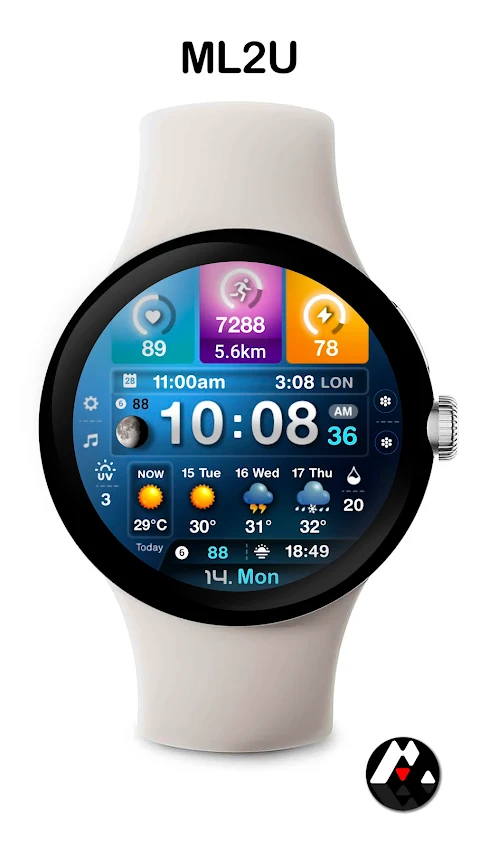
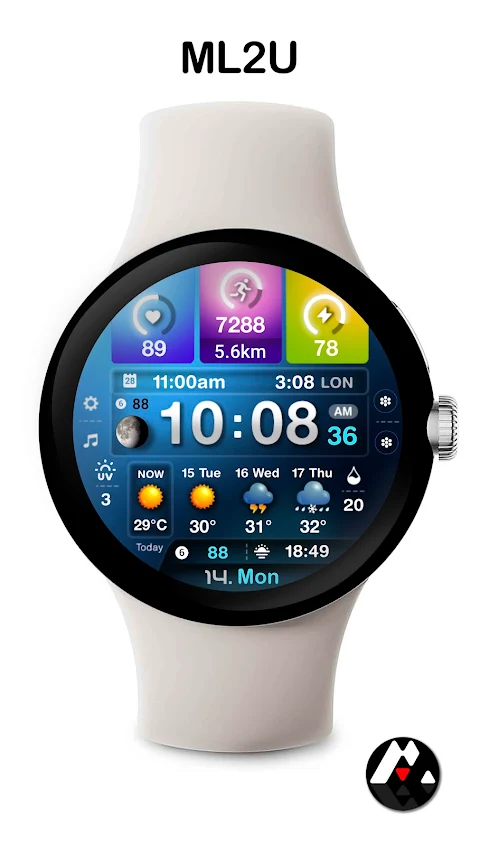
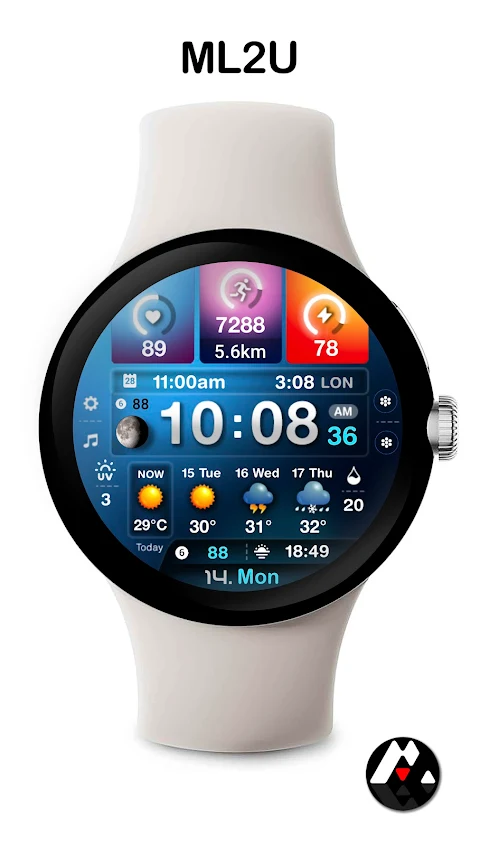
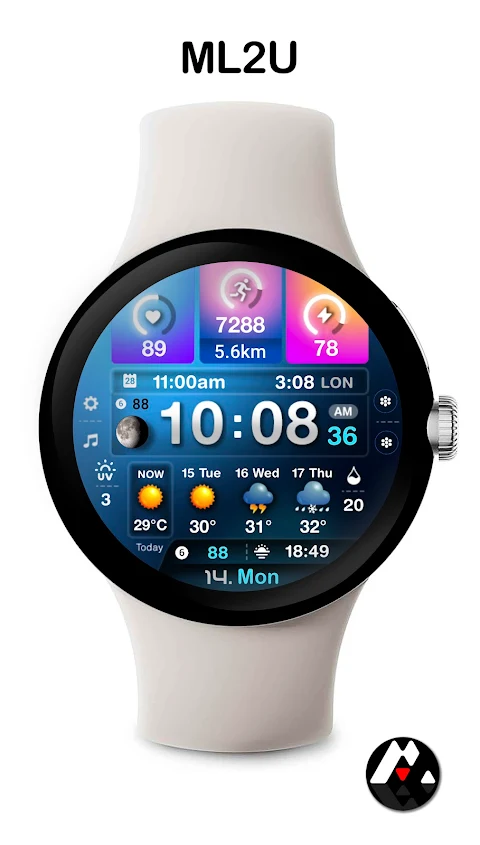
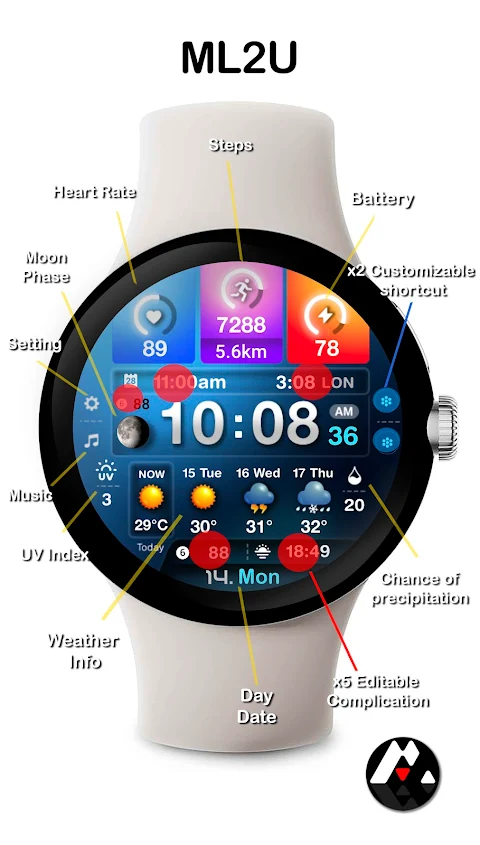
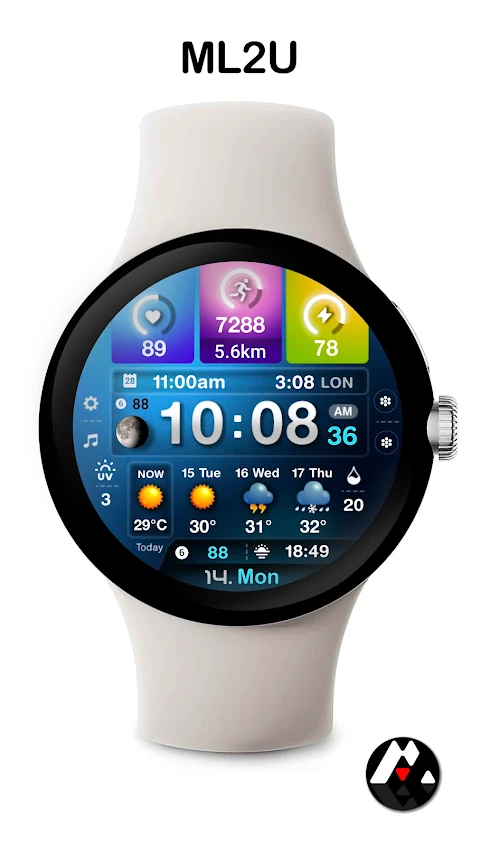
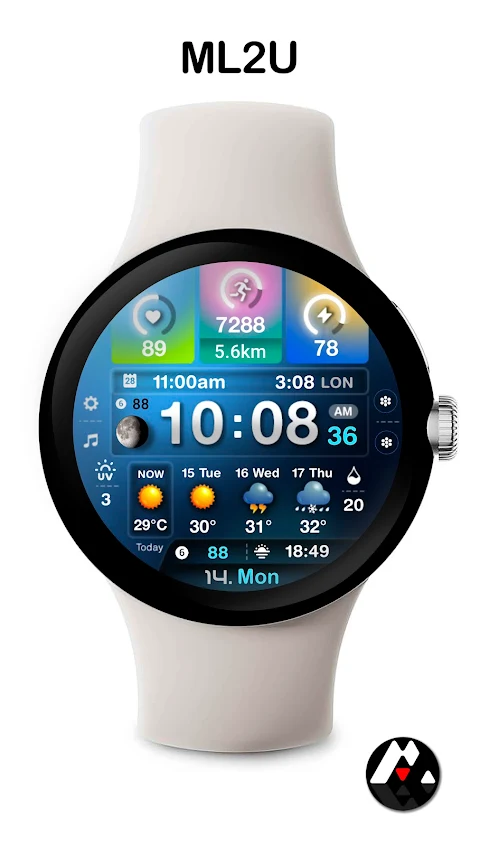
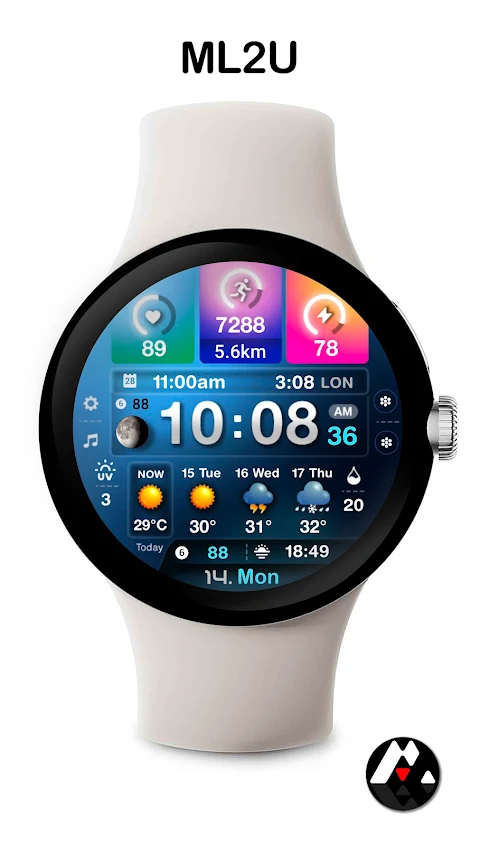
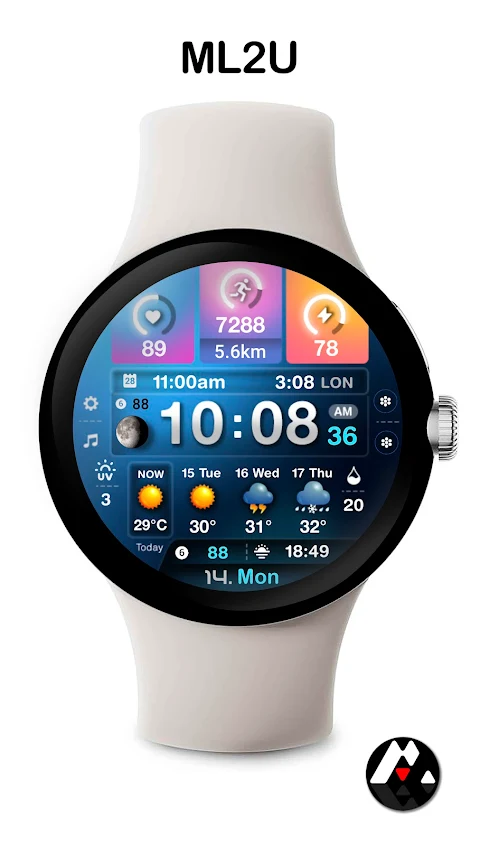
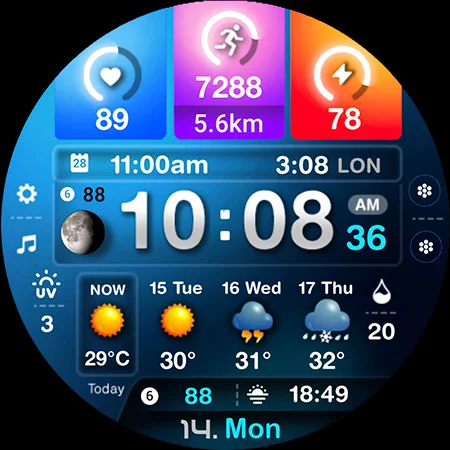
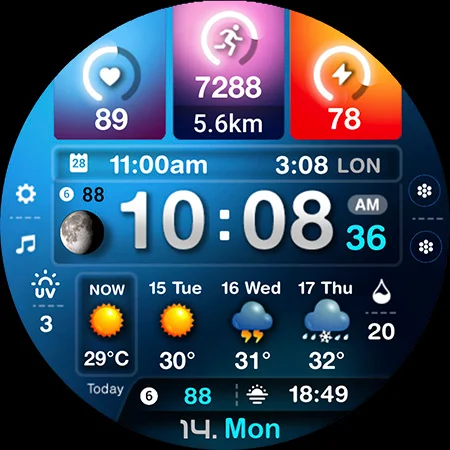
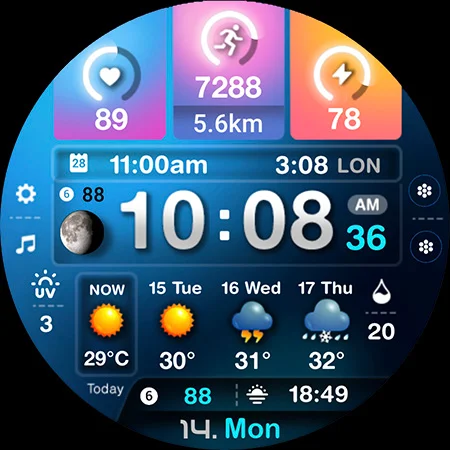
The ML2U 243 Watch Face is designed to give you a clear view of your day at a glance. This dynamic watch face offers a vibrant display that shows essential information, helping you stay informed and ahead of your schedule. You will find important details like the weather information, your daily activity, and the time and date all packed into a customizable watch face.
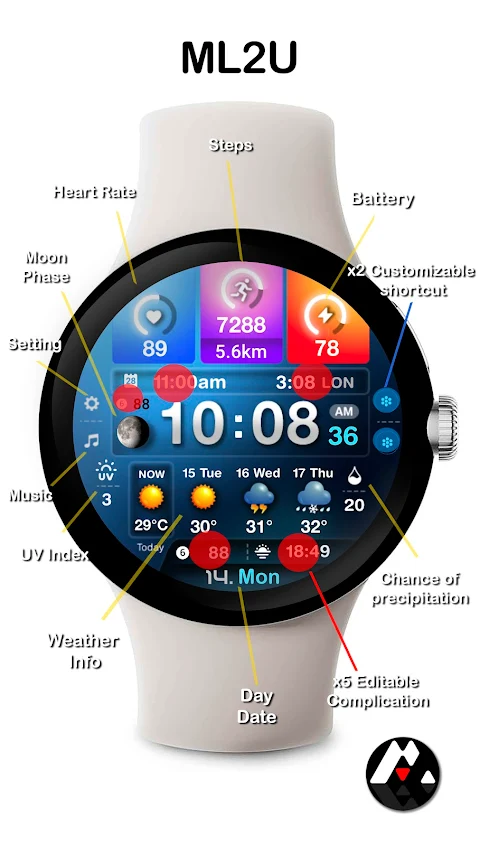
One of the great things about the ML2U 243 Watch Face is its flexibility. You can choose between a 12/24hr format based on your phone settings, making it easy for everyone to read. The display includes a day and date feature that allows you to tap for your calendar, keeping your appointments right at your fingertips.
In addition to time and date, the watch face also offers various activity tracking features. You can monitor your steps, check your distance traveled, and tap for Google Maps for navigation. For health enthusiasts, the heart rate monitoring feature provides real-time insights into your fitness, while the battery status display keeps you updated on your watch's power level.
The ML2U 243 Watch Face also includes a moon phase indicator, so you can easily track the lunar cycle. For added convenience, there are two customizable shortcuts and five custom complications. This means you can personalize your watch face to suit your needs, whether it's quick access to your favorite apps or specific data points you want to keep an eye on.
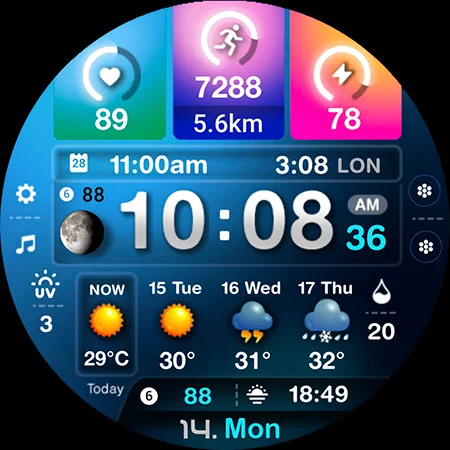
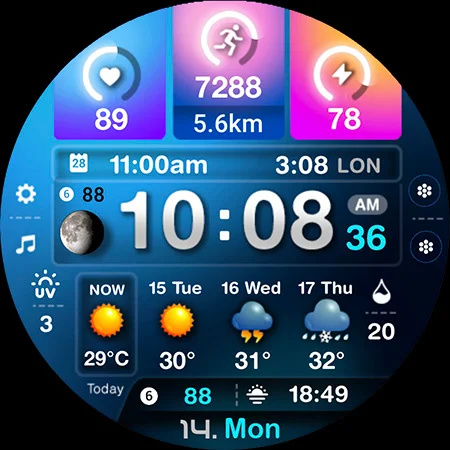
Changing the color of the display is simple, allowing you to adapt the watch face to fit your style. You will also appreciate the alarm functions, where you can tap the hour digit to set alarms. For quick communication, tap the minute digit for phone notifications and the second digit for messages.
Using the ML2U 243 Watch Face is easy. To customize it, just touch and hold the display, then tap the Customize button. This watch face is compatible with all Wear OS devices with API Level 34 and above, including popular models like the Samsung Galaxy Watch 4, 5, 6, 7, Ultra, and Pixel Watch 3, 2, 1.
After installing the watch face, you will need to manually set it on your watch’s screen. It doesn’t automatically apply, so remember to take that extra step.
The ML2U 243 Watch Face is not just a tool; it’s a dynamic assistant that helps you track your health and fitness while providing a clear overview of your day. Whether you're checking the weather, planning your activities, or just keeping time, this interactive watch face adjusts to your lifestyle, making it a perfect companion. Thank you for your support!
One of the great things about the ML2U 243 Watch Face is its flexibility. You can choose between a 12/24hr format based on your phone settings, making it easy for everyone to read. The display includes a day and date feature that allows you to tap for your calendar, keeping your appointments right at your fingertips.
In addition to time and date, the watch face also offers various activity tracking features. You can monitor your steps, check your distance traveled, and tap for Google Maps for navigation. For health enthusiasts, the heart rate monitoring feature provides real-time insights into your fitness, while the battery status display keeps you updated on your watch's power level.
The ML2U 243 Watch Face also includes a moon phase indicator, so you can easily track the lunar cycle. For added convenience, there are two customizable shortcuts and five custom complications. This means you can personalize your watch face to suit your needs, whether it's quick access to your favorite apps or specific data points you want to keep an eye on.
Changing the color of the display is simple, allowing you to adapt the watch face to fit your style. You will also appreciate the alarm functions, where you can tap the hour digit to set alarms. For quick communication, tap the minute digit for phone notifications and the second digit for messages.
Using the ML2U 243 Watch Face is easy. To customize it, just touch and hold the display, then tap the Customize button. This watch face is compatible with all Wear OS devices with API Level 34 and above, including popular models like the Samsung Galaxy Watch 4, 5, 6, 7, Ultra, and Pixel Watch 3, 2, 1.
After installing the watch face, you will need to manually set it on your watch’s screen. It doesn’t automatically apply, so remember to take that extra step.
The ML2U 243 Watch Face is not just a tool; it’s a dynamic assistant that helps you track your health and fitness while providing a clear overview of your day. Whether you're checking the weather, planning your activities, or just keeping time, this interactive watch face adjusts to your lifestyle, making it a perfect companion. Thank you for your support!
Pixel Launcher • Home Screen
The Overlord
$9.99
$1.00
MJ156 Classic Elegant Watch
MJ Watchfaces
$0.99
$0.50
Weather Flip Animated
PRADO DESIGN ® Watch Faces
$1.99
$1.00