

$7.99
$5.91
26% Off
MiXplorer Silver File Manager
Hootan Parsa





About the App
MiXplorer Silver is a powerful app that combines the MiXplorer file manager with handy add-ons like an Archiver, Image Tagger, and PDF tools. This paid app is designed to support the ongoing development of MiXplorer and offers many features to make file management easy and flexible.
The app allows users to modify skin colors using the built-in custom skin editor. You can choose from various theme packages, complete with different icons, so your file manager can look exactly how you want it. The theming and customization options mean you can select any color that suits your style.
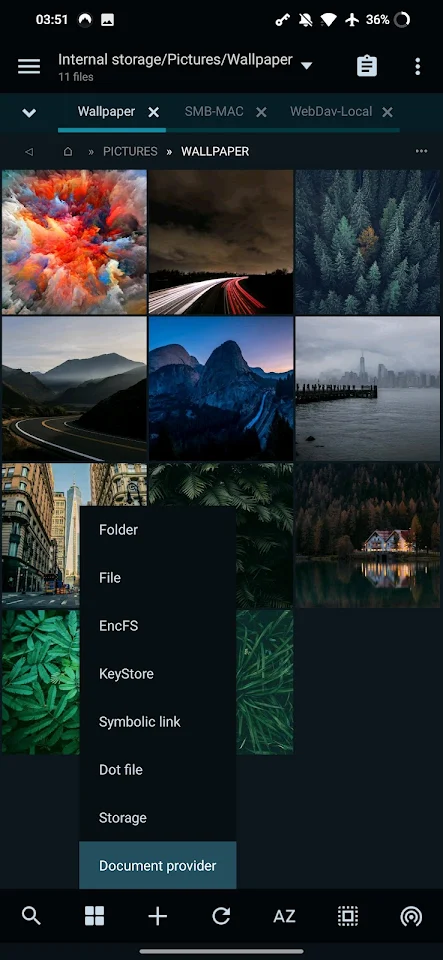
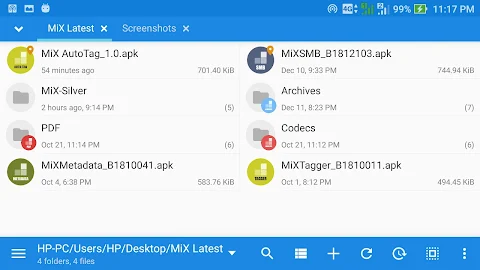
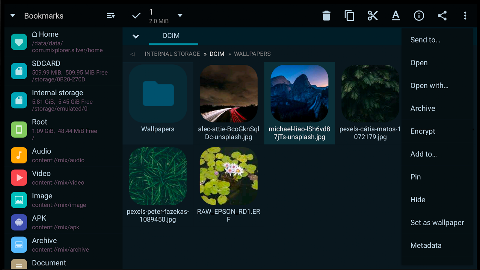
One of the standout features of MiXplorer Silver is its dual panel browsing capability. This lets you view two folders side by side, making it easy to drag and drop files between them. The unlimited tabbed browsing makes it simple to switch between multiple folders or files without losing track of what you’re working on.
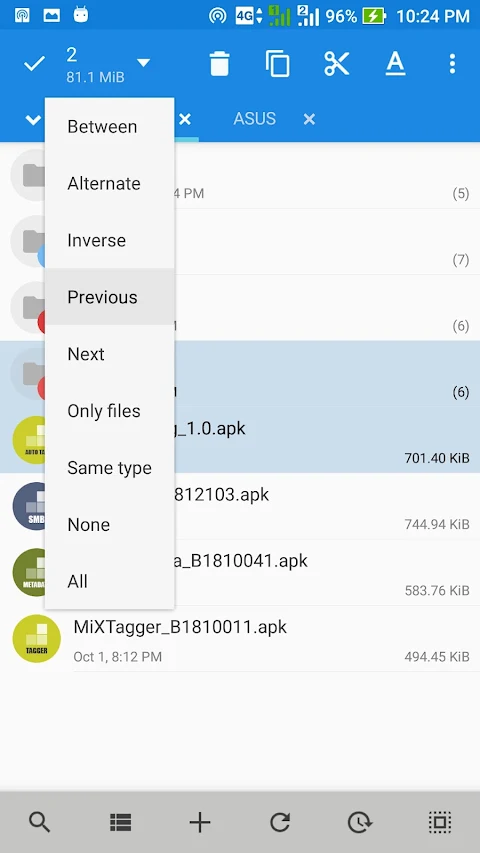
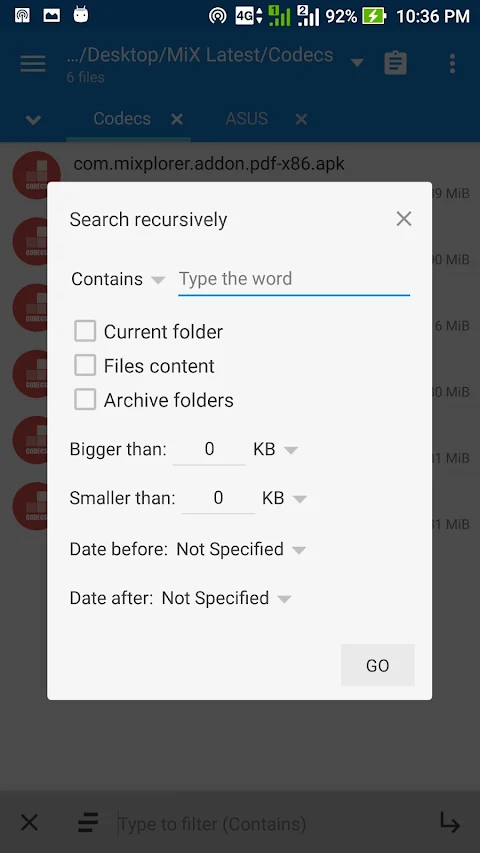
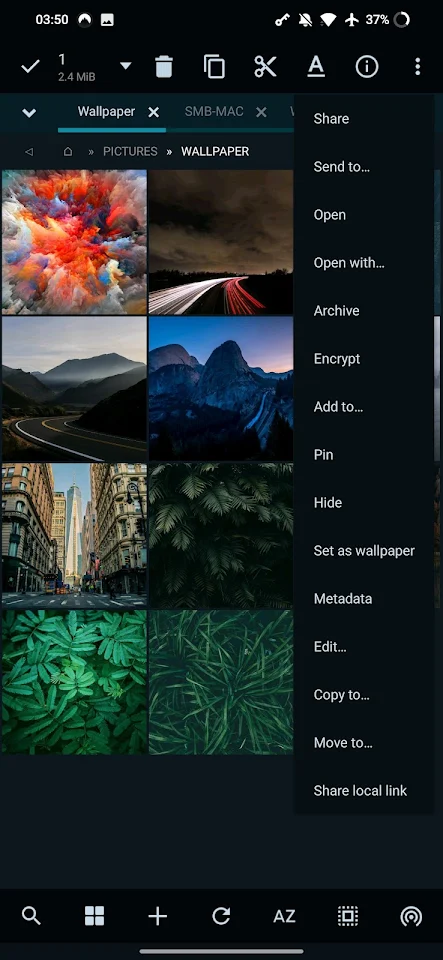
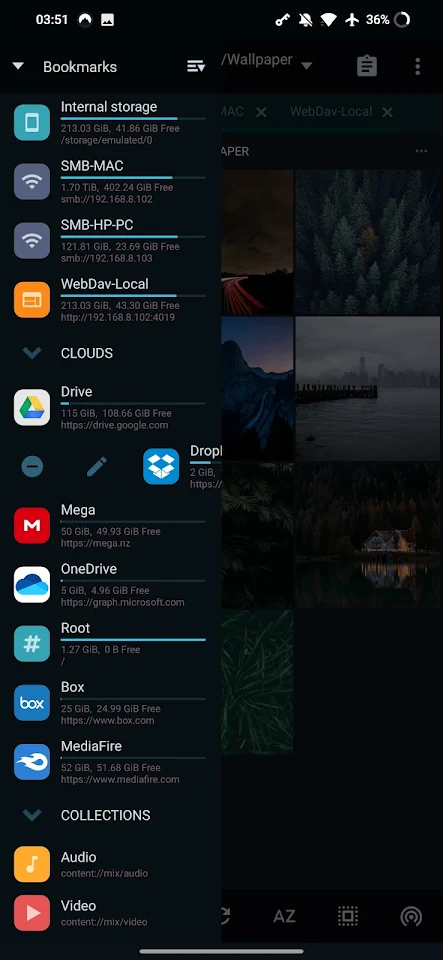
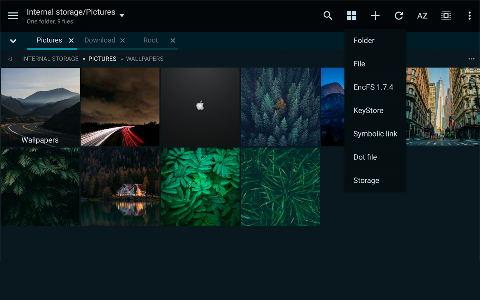
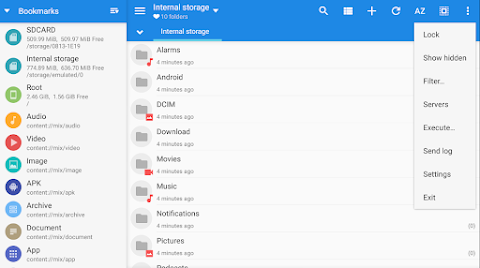
You can create file management tasks effortlessly, like moving or copying files with just a few taps. The customizable bookmarks drawer helps you easily access essential file types, while various view modes and sorting options make it easy to organize your files the way you prefer. Advanced search functions ensure you can find whatever you need quickly.
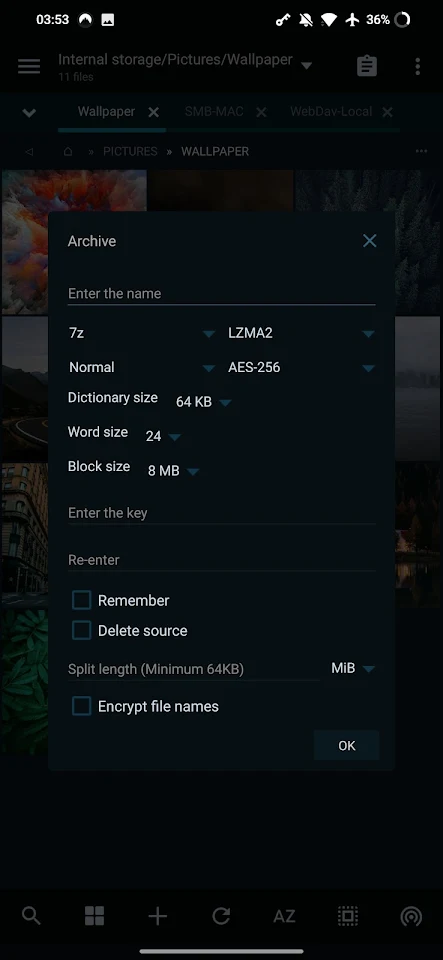
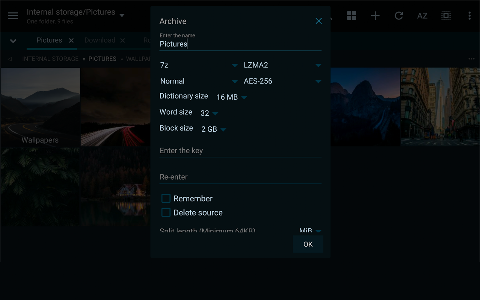
For those who work with different file formats, MiXplorer Silver supports an extensive list of packing and unpacking capabilities. This includes 7z file unpacking, ZIP files (including split encrypted zip files), TAR archives, and more. You'll also find support for WIM file formats and the ability to unpack RAR files, making it a comprehensive tool for handling various compressed files.
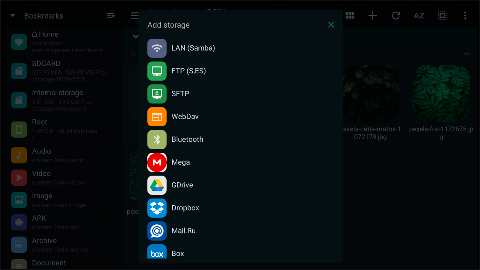
If you're into cloud storage, MiXplorer Silver has you covered with cloud storage integration. You can connect to several cloud providers like Mega.nz, Dropbox, and OneDrive, all from within the app. There’s also support for other services that use WebDAV, so you can access your files seamlessly.
For those who need to work with documents, the app includes PDF add-ons and EBPUB file reader capabilities, along with an image viewer that supports formats like GIF and SVG. If you deal with videos, the media player add-on adds extra video codecs, enhancing your viewing experience.
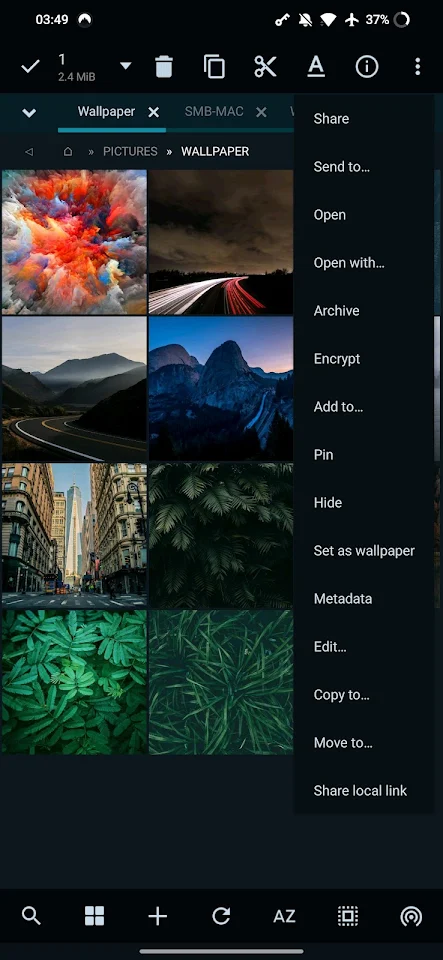
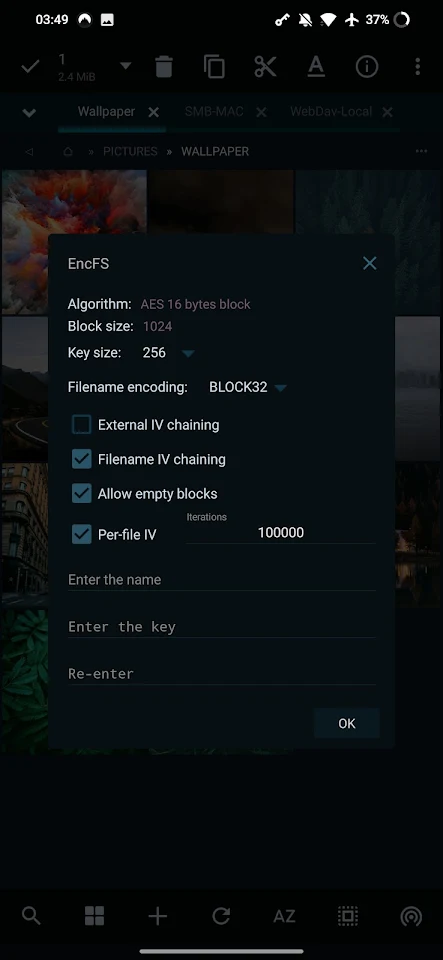
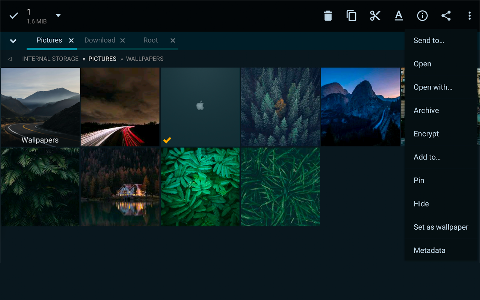
When it comes to advanced functions, MiXplorer Silver supports root access features for those who need to perform more complex file operations. The app also has a file encryption and decryption feature that uses the Aescrypt file format, providing security for your sensitive files.
Tools like the HTML viewer and text editor, along with the code editor, offer additional functionality for different types of users. You can also export and import your preferences and bookmarks easily, allowing you to keep your settings and favorite locations handy.
With its FTP and SFTP client support, MiXplorer Silver enables you to manage files on servers directly from the app. Plus, an APK signer is available to handle various signing schemes, making it a versatile tool for developers.
Overall, MiXplorer Silver offers advanced file management features, various sorting options, and powerful image decoding capabilities. Whether you need to manage files on your device, work with your cloud storage, or edit documents, this app is the perfect companion for anyone looking to enhance their file management experience. Explore all the possibilities it offers today!
The app allows users to modify skin colors using the built-in custom skin editor. You can choose from various theme packages, complete with different icons, so your file manager can look exactly how you want it. The theming and customization options mean you can select any color that suits your style.
One of the standout features of MiXplorer Silver is its dual panel browsing capability. This lets you view two folders side by side, making it easy to drag and drop files between them. The unlimited tabbed browsing makes it simple to switch between multiple folders or files without losing track of what you’re working on.
You can create file management tasks effortlessly, like moving or copying files with just a few taps. The customizable bookmarks drawer helps you easily access essential file types, while various view modes and sorting options make it easy to organize your files the way you prefer. Advanced search functions ensure you can find whatever you need quickly.
For those who work with different file formats, MiXplorer Silver supports an extensive list of packing and unpacking capabilities. This includes 7z file unpacking, ZIP files (including split encrypted zip files), TAR archives, and more. You'll also find support for WIM file formats and the ability to unpack RAR files, making it a comprehensive tool for handling various compressed files.
If you're into cloud storage, MiXplorer Silver has you covered with cloud storage integration. You can connect to several cloud providers like Mega.nz, Dropbox, and OneDrive, all from within the app. There’s also support for other services that use WebDAV, so you can access your files seamlessly.
For those who need to work with documents, the app includes PDF add-ons and EBPUB file reader capabilities, along with an image viewer that supports formats like GIF and SVG. If you deal with videos, the media player add-on adds extra video codecs, enhancing your viewing experience.
When it comes to advanced functions, MiXplorer Silver supports root access features for those who need to perform more complex file operations. The app also has a file encryption and decryption feature that uses the Aescrypt file format, providing security for your sensitive files.
Tools like the HTML viewer and text editor, along with the code editor, offer additional functionality for different types of users. You can also export and import your preferences and bookmarks easily, allowing you to keep your settings and favorite locations handy.
With its FTP and SFTP client support, MiXplorer Silver enables you to manage files on servers directly from the app. Plus, an APK signer is available to handle various signing schemes, making it a versatile tool for developers.
Overall, MiXplorer Silver offers advanced file management features, various sorting options, and powerful image decoding capabilities. Whether you need to manage files on your device, work with your cloud storage, or edit documents, this app is the perfect companion for anyone looking to enhance their file management experience. Explore all the possibilities it offers today!

1% Habit
Stephen Coffey
$4.99
$0.99

Time Clock Helper
Ducky Planet LLC
$1.99
$0.99

Solid Habits
Solid Apps S.R.L.
$2.99