
$1.49
FREE
100% Off
Kumza – Squircle Icon Pack
GomoTheGom

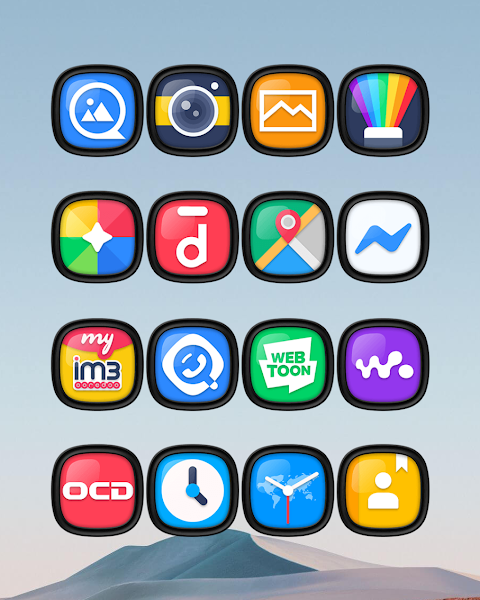
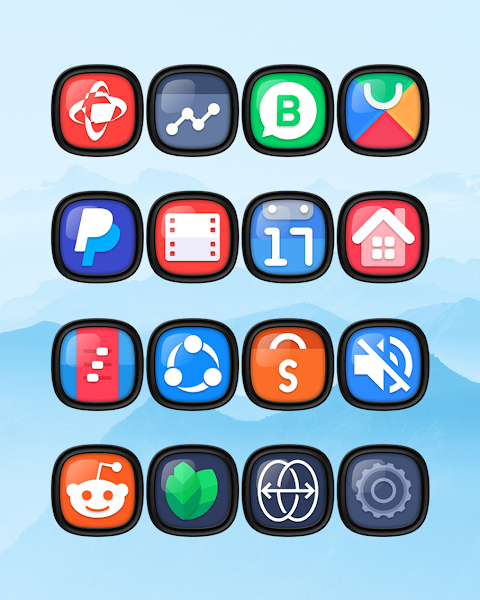
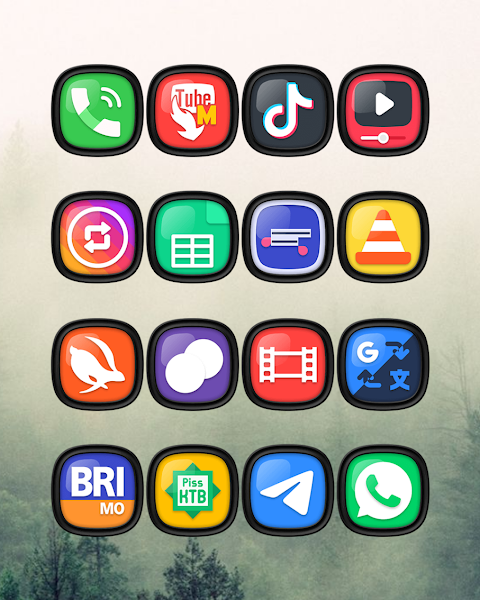
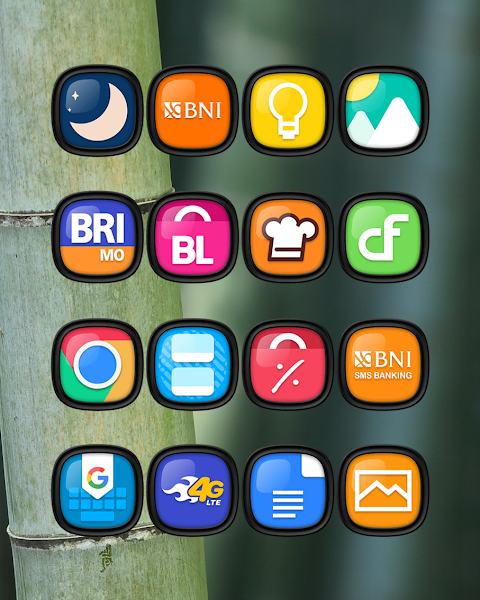
About the App
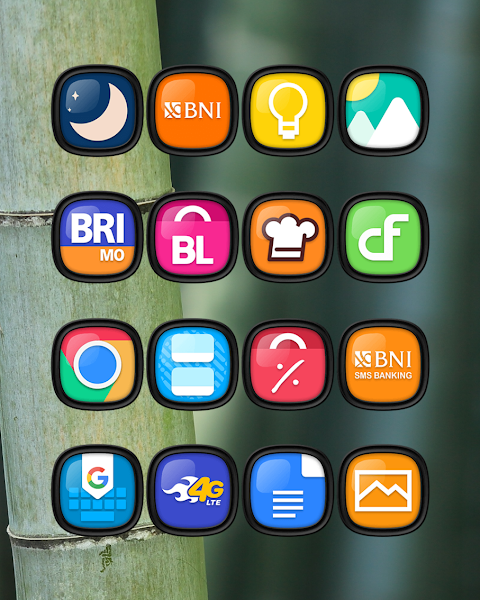
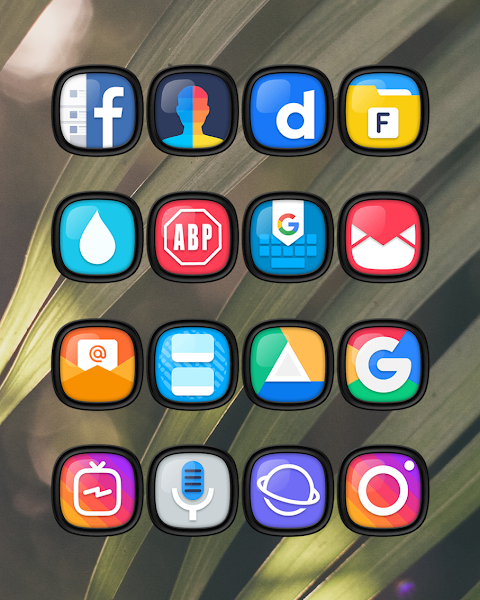
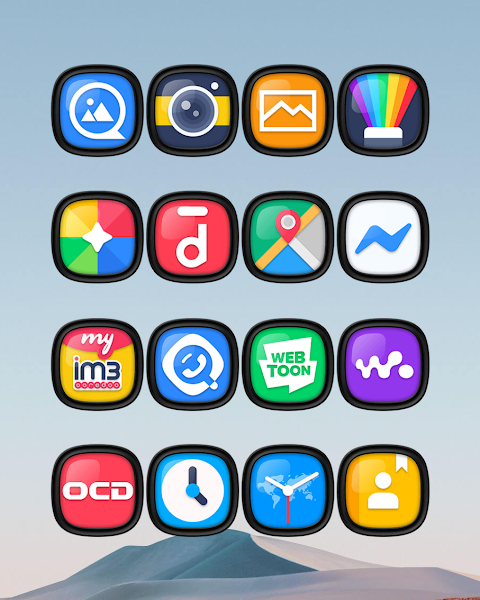
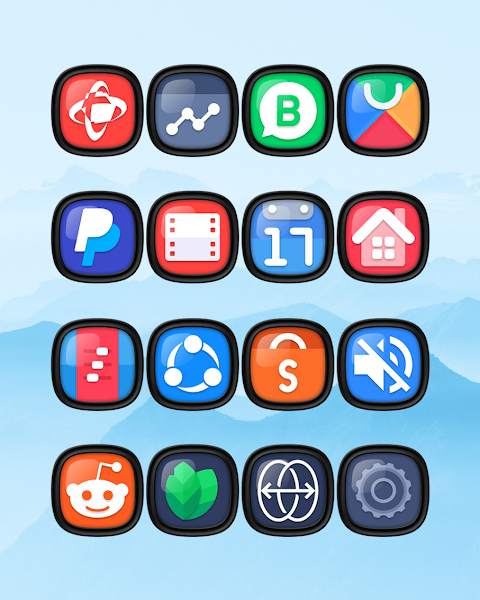
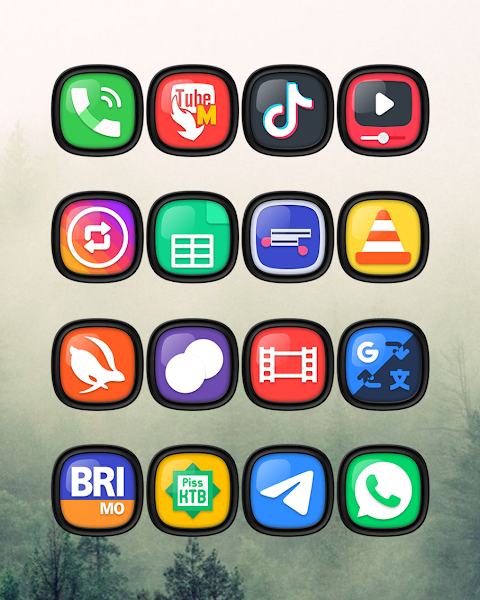
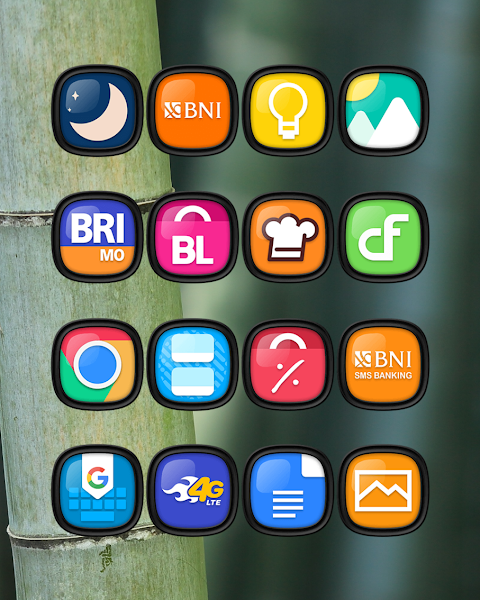
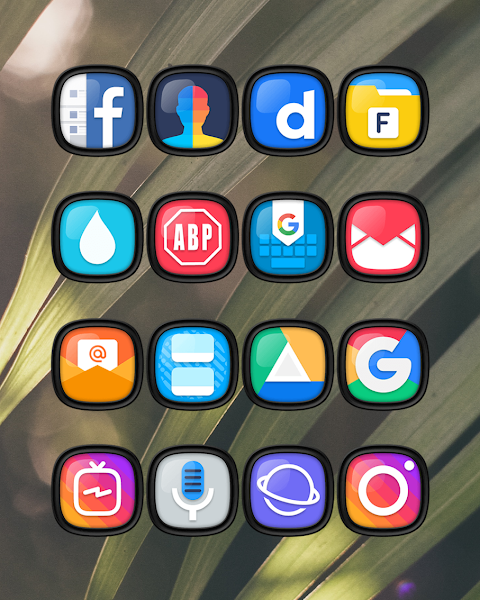
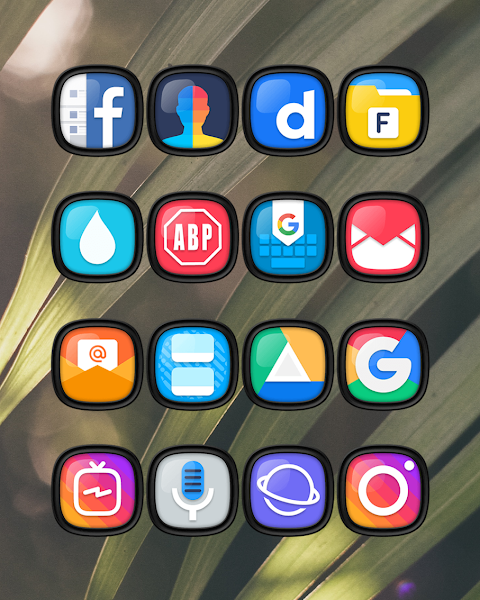
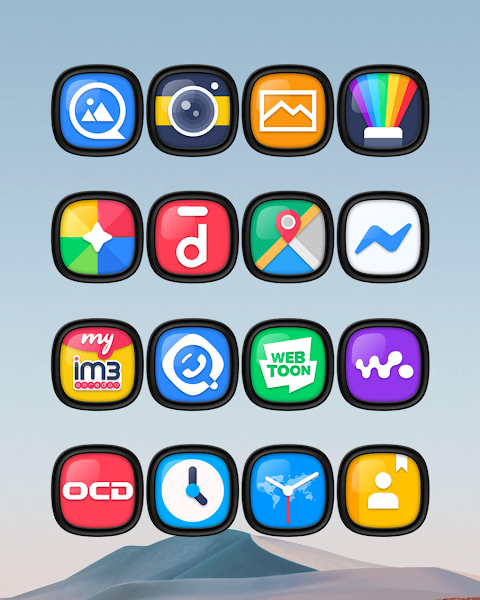
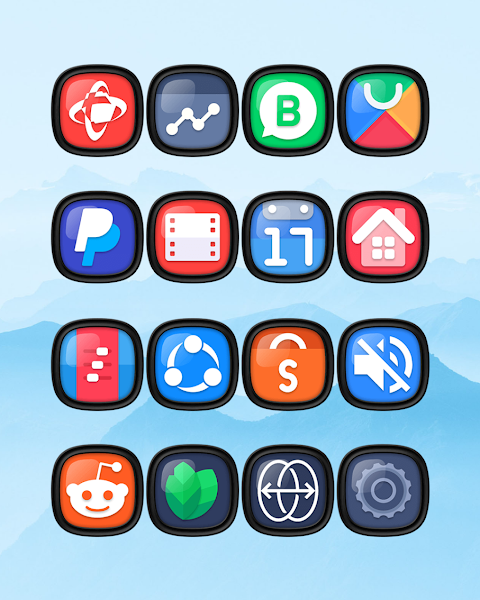
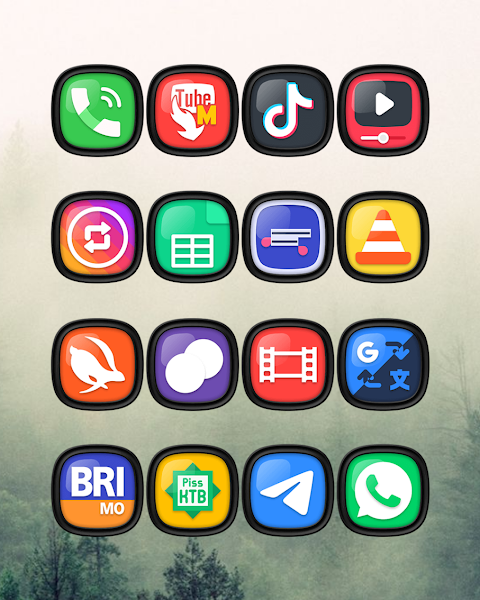
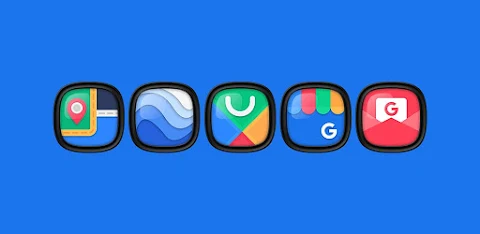
Kumza - Squircle Icon Pack is a fantastic tool for anyone looking to enhance their mobile experience. With over 7000 icons and counting, this icon pack offers a wide variety of choices to help you personalize your device. Each icon is designed in a stylish dark squircle shape, providing a modern look for your mobile interface.
In addition to the vast collection of icons, Kumza also includes HD wallpapers that you can use to beautify your screen. If you want something different, there are alternate icons available, allowing you to customize even further. For those who have specific requests, there’s an icon request feature where you can suggest new icons to be added.
One of the great things about Kumza is its HD icon resolution of 192x192 pixels, ensuring your icons look crisp and clear, regardless of your device. It's not just about the icons, though. This pack is compatible with several popular launchers, making it versatile for your needs.
To apply the Kumza Dark Squircle Icon Pack, users can follow a few simple steps. First, open the Kumza Dark Squircle Icon Pack app. Next, navigate to the Apply Icon Pack screen. Here, you will see a list of supported launchers. Choose the Nova Launcher, which is installed on your phone, to apply icons from this pack seamlessly. The app will then automatically change the icons for you.
If you’re using a different launcher, the app may not show it. In this case, you might need to apply the icons directly from your launcher’s settings. For users of the Sony Xperia Home Launcher, you have extra steps. Long press on the main screen, open the settings, and scroll to find the appearance icon setting. From there, select the Kumza Dark Squircle Icon Pack, and your device will be customized.
Keep in mind that the icon pack supports Sony Xperia Home Launcher version 10.0.A.0.8 or higher. Some launchers like Go Launcher and Zero Launcher have limitations with icon masking, so be aware of these when using Kumza.
Kumza is compatible with many launchers including Apex Launcher, ADW Launcher, ABC Launcher, Next Launcher, Holo Launcher, Lucid Launcher, M Launcher, Action Launcher, Aviate Launcher, and Smart Launcher. Each of these serves to enhance your mobile user interface by offering options that fit your style.
For more design inspiration and updates, you can follow Kumza on social media platforms like Instagram and Twitter. You’ll see regular updates, design ideas, and community interactions. A special thanks goes to Dani Mahardika for the Candybar Dashboard, which helps bring this icon pack to life.
By using the Kumza Dark Squircle Icon Pack, you're not just changing the look of your device; you're also engaging in mobile customization and device personalization. Enjoy the stunning visuals and find the perfect icons that reflect your individuality!
In addition to the vast collection of icons, Kumza also includes HD wallpapers that you can use to beautify your screen. If you want something different, there are alternate icons available, allowing you to customize even further. For those who have specific requests, there’s an icon request feature where you can suggest new icons to be added.
One of the great things about Kumza is its HD icon resolution of 192x192 pixels, ensuring your icons look crisp and clear, regardless of your device. It's not just about the icons, though. This pack is compatible with several popular launchers, making it versatile for your needs.
To apply the Kumza Dark Squircle Icon Pack, users can follow a few simple steps. First, open the Kumza Dark Squircle Icon Pack app. Next, navigate to the Apply Icon Pack screen. Here, you will see a list of supported launchers. Choose the Nova Launcher, which is installed on your phone, to apply icons from this pack seamlessly. The app will then automatically change the icons for you.
If you’re using a different launcher, the app may not show it. In this case, you might need to apply the icons directly from your launcher’s settings. For users of the Sony Xperia Home Launcher, you have extra steps. Long press on the main screen, open the settings, and scroll to find the appearance icon setting. From there, select the Kumza Dark Squircle Icon Pack, and your device will be customized.
Keep in mind that the icon pack supports Sony Xperia Home Launcher version 10.0.A.0.8 or higher. Some launchers like Go Launcher and Zero Launcher have limitations with icon masking, so be aware of these when using Kumza.
Kumza is compatible with many launchers including Apex Launcher, ADW Launcher, ABC Launcher, Next Launcher, Holo Launcher, Lucid Launcher, M Launcher, Action Launcher, Aviate Launcher, and Smart Launcher. Each of these serves to enhance your mobile user interface by offering options that fit your style.
For more design inspiration and updates, you can follow Kumza on social media platforms like Instagram and Twitter. You’ll see regular updates, design ideas, and community interactions. A special thanks goes to Dani Mahardika for the Candybar Dashboard, which helps bring this icon pack to life.
By using the Kumza Dark Squircle Icon Pack, you're not just changing the look of your device; you're also engaging in mobile customization and device personalization. Enjoy the stunning visuals and find the perfect icons that reflect your individuality!
ML2U 102 Watch Face
ML2U
$1.49

Marine Digital: Watch face
amoledwatchfaces™
$1.49
$0.75
Diver Classic 22 Wear OS 5+
OQ Watchfaces
$1.49
$0.19