
$1.69
$0.85
50% Off
Halloween In Fire – Wear OS
RECREATIVE Watch Faces

About the App
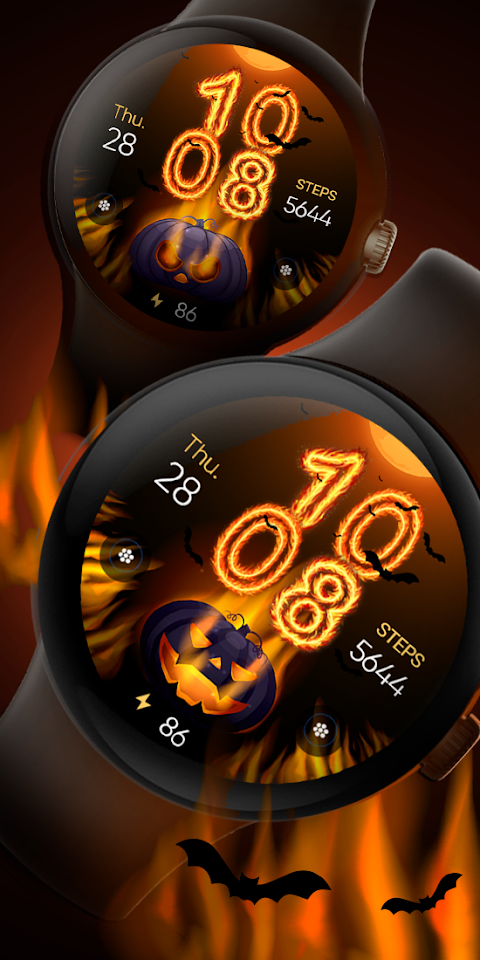
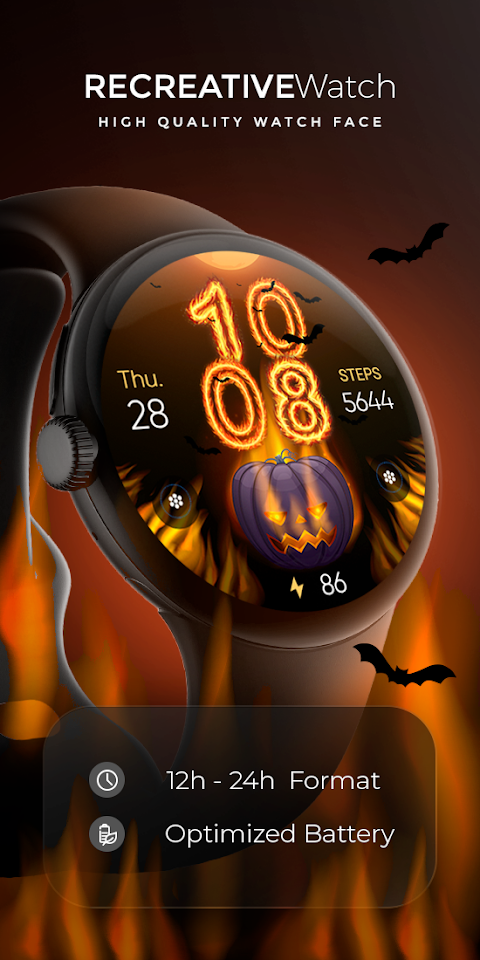
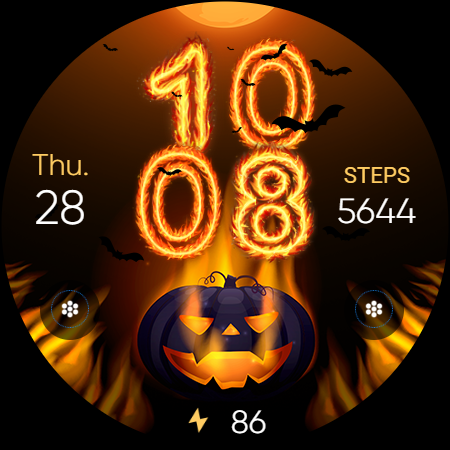
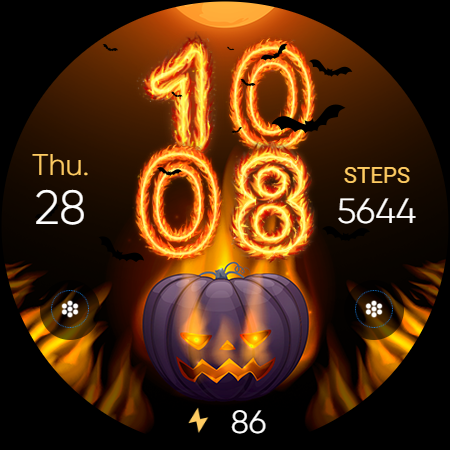
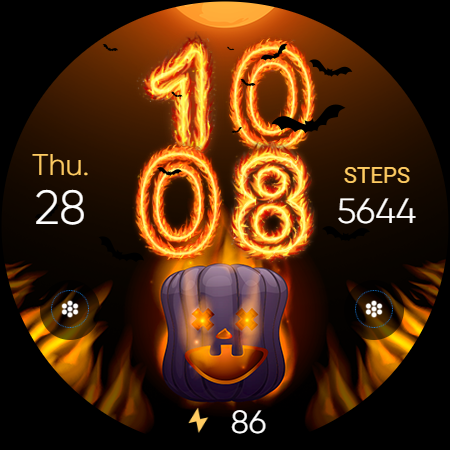
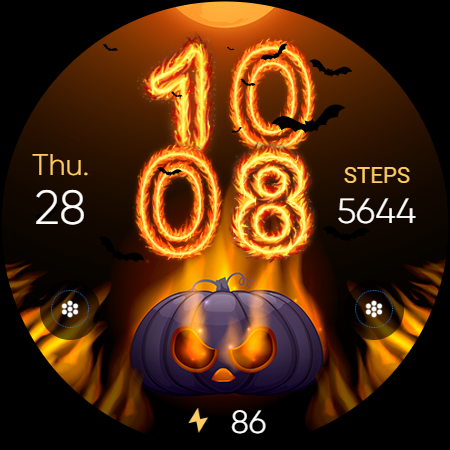
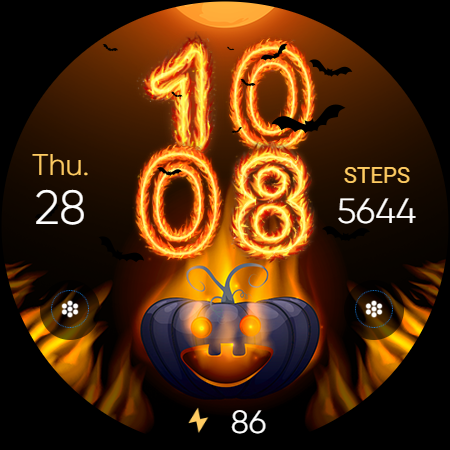
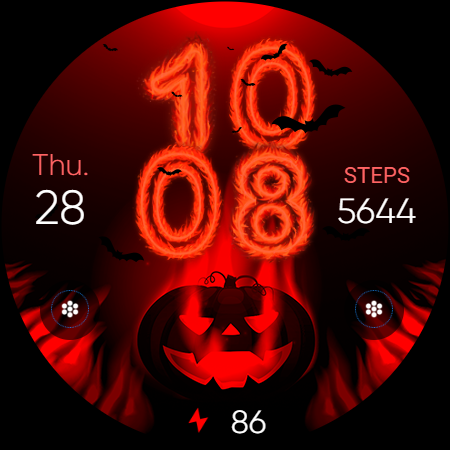
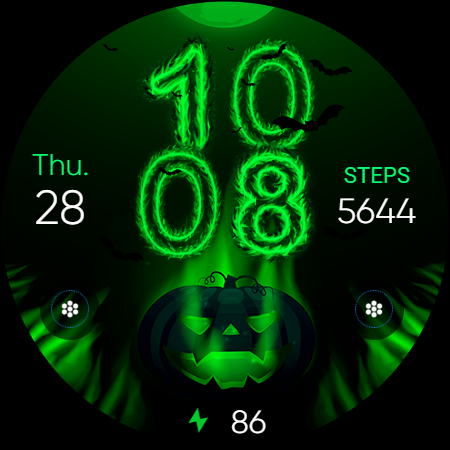
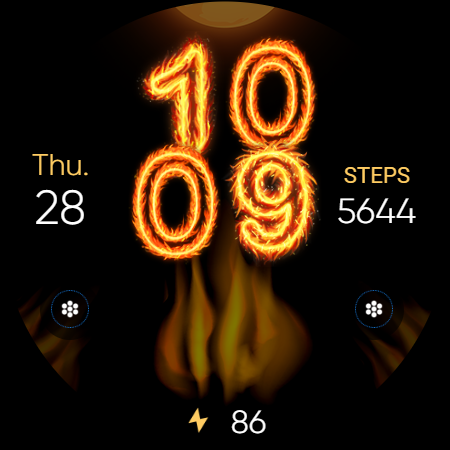
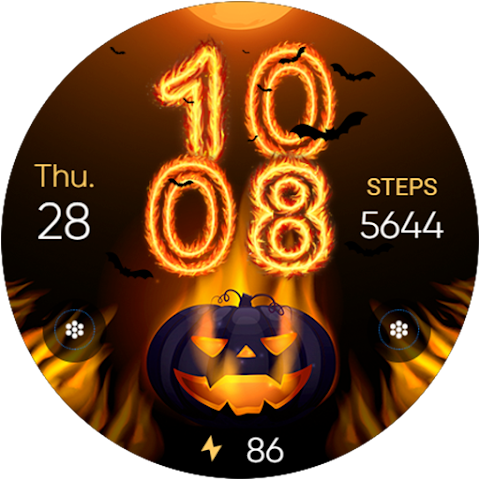
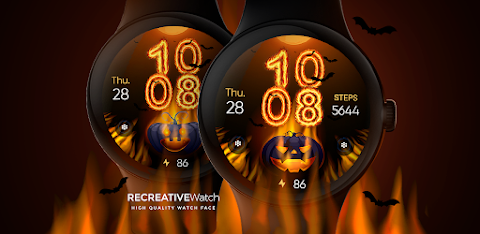
Halloween In Fire - Wear OS is a fun watch face perfect for getting into the Halloween spirit. It features a blazing pumpkin design surrounded by flames. The time is shown in fiery digits, making it stand out on your wrist. With spooky bat silhouettes adding an extra touch of eeriness, this watch face truly lights up your Halloween vibe.
To use the Halloween watch face, you will need the accompanying mobile app. This app serves as an installation tool to help you find and set up the watch face on your Wear OS device. Keep in mind that the mobile app contains ads, but it's simple to navigate and use.
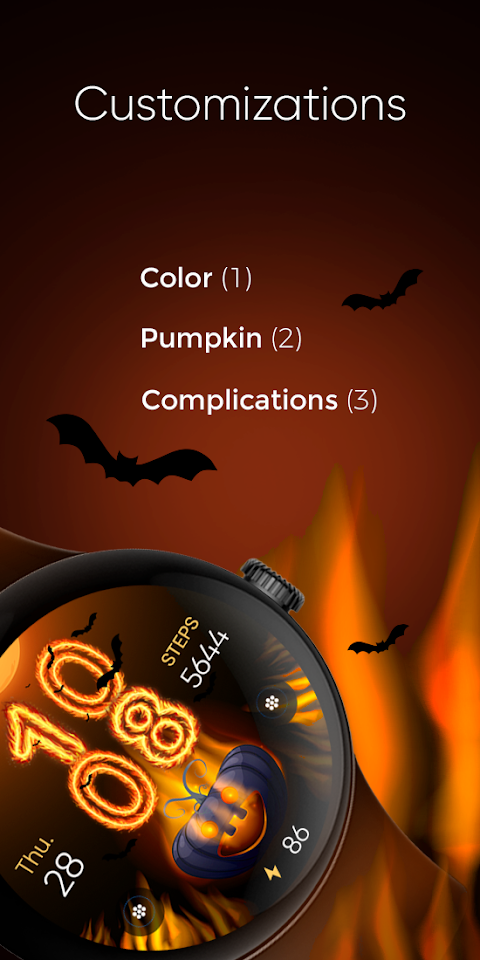
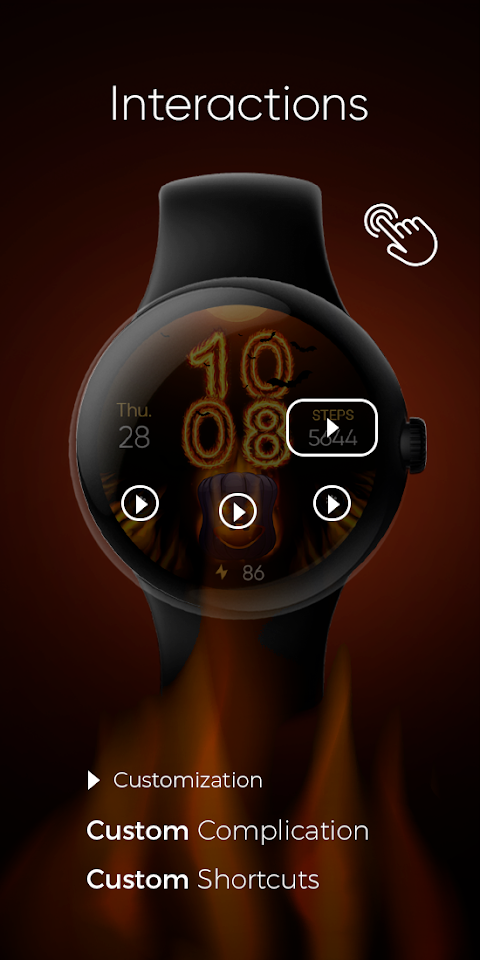
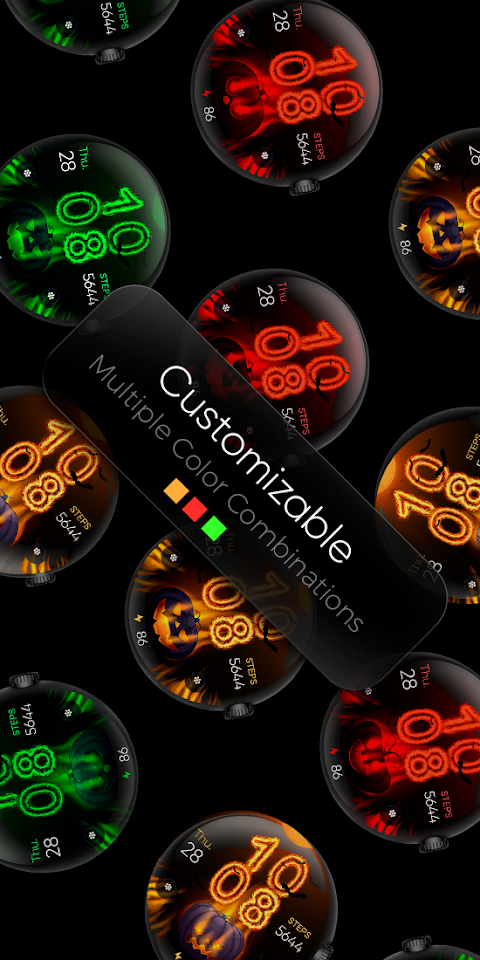
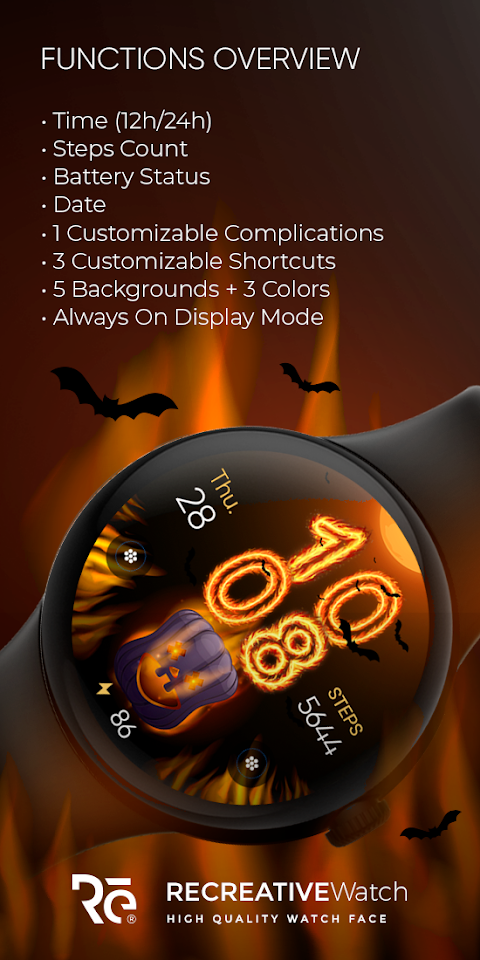
The Halloween In Fire watch face includes several features that can enhance your experience. You can select a 12/24 hour format for the digital time display, and it also shows the date, battery status, and even has a steps count feature to help you track your activity. There is one customizable complication and three customizable shortcuts, allowing you to tailor the watch face to your liking. With five background options available and three color variations, you can really personalize your watch display.
If you prefer to keep your watch face always on, it supports this feature with changeable color modes. However, for better battery performance, we recommend disabling the "Always On Display" mode.
Customization is easy with the Halloween In Fire watch face. You simply need to touch and hold the display, then tap the Customize option to make changes. This user-friendly customization allows you to personalize your watch face as you like, including setting up customizable display fields.
For those using devices like the Google Pixel or the Galaxy Watch 4, 5, or 6, this watch face offers Wear OS compatibility. It also works with other models that support API level 33 and above. If you encounter any issues while installing or using the watch face, an installation troubleshooting guide is available online.
Make sure to apply the watch face to your watch display after installation, as it won’t automatically set itself. If you need any help, you can always write to the support team via email for assistance.
With the Halloween In Fire watch face, you get a delightful blend of fun and spookiness, all while enjoying powerful wearable technology right on your wrist. It’s a fantastic way to celebrate the holiday and keep track of your time and activities!
To use the Halloween watch face, you will need the accompanying mobile app. This app serves as an installation tool to help you find and set up the watch face on your Wear OS device. Keep in mind that the mobile app contains ads, but it's simple to navigate and use.
The Halloween In Fire watch face includes several features that can enhance your experience. You can select a 12/24 hour format for the digital time display, and it also shows the date, battery status, and even has a steps count feature to help you track your activity. There is one customizable complication and three customizable shortcuts, allowing you to tailor the watch face to your liking. With five background options available and three color variations, you can really personalize your watch display.
If you prefer to keep your watch face always on, it supports this feature with changeable color modes. However, for better battery performance, we recommend disabling the "Always On Display" mode.
Customization is easy with the Halloween In Fire watch face. You simply need to touch and hold the display, then tap the Customize option to make changes. This user-friendly customization allows you to personalize your watch face as you like, including setting up customizable display fields.
For those using devices like the Google Pixel or the Galaxy Watch 4, 5, or 6, this watch face offers Wear OS compatibility. It also works with other models that support API level 33 and above. If you encounter any issues while installing or using the watch face, an installation troubleshooting guide is available online.
Make sure to apply the watch face to your watch display after installation, as it won’t automatically set itself. If you need any help, you can always write to the support team via email for assistance.
With the Halloween In Fire watch face, you get a delightful blend of fun and spookiness, all while enjoying powerful wearable technology right on your wrist. It’s a fantastic way to celebrate the holiday and keep track of your time and activities!
OniOn watchface 005 Pixel
Yangpa
$0.99
$0.50
【Analog】Central Rotor
ZKin
$2.99
$0.99

Volcanic Icon Pack
NodeShaper
$0.99
$0.49