
$1.99
$1.19
40% Off
InfoGraph 2: Watch face
amoledwatchfaces™




About the App
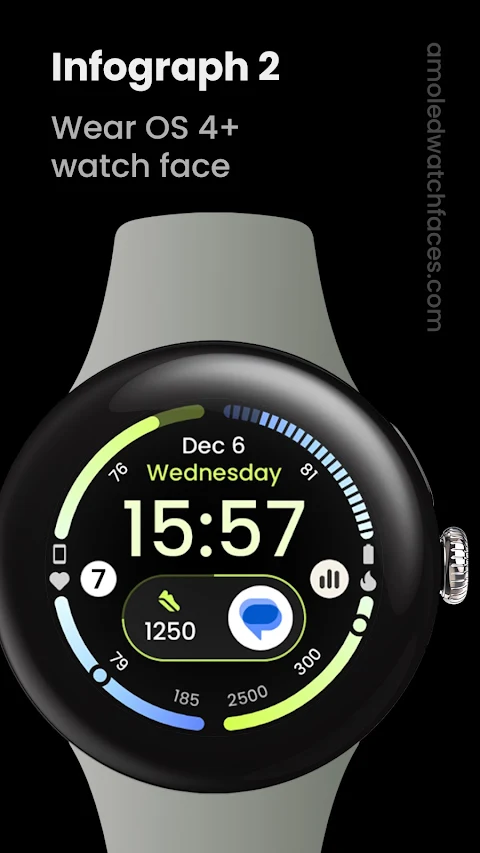
InfoGraph 2: Watch face is designed for Wear OS 4+ devices, making it an ideal choice for users looking to enhance their watch experience. Please note that this app is not suitable for rectangular watches.
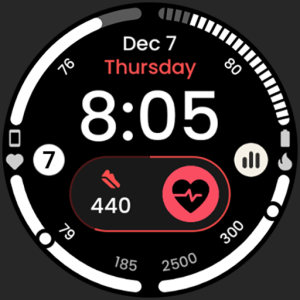
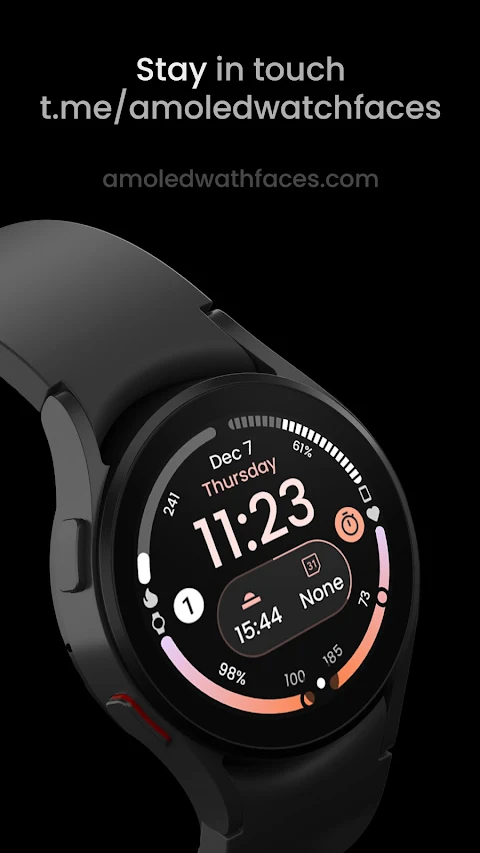
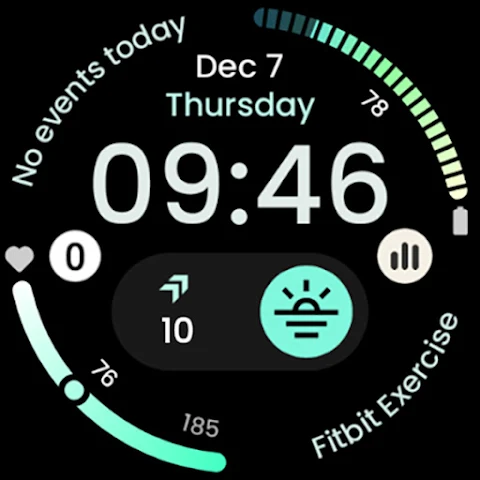
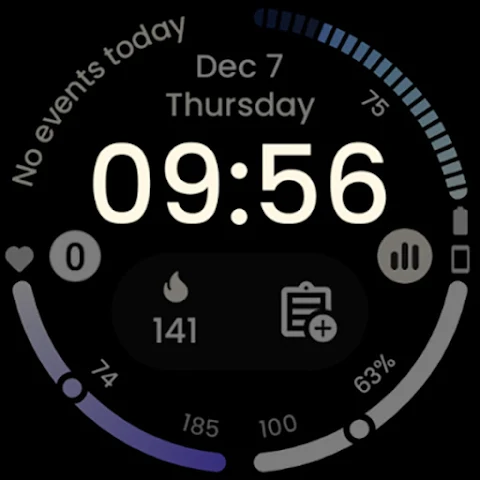
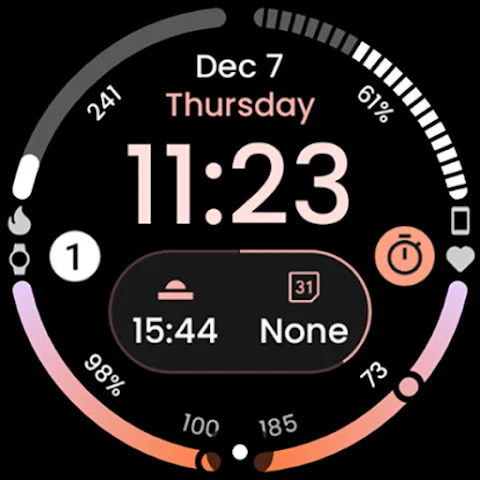
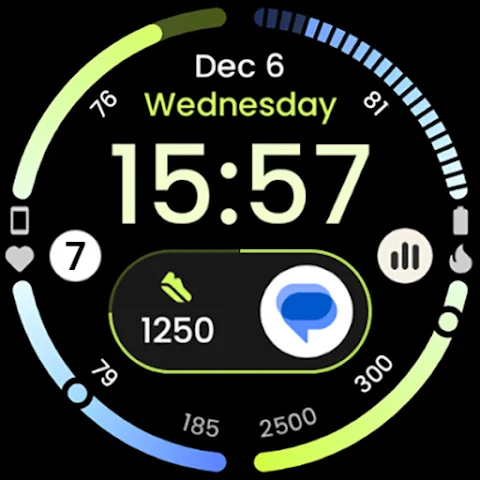
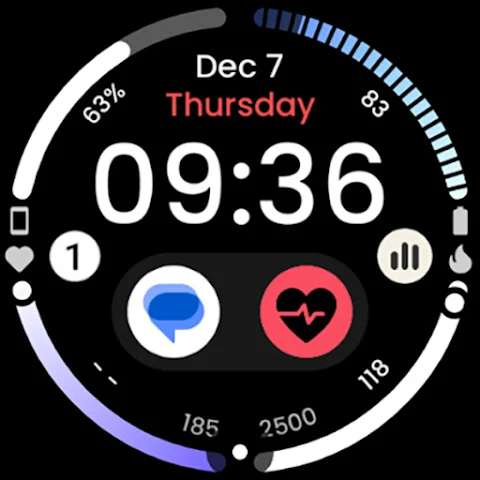
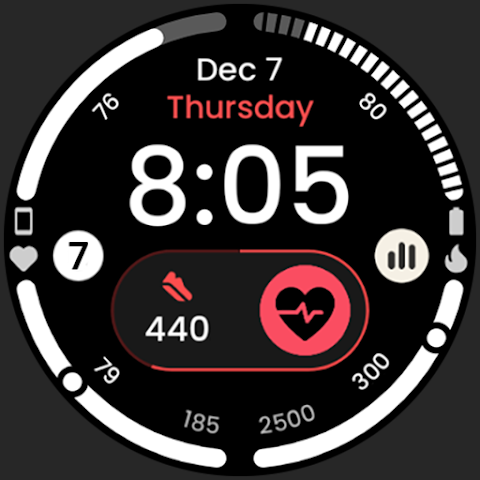
This watch face is powered by Watch Face Format, allowing for a wide range of customization. Users can explore various features, including three different types of progress bars, which keep you updated on your daily goals. With custom complications, you can personalize your watch face to fit your lifestyle and preferences.
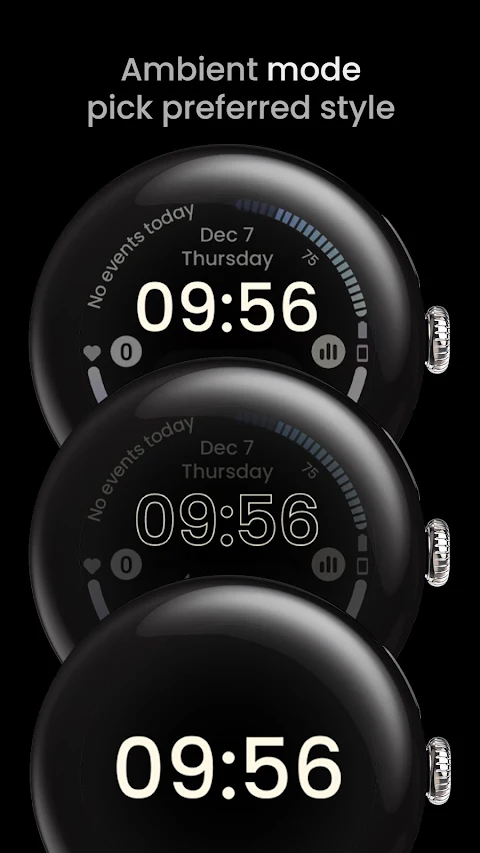
One standout feature of InfoGraph 2 is the ambient mode with low OPR (On-Pixel-Rendering) and adaptive color settings. This reduces battery consumption while still providing a vibrant display. The burn-in protection feature ensures that your screen remains clear and readable for longer, while the high resolution display delivers sharp and detailed visuals.
The app also offers a true black background, which not only looks great but is also energy-efficient. Users can choose from different Wear OS flavors to better match their watch style. With a variety of color themes and gradients, you can create a unique watch face that reflects your personality.
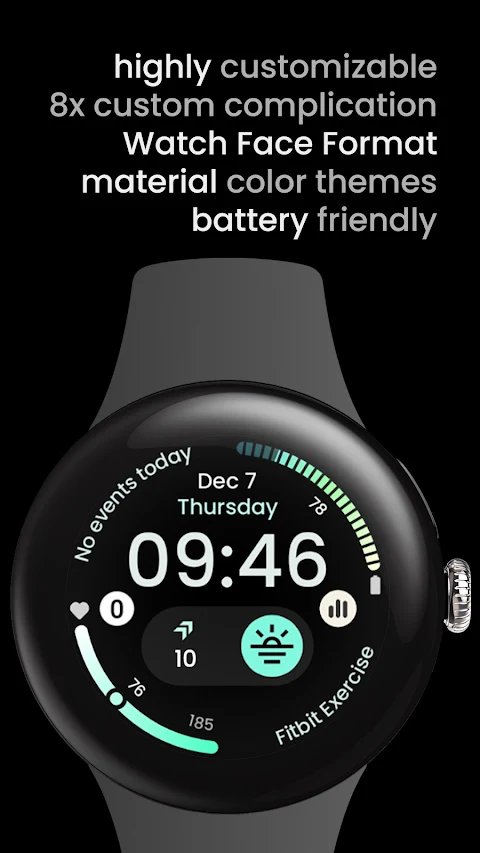
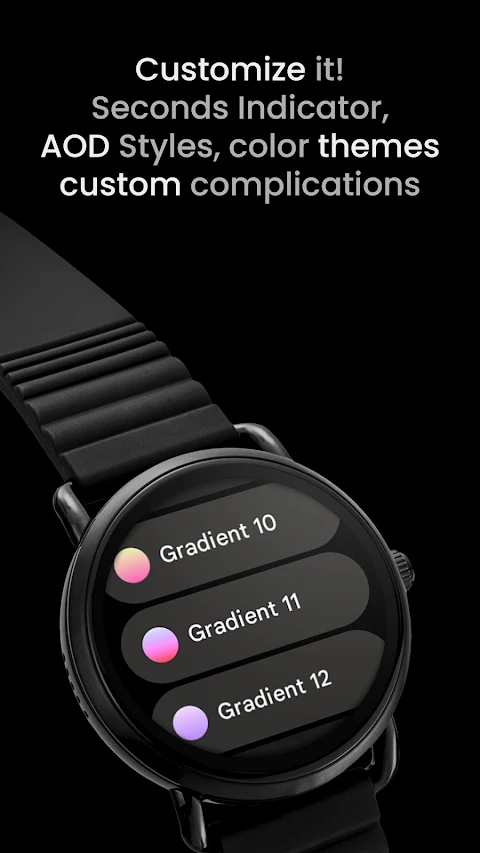
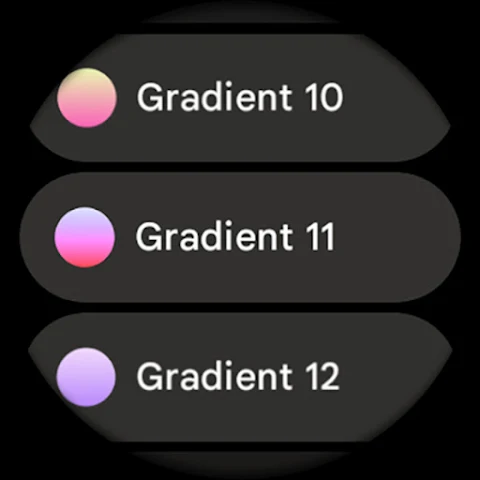
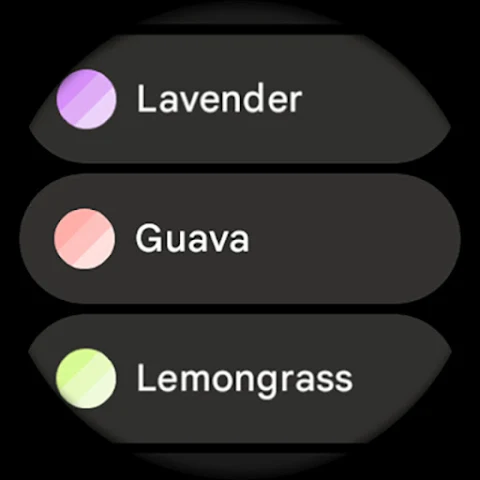
Customization doesn't stop there. InfoGraph 2 allows for user configurations that let you adjust the AOD (Always-On Display) style, along with several slot theme options. For each of the four slots, you can select white, tint, or any of the 20 gradients available. You can also choose from over 50 material theme colors to create the perfect combination for your watch.
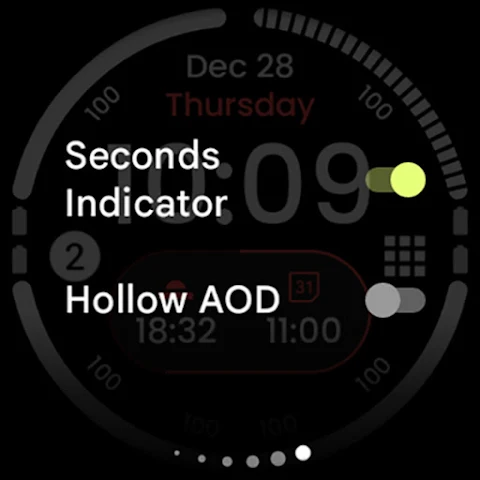
For those who want to dive deeper into personalization, the app includes custom complication features that support up to eight complications. You can even toggle a seconds indicator for that extra touch of functionality.
One of the highlights of this app is the hollow AOD option, which gives a distinctive outlined font style while consuming minimal battery. The arc complications options allow you to display essential information in a stylish way, whether it's a ranged value or long text.
InfoGraph 2 is built with PNGQuant optimized layers, ensuring it’s battery friendly and performs excellently on your device. This means you can enjoy beautiful color gradients and unique watch face designs without worrying about draining your battery.
In case you need any assistance, the app provides an installation and troubleshooting guide on the official website. You can also send any issues or help requests to our support email. For real-time assistance and community discussions, join our live support via Telegram.
Finally, stay updated with the latest features and news by subscribing to our newsletter. InfoGraph 2 not only gives you the tools to customize your watch face but also helps you tailor it to your needs, making it a perfect addition to your Wear OS 4+ device.
This watch face is powered by Watch Face Format, allowing for a wide range of customization. Users can explore various features, including three different types of progress bars, which keep you updated on your daily goals. With custom complications, you can personalize your watch face to fit your lifestyle and preferences.
One standout feature of InfoGraph 2 is the ambient mode with low OPR (On-Pixel-Rendering) and adaptive color settings. This reduces battery consumption while still providing a vibrant display. The burn-in protection feature ensures that your screen remains clear and readable for longer, while the high resolution display delivers sharp and detailed visuals.
The app also offers a true black background, which not only looks great but is also energy-efficient. Users can choose from different Wear OS flavors to better match their watch style. With a variety of color themes and gradients, you can create a unique watch face that reflects your personality.
Customization doesn't stop there. InfoGraph 2 allows for user configurations that let you adjust the AOD (Always-On Display) style, along with several slot theme options. For each of the four slots, you can select white, tint, or any of the 20 gradients available. You can also choose from over 50 material theme colors to create the perfect combination for your watch.
For those who want to dive deeper into personalization, the app includes custom complication features that support up to eight complications. You can even toggle a seconds indicator for that extra touch of functionality.
One of the highlights of this app is the hollow AOD option, which gives a distinctive outlined font style while consuming minimal battery. The arc complications options allow you to display essential information in a stylish way, whether it's a ranged value or long text.
InfoGraph 2 is built with PNGQuant optimized layers, ensuring it’s battery friendly and performs excellently on your device. This means you can enjoy beautiful color gradients and unique watch face designs without worrying about draining your battery.
In case you need any assistance, the app provides an installation and troubleshooting guide on the official website. You can also send any issues or help requests to our support email. For real-time assistance and community discussions, join our live support via Telegram.
Finally, stay updated with the latest features and news by subscribing to our newsletter. InfoGraph 2 not only gives you the tools to customize your watch face but also helps you tailor it to your needs, making it a perfect addition to your Wear OS 4+ device.
Templates for MS Office Suite
Jumsoft
$49.99
$8.99

Recent Contacts Timeline
Adam Bardon
$2.99
CopyIt The Grid Drawing Method
Nigel Green
$19.99
$9.99