

$1.99
$1.00
50% Off
Health Dx: Watch face
amoledwatchfaces™






About the App
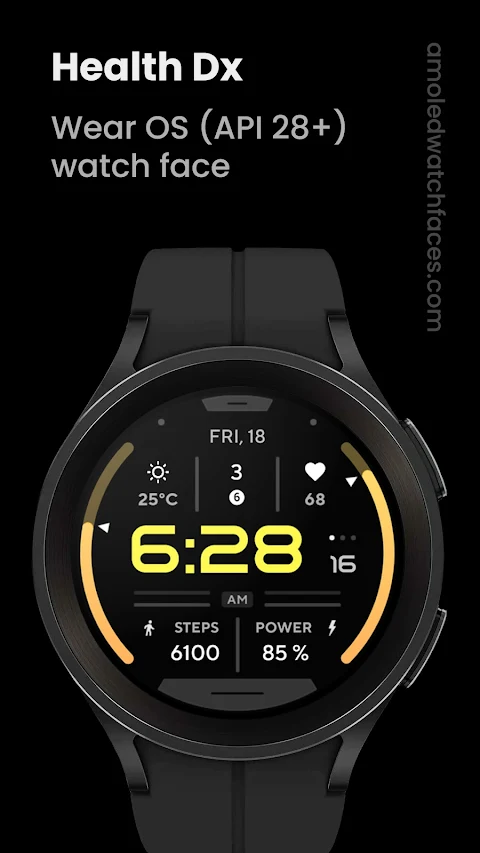
Health Dx: Watch Face is designed specifically for devices running Wear OS API 28 or higher. If you have a rectangular watch, please note that this app is not suitable for you.
This app is built using the Watch Face Format. It offers a true black background, which looks great on AMOLED displays. The high resolution of the watch faces ensures that everything appears sharp and clear. Additionally, the use of PNGQuant optimized layers makes the design battery friendly, helping you make the most out of your device’s power.
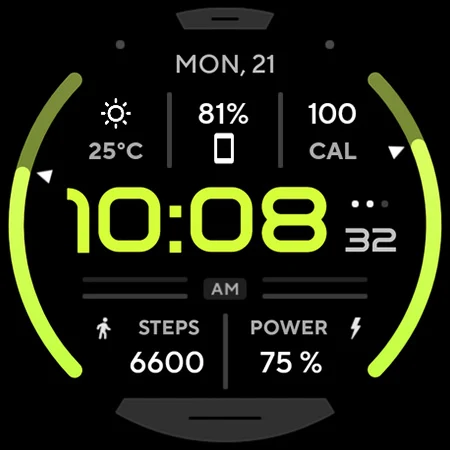
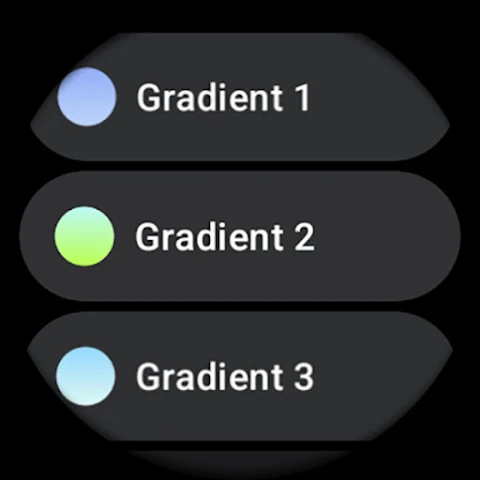
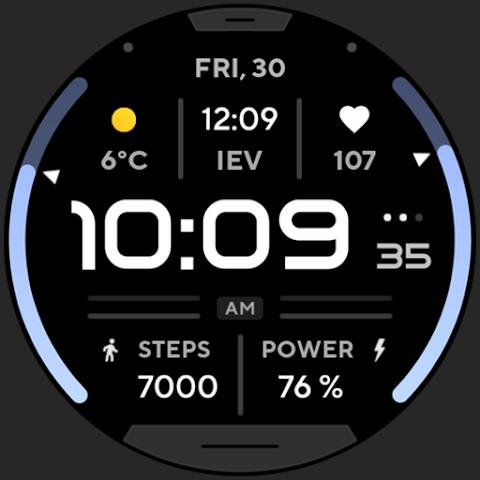
Health Dx: Watch Face includes gradient BAR indicators and many color styles, allowing you to personalize your watch face to your liking. It supports both 12 and 24-hour time formats, adapting to the settings of your connected phone. You can also add an app shortcut complication for quick access to your favorite apps.
The ambient mode is simple, featuring low OPR settings and adaptive color changes that help conserve battery life. You can take full advantage of the custom complication features, which include five customizable options for short texts and ranged values. The watch face is also localized, making it accessible for users worldwide.
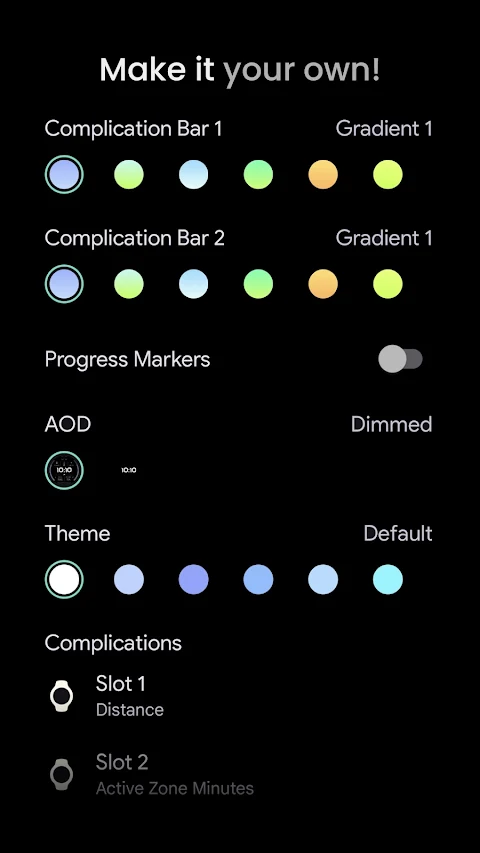
In terms of user configurations, the options may differ slightly for devices below API level 33. You can customize Complication Bar 1 and Complication Bar 2, each offering ten gradients plus white and tint options. For tracking progress, there's a toggle for progress markers, and you can select different AOD (Always-On Display) Style options, such as dimmed or time-only views.
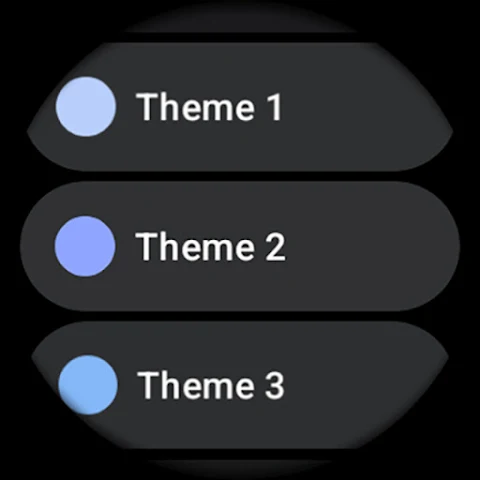
Enjoy extensive color customization with 20 different color options, allowing you to find the perfect look for your watch.
For those needing help, an installation guide is provided to assist you with setting up Health Dx: Watch Face. If you encounter any issues or have help requests, feel free to reach out to our support email. You can also join our live support group on Telegram for real-time assistance and discussions.
Don’t forget to check out our special offers for watch faces on our website, and consider subscribing to our newsletter to stay updated with the latest information and app enhancements. With Health Dx: Watch Face, you can enjoy a unique and personalized viewing experience on your smartwatch!
This app is built using the Watch Face Format. It offers a true black background, which looks great on AMOLED displays. The high resolution of the watch faces ensures that everything appears sharp and clear. Additionally, the use of PNGQuant optimized layers makes the design battery friendly, helping you make the most out of your device’s power.
Health Dx: Watch Face includes gradient BAR indicators and many color styles, allowing you to personalize your watch face to your liking. It supports both 12 and 24-hour time formats, adapting to the settings of your connected phone. You can also add an app shortcut complication for quick access to your favorite apps.
The ambient mode is simple, featuring low OPR settings and adaptive color changes that help conserve battery life. You can take full advantage of the custom complication features, which include five customizable options for short texts and ranged values. The watch face is also localized, making it accessible for users worldwide.
In terms of user configurations, the options may differ slightly for devices below API level 33. You can customize Complication Bar 1 and Complication Bar 2, each offering ten gradients plus white and tint options. For tracking progress, there's a toggle for progress markers, and you can select different AOD (Always-On Display) Style options, such as dimmed or time-only views.
Enjoy extensive color customization with 20 different color options, allowing you to find the perfect look for your watch.
For those needing help, an installation guide is provided to assist you with setting up Health Dx: Watch Face. If you encounter any issues or have help requests, feel free to reach out to our support email. You can also join our live support group on Telegram for real-time assistance and discussions.
Don’t forget to check out our special offers for watch faces on our website, and consider subscribing to our newsletter to stay updated with the latest information and app enhancements. With Health Dx: Watch Face, you can enjoy a unique and personalized viewing experience on your smartwatch!

One UI IconPack
JustNewDesigns
$1.49
$0.49
Breitling ClassicAVI WatchFace
PLAYWORKS GAMES Studio
$1.99
$0.29
DADAM39: Modern Dark Dial
DADAM Watch Faces
$0.99
$0.10