

$0.99
$0.49
51% Off
Halloween – Icon Pack
Panoto Gomo

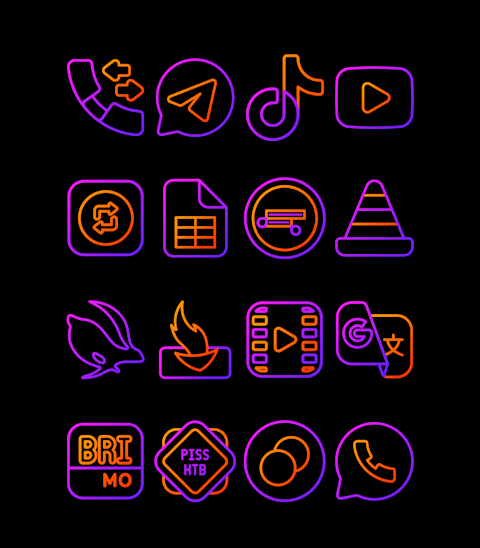
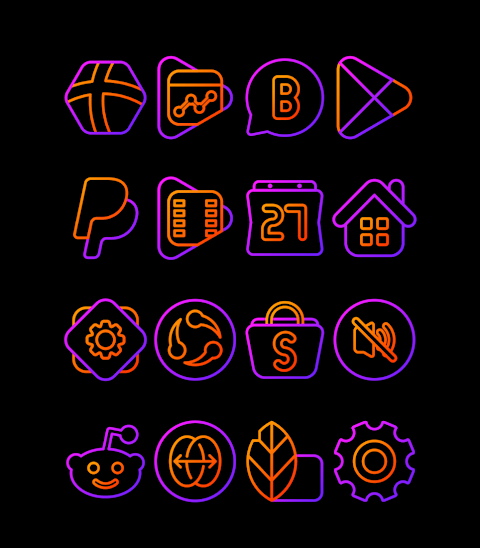
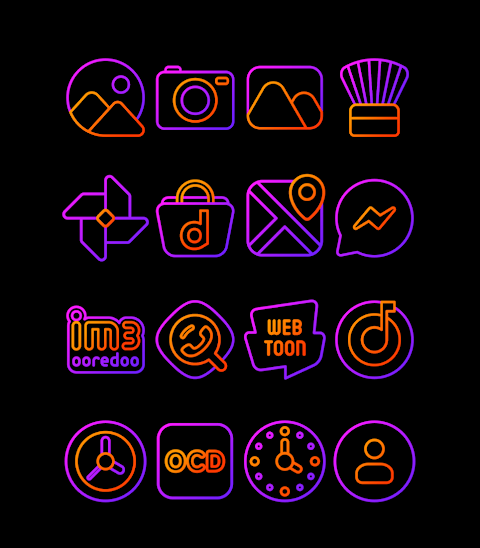
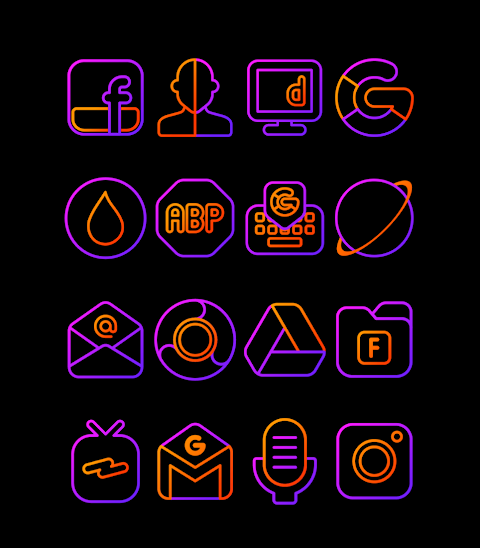
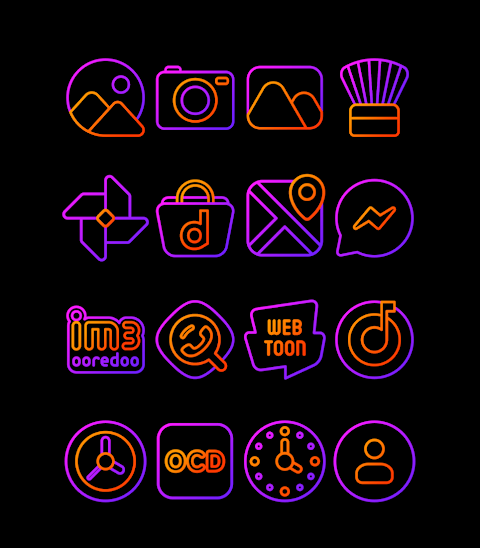
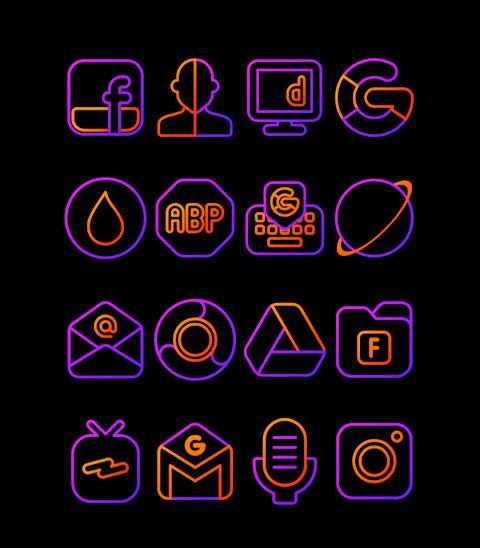
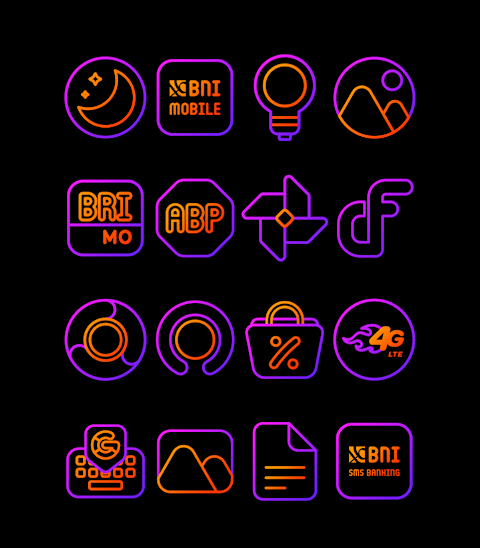


About the App
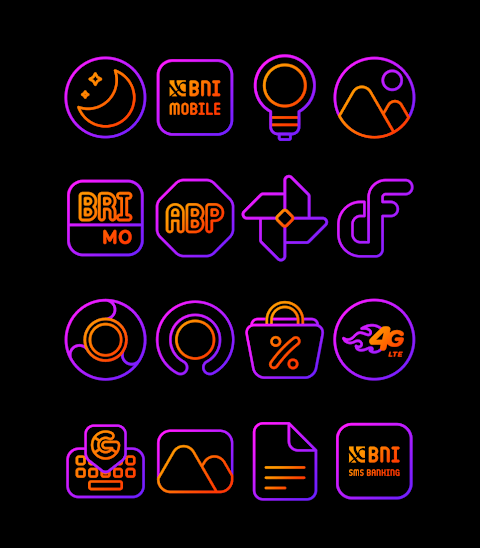
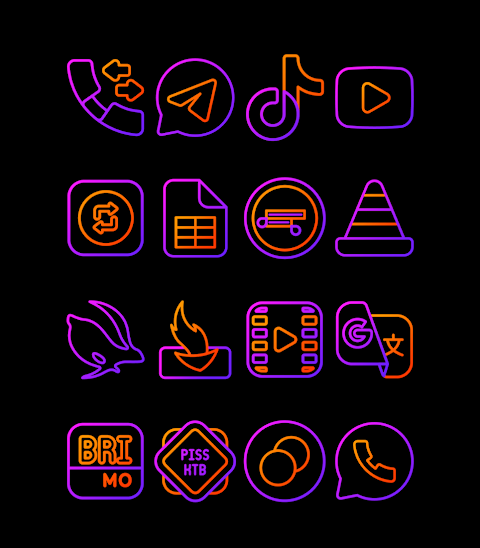
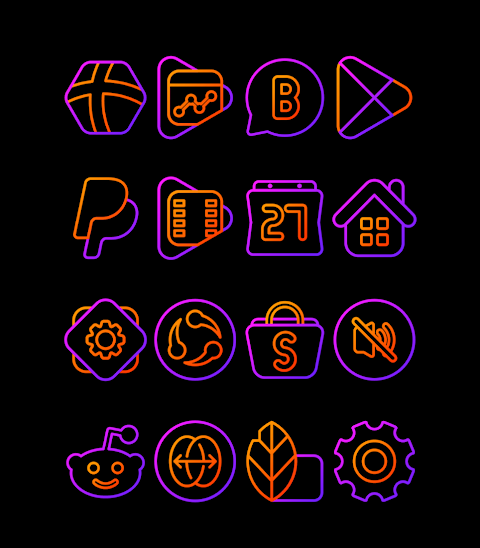
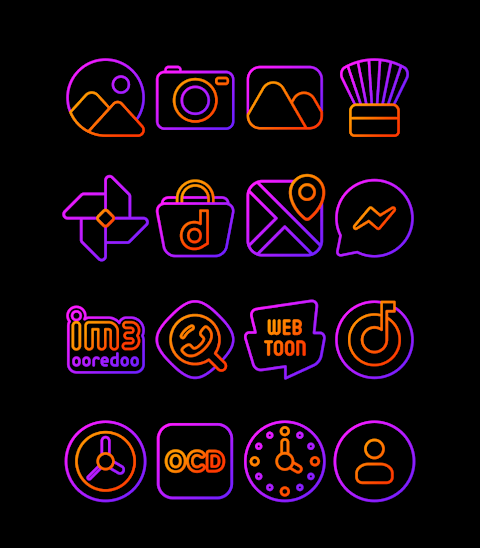
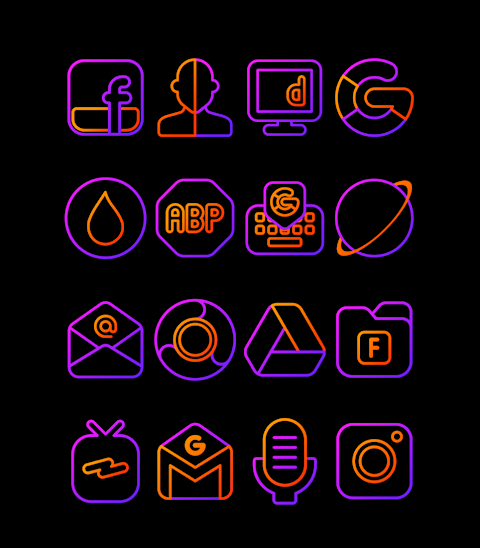
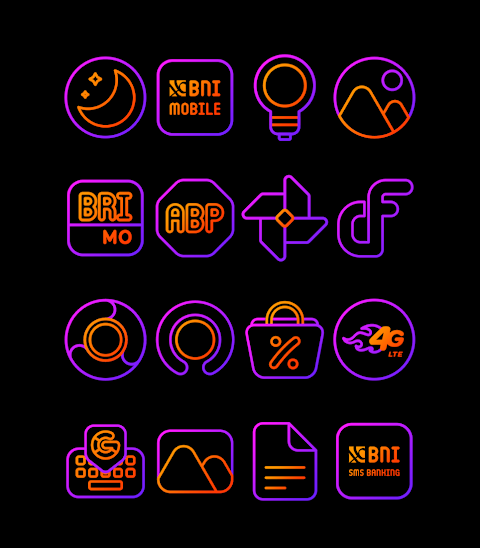
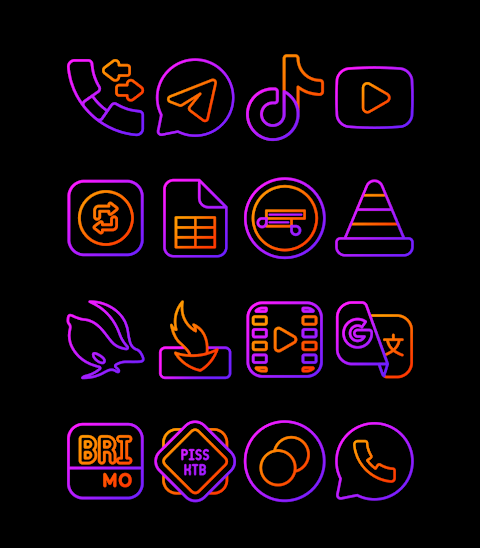
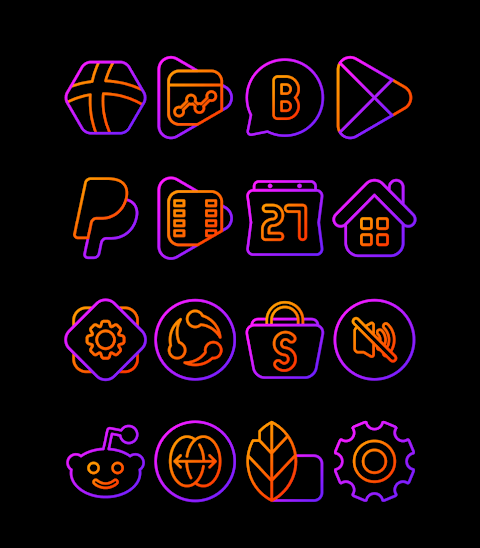
Halloween - Icon Pack brings festive flair to your mobile screen with its unique purple and orange icon pack inspired by Halloween colors. With more than 3000 icons available and still growing, this icon pack is perfect for users who want to celebrate the season in style.
Each icon features HD icon resolution of 256x256 pixels, ensuring that your app visuals remain sharp and vibrant. The Halloween themed icons are designed to enhance your app experience, making your screen come alive with the spirit of the holiday. Plus, the pack includes wallpapers, allowing for a complete Halloween makeover of your device.
If you want to customize icon appearance, Halloween - Icon Pack supports many popular launchers, making it easy to apply the icons to your device. Whether you use Nova Launcher, Evie Launcher, Apex Launcher, or ADW Launcher, you can follow a simple process to begin.
To apply the Halloween - Icon Pack, follow these easy steps:
1. Open the Halloween - Icon Pack app on your device.
2. Go to the "Apply Icon Pack" screen.
3. The app will display a list of supported launchers like Nova Launcher and Evie Launcher. Choose the launcher you have installed on your phone.
4. The app will automatically apply the icons from the Halloween - Icon Pack for you.
If you don’t see your launcher while applying from the icon pack, you can try applying it directly from the launcher itself.
For users with Sony Xperia devices, you can still enjoy the Halloween - Icon Pack, but it requires a few specific settings. Here's how to do it:
1. Long press on your main screen.
2. Open the settings menu.
3. Scroll down to find the appearance icon settings.
4. Select the Halloween - Icon Pack.
5. That's it! Your Sony Xperia will now feature the Halloween - Icon Pack icons.
Do keep in mind that the icon pack is only supported on Sony Xperia Home Launcher version 10.0.A.0.8 or newer.
In addition to the launchers mentioned, you can use the pack with many others like Lucid Launcher, M Launcher, Action Launcher, Smart Launcher, Go Launcher, and Zero Launcher. However, please note that Go Launcher and Zero Launcher do not support icon masking.
With the Halloween - Icon Pack, you'll enjoy a fun and festive way to personalize your mobile device. Whether you're looking for seasonal icon packs for a spooky effect or a simple app personalization, this digital icon customization tool makes it easy.
For more design inspiration and information, you can follow us on social media. Check out our Google+ page, explore our Instagram for icon aesthetics, and stay updated via Twitter for design updates. We also extend our gratitude to Dani Mahardika for his contributions with the Candybar Dashboard, enhancing the user interface design experience.
Halloween - Icon Pack is your go-to app for a colorful, seasonal transformation of your device. Enjoy customizing your mobile layout and celebrate Halloween in style!
Each icon features HD icon resolution of 256x256 pixels, ensuring that your app visuals remain sharp and vibrant. The Halloween themed icons are designed to enhance your app experience, making your screen come alive with the spirit of the holiday. Plus, the pack includes wallpapers, allowing for a complete Halloween makeover of your device.
If you want to customize icon appearance, Halloween - Icon Pack supports many popular launchers, making it easy to apply the icons to your device. Whether you use Nova Launcher, Evie Launcher, Apex Launcher, or ADW Launcher, you can follow a simple process to begin.
To apply the Halloween - Icon Pack, follow these easy steps:
1. Open the Halloween - Icon Pack app on your device.
2. Go to the "Apply Icon Pack" screen.
3. The app will display a list of supported launchers like Nova Launcher and Evie Launcher. Choose the launcher you have installed on your phone.
4. The app will automatically apply the icons from the Halloween - Icon Pack for you.
If you don’t see your launcher while applying from the icon pack, you can try applying it directly from the launcher itself.
For users with Sony Xperia devices, you can still enjoy the Halloween - Icon Pack, but it requires a few specific settings. Here's how to do it:
1. Long press on your main screen.
2. Open the settings menu.
3. Scroll down to find the appearance icon settings.
4. Select the Halloween - Icon Pack.
5. That's it! Your Sony Xperia will now feature the Halloween - Icon Pack icons.
Do keep in mind that the icon pack is only supported on Sony Xperia Home Launcher version 10.0.A.0.8 or newer.
In addition to the launchers mentioned, you can use the pack with many others like Lucid Launcher, M Launcher, Action Launcher, Smart Launcher, Go Launcher, and Zero Launcher. However, please note that Go Launcher and Zero Launcher do not support icon masking.
With the Halloween - Icon Pack, you'll enjoy a fun and festive way to personalize your mobile device. Whether you're looking for seasonal icon packs for a spooky effect or a simple app personalization, this digital icon customization tool makes it easy.
For more design inspiration and information, you can follow us on social media. Check out our Google+ page, explore our Instagram for icon aesthetics, and stay updated via Twitter for design updates. We also extend our gratitude to Dani Mahardika for his contributions with the Candybar Dashboard, enhancing the user interface design experience.
Halloween - Icon Pack is your go-to app for a colorful, seasonal transformation of your device. Enjoy customizing your mobile layout and celebrate Halloween in style!

Minimal Black v27 watch face
Monkey's Dream
$1.49
$0.45

Pix-Pie Icon Pack
PashaPuma Design
$0.99
$0.69

Himawari Yellow – Icon Pack
Panoto Gomo
$0.99
FREE