

$0.99
FREE
100% Off
Himawari Yellow – Icon Pack
Panoto Gomo









About the App
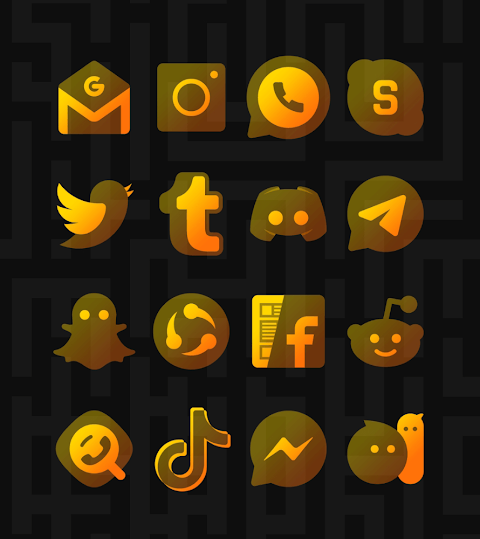
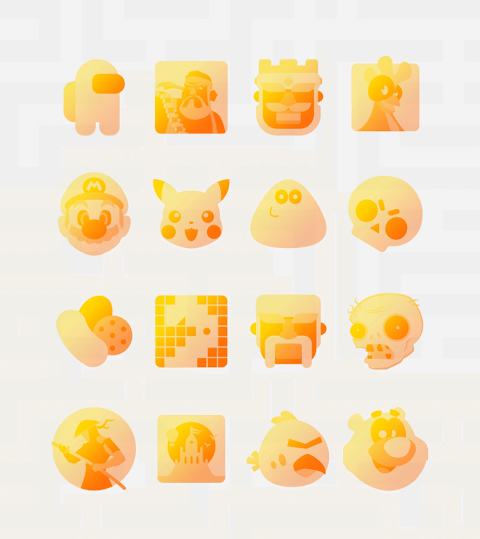
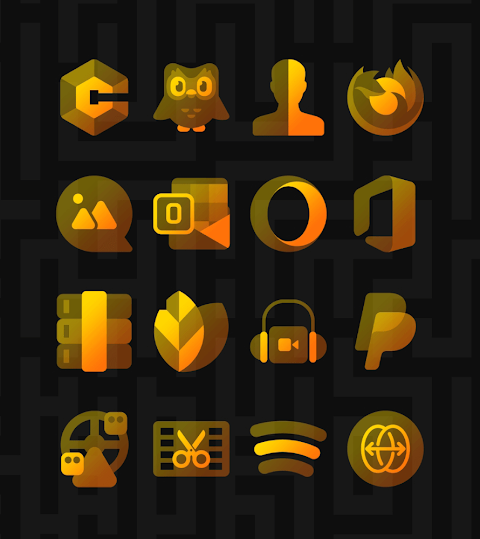
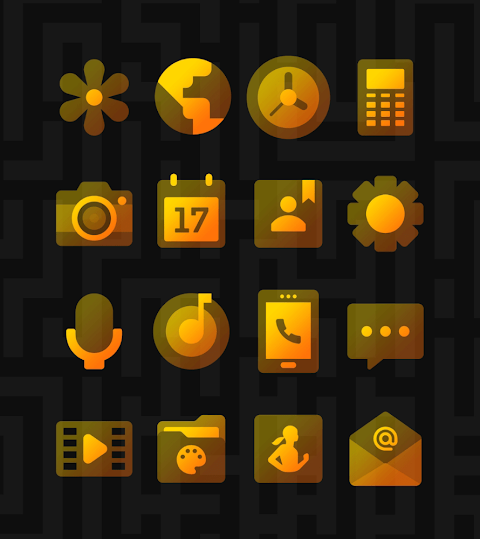
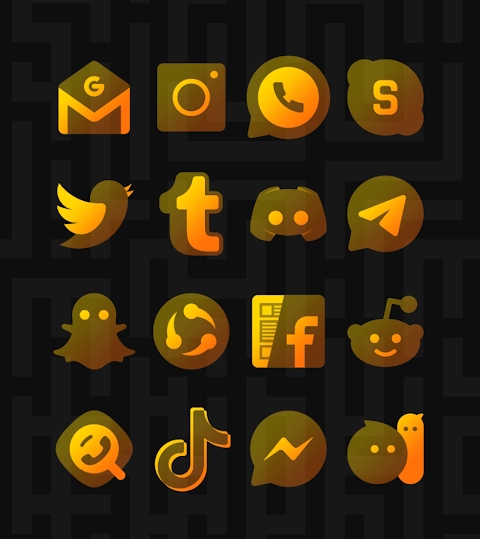
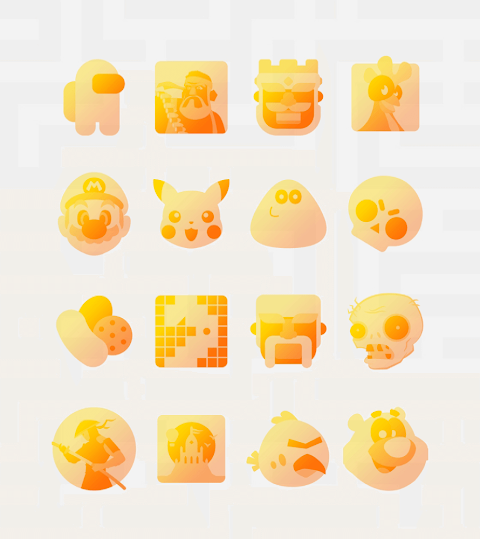
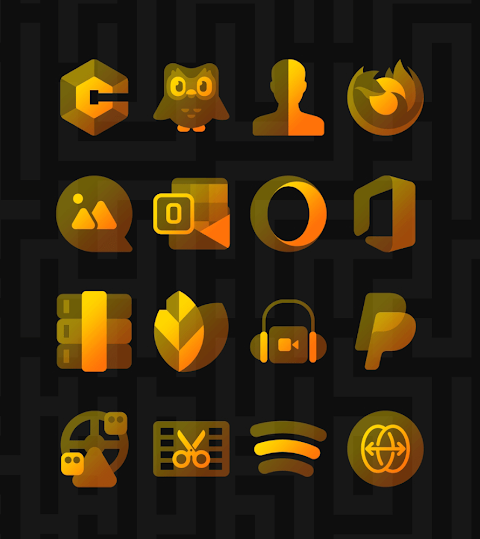
Himawari Yellow is an elegant yellow icon pack designed to brighten up your screen. With its transparent design, every icon stands out beautifully, creating a vibrant look even though it has a see-through effect. For the best visual appearance of icons, you just need to disable the shadow effect.
This icon pack comes with over 3,500 high-quality icons, each sized at 254x254 pixels, and it keeps growing with frequent updates. You can also find downloadable high-quality wallpapers that complement the icons perfectly. If you notice that a certain app doesn’t have a dedicated icon, you can make a free icon request and get it added.
Using Himawari Yellow is easy. First, install a compatible launcher like Nova Launcher or Lawnchair Launcher, which are both great choices. Once installed, open the Himawari Yellow icon pack and apply it. If your launcher isn’t listed, you can still apply the icon pack through your phone's launcher theme or icon change screen. Just look for Himawari Yellow in the list of installed icon packs.
The app has a user-friendly dashboard that helps with icon pack management. You can even try how the icons will look on your current wallpaper using the dashboard preview pane. The frequent updates ensure that you will always have the latest designs and themes, providing long-term support for users.
Himawari Yellow supports various launchers for easy application. You can apply it via dashboard on popular options like Action Launcher, Apex Launcher, and Evie Launcher. Additionally, you can also change the settings using other launchers such as Poco Launcher or Arrow Launcher.
Make sure you have a supported launcher to avoid any issues. If you face any problems or have questions, feel free to reach out. Support is available for you, and you'll receive a quick response.
If you use Go Launcher and find that icons aren’t changing, you might need to adjust the icon pack theme settings. Just select the downloaded button at the top right. Sometimes, main icons might stay the same; in such cases, a long touch will bring up the icon replacement feature, allowing you to choose the correct icon.
In Nova Launcher, icons can sometimes appear rounded automatically. You can change this by going into the Nova theme menu and turning off the option for changing icon shapes.
With Himawari Yellow, enjoy a collection of minimalist icon designs and high-resolution icon files that can completely transform your mobile interface design. Customize your device with personalized wallpapers and explore a variety of app customization features that make your screen uniquely yours.
This icon pack comes with over 3,500 high-quality icons, each sized at 254x254 pixels, and it keeps growing with frequent updates. You can also find downloadable high-quality wallpapers that complement the icons perfectly. If you notice that a certain app doesn’t have a dedicated icon, you can make a free icon request and get it added.
Using Himawari Yellow is easy. First, install a compatible launcher like Nova Launcher or Lawnchair Launcher, which are both great choices. Once installed, open the Himawari Yellow icon pack and apply it. If your launcher isn’t listed, you can still apply the icon pack through your phone's launcher theme or icon change screen. Just look for Himawari Yellow in the list of installed icon packs.
The app has a user-friendly dashboard that helps with icon pack management. You can even try how the icons will look on your current wallpaper using the dashboard preview pane. The frequent updates ensure that you will always have the latest designs and themes, providing long-term support for users.
Himawari Yellow supports various launchers for easy application. You can apply it via dashboard on popular options like Action Launcher, Apex Launcher, and Evie Launcher. Additionally, you can also change the settings using other launchers such as Poco Launcher or Arrow Launcher.
Make sure you have a supported launcher to avoid any issues. If you face any problems or have questions, feel free to reach out. Support is available for you, and you'll receive a quick response.
If you use Go Launcher and find that icons aren’t changing, you might need to adjust the icon pack theme settings. Just select the downloaded button at the top right. Sometimes, main icons might stay the same; in such cases, a long touch will bring up the icon replacement feature, allowing you to choose the correct icon.
In Nova Launcher, icons can sometimes appear rounded automatically. You can change this by going into the Nova theme menu and turning off the option for changing icon shapes.
With Himawari Yellow, enjoy a collection of minimalist icon designs and high-resolution icon files that can completely transform your mobile interface design. Customize your device with personalized wallpapers and explore a variety of app customization features that make your screen uniquely yours.
Hera Icon Pack: Circle Icons
One4Studio
$3.49
$1.75
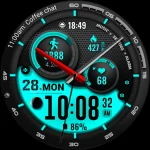
ML2U 121 Watch Face
ML2U
$1.49
$0.25
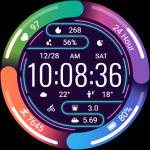
Colorful Ring ZKin Watch
ZKin
$2.99
$1.49