

$0.99
$0.29
71% Off
Galaxy – Lines Icon Pack
Panoto Gomo

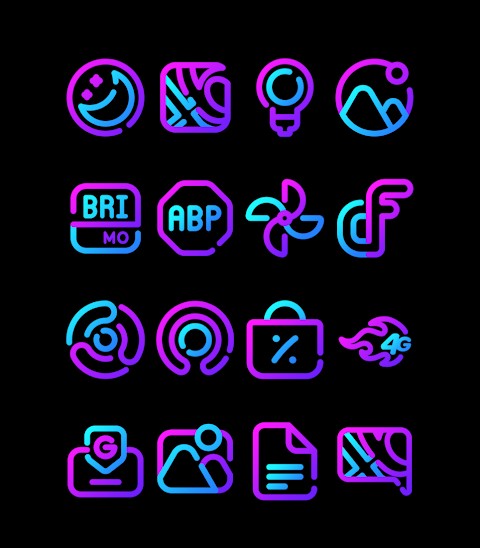
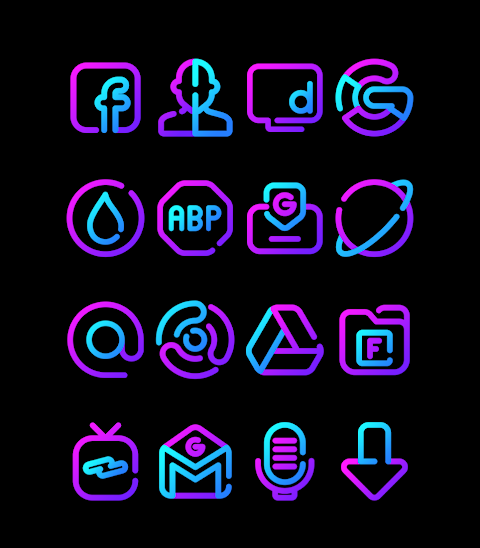


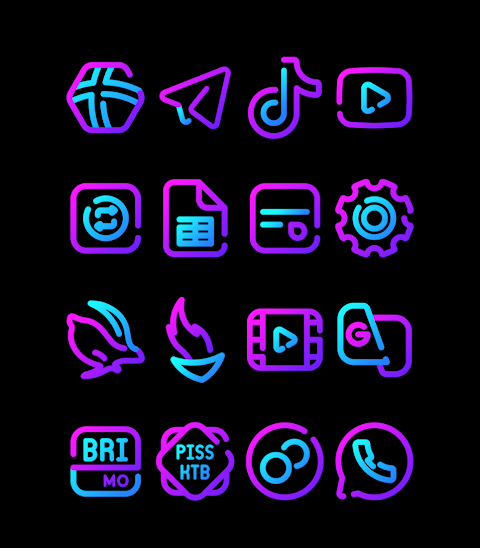


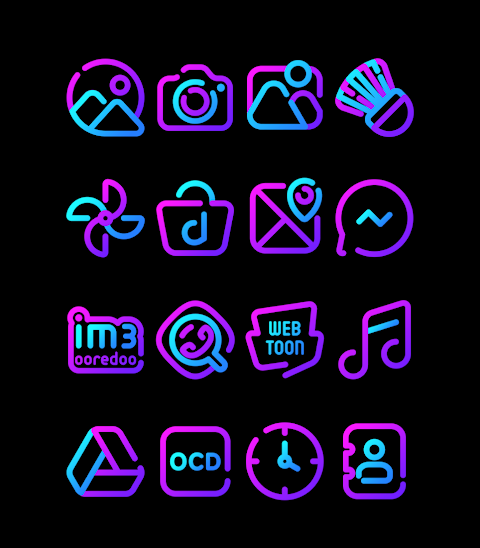
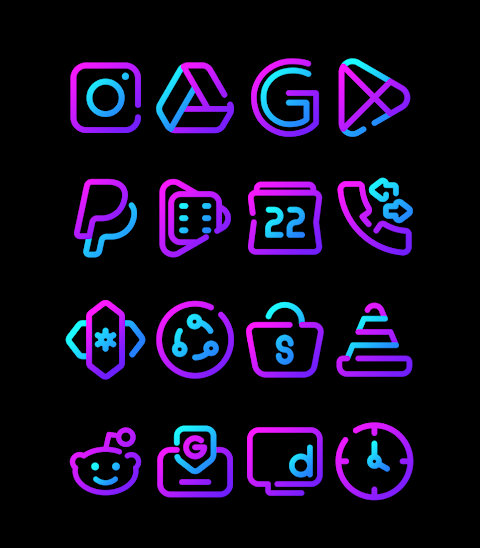
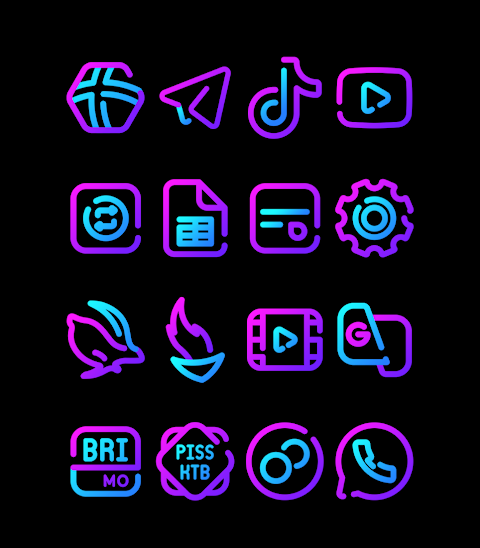
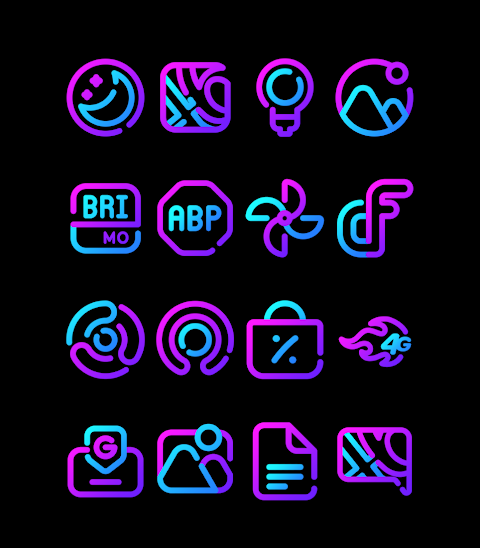
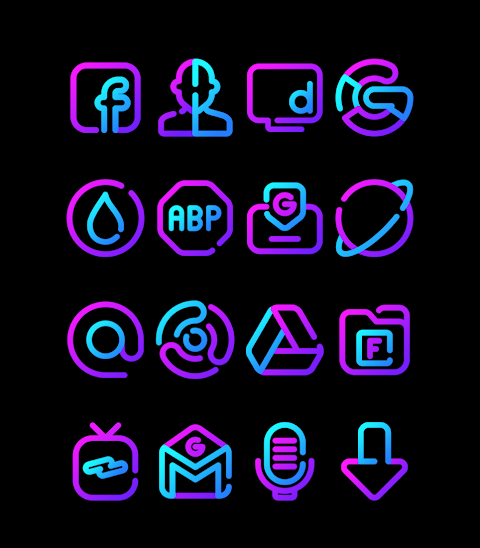



About the App
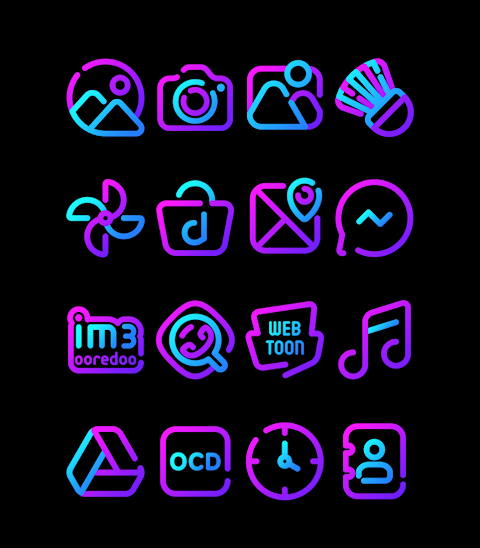
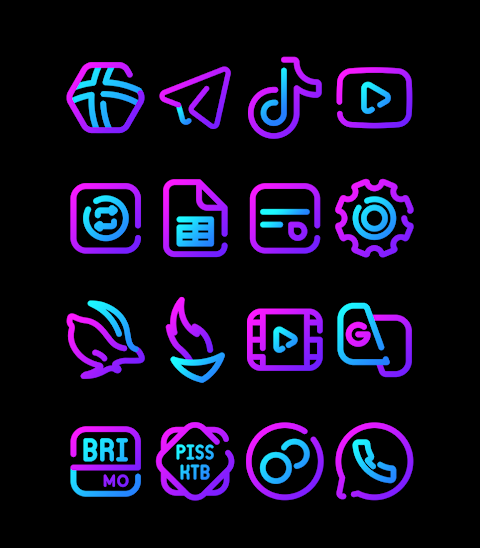
Galaxy is a captivating blue and purple linear icon pack designed to enhance your Android device's look. This pack comes with over 3000 icons, all in HD resolution of 256x256px, ensuring that every detail is crisp and vibrant. It also includes beautiful wallpapers to complement the icons, giving you a complete visual experience.
One appealing aspect of the Galaxy icon pack is its icon request feature. If you don't find a specific icon you need, you can request it directly within the app, making it easy to personalize your user interface further.
Applying the Galaxy icon pack is a straightforward process. The pack supports popular launchers like Nova Launcher and Evie Launcher, among others. Here are the simple steps to get started:
1. Open the Galaxy icon pack app.
2. Go to the "Apply Icon Pack" screen.
3. You'll see a list of supported launchers. Select Nova Launcher if it’s installed on your device.
4. The app will automatically apply the icons from the Galaxy icon pack to Nova Launcher.
If you don't see your launcher while trying to apply the icons, you can also apply them directly from the launcher settings.
For users with a Sony Xperia device, you can still enjoy the Galaxy icon pack, although it requires a few extra steps. Here’s how to apply it on Sony Xperia Home Launcher:
1. Long press on the main screen.
2. Open the settings menu.
3. Scroll down to find the appearance icon settings.
4. Choose the Galaxy icon pack from the list.
5. Your Sony Xperia device is now customized with the Galaxy icons!
Please note that the icon pack only supports Sony Xperia Home Launcher version 10.0.A.0.8 and above.
The Galaxy icon pack is compatible with various other launchers as well. This includes Apex Launcher, ADW Launcher, Smart Launcher, Go Launcher, Holo Launcher, Lucid Launcher, M Launcher, and Action Launcher, among others. However, be aware that some launchers, like Go Launcher and Zero Launcher, do not support icon masking.
By using Galaxy, you can tap into a world of mobile customization tools. Customize your launcher themes, elevate your Android home screen, and enjoy the aesthetic of your icons. This icon pack enhances your mobile user interface design, making it visually appealing and uniquely yours.
For design inspiration, you can find more information and updates on social media platforms like Google+, Instagram, and Twitter. Dive into a universe of interactive icon pack features that not only beautify your phone but also reflect your personal style.
With Galaxy, transforming your mobile experience has never been easier!
One appealing aspect of the Galaxy icon pack is its icon request feature. If you don't find a specific icon you need, you can request it directly within the app, making it easy to personalize your user interface further.
Applying the Galaxy icon pack is a straightforward process. The pack supports popular launchers like Nova Launcher and Evie Launcher, among others. Here are the simple steps to get started:
1. Open the Galaxy icon pack app.
2. Go to the "Apply Icon Pack" screen.
3. You'll see a list of supported launchers. Select Nova Launcher if it’s installed on your device.
4. The app will automatically apply the icons from the Galaxy icon pack to Nova Launcher.
If you don't see your launcher while trying to apply the icons, you can also apply them directly from the launcher settings.
For users with a Sony Xperia device, you can still enjoy the Galaxy icon pack, although it requires a few extra steps. Here’s how to apply it on Sony Xperia Home Launcher:
1. Long press on the main screen.
2. Open the settings menu.
3. Scroll down to find the appearance icon settings.
4. Choose the Galaxy icon pack from the list.
5. Your Sony Xperia device is now customized with the Galaxy icons!
Please note that the icon pack only supports Sony Xperia Home Launcher version 10.0.A.0.8 and above.
The Galaxy icon pack is compatible with various other launchers as well. This includes Apex Launcher, ADW Launcher, Smart Launcher, Go Launcher, Holo Launcher, Lucid Launcher, M Launcher, and Action Launcher, among others. However, be aware that some launchers, like Go Launcher and Zero Launcher, do not support icon masking.
By using Galaxy, you can tap into a world of mobile customization tools. Customize your launcher themes, elevate your Android home screen, and enjoy the aesthetic of your icons. This icon pack enhances your mobile user interface design, making it visually appealing and uniquely yours.
For design inspiration, you can find more information and updates on social media platforms like Google+, Instagram, and Twitter. Dive into a universe of interactive icon pack features that not only beautify your phone but also reflect your personal style.
With Galaxy, transforming your mobile experience has never been easier!
Analog clock touch
Freiberg watches
$1.49

Planet in stars Watch Face
RazorSharp Design Studio
$2.99
$1.50
Chief: Hybrid Watch Face
Executive Design Watch Face
$2.59
$1.55