
$2.99
$1.50
50% Off
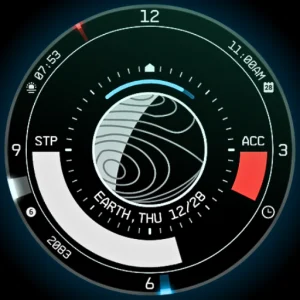
Planet in stars Watch Face
RazorSharp Design Studio



About the App
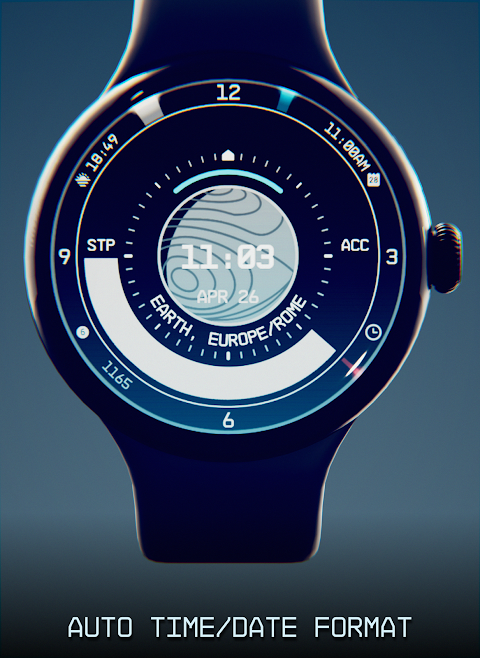
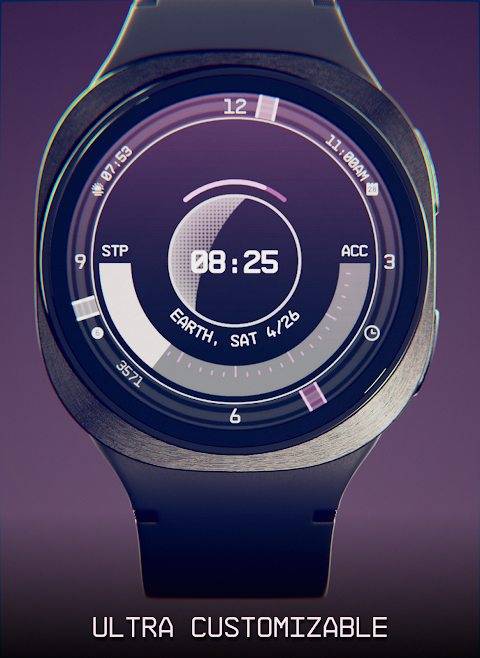
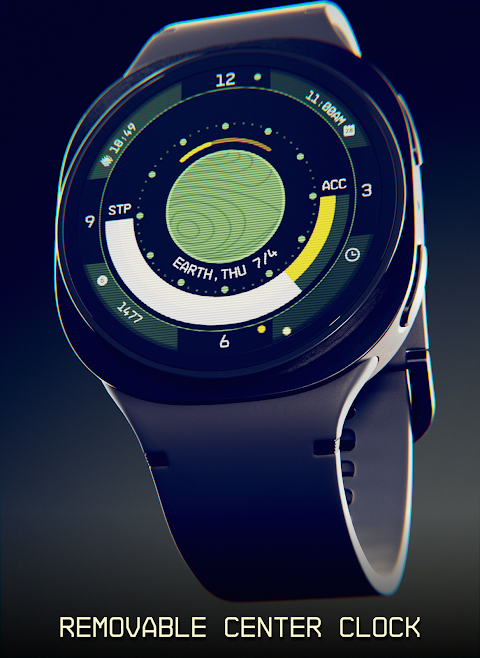
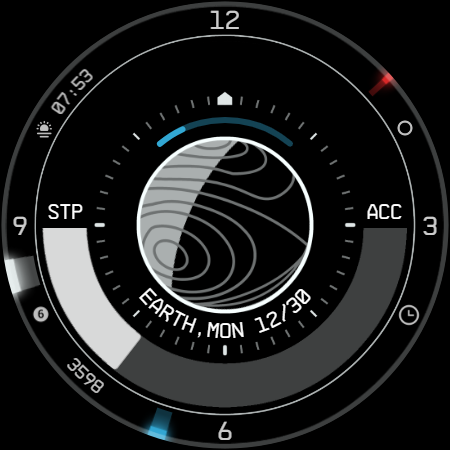
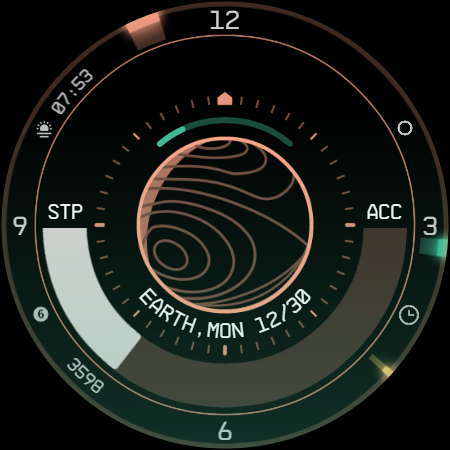
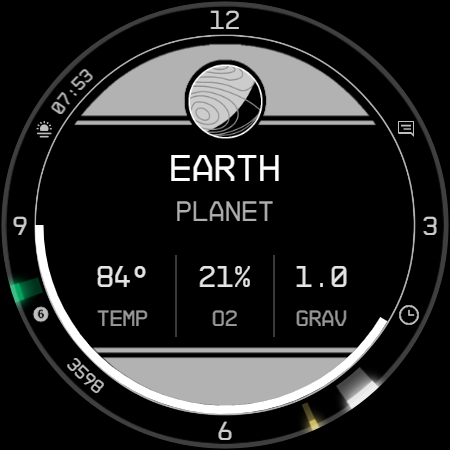
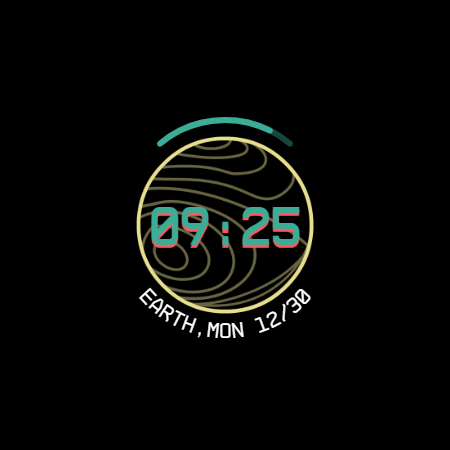
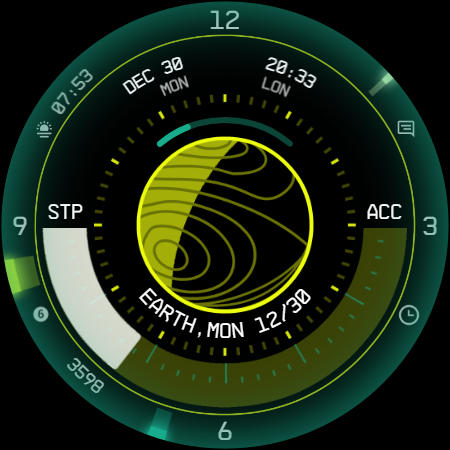
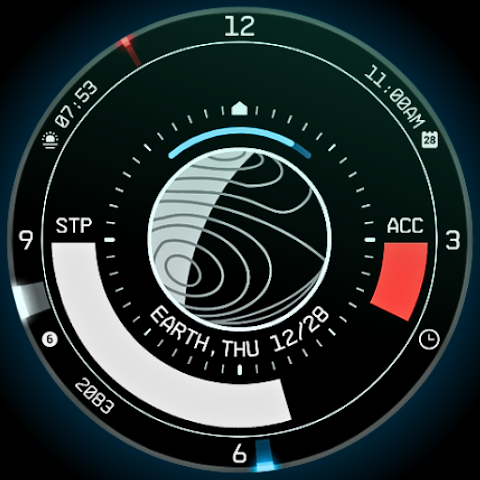
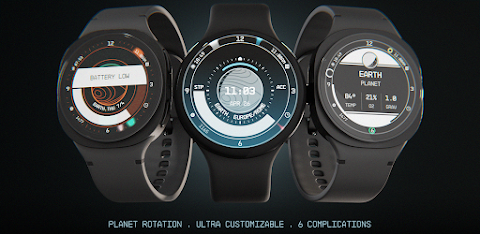
Prepare to explore the universe right from your wrist with the Planet in Stars Watch Face. This space themed watch face is packed with information and is highly customizable, allowing you to journey through the starfield as a constellation explorer.
The Planet in Stars Watch Face is a standalone, native option for Wear OS smartwatches. This means you can install it on various devices, including popular brands like Samsung, Mobvoi Ticwatch, Fossil, Oppo, and the latest Xiaomi models. Each watch face is unique, having been meticulously handcrafted just for you.
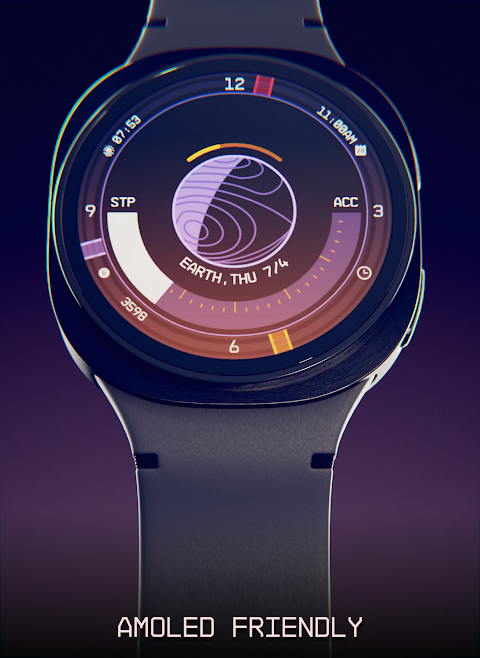
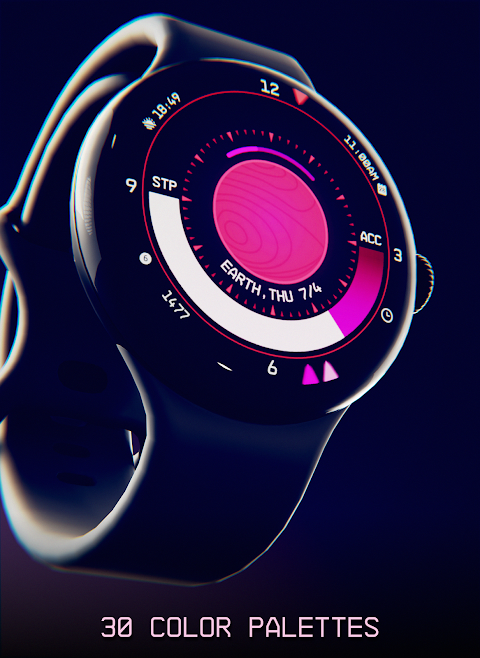
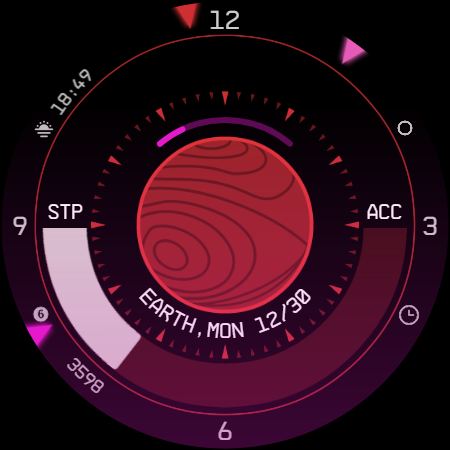
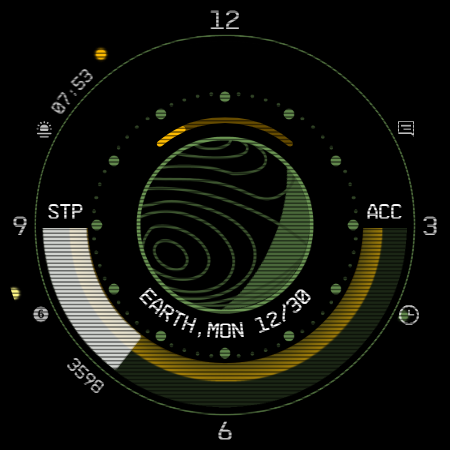
What makes this watch face special? For starters, it boasts 30 color palettes to choose from, offering you 9 million customization possibilities. You can easily switch between 12 and 24-hour format support, depending on your preference. With plenty of information at a glance, you will find the customizable UI elements enhance your experience. You can personalize the hands and circle, adjust the main bar, and enjoy AOD effects, all while appreciating its clean, futuristic design inspired by NASA punk style.
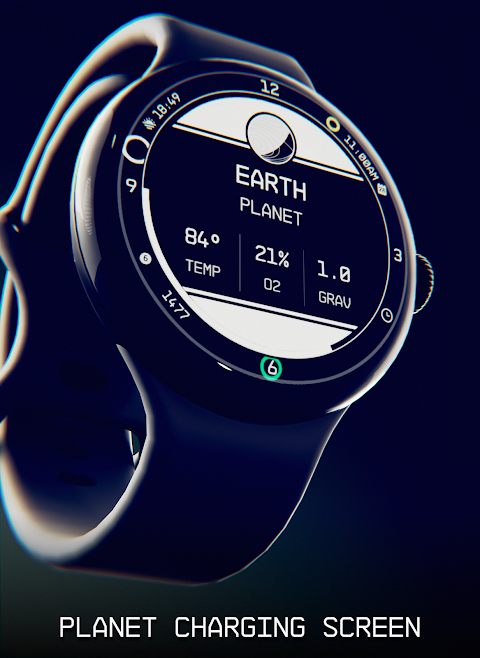
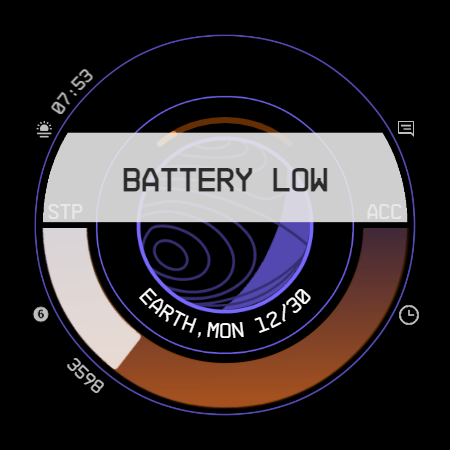
While your device is charging, the Planet in Stars Watch Face will display planet details. You'll also receive low battery notifications and other customizable watch face alerts. Additionally, this watch face includes five customizable complications that come in various sizes, ensuring that you can tailor your experience to your liking.
Installing the Planet in Stars Watch Face is straightforward. Start by downloading the companion app for the watch face on your smartphone. Open the app and connect your Wear OS smartwatch to your device. If connected correctly, you can simply tap the "view and install on smartwatch" button. After doing so, check your watch for the installation option. If you see a price instead, don’t worry—this could be a simple account mismatch, as you'll need to use the same Google account on both your smartphone and smartwatch.
Once the installation is complete, long-press your current watch face. Swipe left until you find the "+" button, tap it, and look for your new watch face. It's that simple! If you decide you no longer want the companion app, you can easily uninstall it later.
You might have some questions during the setup. If you're being charged twice, make sure you're using the same Google account on both devices. If you're unable to press the button in the companion app, it could mean you're using an incompatible device. Ensure your smartwatch is a Wear OS device, and if you’re still having issues, try searching for the Planet in Stars Watch Face directly on the Play Store from your smartwatch.
If you face any problems while using the Planet in Stars Watch Face, please reach out via email. I’m just one person handling this, and I usually reply on weekends. Your feedback is appreciated, and I strive to improve the app with updates and new features while ensuring the overall design remains consistent.
While the price might not be the lowest, I take pride in the hours of work put into each watch face. Your purchase supports my effort to provide quality support and updates in the future. Thanks for taking the time to read through the description, and I hope you enjoy your journey through the stars with the Planet in Stars Watch Face!
The Planet in Stars Watch Face is a standalone, native option for Wear OS smartwatches. This means you can install it on various devices, including popular brands like Samsung, Mobvoi Ticwatch, Fossil, Oppo, and the latest Xiaomi models. Each watch face is unique, having been meticulously handcrafted just for you.
What makes this watch face special? For starters, it boasts 30 color palettes to choose from, offering you 9 million customization possibilities. You can easily switch between 12 and 24-hour format support, depending on your preference. With plenty of information at a glance, you will find the customizable UI elements enhance your experience. You can personalize the hands and circle, adjust the main bar, and enjoy AOD effects, all while appreciating its clean, futuristic design inspired by NASA punk style.
While your device is charging, the Planet in Stars Watch Face will display planet details. You'll also receive low battery notifications and other customizable watch face alerts. Additionally, this watch face includes five customizable complications that come in various sizes, ensuring that you can tailor your experience to your liking.
Installing the Planet in Stars Watch Face is straightforward. Start by downloading the companion app for the watch face on your smartphone. Open the app and connect your Wear OS smartwatch to your device. If connected correctly, you can simply tap the "view and install on smartwatch" button. After doing so, check your watch for the installation option. If you see a price instead, don’t worry—this could be a simple account mismatch, as you'll need to use the same Google account on both your smartphone and smartwatch.
Once the installation is complete, long-press your current watch face. Swipe left until you find the "+" button, tap it, and look for your new watch face. It's that simple! If you decide you no longer want the companion app, you can easily uninstall it later.
You might have some questions during the setup. If you're being charged twice, make sure you're using the same Google account on both devices. If you're unable to press the button in the companion app, it could mean you're using an incompatible device. Ensure your smartwatch is a Wear OS device, and if you’re still having issues, try searching for the Planet in Stars Watch Face directly on the Play Store from your smartwatch.
If you face any problems while using the Planet in Stars Watch Face, please reach out via email. I’m just one person handling this, and I usually reply on weekends. Your feedback is appreciated, and I strive to improve the app with updates and new features while ensuring the overall design remains consistent.
While the price might not be the lowest, I take pride in the hours of work put into each watch face. Your purchase supports my effort to provide quality support and updates in the future. Thanks for taking the time to read through the description, and I hope you enjoy your journey through the stars with the Planet in Stars Watch Face!

Valentine Heart Icon Pack
PizzApp Design
$0.99
$0.69
Glass Black – Icon Pack
Olivera Onias Design
$0.99
$0.20
DADAM132: Digital Watch Face
DADAM Watch Faces
$1.49
$0.15