
$0.99
$0.65
34% Off
Flamingo KWGT
Raj Arya Designs

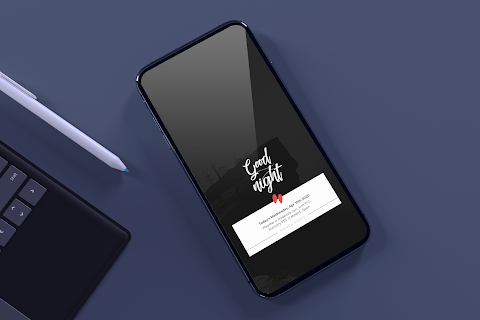
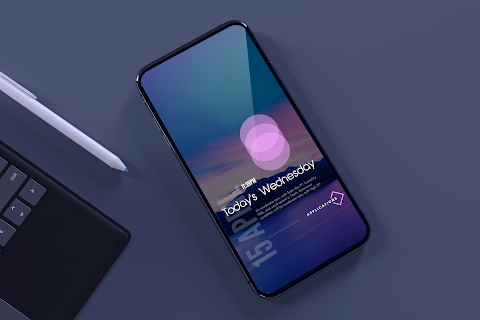
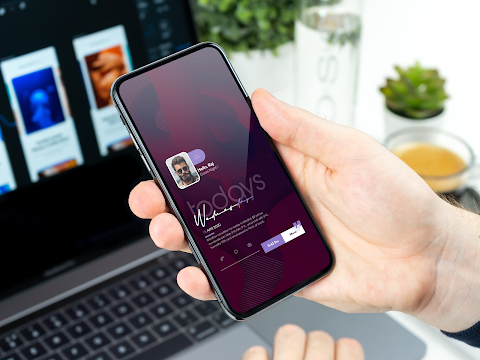
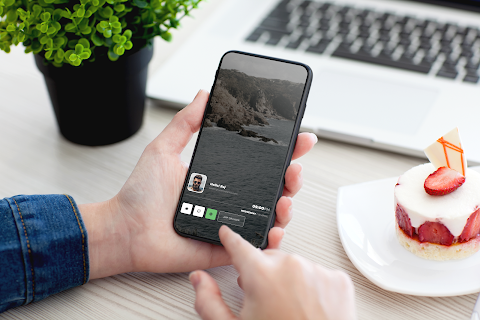






About the App
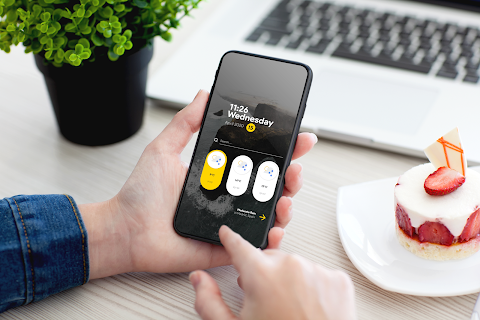
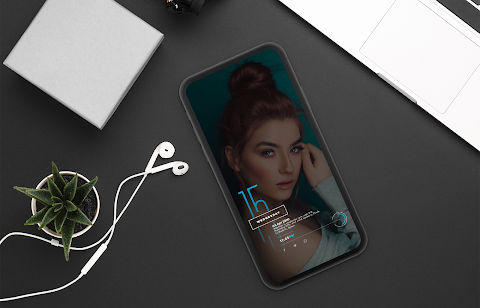
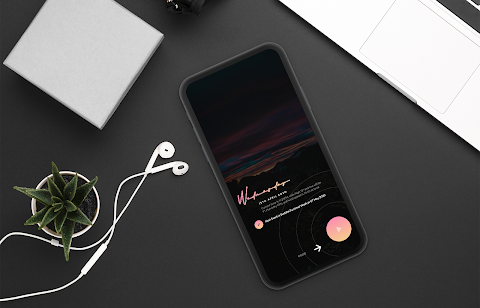
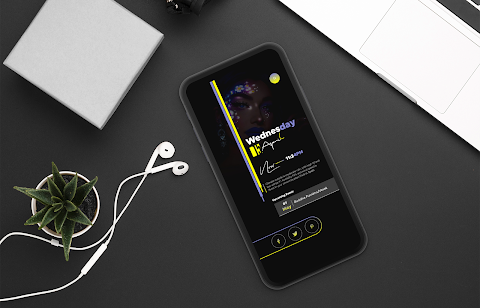
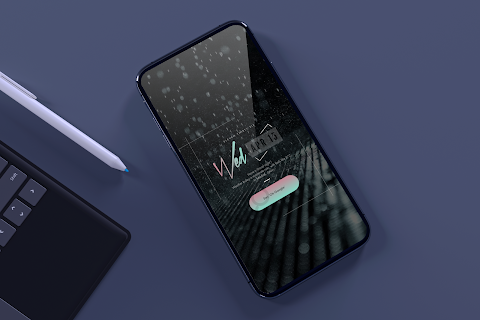
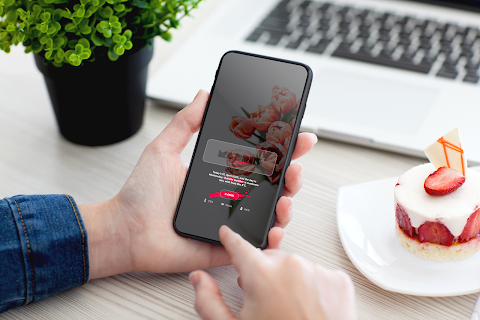
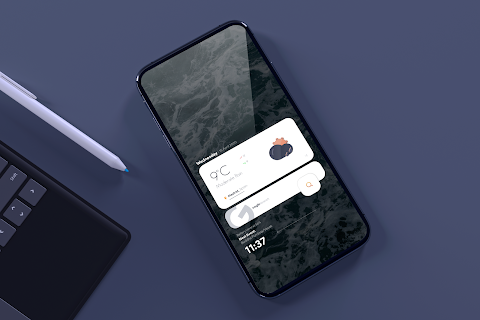
Flamingo KWGT is a tool to help you create beautiful custom widgets for your home screen. However, it is important to note that it is not a standalone app. To use Flamingo, you will need the KWGT PRO application, as the free version does not support it.
For the best experience, it is recommended to use a custom launcher like Nova launcher. This will allow you to fully enjoy the homescreen customization features that Flamingo offers.
To get started, first download both Flamingo and the KWGT PRO application. You can find KWGT here: [KWGT link](https://play.google.com/store/apps/details?id=org.kustom.widget), and the Pro key can be found here: [Pro key link](https://play.google.com/store/apps/details?id=org.kustom.widget.pro).
Once you have these apps installed, follow these simple steps for KWGT widget installation:
1. Long tap on your homescreen and select “Widget.”
2. Choose the KWGT Widget option.
3. Tap on the widget, and then select the installed Flamingo.
4. Pick the widget design that you like best.
5. Enjoy your personalized widget!
In case the widget doesn’t fit your screen properly, you can use the KWGT scaling options to adjust the size. This flexibility allows for better widget sizing, giving you the perfect fit for your home screen setup.
Flamingo offers various premium widget features, allowing you to explore creative widget solutions. With a wide variety of widget layout options, you can find personalized widget designs that truly reflect your style and preferences.
Special thanks goes to Illusioniz.team for creating the beautiful icon that enhances the overall aesthetics of your digital home.
Flamingo KWGT smoothly integrates with the KWGT PRO app and is supported by the customization community. If you have questions or issues regarding the app, please reach out before leaving a negative rating. We value user feedback on widgets and want to ensure your experience is enjoyable.
Overall, Flamingo KWGT adds essential widget functionality to your device. Embrace the power of homemade widgets and enhance your home screen with this unique tool!
For the best experience, it is recommended to use a custom launcher like Nova launcher. This will allow you to fully enjoy the homescreen customization features that Flamingo offers.
To get started, first download both Flamingo and the KWGT PRO application. You can find KWGT here: [KWGT link](https://play.google.com/store/apps/details?id=org.kustom.widget), and the Pro key can be found here: [Pro key link](https://play.google.com/store/apps/details?id=org.kustom.widget.pro).
Once you have these apps installed, follow these simple steps for KWGT widget installation:
1. Long tap on your homescreen and select “Widget.”
2. Choose the KWGT Widget option.
3. Tap on the widget, and then select the installed Flamingo.
4. Pick the widget design that you like best.
5. Enjoy your personalized widget!
In case the widget doesn’t fit your screen properly, you can use the KWGT scaling options to adjust the size. This flexibility allows for better widget sizing, giving you the perfect fit for your home screen setup.
Flamingo offers various premium widget features, allowing you to explore creative widget solutions. With a wide variety of widget layout options, you can find personalized widget designs that truly reflect your style and preferences.
Special thanks goes to Illusioniz.team for creating the beautiful icon that enhances the overall aesthetics of your digital home.
Flamingo KWGT smoothly integrates with the KWGT PRO app and is supported by the customization community. If you have questions or issues regarding the app, please reach out before leaving a negative rating. We value user feedback on widgets and want to ensure your experience is enjoyable.
Overall, Flamingo KWGT adds essential widget functionality to your device. Embrace the power of homemade widgets and enhance your home screen with this unique tool!

Mechanical Dark Gold ZKinWatch
ZKin
$2.99
$0.99

Orangediant – Icon Pack
GomoTheGom
$1.49
$0.29

OneUI 7 Widget for KWGT
Raj Arya Designs
$1.29
$0.65