

$0.99
$0.50
49% Off
Fiction KWGT
Raj Arya Designs


About the App
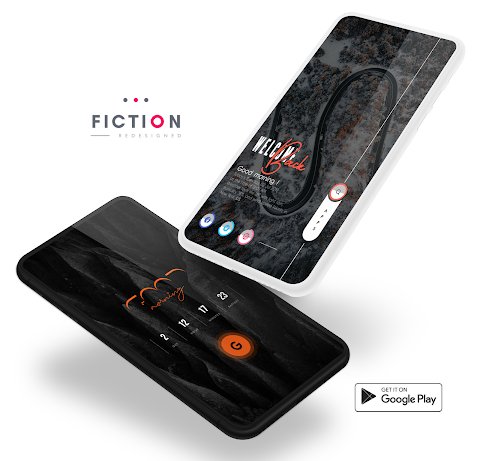
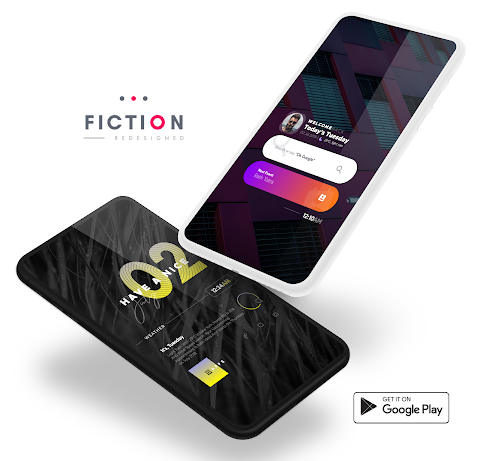
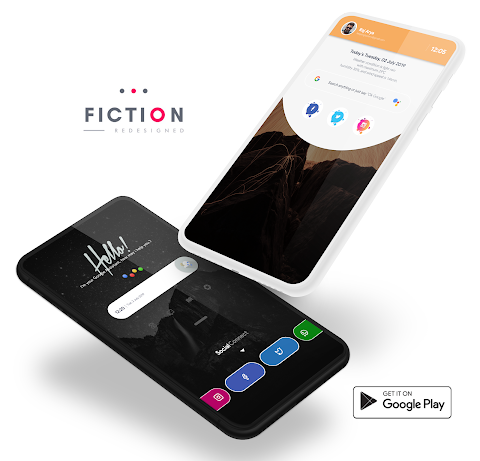
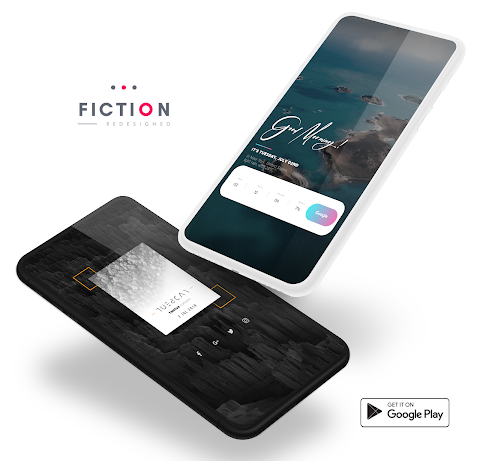
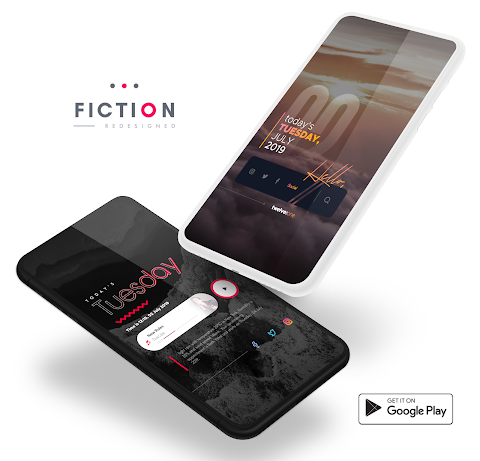
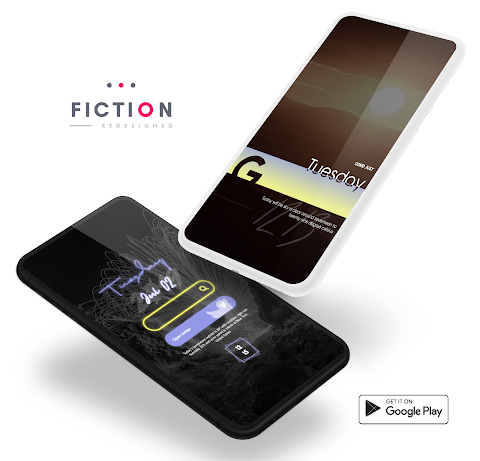
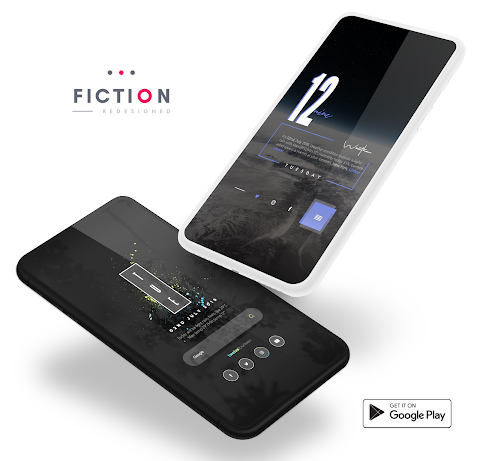
Fiction KWGT is an app designed to enhance your Android home screen with beautiful widgets. However, it is important to know that Fiction is not a stand-alone app. To use these Fiction widgets, you will need the KWGT PRO application, which is the paid version. The free version of KWGT will not provide the functionality you need.
To get started, first, make sure you have the KWGT PRO application installed on your device. You can find it in the Google Play Store. You will also benefit from having a custom launcher, like Nova launcher, which we recommend for the best user experience.
Installing Fiction is easy. Start by downloading both the Fiction app and the KWGT PRO application. Once you have them installed, follow these simple steps for the widget installation process:
1. Long tap on your home screen to bring up the widget menu.
2. Choose the Widget option that appears.
3. From there, select the KWGT widget.
4. Tap on the widget you just added and choose the installed Fiction.
5. You can now pick which widget you like from the available Fiction widgets.
6. Enjoy your new, customized home screen!
If the widgets do not fit your screen perfectly, don’t worry. You can use the scaling settings in the KWGT options to adjust the widget size to your liking, giving you more control over customized widgets and ensuring they look just right.
Fiction KWGT is great for anyone who wants to personalize their home screen and improve app widget integration. With KWGT widget features, you can create an enhanced widget experience that suits your style. The Pro key features of KWGT allow for more flexibility, making it possible to design personalized widget designs unique to your taste.
As you explore the various widget selection options, you will discover many ways to customize your home screen personalization. Take advantage of the widget activation method to make your widgets come to life on your Android home screen.
For more tips on widget usage, remember to check the widget design applications that come with KWGT. This will help you understand how to make the most of your Fiction widget usage. If you have any questions or run into issues, please contact me before leaving a negative rating. Your feedback is important, and I want to ensure you have the best experience possible with Fiction KWGT.
Overall, this app is an excellent choice for anyone looking to increase the functionality and beauty of their home screen with unique and customized widgets. Enjoy your journey into home screen customization!
To get started, first, make sure you have the KWGT PRO application installed on your device. You can find it in the Google Play Store. You will also benefit from having a custom launcher, like Nova launcher, which we recommend for the best user experience.
Installing Fiction is easy. Start by downloading both the Fiction app and the KWGT PRO application. Once you have them installed, follow these simple steps for the widget installation process:
1. Long tap on your home screen to bring up the widget menu.
2. Choose the Widget option that appears.
3. From there, select the KWGT widget.
4. Tap on the widget you just added and choose the installed Fiction.
5. You can now pick which widget you like from the available Fiction widgets.
6. Enjoy your new, customized home screen!
If the widgets do not fit your screen perfectly, don’t worry. You can use the scaling settings in the KWGT options to adjust the widget size to your liking, giving you more control over customized widgets and ensuring they look just right.
Fiction KWGT is great for anyone who wants to personalize their home screen and improve app widget integration. With KWGT widget features, you can create an enhanced widget experience that suits your style. The Pro key features of KWGT allow for more flexibility, making it possible to design personalized widget designs unique to your taste.
As you explore the various widget selection options, you will discover many ways to customize your home screen personalization. Take advantage of the widget activation method to make your widgets come to life on your Android home screen.
For more tips on widget usage, remember to check the widget design applications that come with KWGT. This will help you understand how to make the most of your Fiction widget usage. If you have any questions or run into issues, please contact me before leaving a negative rating. Your feedback is important, and I want to ensure you have the best experience possible with Fiction KWGT.
Overall, this app is an excellent choice for anyone looking to increase the functionality and beauty of their home screen with unique and customized widgets. Enjoy your journey into home screen customization!
Transparent White – Icon Pack
GomoTheGom
$1.49
$0.49
Circle Dashboard Watch Face
amoledwatchfaces™
$1.99
$1.00
Multicolor ZKin Watch
ZKin
$2.99
$0.99